
Get any PDF form from the DocHub library of ready-made templates - Page 952

Potluck Information Card
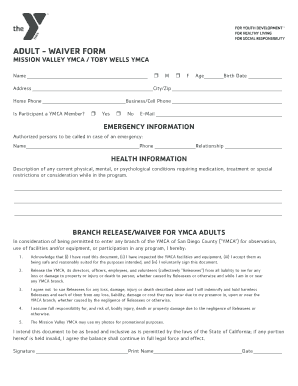
Ymca waiver form
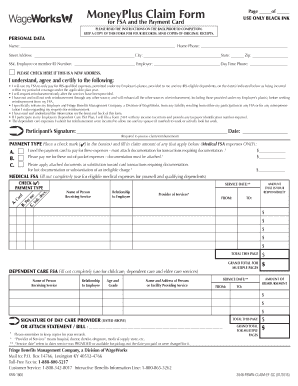
Moneyplus form

System 44 order form
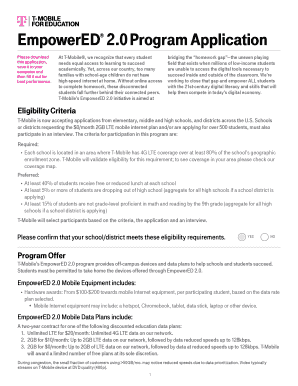
T mobile program application
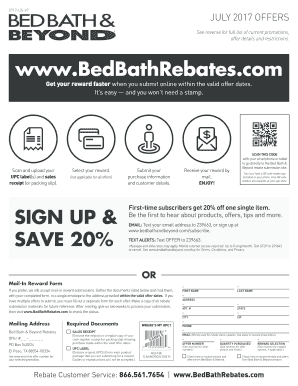
Bedbathrebates
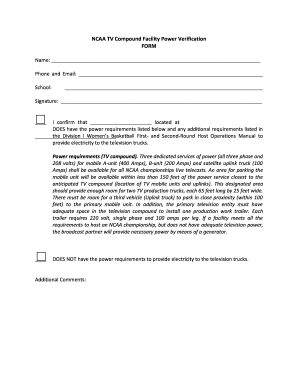
NCAA TV Compound Facility Power Verification FORM
States CCDF Link - AmeriCorps Child Care Program1
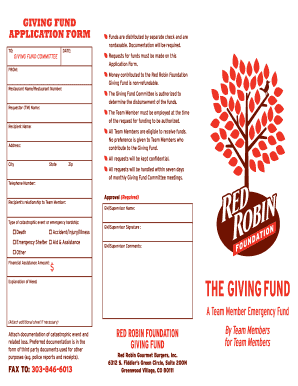
Red robin giving fund

Naacp merchandise
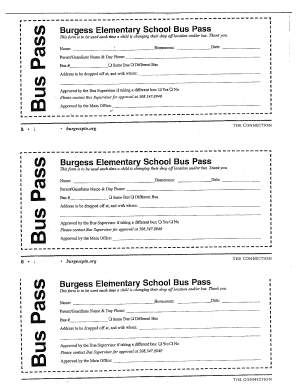
Burgess Elementary School Bus Pass

Hibbett sports application form
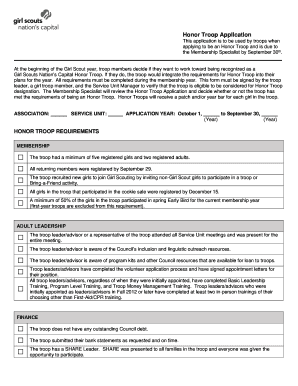
Honor troop application
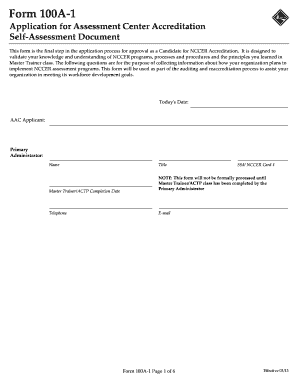
Nccer 100a application
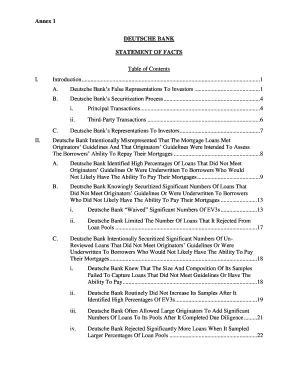
Deutsche statement
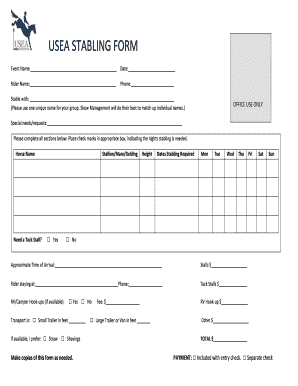
Stabling form
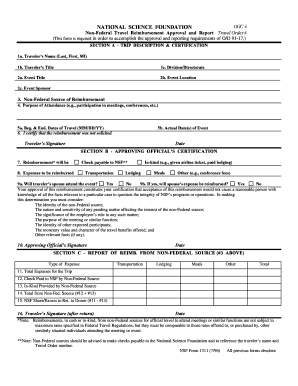
Travel reimbursement
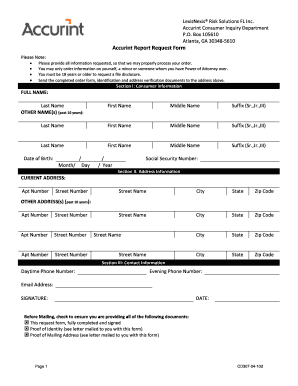
10d accruint fillable

Coach application

Fbisd student 101 online
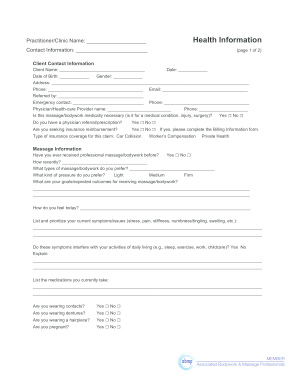
Massage client information

Tupperware party games

Sint maarten tax form
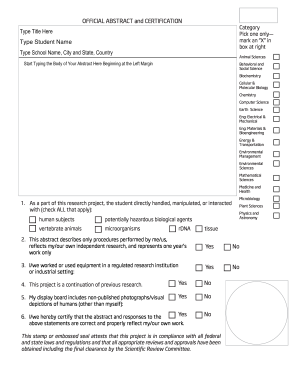
Abstract certification
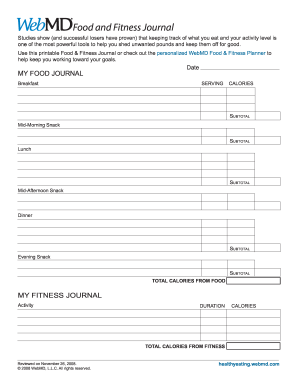
Printable food journal pdf
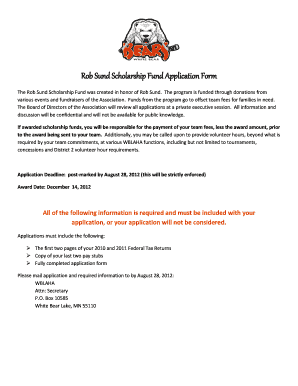
Rob sund scholarship
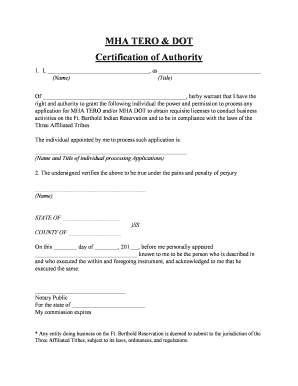
Mha tero dot
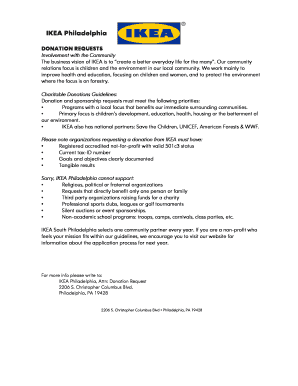
Ikea donation request
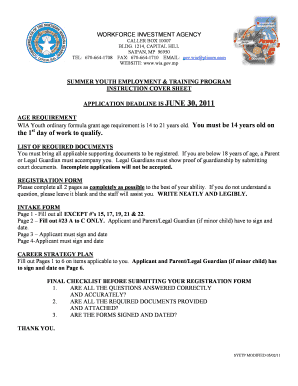
Mp syetp download
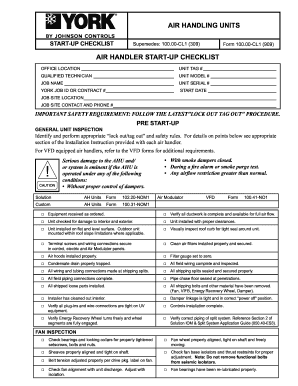
Handler start checklist
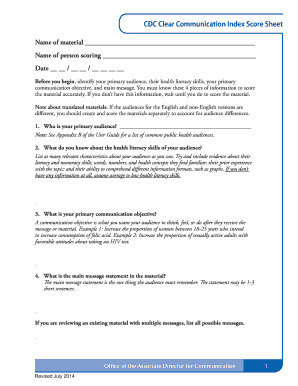
Cdc clear communication index
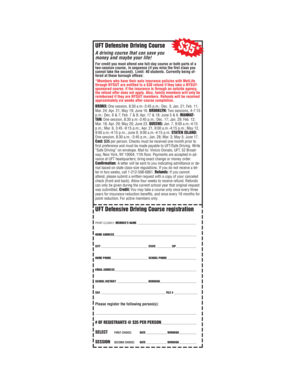
Uft defensive driving course
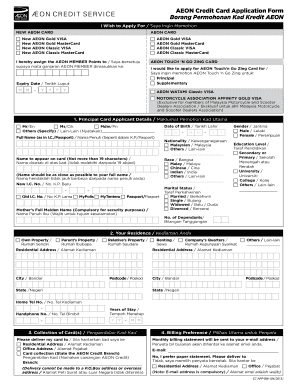
Aeon
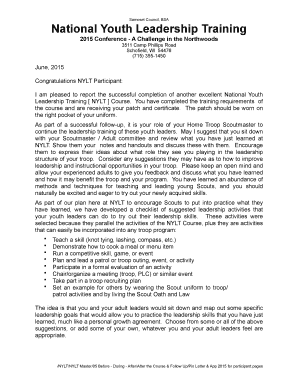
Nylt leadership training pin edit
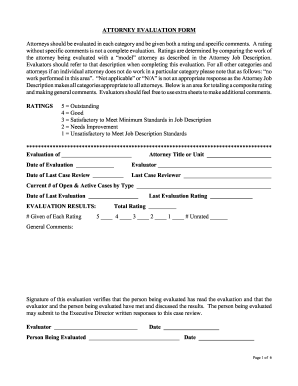
Attorney form

WVHDF CHDO-102 updated 615 Board Member Requirements
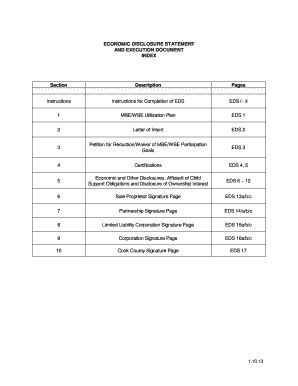
How to eds statement
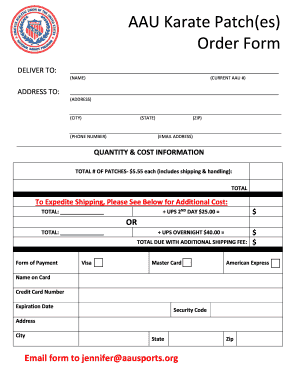
Aau karate patch
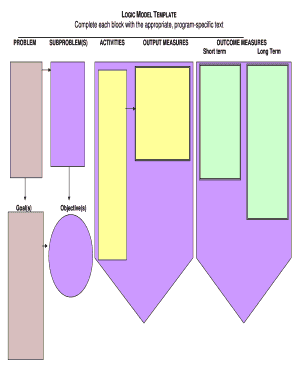
Ojjdp logic model

Monopol sheet printable

Nfpa fire plan examiner

Adverb poem worksheet

Express scripts grievance form

Aaadm certification renewal
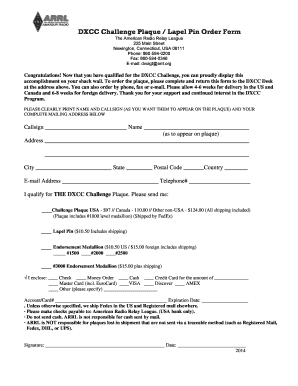
Dxcc challenge plaque

United nations declaration rights
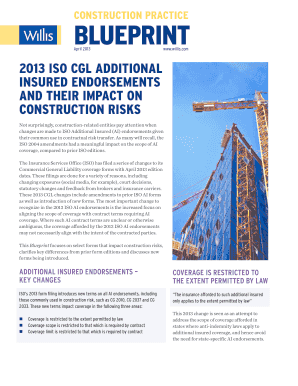
Commercial auto additional insured endorsement pdf
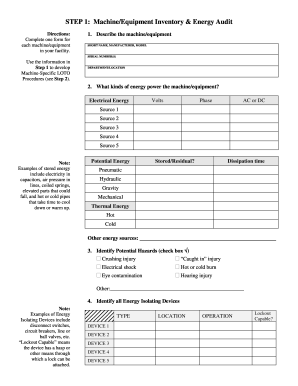
Equipment audit template
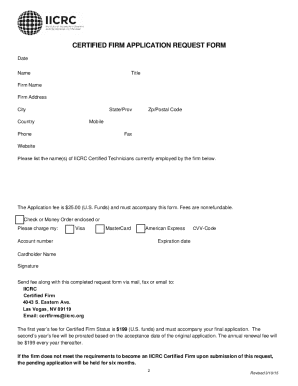
Iicrc certified firm application
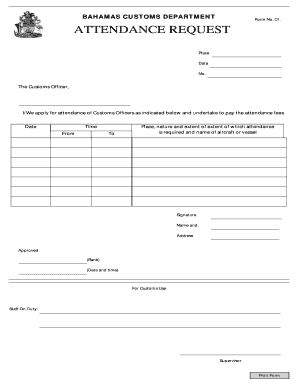
C1 request form

Lodge reservation purpose

Main idea worksheet 4
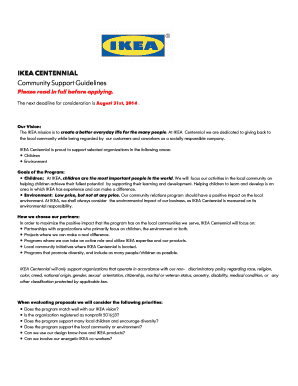
2014 ikea guidelines
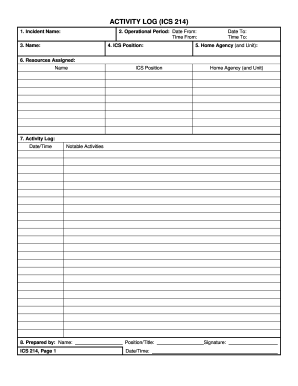
214 form
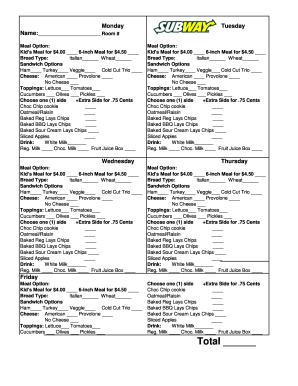
Printable subway menu

Drill press drilling machine
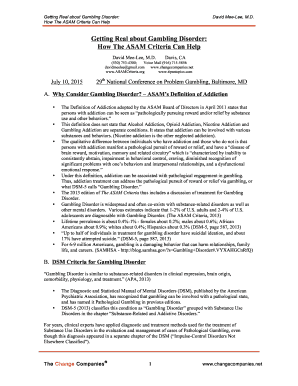
Gambling asam criteria
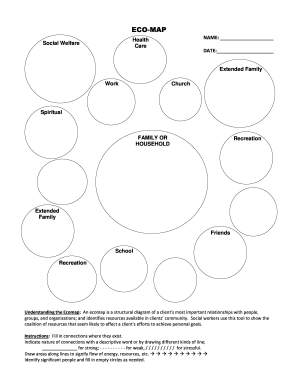
Ecomap

U s army combine 2022
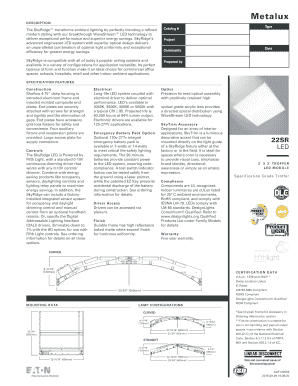
Metalux hgb

Michael gurfinkel intake

Reconsideration of value form

Mayflower transit form

Local family group sheet fillable
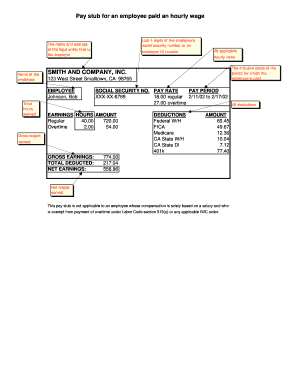
Paid stub
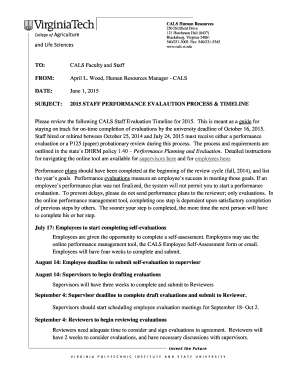
CALS Staff Evaluation Timeline for 2015 - Virginia Tech
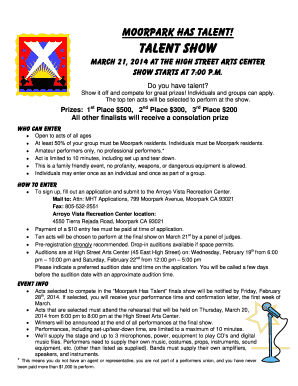
Talent show
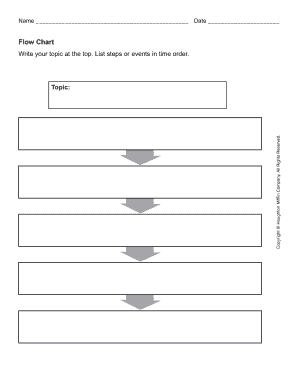
Fill in the blank flow chart
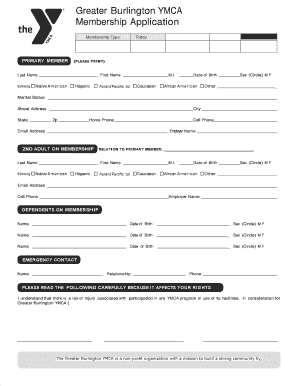
Burlington ymca application

Shell wcf form

Special olympics certificate template

Illuminations paper

Mark your confusion examples
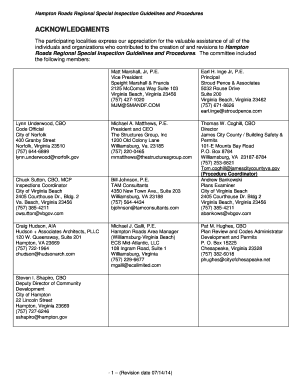
Regional inspection form

Basketball letter form
Pension federal episcopal
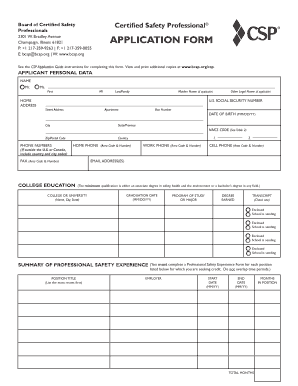
Certified Safety Professional - asse

Asha participant form

Borders volunteer agreement

Riverbend retreat center photos

Navajo convenience necessity
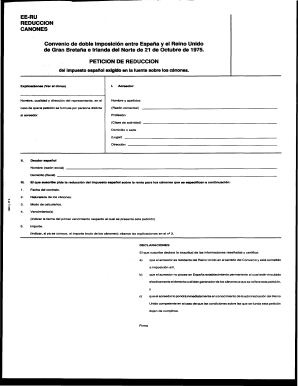
C nones unido
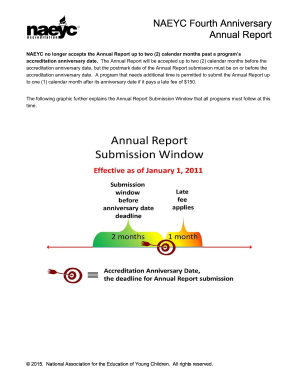
Naeyc 4th annual report

Dichiarazione garanzia e o alloggio
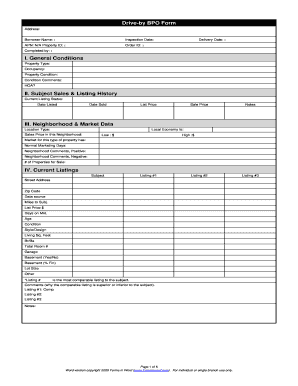
Drive by bpo form
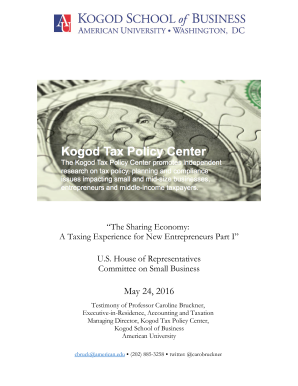
2016 tax
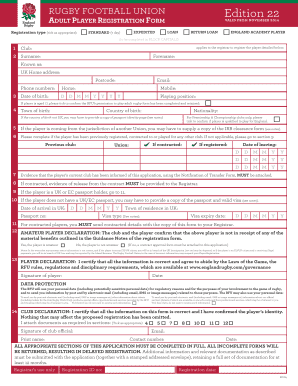
Adult player registration printable
Self reflection form
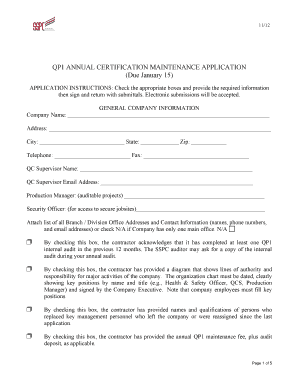
Qp1 form
Healthy pets claim form
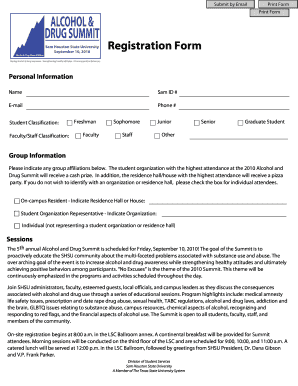
Shsu registration summit
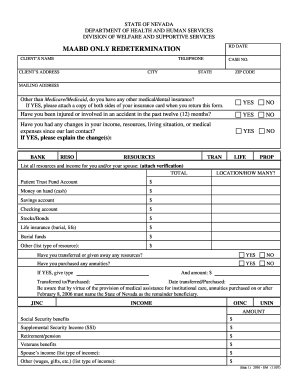
Maabd redetermination

Application fund employment applications

Sji sustainability report

Cidb gov

Amerecanidal
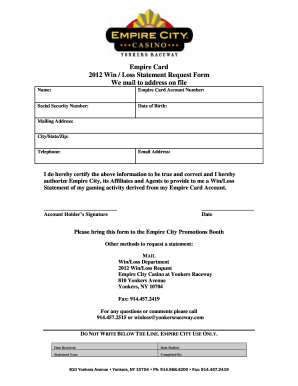
Empire city win loss statement

Yaesu dr 2x promotion

Mccaleb quarterly
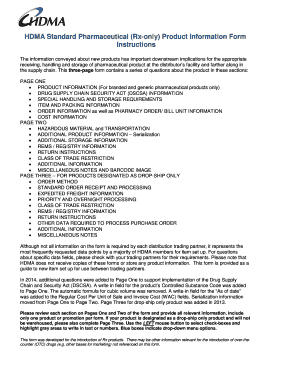
Hdma form
Benefit from the DocHub online library of fillable PDF forms
Searching the PDF forms doesn't have to be a tedious and time-consuming process. With the DocHub online library, it has become easier to find the fillable PDF forms and modify them in your browser. The service allows you to adjust the document to your needs using powerful editing tools.
You can use online document editing features to modify almost any type of document with ease. You just need to find the template of your choice, open it in the editor, and use the toolbar to make the necessary corrections.
Follow this guide to get your document done with DocHub:
- Find the PDF template you need.
- Click the Get Form button to open the file in the editor.
- Use the toolbar to fill out and edit the document.
- Easily add and highlight text, insert images, checkmarks, and symbols.
- Drop new fillable fields, and rearrange or delete pages from your file.
- Save changes and download your record.
DocHub empowers everyone to streamline document editing, signing, and distribution, and form completion. Create an account and benefit from our well-organized PDF Forms library and comprehensive editor.