
Get any PDF form from the DocHub library of ready-made templates - Page 950
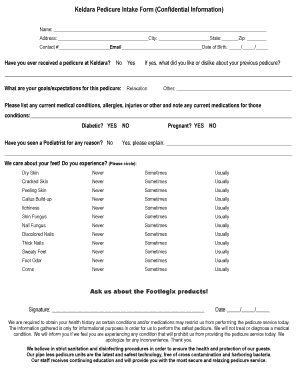
Pedicure form

New Age Division Team ApplicationUSTA Northern Illinois
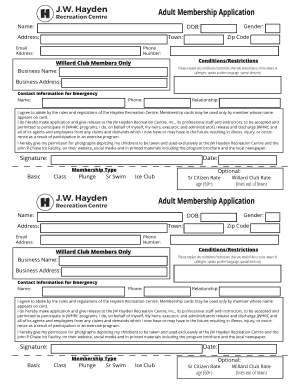
Conditions Restrictions
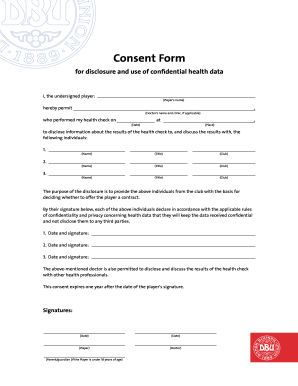
Price Transparency and Incomplete Contracts in Health Care

1541 General Requirements - California Department of

Kaiser Permanente Release of Medical Information Services
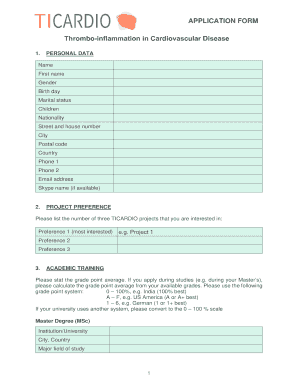
Search Page 15 20: family history of cardiac disease
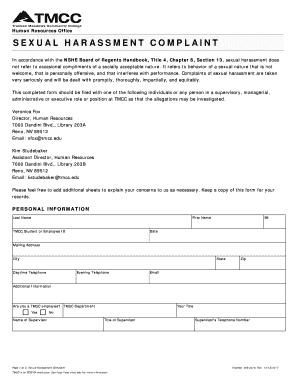
General - Human Resources - Truckee Meadows Community
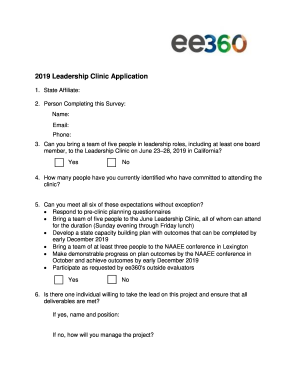
2019 Leadership Clinic Application
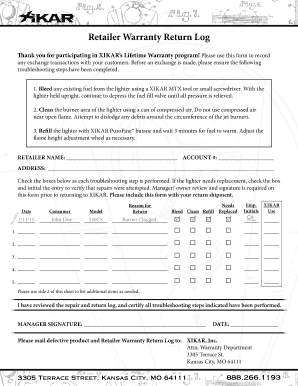
Warranty Retailer Return Log - Xikar

Packed consent form
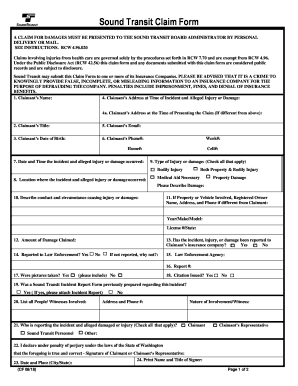
Transit claim
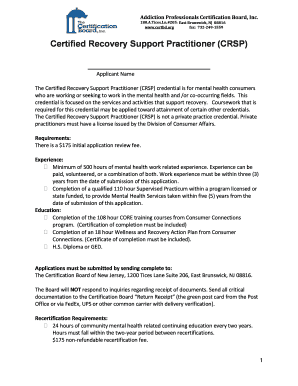
#205- East Brunswick, NJ 08816
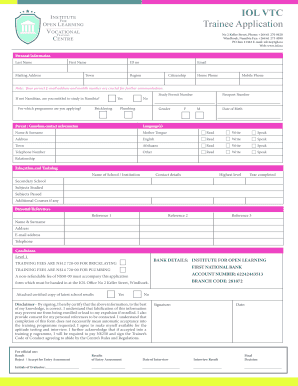
Iol contact number
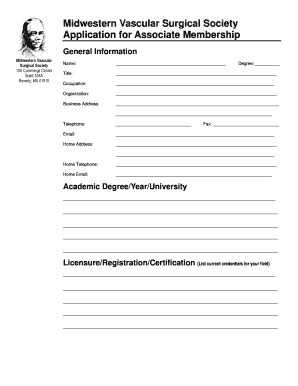
MVSS Membership Application - Society for Vascular Surgery
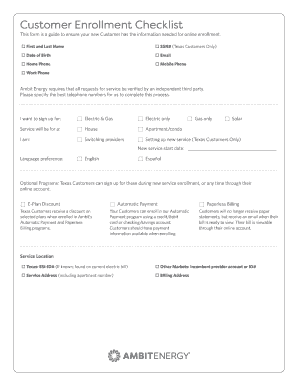
Ambit energy enrollment form
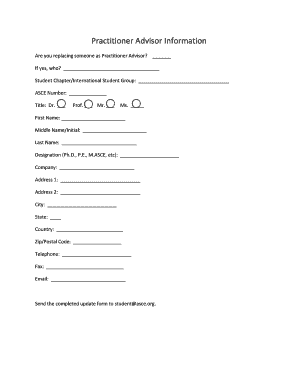
Practitioner Advisor Information
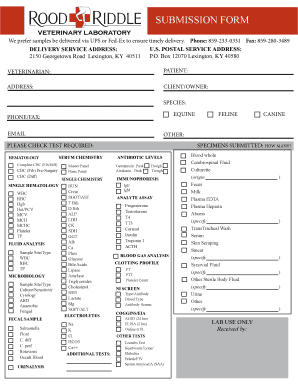
SUBMISSION FORM - Rood Riddle Equine Hospital
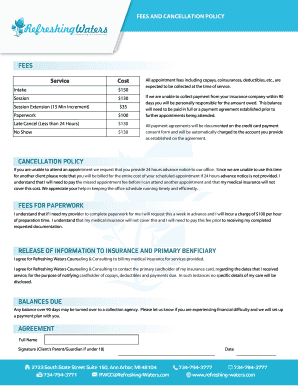
Request Letter for Late Fee Payment by Parents

On approval by the League Association:
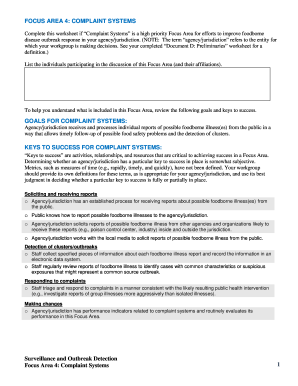
Chapter iv: investigating foodborne illnesses and - Mass
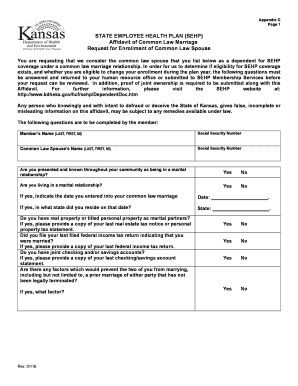
BAffidavitb of Common Law bMarriageb Request for Enrollment of bb
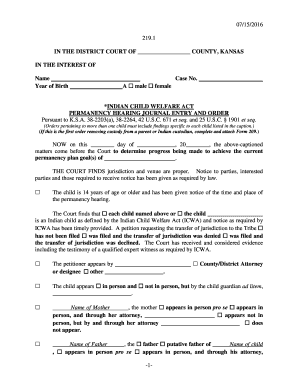
- kansasjudicialcouncil

To: Applicants seeking Testing Accommodations for the
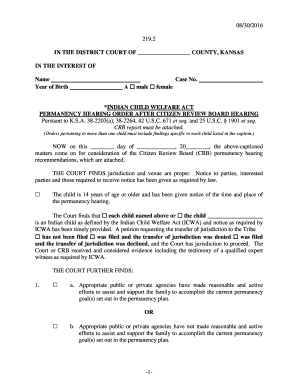
08 30 2016 -1- 219 2 IN THE DISTRICT COURT OF - kansasjudicialcouncil
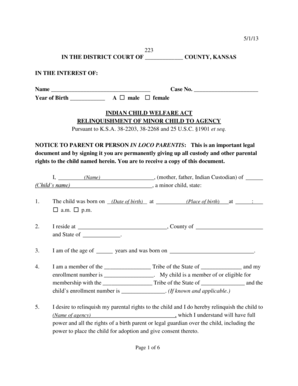
2013 kansas relinquishment agency sample

Kansas order terminating jurisdiction cinc

Kansas application bar written examination
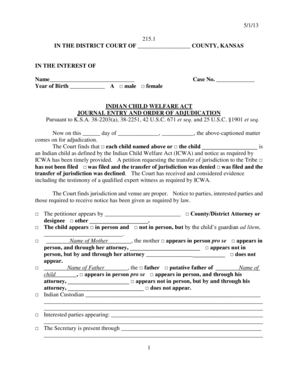
INDIAN CHILD WELFARE ACT JOURNAL ENTRY AND ORDER OF ADJUDICATION Pursuant to K - kansasjudicialcounc
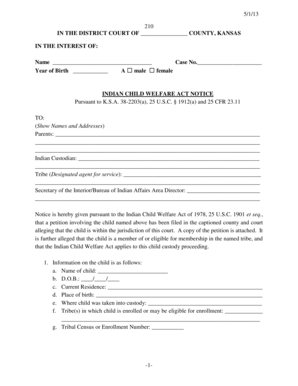
Indian welfare 210 form

Authorizing out placement 309 form

INDIAN CHILD WELFARE ACT JOURNAL ENTRY AND ORDER OF DISPOSITION Pursuant to K - kansasjudicialcounci
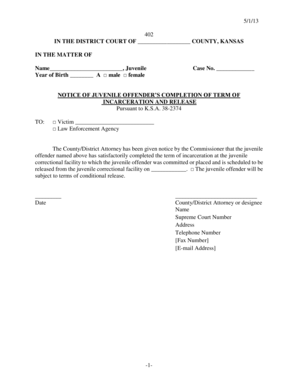
Notice juvenile offender term 402
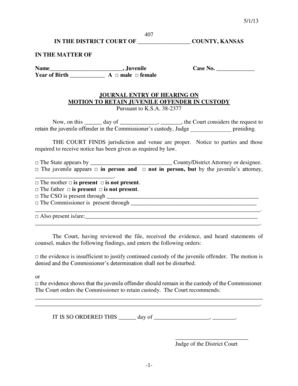
Motion offender 407 form

Kansas instructions arrest record
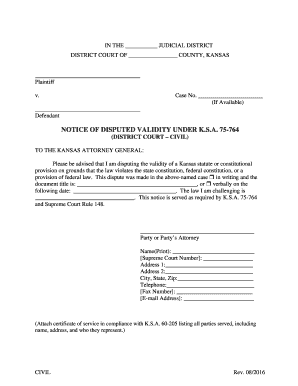
Notice of Filing Dist Ct Civil Form 082316 docx - kansasjudicialcouncil

5 1 13 -1- 403 IN THE DISTRICT COURT OF COUNTY, KANSAS IN - kansasjudicialcouncil

Kansas parents responsibilities case
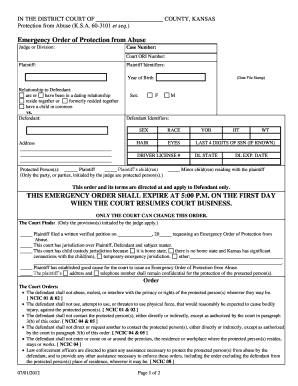
2012 kansas order protection abuse sample
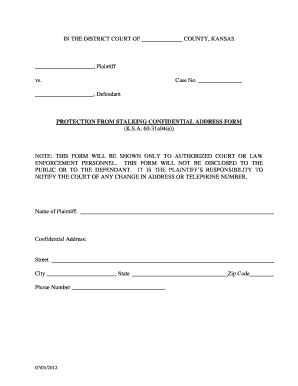
District court of kansas forms
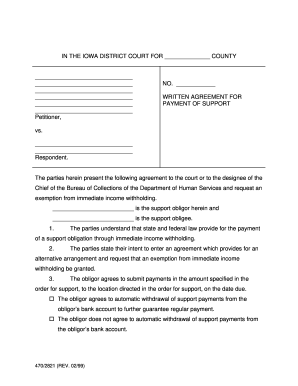
Iowa written agreement

Forms small actions
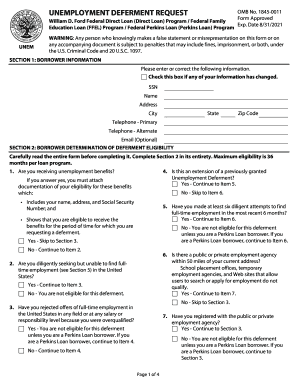
Unem unemployment deferment fillable
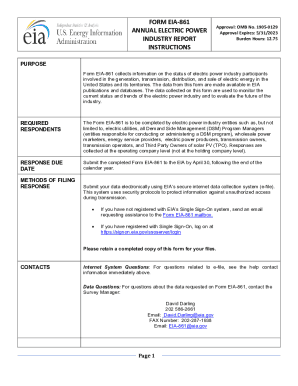
Eia industry report

Information loan

F 1002
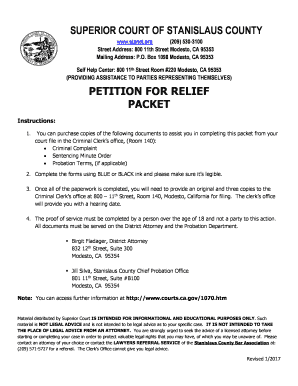
2017 california petition relief form edit

Gc 3 schedule c blank

Gc 400 form pdf

Ca notice request ruling
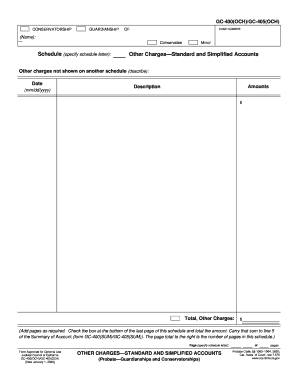
400 charges standard form

Info s armas online
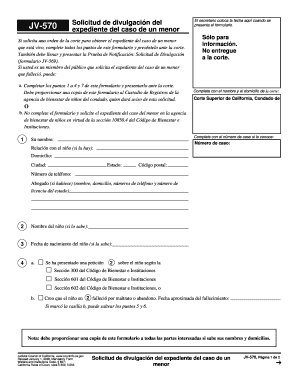
Jv 570 solicitud form

Philippines consulate undertaking los angeles
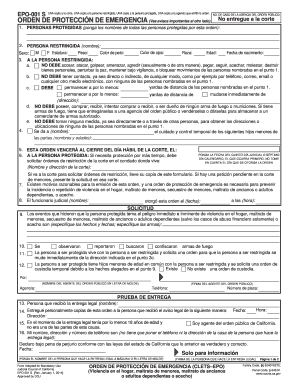
Epo 001 form
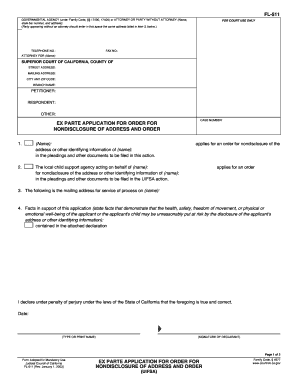
Fl511 form
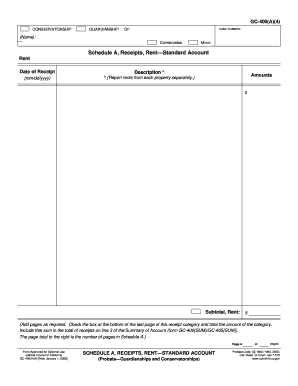
Ca a receipts rents

Wv720
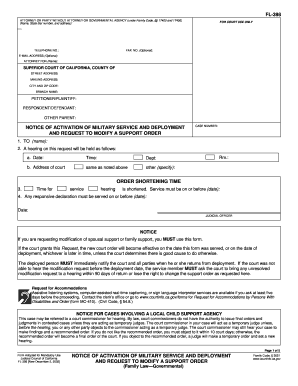
Fl398
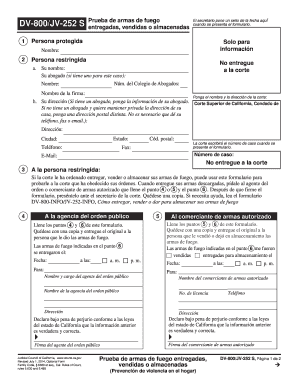
Ca dv 800 form
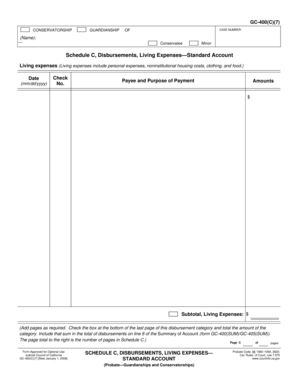
Schedule c living
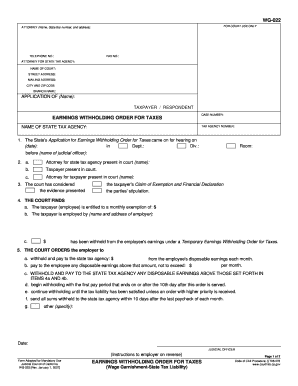
Withholding order taxes wage form
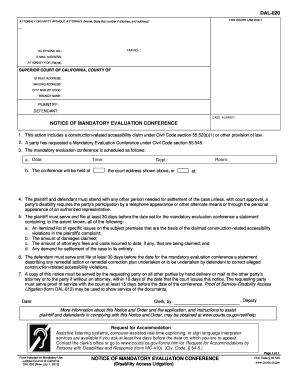
Ca notice mandatory conference
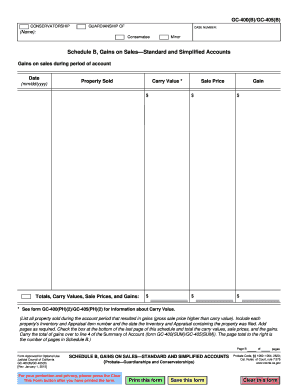
B schedule standard form
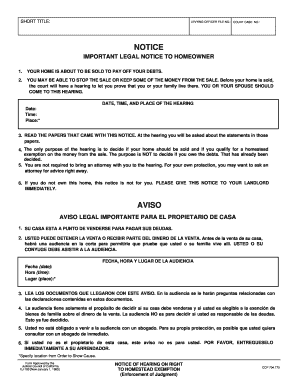
Ej homestead exemption
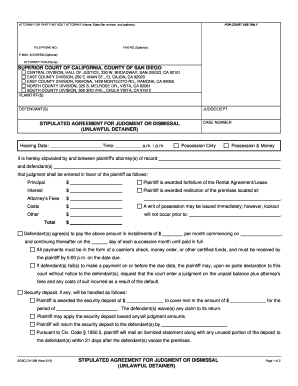
Stipulation agreement template

940 asesor form pdf
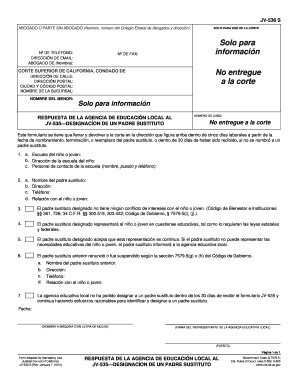
Jv536s
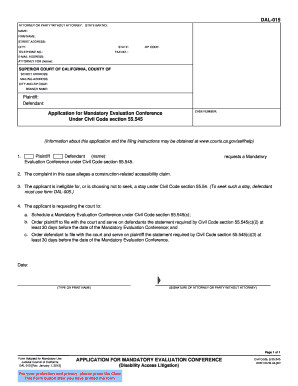
Ca dal mandatory disability
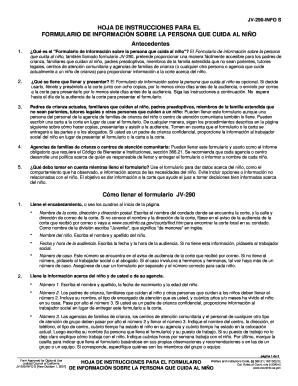
What is a jv 290
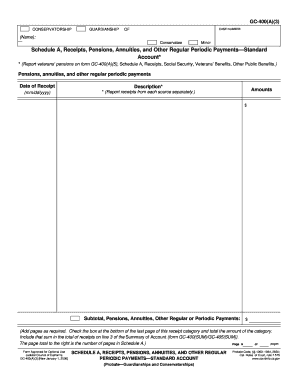
Gc schedule a printable

Ca fallo incumplimiento form edit

California cr instructions assets form

California 580 divulgacion
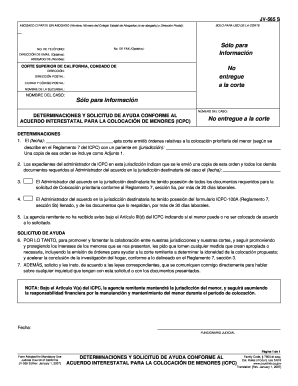
565 conforme interestatal pdf

California fl 155s

Jv225 spanish form

Case questionnaire questionnaires
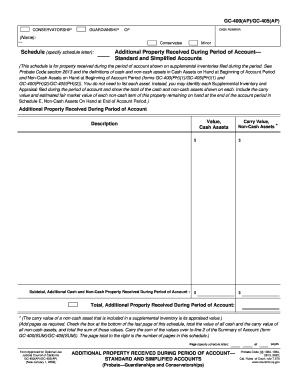
Gc 400 form pdf

N 643
Bop formulary

Chapter 11
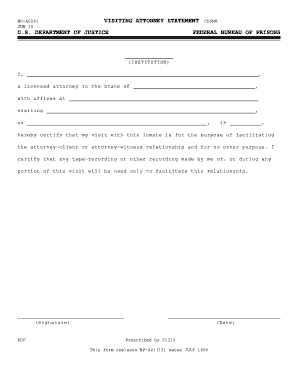
Bop bp visiting form

Prospecting permit
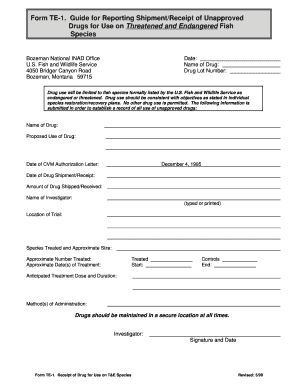
Form TE-1 Guide for Reporting Shipment Receipt - U S Fish and - fws

3809 4
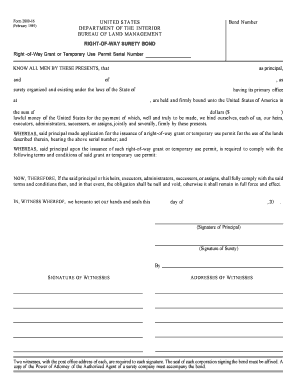
2800 16 right of way surety bond form

Form 3160 10
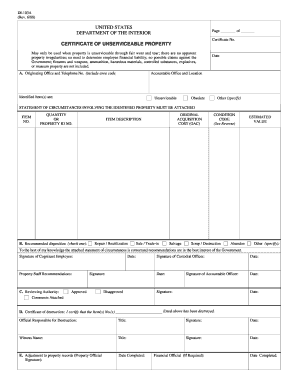
Di 103a form
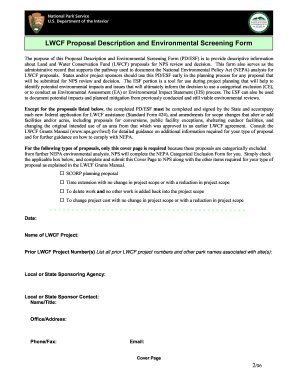
Environmental screening form

Di 137 release of claims form
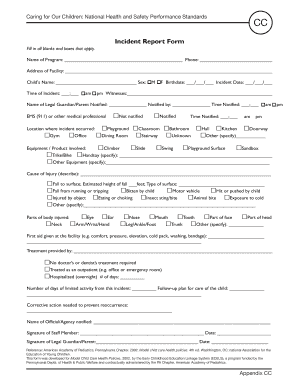
Caring for Our Children Caring for Our Children
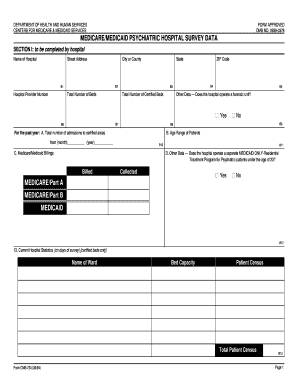
Admissions hospitals

Nih stroke scale
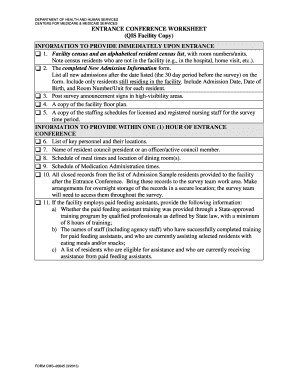
Beneficiary notice entrance conference worksheet
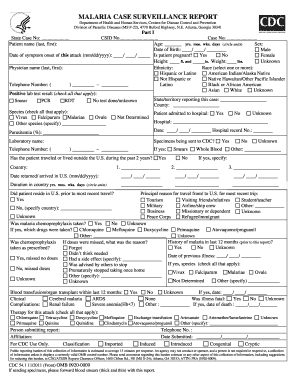
Malaria case report
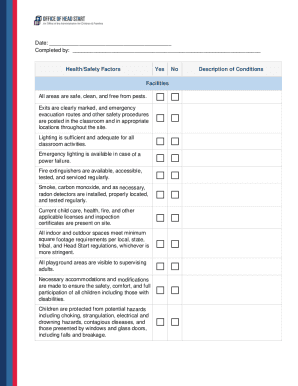
Safety screener

To verification of
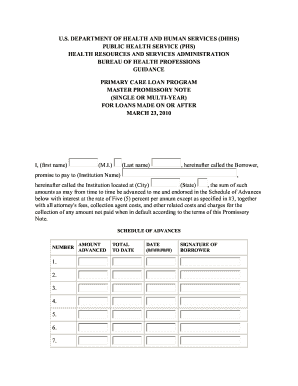
Loan program pcl

719 form
Benefit from the DocHub online library of fillable PDF forms
Searching the PDF forms doesn't have to be a tedious and time-consuming process. With the DocHub online library, it has become easier to find the fillable PDF forms and modify them in your browser. The service allows you to adjust the document to your needs using powerful editing tools.
You can use online document editing features to modify almost any type of document with ease. You just need to find the template of your choice, open it in the editor, and use the toolbar to make the necessary corrections.
Follow this guide to get your document done with DocHub:
- Find the PDF template you need.
- Click the Get Form button to open the file in the editor.
- Use the toolbar to fill out and edit the document.
- Easily add and highlight text, insert images, checkmarks, and symbols.
- Drop new fillable fields, and rearrange or delete pages from your file.
- Save changes and download your record.
DocHub empowers everyone to streamline document editing, signing, and distribution, and form completion. Create an account and benefit from our well-organized PDF Forms library and comprehensive editor.