




01. Edit your empowered program online
Type text, add images, blackout confidential details, add comments, highlights and more.

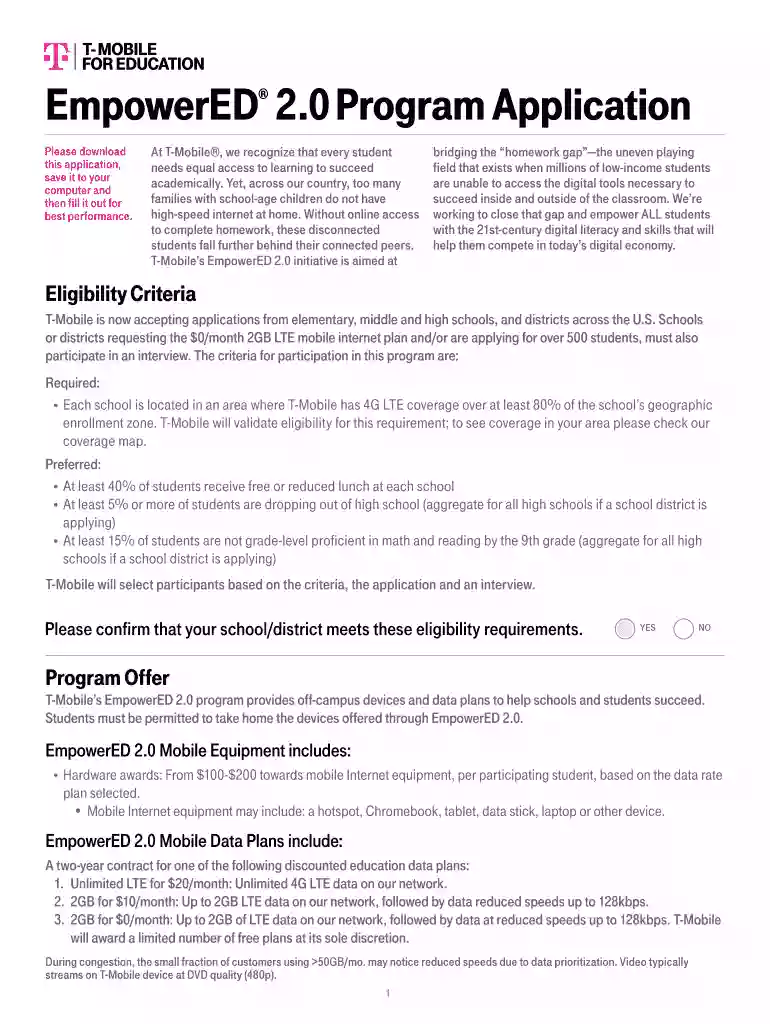
Type text, add images, blackout confidential details, add comments, highlights and more.

Draw your signature, type it, upload its image, or use your mobile device as a signature pad.

Send it via email, link, or fax. You can also download it, export it or print it out.

Dochub is a perfect editor for updating your documents online. Follow this simple instruction to redact Empowered program in PDF format online for free:
Explore all the advantages of our editor right now!
At DocHub, your data security is our priority. We follow HIPAA, SOC2, GDPR, and other standards, so you can work on your documents with confidence.
Eligible T-Mobile employees can save up to 100% on costs for online Associates, Bachelors and Masters programs with the Professional Achievement Grant.Read more
How do I join the loyalty program? Download the app and create an accountyoull automatically be enrolled. You earn 10 points for every $1 you spent.


