
Get any PDF form from the DocHub library of ready-made templates - Page 910
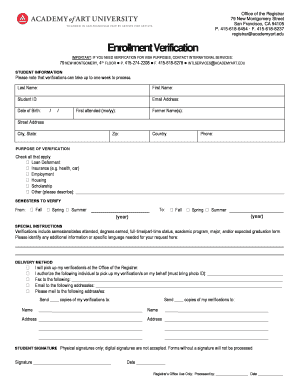
Enrollment Verification - Academy of Art University - my academyart

Miami dade north campus request for appeal committe action form
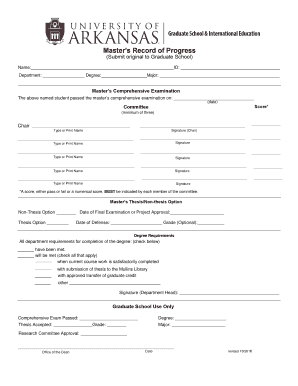
Masters progress

Authorized withdrawal form

Nacs desk copy request form
Common Application for Fellowship in Regional

OFF CAMPUS AGREEMENT FEDERAL WORK-STUDY PROGRAM UNIVERSITY OF

Rutgers diploma application form
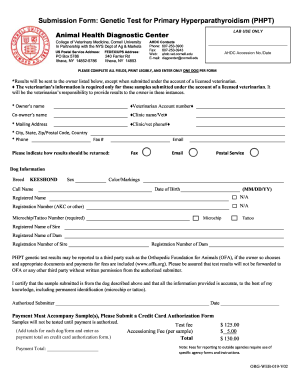
Submission form genetic

Limited engagement
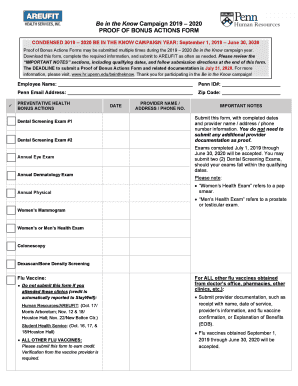
Proof bonus pdf

SERVICES FOR STUDENTS WITH DISABILITIES UNIVERSITY

Portland, Oregon 97203-5798

Uhs release information form

Office of the Registrar, MC 018
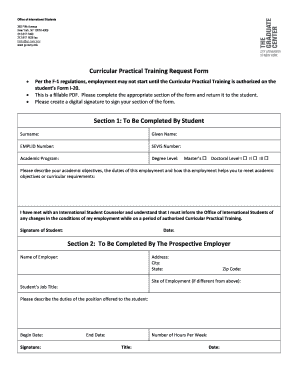
Per the F-1 regulations, employment may not start until the Curricular Practical Training is authori

Department of Internal Medicine Division of Rheumatology
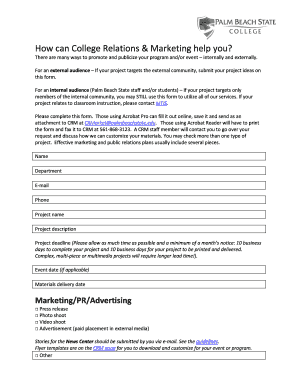
Fillabel marketing request form

Waiver non

Fund form
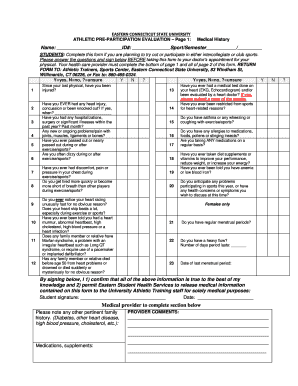
Inz 1014
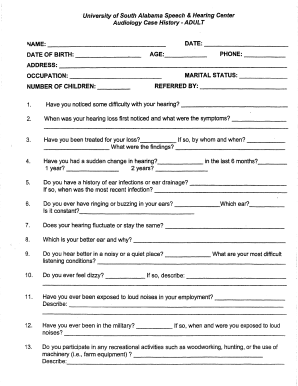
Department of Audiology and Speech Pathology - UTHSC
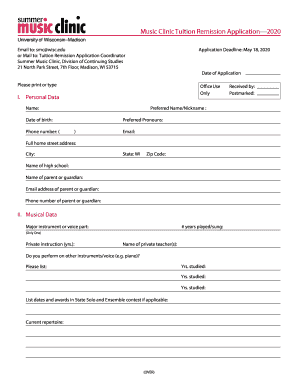
Forms & RegistrationSummer Music ClinicUWMadison

204 Thomas Boyd Hall
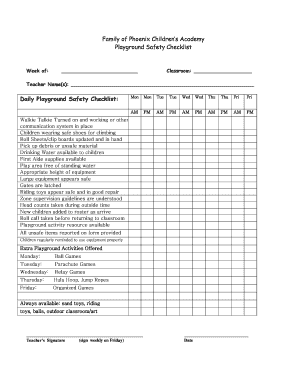
Family of Phoenix Childrens Academy Playground Safety
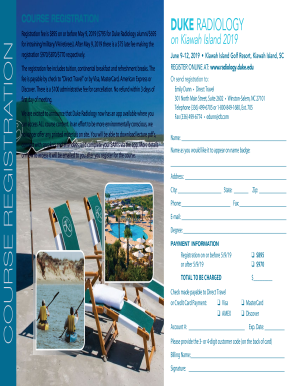
Radiology on Kiawah Island - Duke Radiology

Summit & Poster FairCardiovascular Research Center

The Herbert Irving Comprehensive Cancer Center at Columbia

Level course application

TMS Clinic

Yale letter intent

Cardozo transcript university

ADAntihistamineAdministrationForm doc

Nyit opt
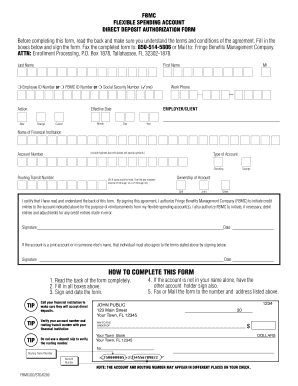
Generic direct deposit form

Academic Planning Sheet 3-GS v 5-24-2016 docx - njcu

Transcript release - Stautzenberger College - sctoday
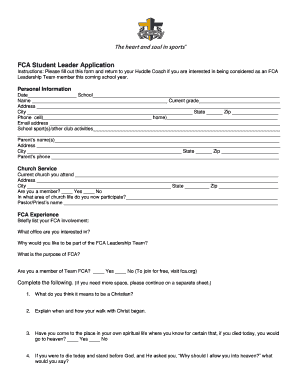
Fca leader form

2019 Exhibitor Prospectus - acfas
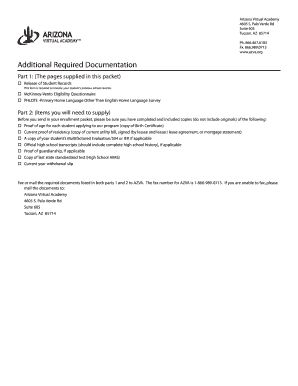
Enrollment packet
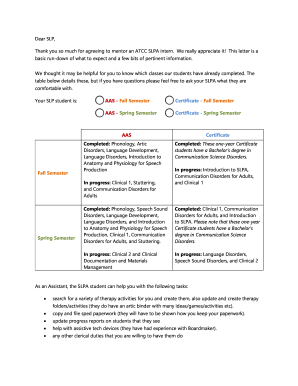
Slpa letter
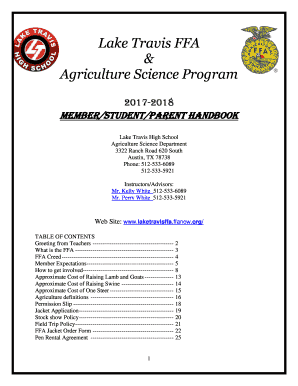
Lake ffa science program handbook form create
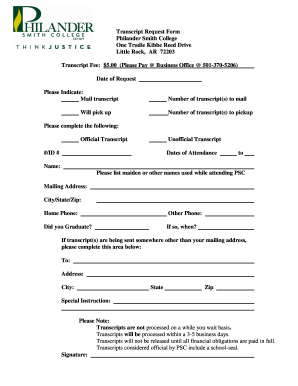
Philander smith transcript
Application student

Volunteer hours letter for high school students
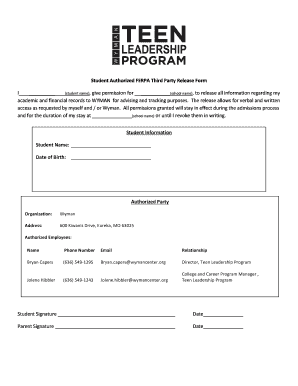
Student Authorized FERPA Third Party Release - Wyman Center

Sponsorship authorization template

Colorado application fee waiver

24-Month STEM OPT Extension for Students on F-1 Visas
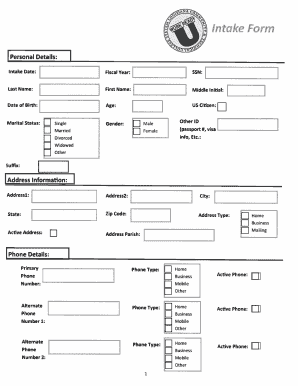
Adult Education Intake Form
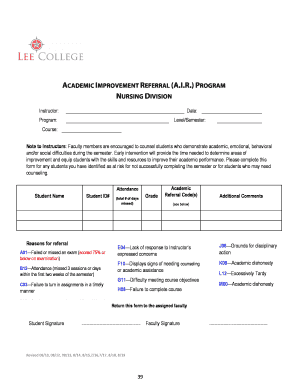
Handbook school
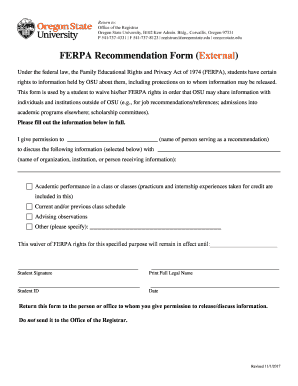
Ferpa recommendation form
MONTGOMERY COLLEGE FIELD TRIP RELEASE AND WAIVER OF LIABILITY
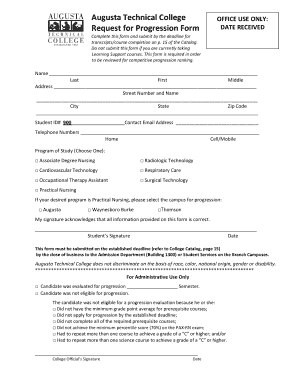
Augusta Technical College Request for Progression Form - augustatech

Protocol timesheets

Printable teas practice test pdf 2022
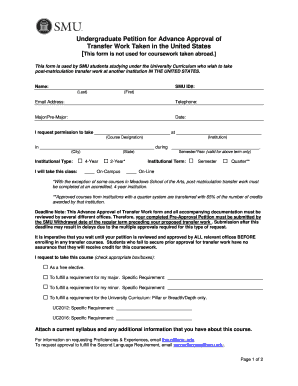
Smu approval

Stockton university id

Lorraine memorial scholarship

PARKING APPEAL FORM - SUNY Plattsburgh - plattsburgh

Wiu key
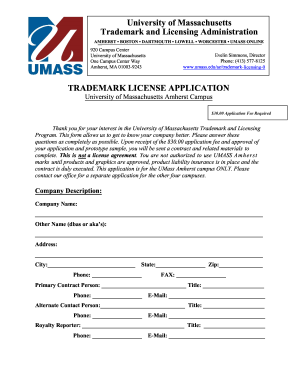
University of Massachusetts Trademark and Licensing

School counseling evaluation form
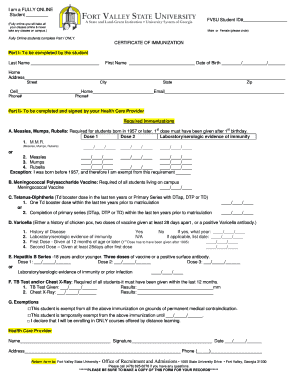
Certificate Of Immunization - Fort Valley State University
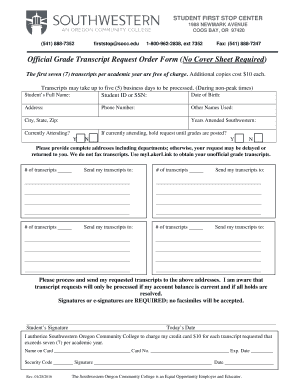
Oregon community college transcript request

Mendocino college transcripts
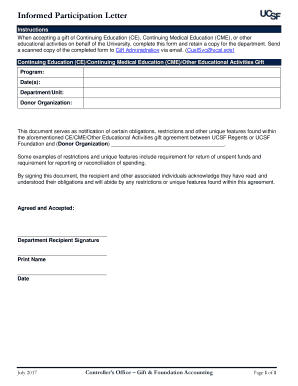
Informed Participation Letter

Enabling Customer-Centricity Using Wikis and the Wiki Way: Journal
Tcl student email
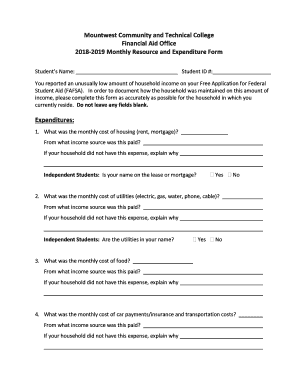
Mountwest advanced standing form

Tcu counselor evaluation

Case discussion form

Credit cards refund
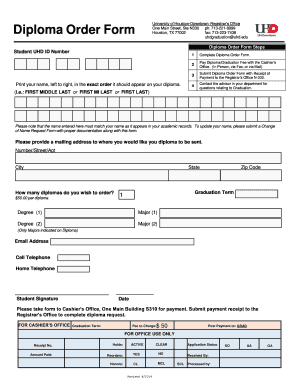
Diploma order form
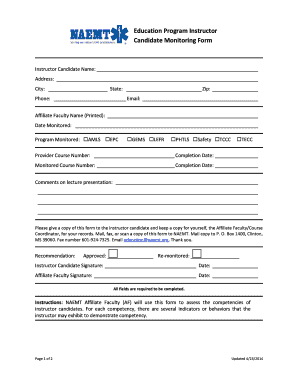
Naemt education program instructor candidate monitoring form

Rhodes state transcript request
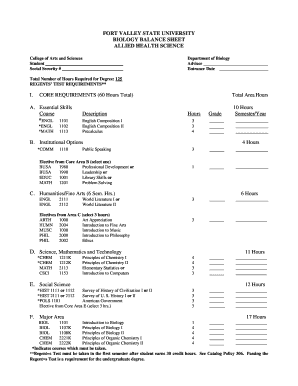
Balance sheet fvsu

Qcc transcript request
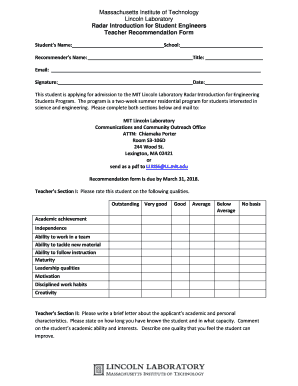
Mit teacher recommendation form pdf
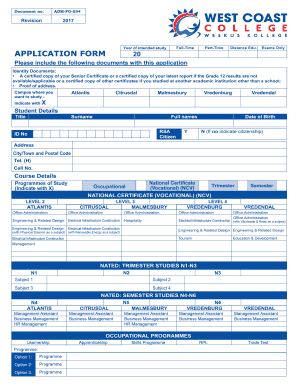
West coast college online application
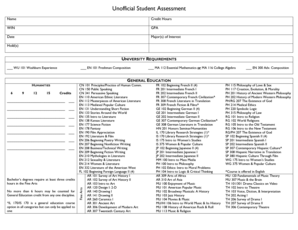
Unofficial Student Assessment - Washburn University - washburn
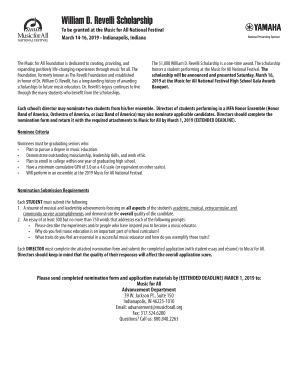
2019 revelli
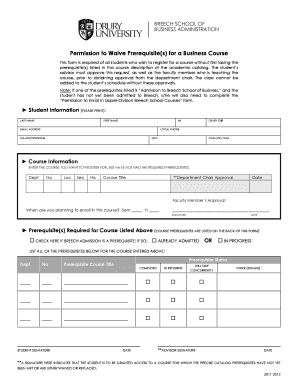
BREECH SCHOOL OF
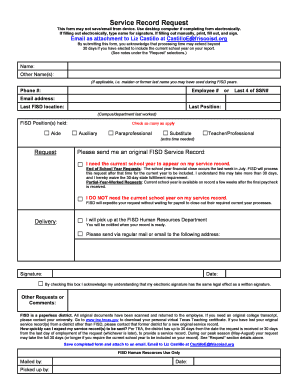
Frisco isd request

Ielts practice materials download

ORIGINAL DOCUMENT IS REQUIRED
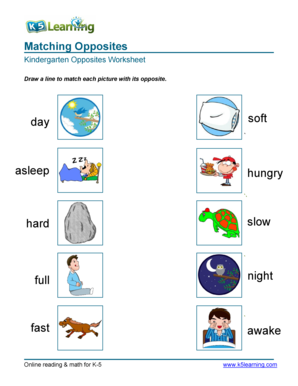
K5 learning kindergarten
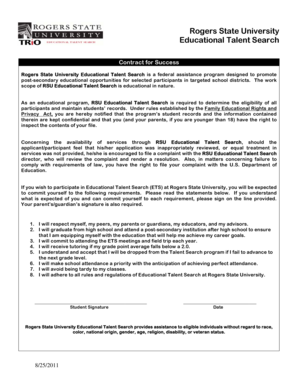
Contract for Success - Current Studentsdocx - rsu
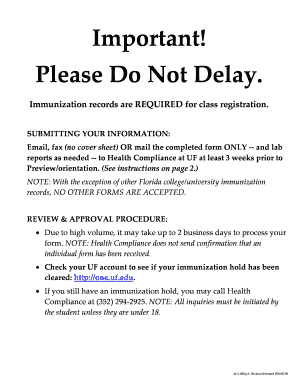
Form immunization health history
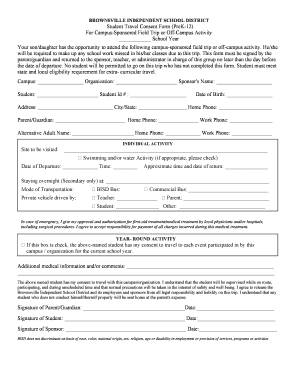
Student consent trip form
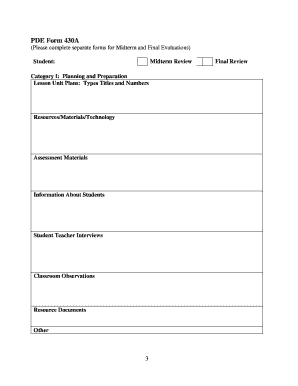
School-Based Internship Supervisory Materials Part 2
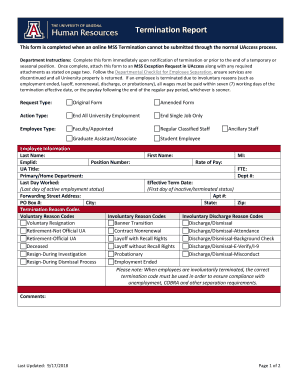
Of termination report

1 2 page yearbook ad template
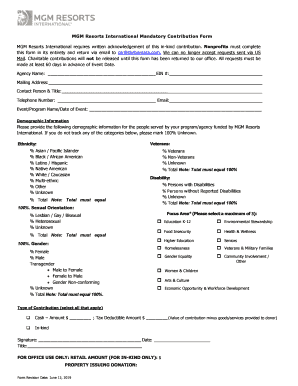
MGM Resorts International Mandatory Contribution Form - Borgata
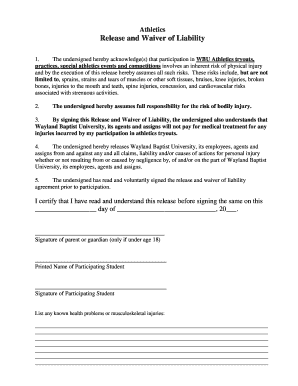
Wayland baptist waiver form

Educational enhancement opportunity

Saint leo release form
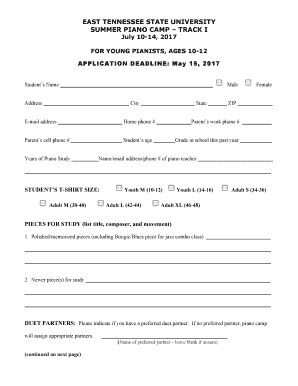
Can a prescriber print i pledge program registration forms

Sheltonstate

W CMS-West 7th Grade Course Selection Sheet 2015-2016
Benefit from the DocHub online library of fillable PDF forms
Searching the PDF forms doesn't have to be a tedious and time-consuming process. With the DocHub online library, it has become easier to find the fillable PDF forms and modify them in your browser. The service allows you to adjust the document to your needs using powerful editing tools.
You can use online document editing features to modify almost any type of document with ease. You just need to find the template of your choice, open it in the editor, and use the toolbar to make the necessary corrections.
Follow this guide to get your document done with DocHub:
- Find the PDF template you need.
- Click the Get Form button to open the file in the editor.
- Use the toolbar to fill out and edit the document.
- Easily add and highlight text, insert images, checkmarks, and symbols.
- Drop new fillable fields, and rearrange or delete pages from your file.
- Save changes and download your record.
DocHub empowers everyone to streamline document editing, signing, and distribution, and form completion. Create an account and benefit from our well-organized PDF Forms library and comprehensive editor.