
Get any PDF form from the DocHub library of ready-made templates - Page 800
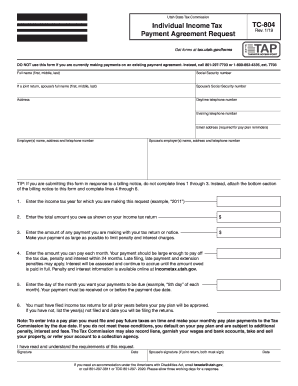
Ut tax agreement
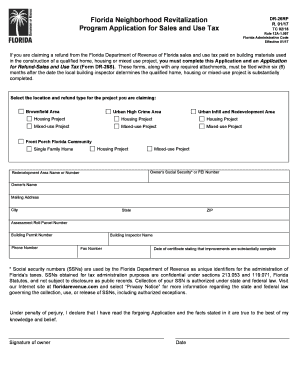
Florida revitalization
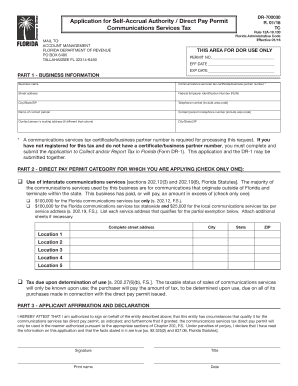
Dr 700030 form
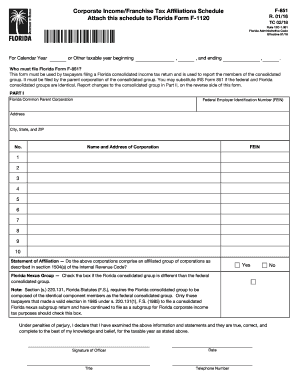
Florida franchise tax
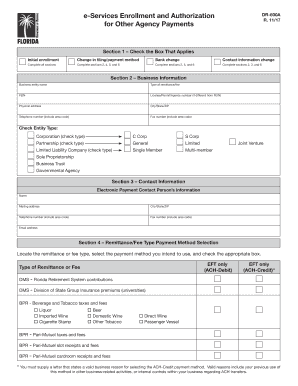
Dr 600a form

Ga st 3use tax
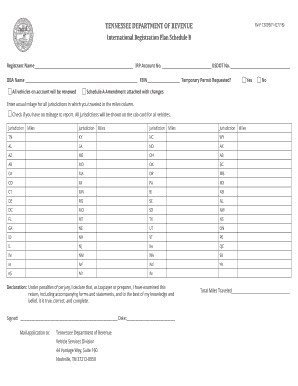
Plan schedule b form
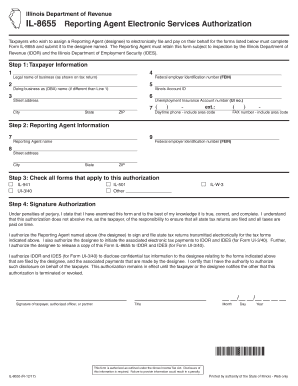
Department revenue 8655 form
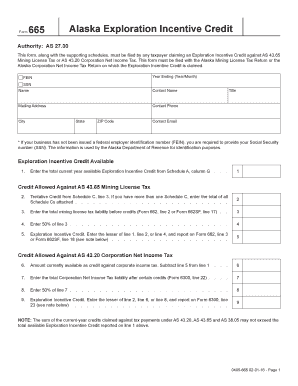
Alaska exploration incentive credit
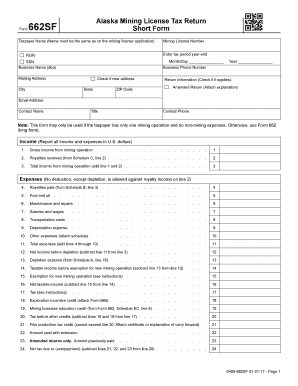
Ak mining license tax return
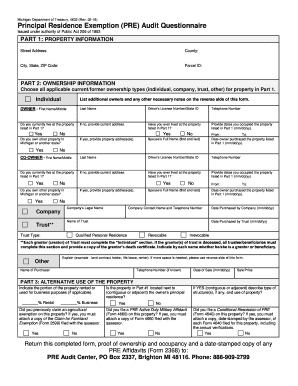
Principal residence questionnaire

Oregon winery annual preivilege tax
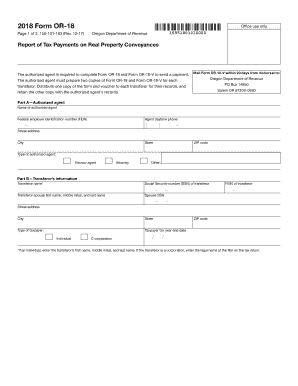
Oregon tax real

Complete 2017 sc1040 online
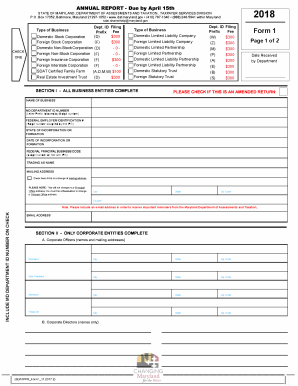
Md form 1 2018
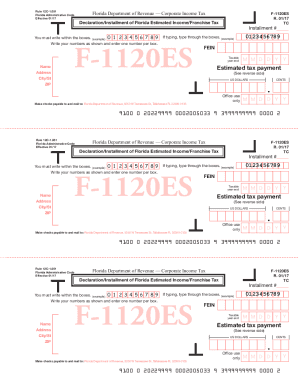
Florida estimated tax
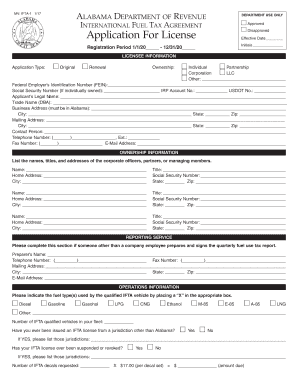
Alabama international fuel tax

Request ceiling 55 spouse
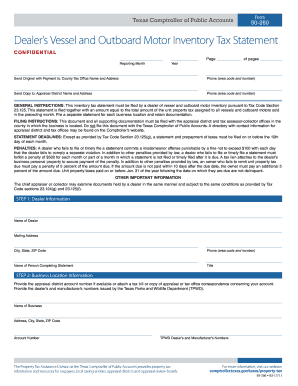
50 260
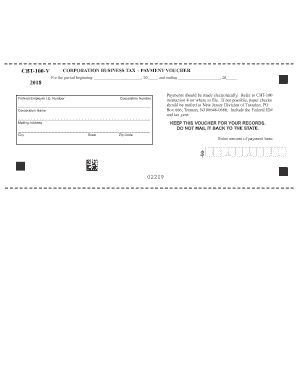
Nj 100
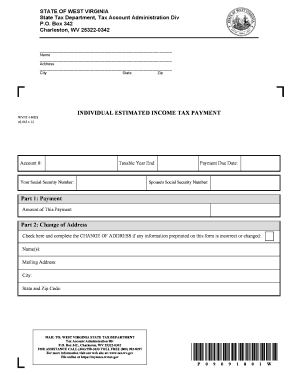
Wv state estimated tax form
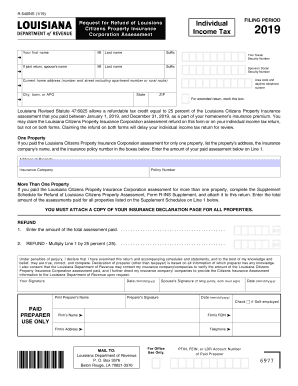
Form refund citizens pdf
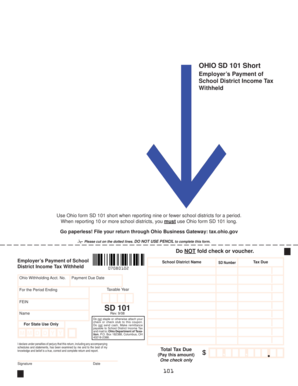
Sd 101 tax fill

Wv cnf 120 trial
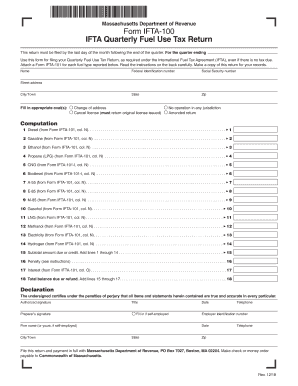
Massachusetts dor ifta 100 edit
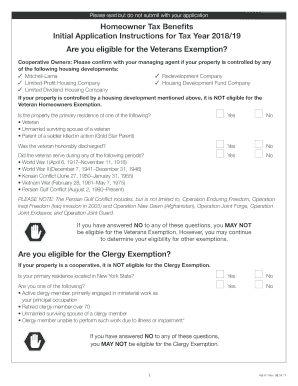
Tax finance
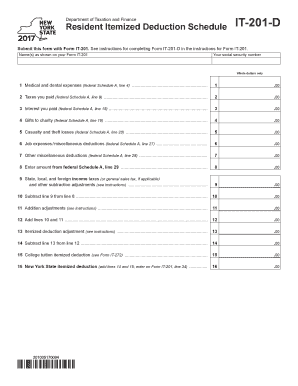
Deductions deductible
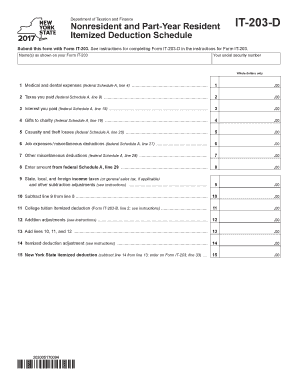
Form expenses
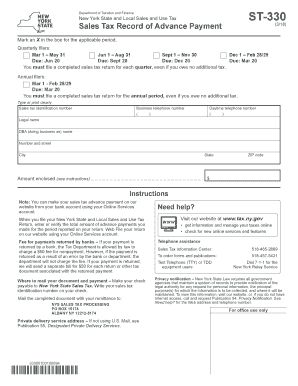
Tax sales determination

Philadelphia wage tax refund
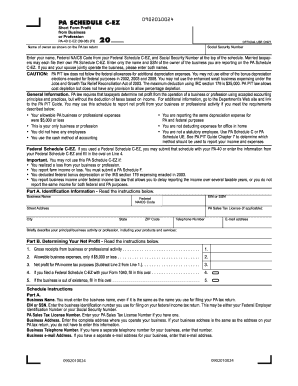
Irs revenue
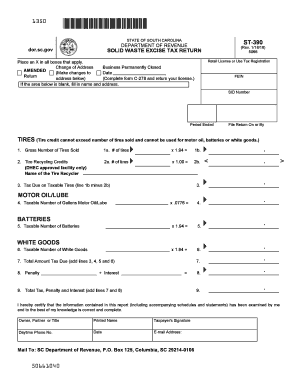
Sc dept of revenue forms
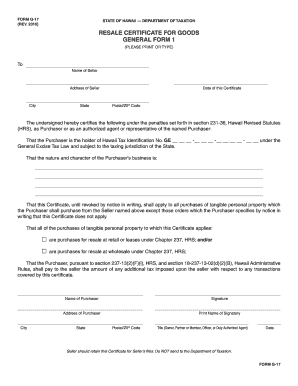
Hawaii resale tax
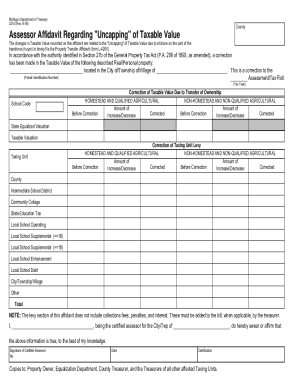
How to transfer ownership of a firearm in michigan
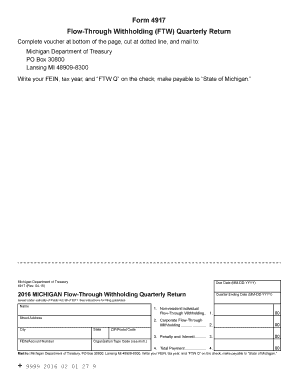
Michigan form return
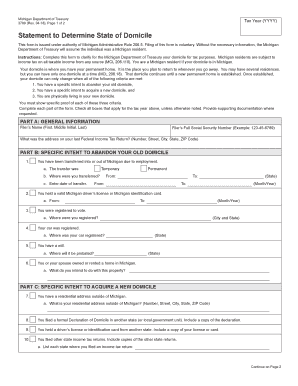
Michigan state form
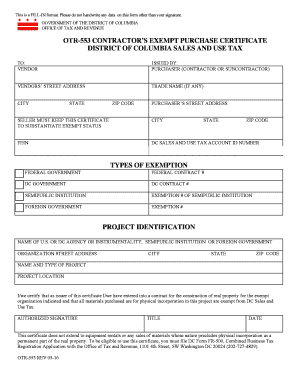
Dc tax exempt form

Estate tax return
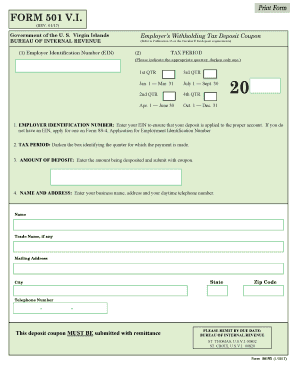
501 vi

Ct 1040 2017 form
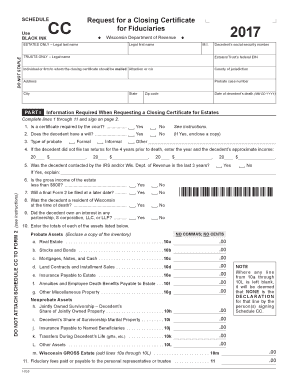
2015 wi certificate form

Rita 2015 form
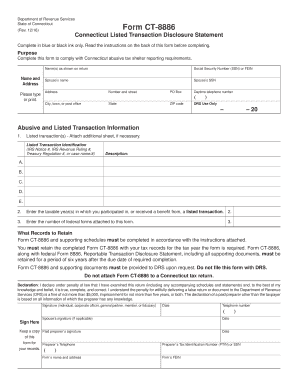
Ct disclosure statement
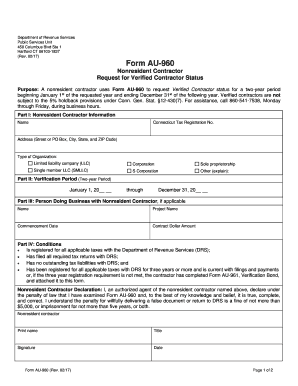
Department ct nonresident form
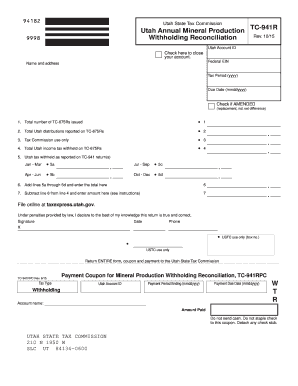
Tax utah reconciliation

How to ohio form it sd
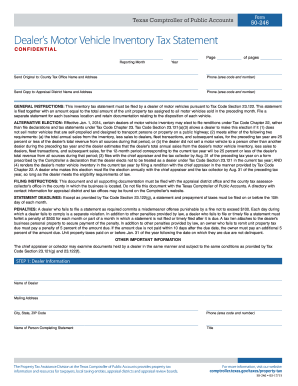
Form 50 246
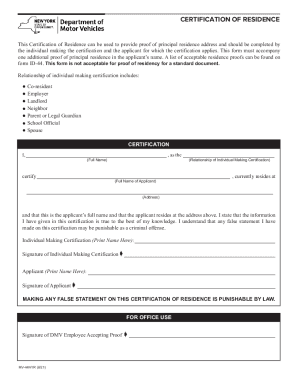
Fillable form ID-44EDL : CERTIFICATION OF RESIDENCE (New

See attached for instructions for completion
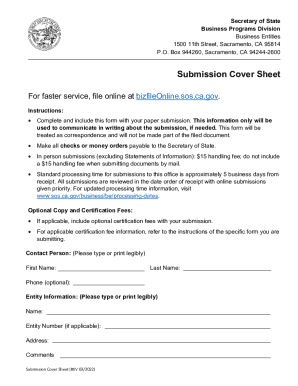
Submission Cover Sheet for Business EntitiesSecretary of
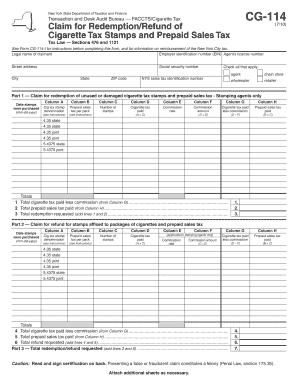
114 redemption tax form pdf

MO-33 Missouri Tax Form and Publication Order - dor mo
Name Change Request Form - HRCI
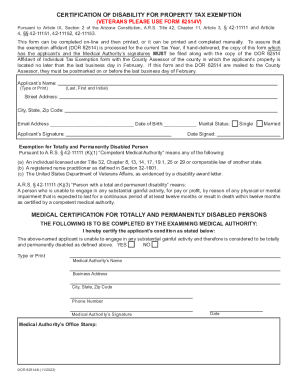
Proposition 130 - constitutional property tax exemptions
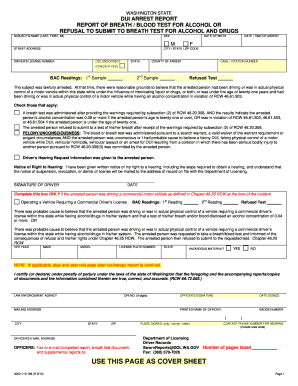
DUI Arrest Report (English), revised 9 13 (with 7-14 revised page 7 - wsp wa

Bike case Rental Agreement Form - Rochester Bicycling Club

Vendor Rental Agreement PDF Download - Mules Blues Fest - mules-bluesfest
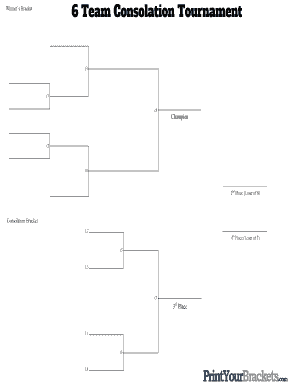
2nd Place (Loser of 8)

License Registration Form - Village of South Holland - southholland
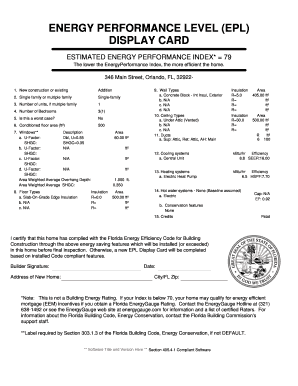
Energy performance level display card
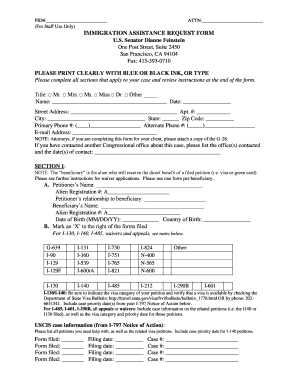
Immigration assistance request form

Patrick henry high school san diego physical form

Costume measurement sheet pdf
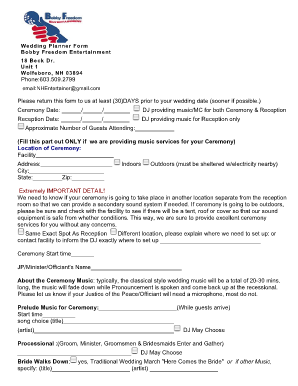
Wedding planning fill in the blank
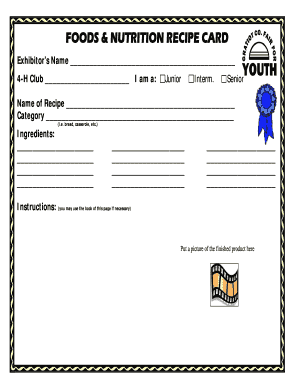
FOODS & NUTRITION RECIPE CARD - gcffy

Detox program descriptionoperpar - Florida Alcohol Drug - fadaa
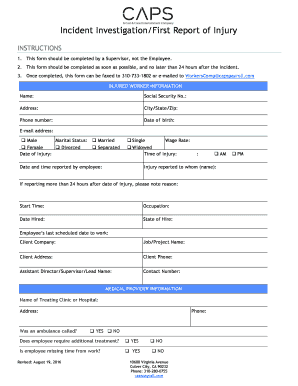
Incident Investigation First Report of Injury - CAPS Payroll
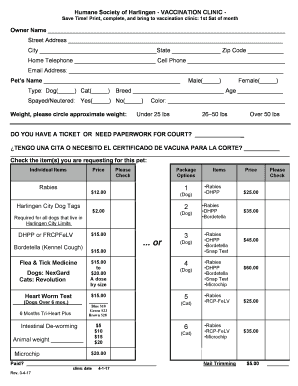
Harlingen humane society clinic
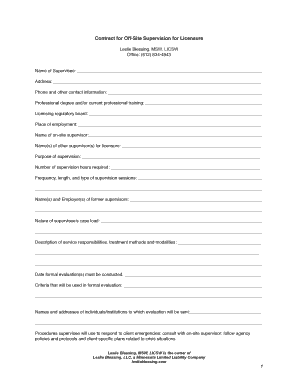
Social work supervision template pdf
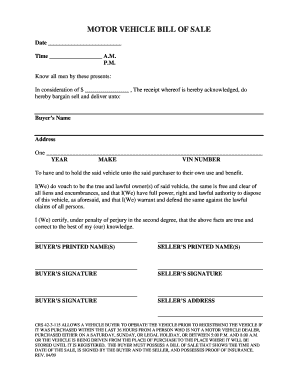
Colorado auto bill of sale jefferson county
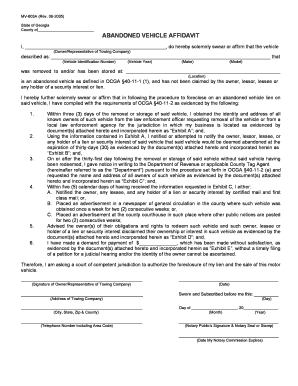
Mv 603a form
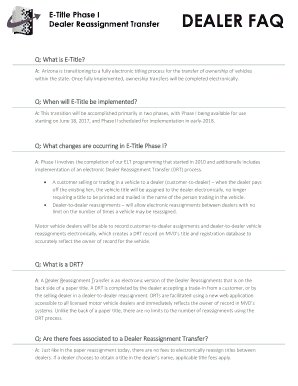
Arizona dealer reassignment form
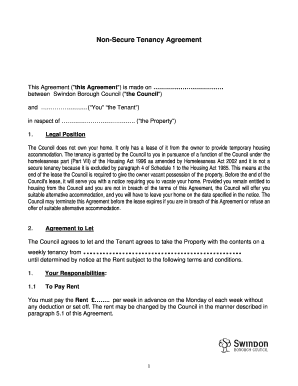
Non secure tenancy agreement
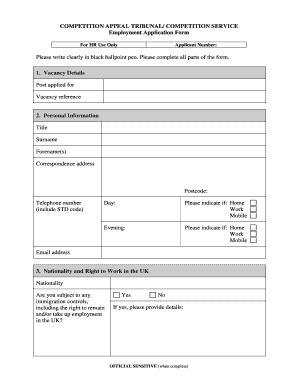
Employment Application form - Competition Appeal Tribunal
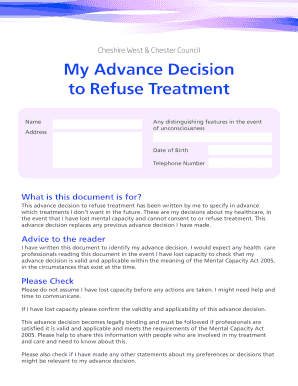
Advance decision

Oneiss form

Bmi certificate format
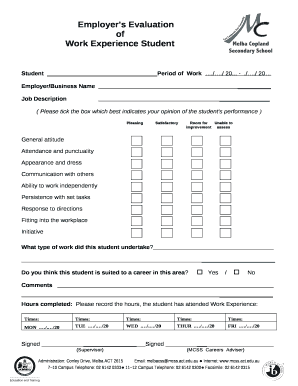
Work experience evaluation form
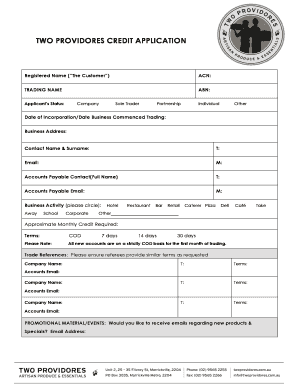
TWO PROVIDORES CREDIT bAPPLICATIONb

Request for Pre-Authorized Payments Registration Form

MISCELLANEOUS REQUEST FORM - emiratesnbdcom

Lab requisition form bc

Bus manifest
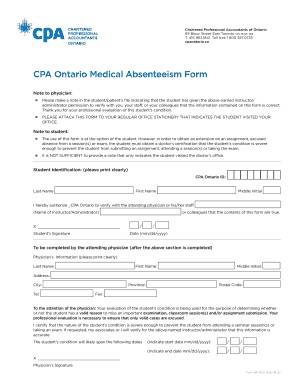
CPA Ontario Medical Absenteeism Form CPA Ontario Medical Absenteeism Form

Vehicle Consignment Agreement

SC8736 - SC Department of Revenue

Arizona Form 285-PMC Residental Rental Property Disclosure Authorization Form
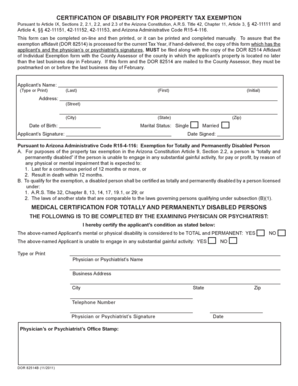
DOR 82514B - azdor

Form CT-3-A BC - Fill and Sign Printable Template Online
Form CT-3-A BC:2019:Member's Detail Report - Tax ny
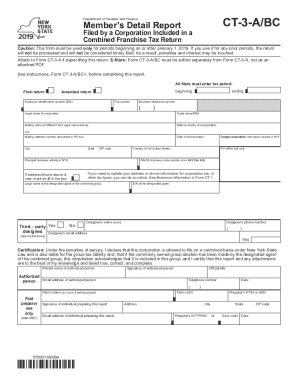
CT-3-A BC

From CT-3-A BC

Application for confirmation of conversion form 5314

Form t 227
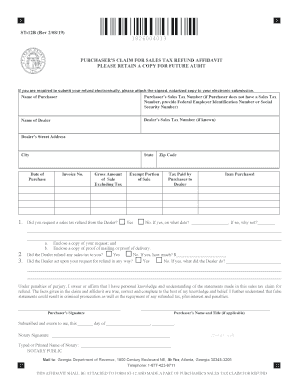
ST-12B Purchaser's Claim for Sales Tax Refund Affidavit
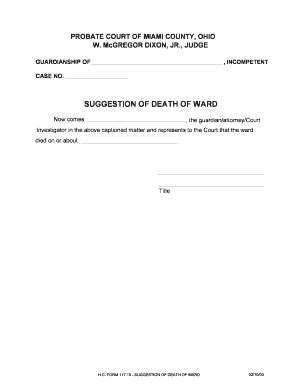
Suggestion of death example

PLAT AND DEDICATION FOR STREET PURPOSES
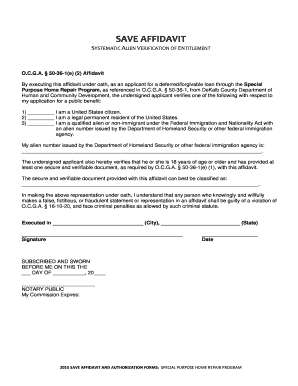
Save affidavit
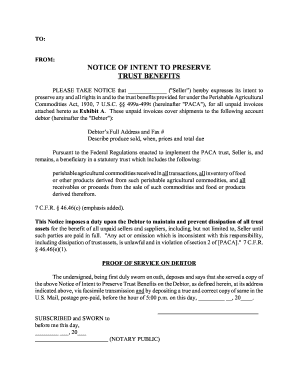
NOTICE OF INTENT TO PRESERVE TRUST BENEFITS
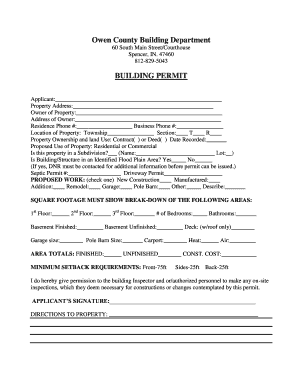
Owen county building department
Benefit from the DocHub online library of fillable PDF forms
Searching the PDF forms doesn't have to be a tedious and time-consuming process. With the DocHub online library, it has become easier to find the fillable PDF forms and modify them in your browser. The service allows you to adjust the document to your needs using powerful editing tools.
You can use online document editing features to modify almost any type of document with ease. You just need to find the template of your choice, open it in the editor, and use the toolbar to make the necessary corrections.
Follow this guide to get your document done with DocHub:
- Find the PDF template you need.
- Click the Get Form button to open the file in the editor.
- Use the toolbar to fill out and edit the document.
- Easily add and highlight text, insert images, checkmarks, and symbols.
- Drop new fillable fields, and rearrange or delete pages from your file.
- Save changes and download your record.
DocHub empowers everyone to streamline document editing, signing, and distribution, and form completion. Create an account and benefit from our well-organized PDF Forms library and comprehensive editor.