




Here's how it works



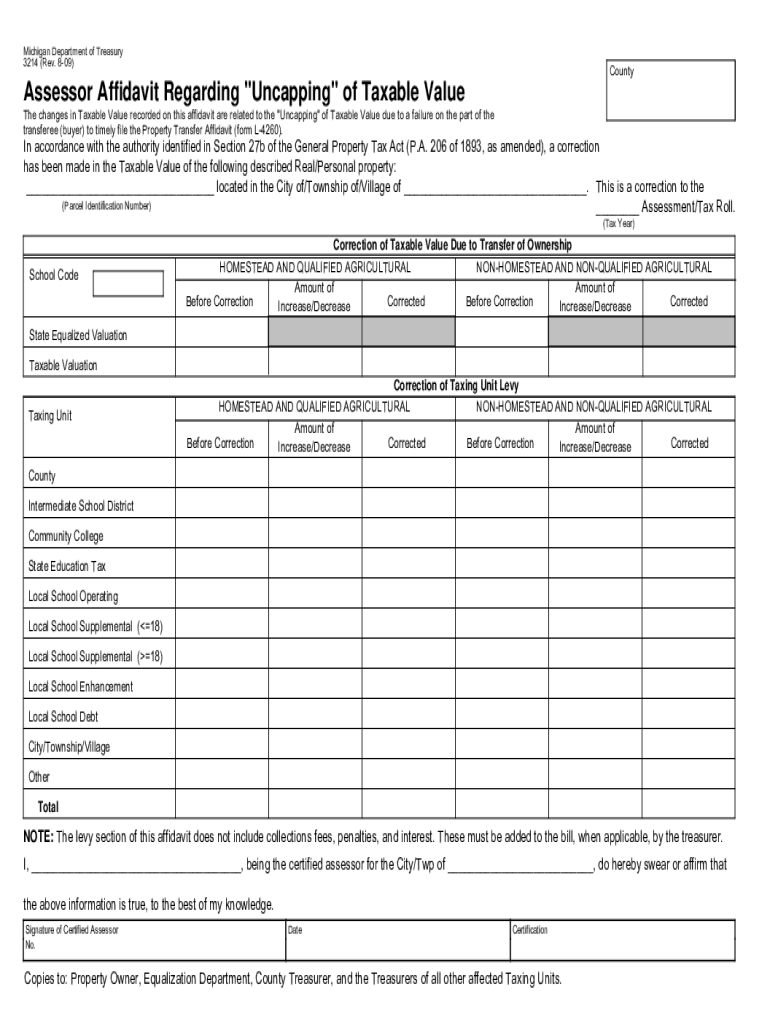
How to use or fill out how to transfer ownership of a firearm in Michigan with DocHub

- Click ‘Get Form’ to open the 'Firearm Transfer Ownership' document in our platform.
- Begin by entering the seller's information, including name, address, and contact details. Ensure accuracy as this information is crucial for legal purposes.
- Next, fill in the buyer's details in the designated fields. This includes their full name and address. Double-check for any typos.
- In the section regarding the firearm details, provide specifics such as make, model, caliber, and serial number. This ensures proper identification of the firearm being transferred.
- Review all entered information for completeness and correctness. Utilize our editor’s features to make any necessary adjustments easily.
- Once satisfied with the form, proceed to sign electronically using our platform’s signature feature. Both parties must sign to validate the transfer.
- Finally, save your completed document and share it via email or download it for your records. Ensure that both parties retain a copy for future reference.
Start your seamless document editing experience today with our platform!
It's free
See more how to transfer ownership of a firearm in michigan versions
Got questions?
Can I sign my pistol transfer paperwork michigan on a mobile?
Of course, you’ll find many different applications for this on the web. However, if you need to eSign your pistol transfer paperwork michigan without installing extra software, DocHub is the best choice you can make. This powerful editor works on mobile devices just as on desktops. Open our editor in any internet browser, register or log in to your account, and start processing your paperwork.
How do you complete how to transfer ownership of a firearm in michigan 2024 online on iOS?
You need only a web connection and a web browser to complete your how to transfer ownership of a firearm in michigan 2024 online on an iOS phone. Open the DocHub website and authenticate. Then, add your document or choose it from the list in your dashboard. Then use our editing tools to complete your form and save all your modifications. You can also send it to a dedicated recipient immediately.
Security and compliance
At DocHub, your data security is our priority. We follow HIPAA, SOC2, GDPR, and other standards, so you can work on your documents with confidence.
Learn more




