
Get any PDF form from the DocHub library of ready-made templates - Page 295

Illinois act reinstatement

Agent application illinois print

Il affidavit service

Llc 5 40

Illinois restated
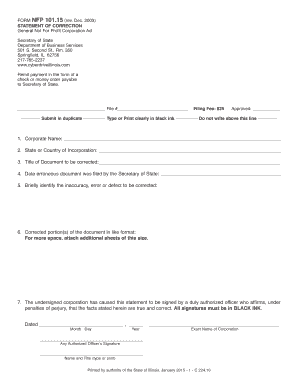
The name incor search
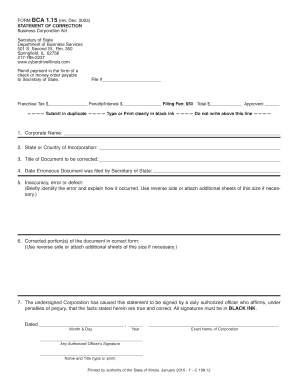
Illinois statement correction
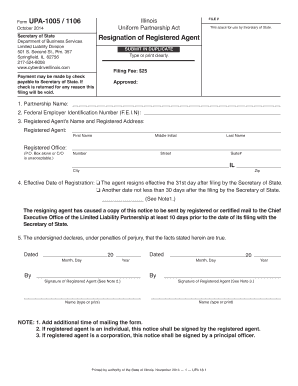
1005 resignation pdf
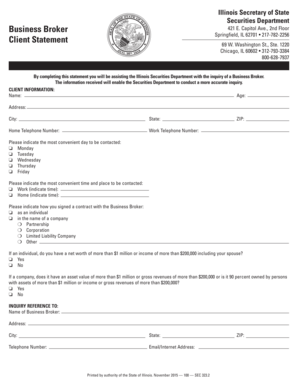
Illinois broker statement
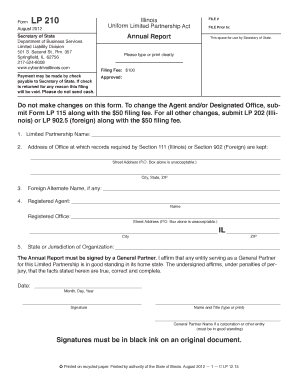
Il annual report form

Il assignment
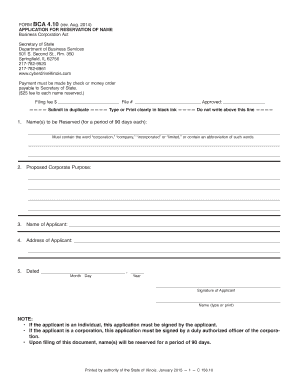
Bca 4 10 form
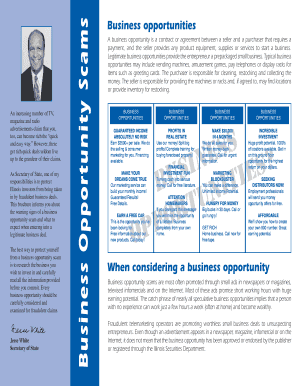
Business opportunities statement sample
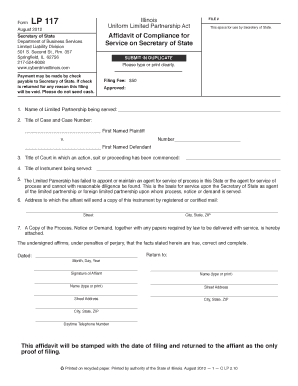
Illinois affidavit compliance form
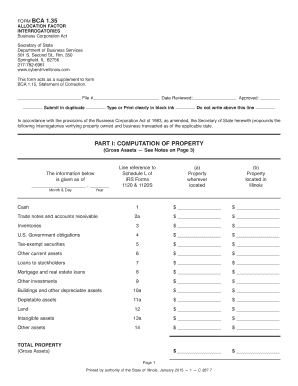
Il bca 1 35
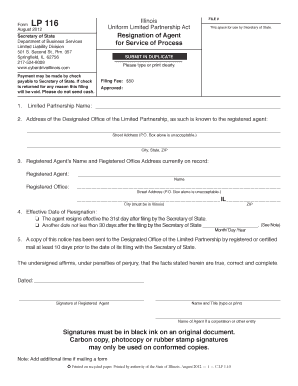
Lp 116
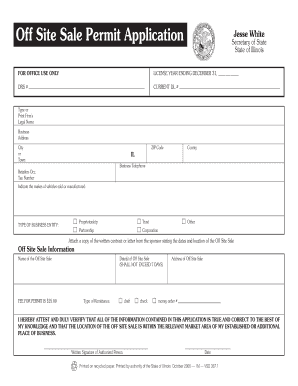
Il vsd 3671 off site sale latest
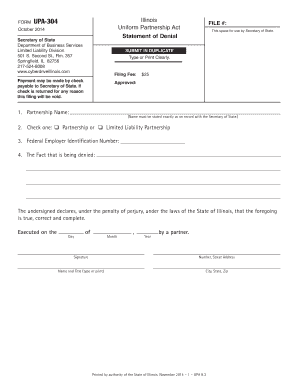
Illinois form 304
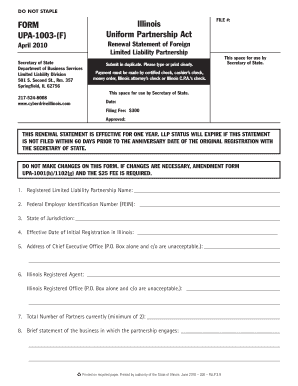
Form upa 1003 form
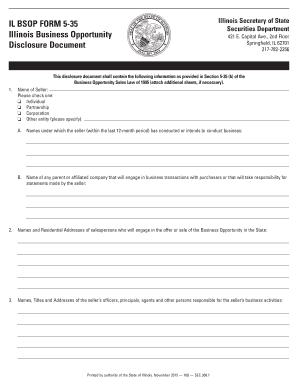
Il disclosure document
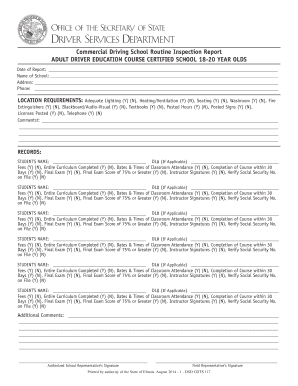
Dsd cdts 117 form

Bca 1435 c form

Illinois statement coversion
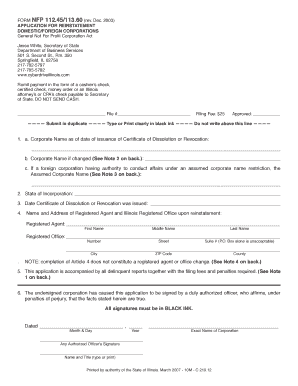
Illinois nfp 112 45

Prioritas bca
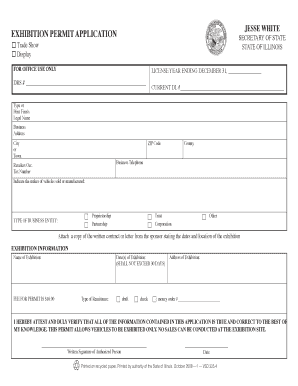
Exhibition cyberdrive illinois
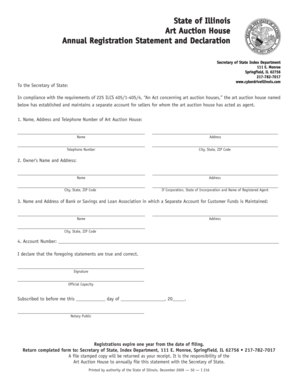
Illinois registration statement
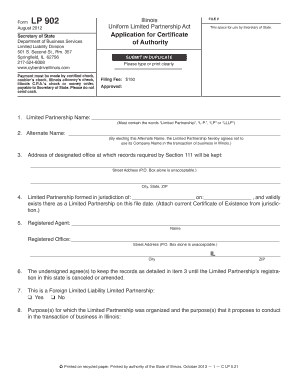
Illinois certificate authority form
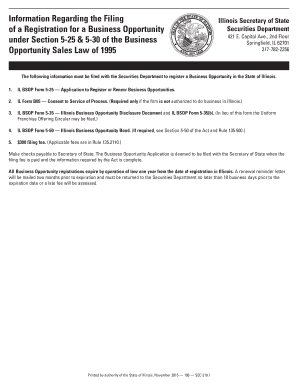
Illinois bsop department
Book Illinois Consumers Guide To Online Cremation Arrangement

Revocation dissolution form
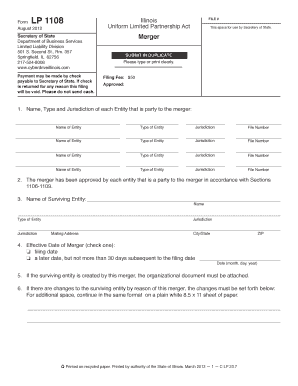
Form 1108
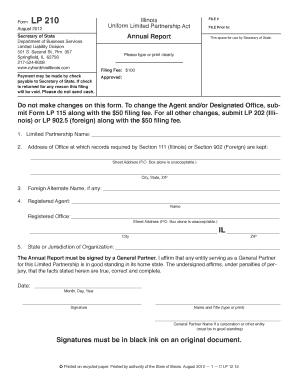
Illinois form lp 210 2012

Georgia clinical license
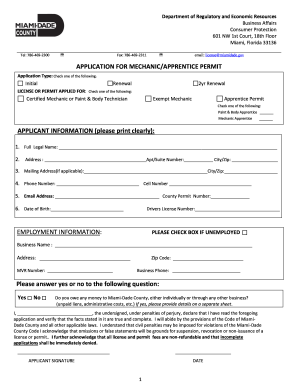
Mechanic permit dade

Texas business financial

Renters list form
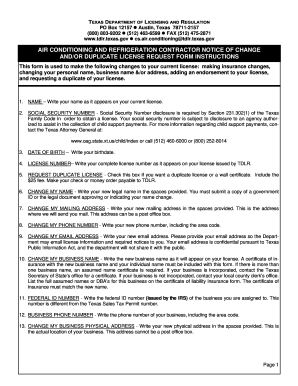
Tdlr notice request
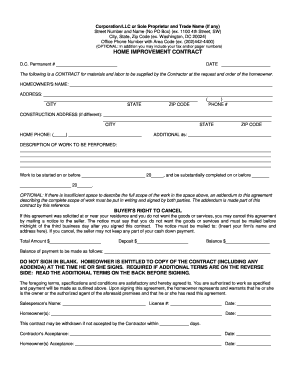
Wa home improvement contract
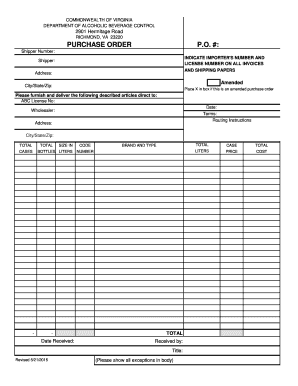
Va purchase order form template
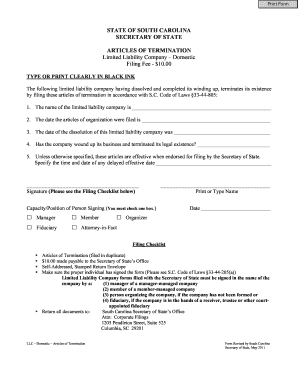
Sc termination form
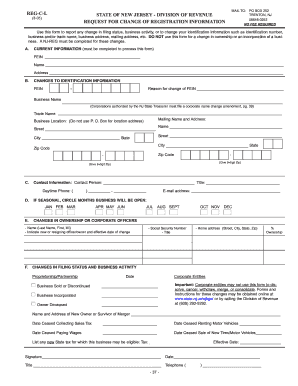
Business amendment form
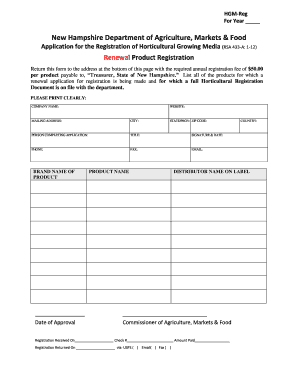
Nh hgm reg renewal online

Insurance minnesota driver
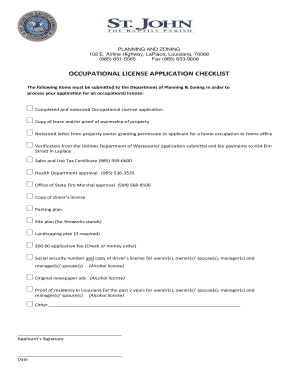
La occupational application checklist
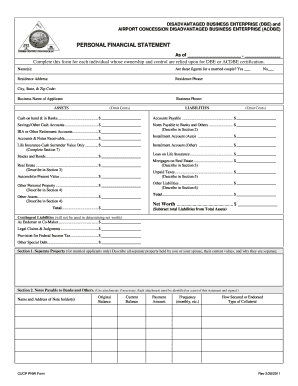
Pnw dbe acdbe statement
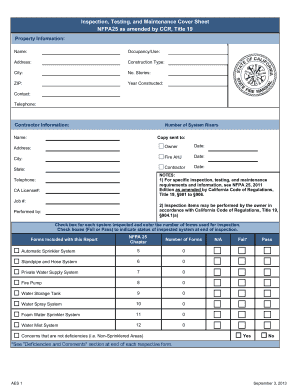
Aes 1
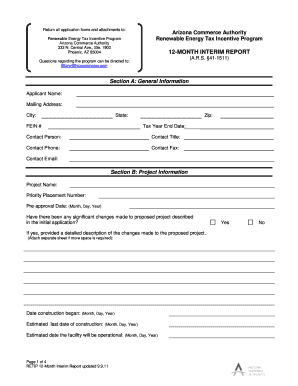
Arizona interim report
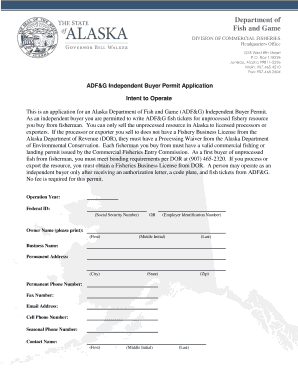
Alaska form intent operate printable
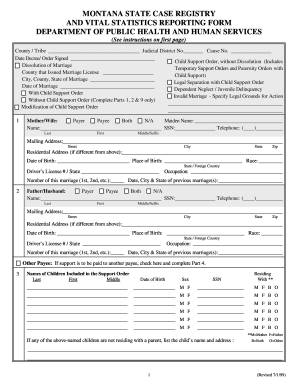
Montana family law
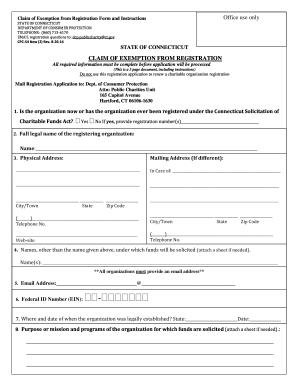
Ct form cpc 54
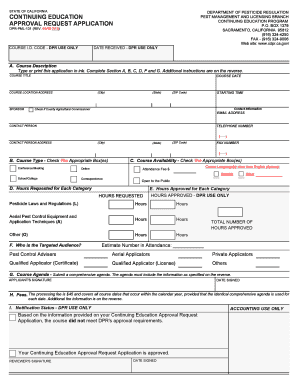
Ca dpr continuing education application

Lic 401
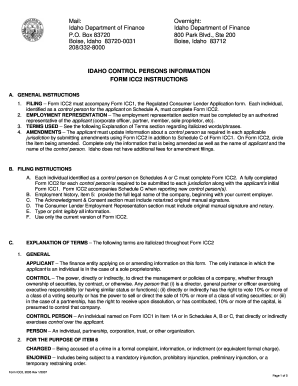
Name information icc2 download
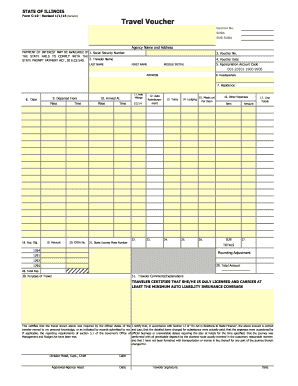
Illinois form c 10

Sfm application

Illinois notification form
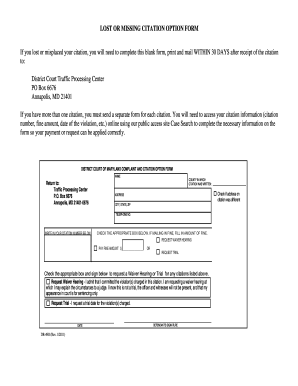
Maryland citation option

Ny bp 1 form
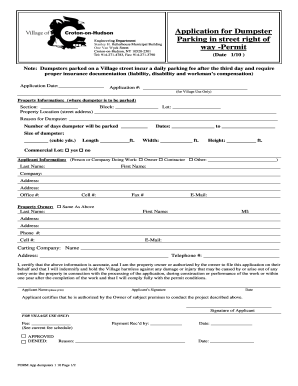
Application for Dumpster Engineering Department in street

Designation db representatives

Ohio npdes modification blank
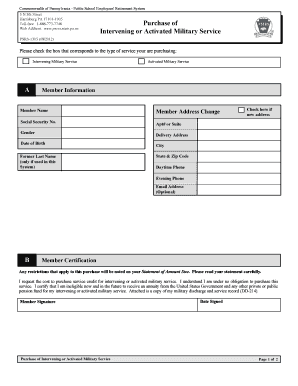
Pennsylvania intervening form
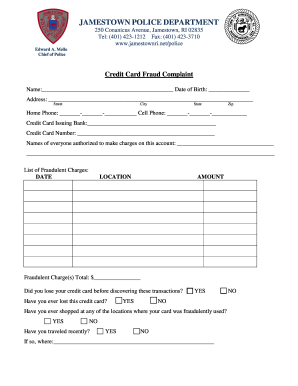
250 Conanicus Avenue, Jamestown, RI 02835
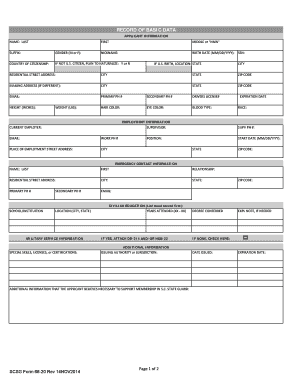
Form 20 66
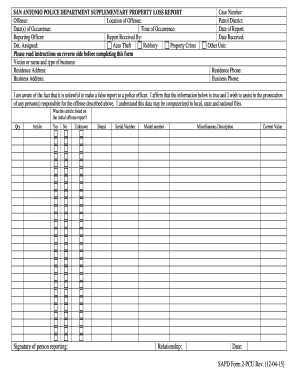
Sapd form online
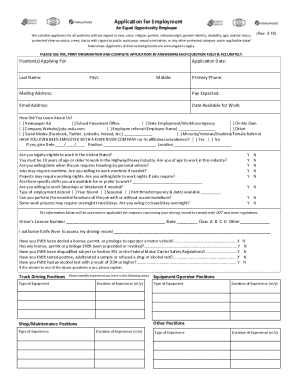
Employment Application Form
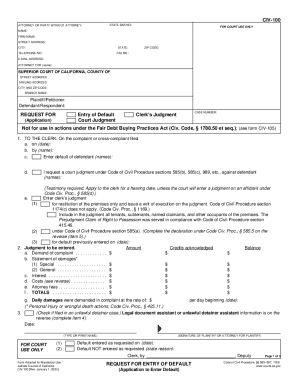
Form PacketsUnlawful Detainer (Evictions)

SAD 505 - Customs Declartion Form - Bond Transit Control - Sars

Form TC-01 - Sars
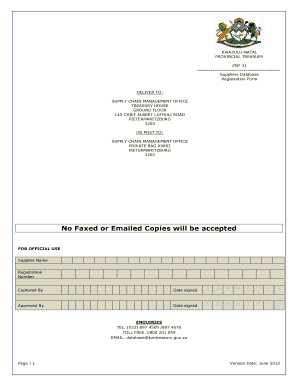
ZNT31 Supplier Registration Form - KZN Treasury
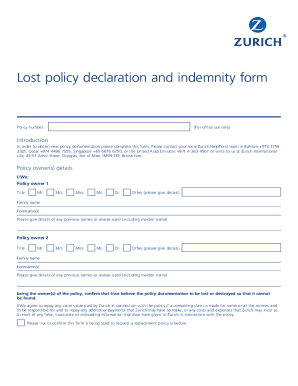
Zurich insurance forms

Flrm form adobe
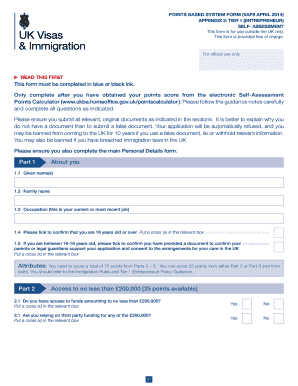
Vaf9
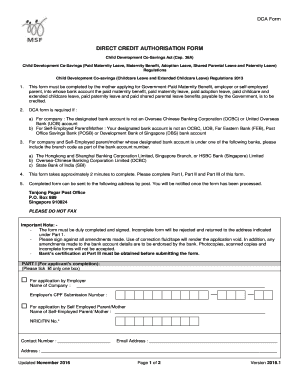
Direct Credit Authorisation (DCA) form - eCitizen - ecitizen gov
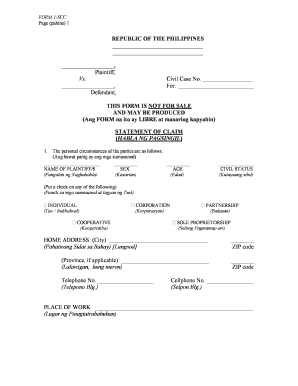
Habla ng pagsingil form
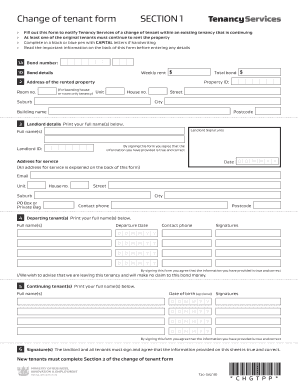
Fill out this form to notify Tenancy Services of a change of tenant within an existing tenancy that

Form 1077 interpol
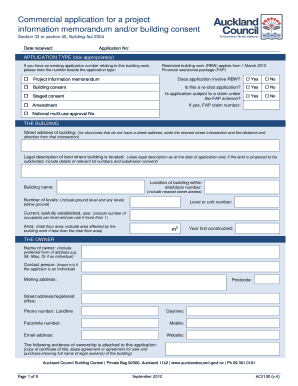
Ac2130

At least one of the original tenants must continue to rent the property
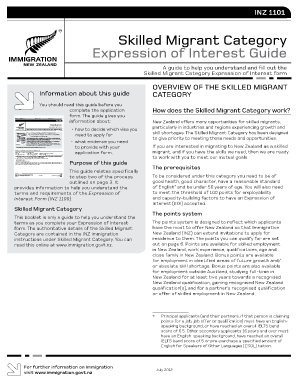
1101 form

Name of pension plan
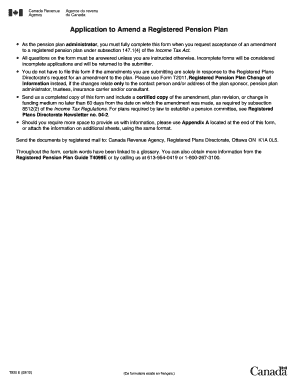
Cra t920 form
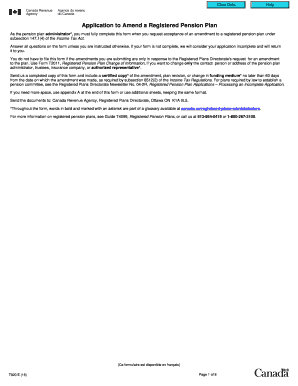
Cra t920
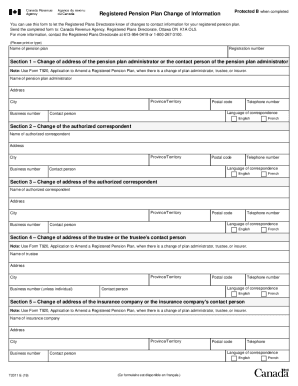
Fillable Online Prior Approval Form for OWA Online
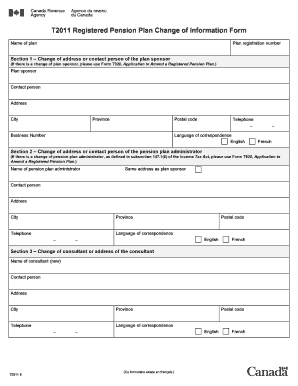
T2011

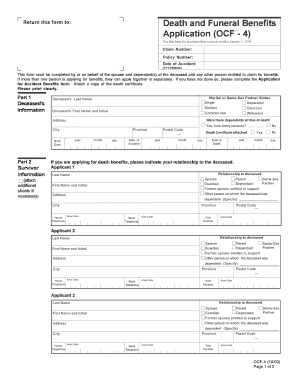
OCF-4: Death and Funeral Benefits Application-Effective March 1

Security clearance application form

Medical Assessment Referral Form- Home Oxygen Concentrator Program (HOCP) Home Oxygen Concentrator P

MOTIVE FUEL AND FUEL OIL APPLICATION FOR APPROVAL
Chris semenuk
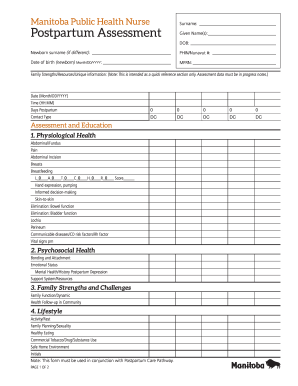
The Manitoba Healthy Baby Prenatal Benefit Program: who is

20190919-vsc-application-form-dnd-9036-e
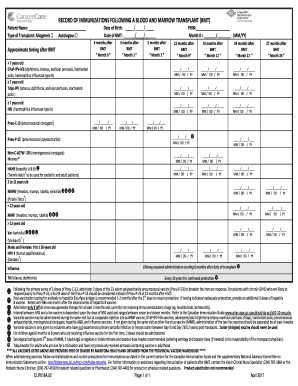
RECORD OF IMMUNIZATIONS FOLLOWING A BLOOD AND MARROW TRANSPLANT (BMT)

Mandatory Adverse Reaction
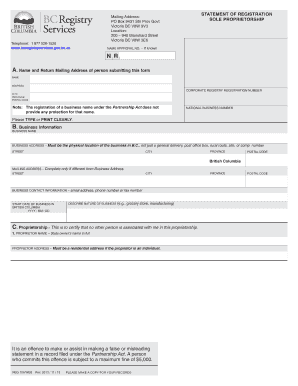
Statement of registration sole proprietorship
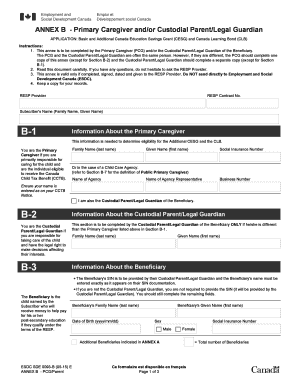
ANNEX B Primary Caregiver and or Custodial Parent Legal Guardian APPLICATION: Basic and Additional C

Reg3088
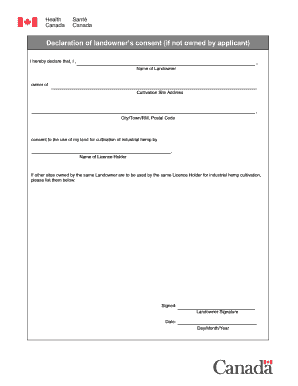
Declaration of landowners consent (if not owned by applicant) Declaration of landowners consent (if

Direct Deposit Registration
Benefit from the DocHub online library of fillable PDF forms
Searching the PDF forms doesn't have to be a tedious and time-consuming process. With the DocHub online library, it has become easier to find the fillable PDF forms and modify them in your browser. The service allows you to adjust the document to your needs using powerful editing tools.
You can use online document editing features to modify almost any type of document with ease. You just need to find the template of your choice, open it in the editor, and use the toolbar to make the necessary corrections.
Follow this guide to get your document done with DocHub:
- Find the PDF template you need.
- Click the Get Form button to open the file in the editor.
- Use the toolbar to fill out and edit the document.
- Easily add and highlight text, insert images, checkmarks, and symbols.
- Drop new fillable fields, and rearrange or delete pages from your file.
- Save changes and download your record.
DocHub empowers everyone to streamline document editing, signing, and distribution, and form completion. Create an account and benefit from our well-organized PDF Forms library and comprehensive editor.