






Definition & Meaning
Forms online refer to digital documents that can be completed, submitted, and processed via the internet. These forms are designed to streamline the collection of information, making it accessible and convenient for both the issuer and the respondent. They eliminate the need for physical paperwork, thereby reducing errors, expediting processes, and increasing efficiency. Online forms can range from simple contact forms to complex application forms, supporting various inputs such as text, checkboxes, signatures, and file uploads.
Online forms have become an integral tool for businesses, educational institutions, and government agencies. By leveraging technology, they enhance accessibility and inclusivity, enabling individuals from diverse geographical and demographic backgrounds to participate in processes that once required physical presence. This shift not only saves time and resources but also supports environmental sustainability by reducing paper usage.
Steps to Complete the Form Online
Completing a form online is generally straightforward, but there are important steps you should follow to ensure accuracy and compliance.
-
Access the Form: Start by navigating to the hosting platform or website where the form is available. Ensure that you are using a secure connection, especially if the form involves sensitive personal information.
-
Read Instructions Carefully: Each form typically comes with a set of instructions. Understanding these guidelines before you begin filling out the form can prevent common mistakes and save time.
-
Enter Information Accurately: Carefully input all required information. Most forms have mandatory fields marked with an asterisk. Use the correct formats for data such as dates and Social Security numbers.
-
Utilize Auto-Fill Functions: If the platform offers auto-fill features, use them to expedite the process. However, double-check any pre-filled information for accuracy.
-
Review and Edit: Before submitting, review your entries for any errors. Many online forms allow you to save progress and return later, which can be beneficial for double-checking information.
-
Submit the Form: Once you are confident the form is complete and accurate, click the submit button. Look for a confirmation message or email to ensure your submission was successful.
Important Terms Related to Form Online
Understanding key terms related to online forms can enhance your user experience and prevent confusion. Here are essential terms you might encounter:
- Captcha: A challenge-response test to ensure submissions are made by humans, not bots.
- Auto-Fill: A feature that automatically populates fields with previously entered information.
- Digital Signature: An electronic form of a signature that confirms the identity of the signer and their agreement to the content.
- Mandatory Field: A field that must be filled before the form can be submitted.
- Dropdown Menu: A field that expands to reveal a list of options from which a user can select.
- Placeholder Text: Text within a field that gives an example or explanation of the required input.
- SSL Encryption: A security protocol that encrypts data entered into forms to protect it during transmission.
Creating and Managing Fillable Forms
DocHub's online form capabilities allow users to create and manage dynamic fillable forms, facilitating more efficient data collection and management. This can be particularly useful for businesses that handle large volumes of client information or require structured data for analysis.
Key Features of Fillable Forms
- Form Fields: Ability to insert various fillable fields such as text boxes, checkboxes, dropdowns, and signature lines.
- Templates: Convert existing documents into interactive templates.
- Customization: Tailor form layouts and formats to meet specific needs.
- Role Assignment: Designate specific fields to different users for input.
Benefits of Fillable Forms
- Efficiency: Speeds up data collection processes.
- Accuracy: Guides users to provide information in the correct format, reducing errors.
- Organization: Collects structured data in an organized manner.
- Collaboration: Multiple users can contribute to a single form as needed.
Legal Use of Form Online
The legal use of online forms is governed by various regulations designed to protect consumer rights and ensure data privacy. Compliance with these laws is crucial for businesses and organizations utilizing digital forms.
Key Legal Considerations
- ESIGN Act Compliance: Ensures that electronic signatures are as legally binding as handwritten ones.
- Data Protection Laws: Compliance with laws like the GDPR or CCPA, which govern the collection and processing of personal data.
- Records Retention: Maintaining a record of completed forms for a legally specified duration.
Understanding and adhering to these regulations not only helps in preventing legal issues but also builds trust with users by demonstrating a commitment to data protection and privacy.
Who Typically Uses the Form Online
Online forms are utilized by a wide range of users from different sectors for various purposes. Below are some examples of common user categories:
- Businesses: For applications, surveys, contract agreements, and customer feedback.
- Educational Institutions: For enrollment, surveys, and feedback from students and faculty.
- Government Agencies: To facilitate public service applications, permit requests, and information collection.
- Healthcare Providers: For patient information forms, medical history forms, and appointment registrations.
- Nonprofits: To collect donations and manage volunteer applications.
These users leverage online forms to enhance operational efficiency, improve user accessibility, and ensure the accuracy and security of the data collected.


Examples of Using the Form Online
Online forms are versatile tools utilized in a variety of scenarios. Here are some real-world examples:
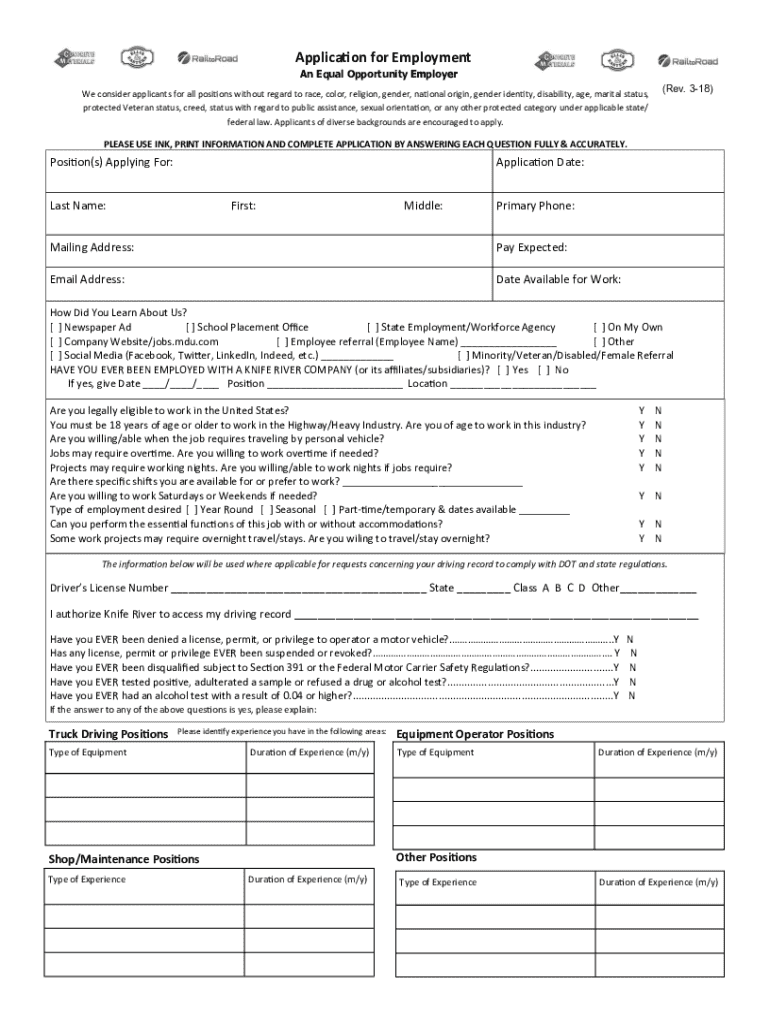
- Job Applications: Candidates apply for positions by filling out online employment application forms, which may include sections for resume uploads, cover letters, and personal information.
- Feedback Surveys: Companies collect customer or employee feedback using online surveys, which can include rating scales, multiple-choice questions, and comment sections.
- Registration Forms: Event organizers use online forms to register participants for conferences, workshops, or webinars.
- Health Records: Patients fill out online health forms before a medical appointment to expedite the check-in process.
- Educational Enrollment: Students complete enrollment forms online, providing personal details, academic history, and course selections.
These examples illustrate the flexibility and efficacy of using online forms across different domains, simplifying processes while enhancing user experience.
Required Documents
When completing a form online, certain documents may be required for verification or additional information. Below is a list of commonly required documents:
- Proof of Identity: Copies of identification cards such as driver's licenses or passports.
- Proof of Address: Utility bills, lease agreements, or any document that verifies current address.
- Tax Documents: In some cases, previous year tax returns or income statements may be needed.
- Professional Licenses: Depending on the application, you might need to upload copies of professional certifications or licenses.
Having digital copies of these documents ready can expedite the form completion process, ensuring you meet all submission requirements without delay.
Software Compatibility
The versatility of online forms extends to their compatibility with various software applications, making them ideal for integration into existing digital infrastructures.
Compatible Software and Platforms
- Google Workspace: Direct import and export capabilities from Google Drive and Gmail streamline workflow for users reliant on these services.
- Microsoft Office: Compatibility with Word, Excel, and PowerPoint documents ensures seamless integration into Office-centric environments.
- DocHub: A robust platform for editing and managing online forms, DocHub supports multiple file formats and cloud integration.
- Financial Software: Platforms like TurboTax and QuickBooks can often import relevant form data for streamlined financial management and tax filing.
By being compatible with these popular software solutions, online forms offer enhanced functionality and user convenience, making them a critical component in modern digital workflows.