
Get any PDF form from the DocHub library of ready-made templates - Page 1995
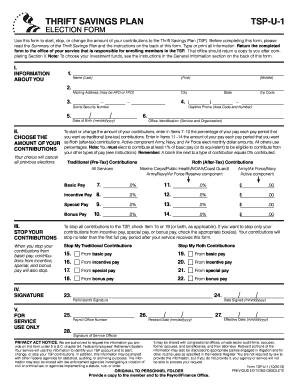
Tsp u 1 fillable 2013 form
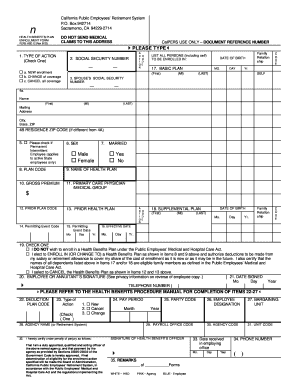
Cal pers forms pers hbd 12 2002
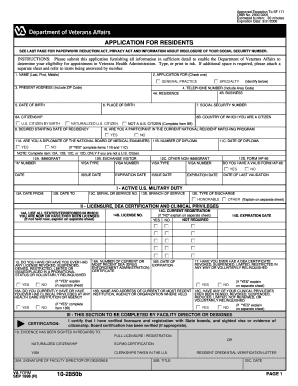
10 2850b form
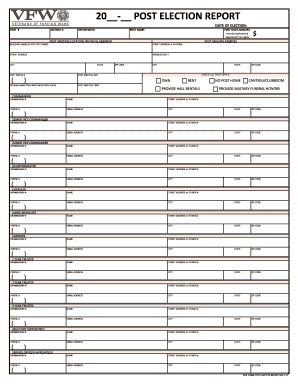
20 - POST ELECTION REPORT - gavfw
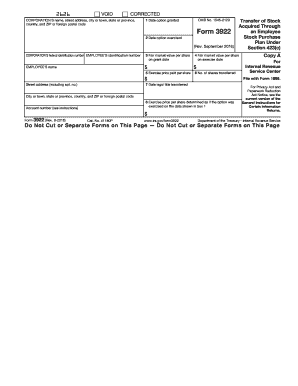
Form 3922

Fsi1200pdf form
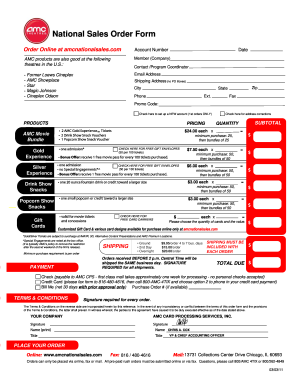
Amc national sales order 2011 form
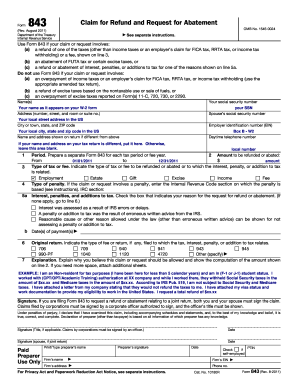
Form 843
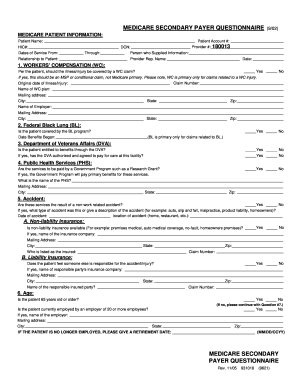
Medicare forms for employers
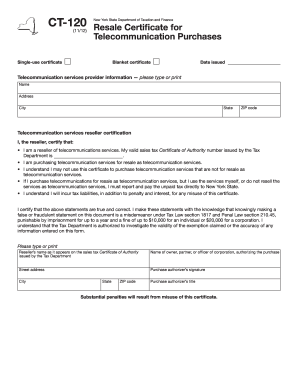
Resale certificate new york

Bbva direct deposit form
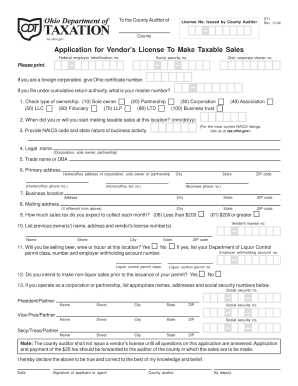
Ohio st 1 application for sales tax fillable 2004 form
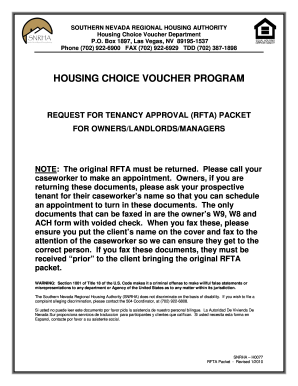
Nevada regional housing authority rfta 2010 form
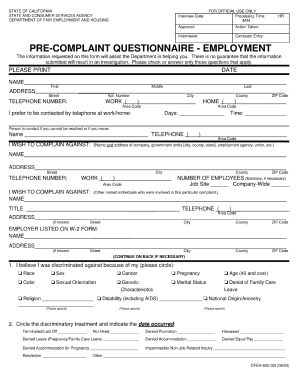
California pre complaint online
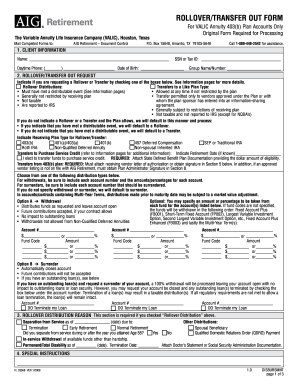
Aig rollover form
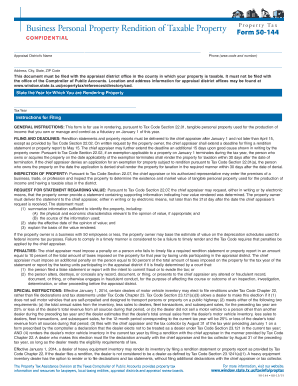
Business Personal Property Rendition of Taxable Property

Fort valley application
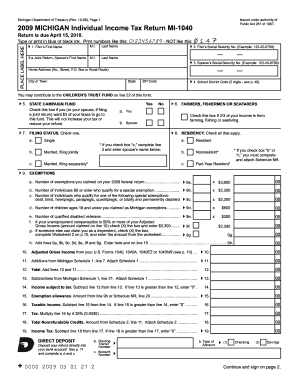
10-09), Page 1 2009 MICHIGAN Individual Income Tax Return MI-1040 Return is due April 15, 2010 - michigan
I1020 form

Kansas title application pdf
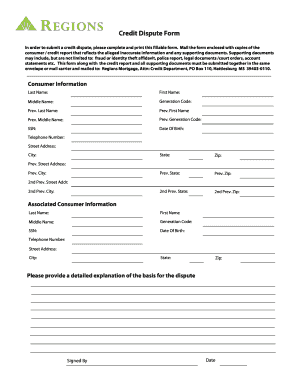
Credit dispute form

APPLICATION FOR EMPLOYMENT - fmcsa dot
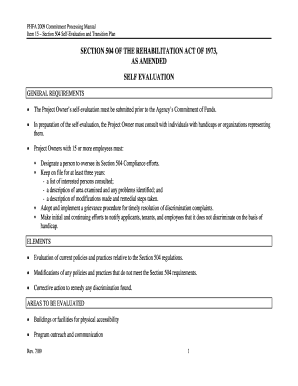
504 plan template pdf
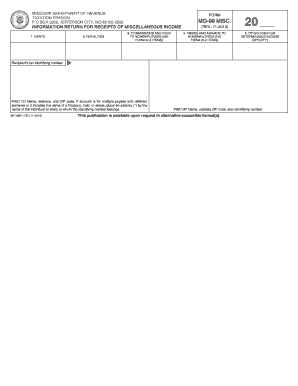
Form mo 99misc instructions 2010
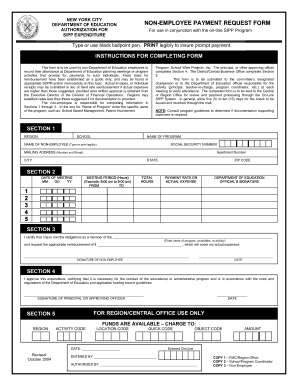
New york city department of education authorization for sipp expenditure form
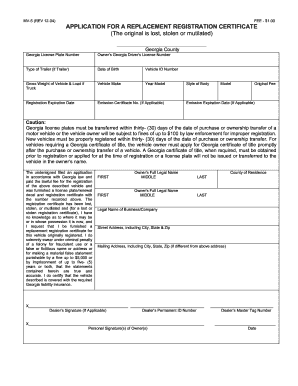
Mv 5 georgia 2004 form
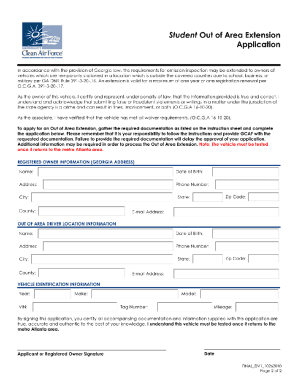
Out of area extension application georgia
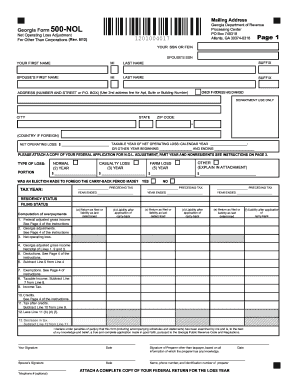
Ga form 500 nol instructions
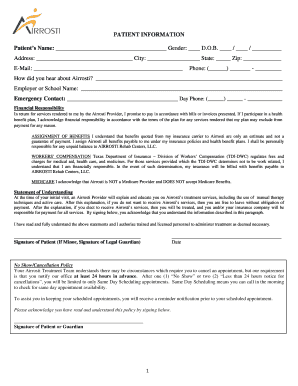
New patient paperwork word cardiology
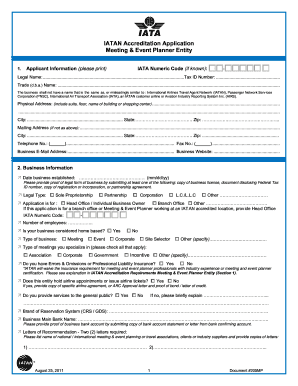
Iatan accreditation application
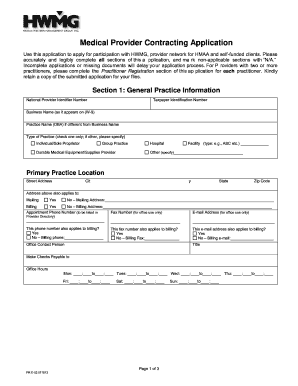
Hmaa credentialing application form
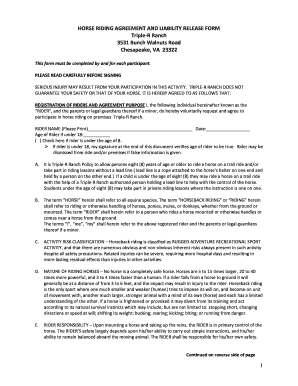
Printable horseback riding release form
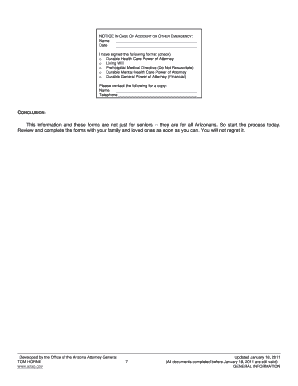
Life care planning packet arizona
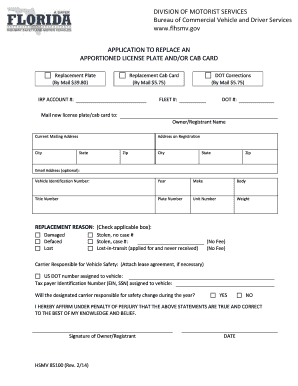
Irp application florida
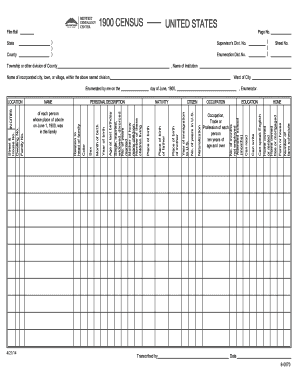
2020 census questionnaire online
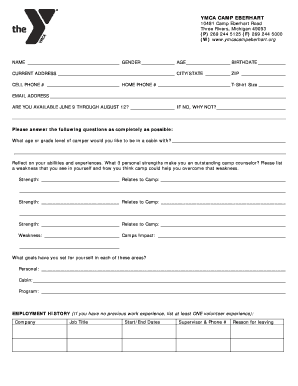
Ymca application form

Ledo application
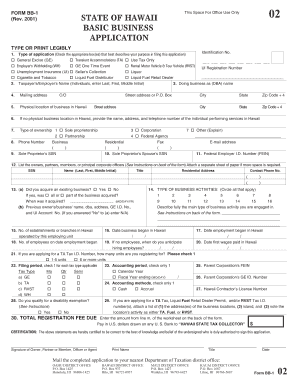
Form bb 1
Sample deed restriction language
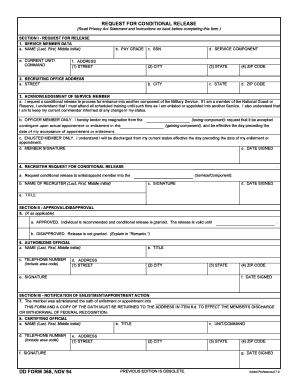
Af form 1288 example

Af 1768
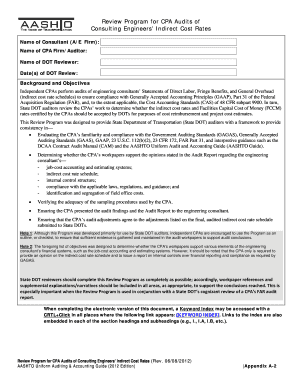
Aashto uniform audit and accounting guide 2020

Puyallup charitable funds application 2012 form

Wayne county human relations first tier form
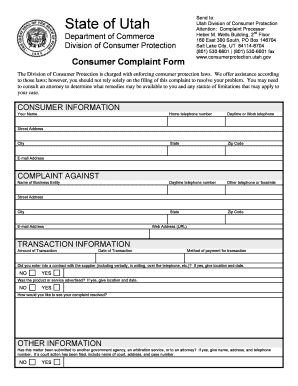
Consumer complaint form

Resource order
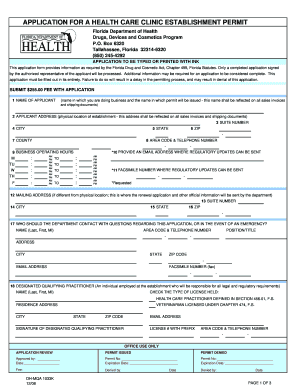
Hcce permit
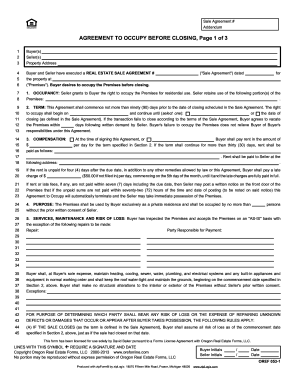
AGREEMENT TO OCCUPY BEFORE CLOSING, Page 1 of 3
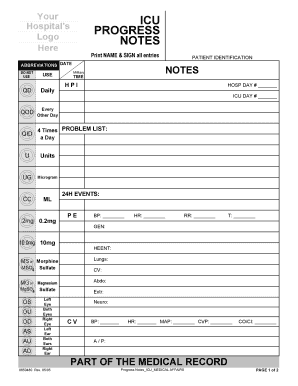
Icu progress note template pdf
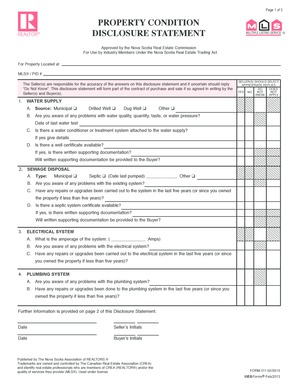
PROPERTY CONDITION

Scorad pdf
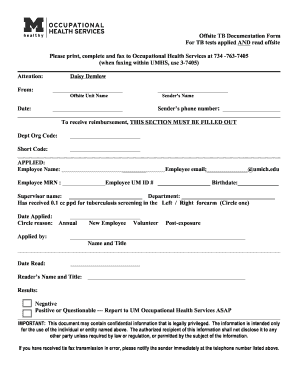
Tb documentation form
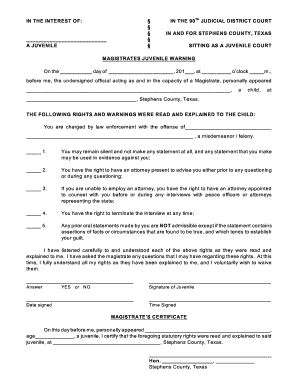
MAGISTRATES JUVENILE WARNING - Texas AampM University - tidc tamu
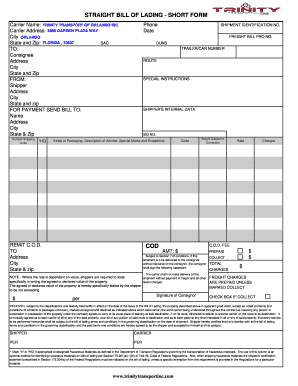
Bill of bLadingb - HOME - Trinity Transport Inc
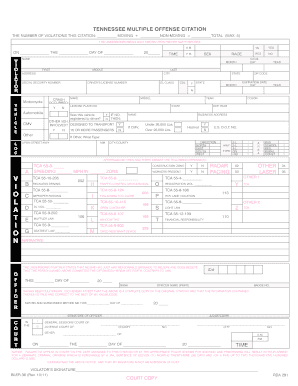
Multiple offense citation
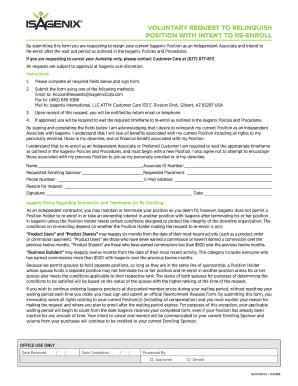
How to cancel isagenix membership
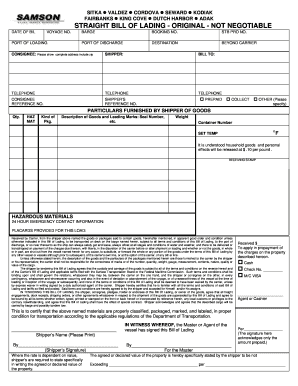
Tug amp barge
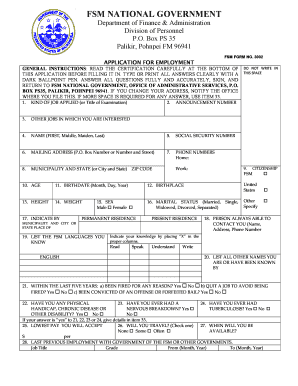
Fsm job application form
Mc 020 fillable form
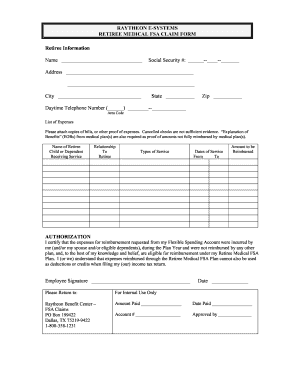
Raytheon fsa claim form
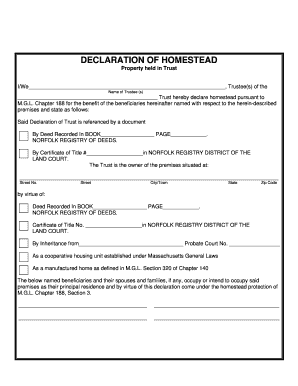
Homestead act massachusetts form

Amazon affidavit
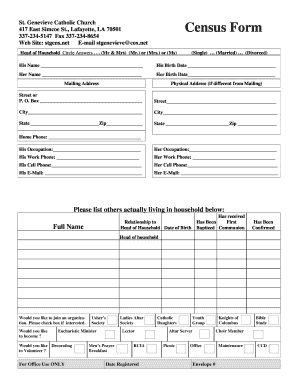
Stgens
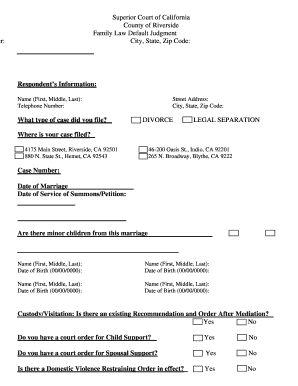
Riverside courts family law
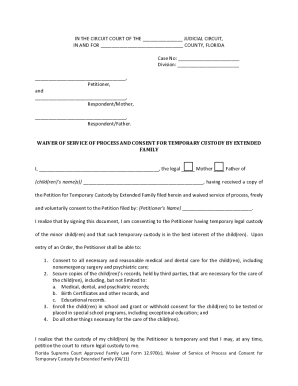
FORM, 12

Addendum to job description
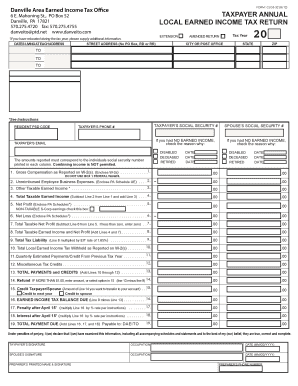
Danville area earned income tax office

Agent to Agent Referral Agreement Form -
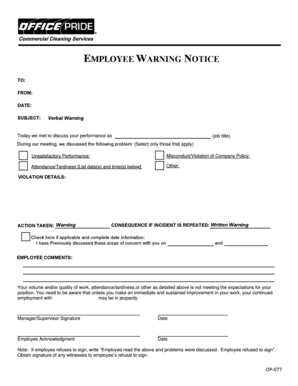
BEMPLOYEE WARNING NOTICEb - Office Pride

BEmployee Warning Noticeb - toolscirastatetxus

CBRF ADMISSIONS AGREEMENT - RSAWisconsinorg - rsawisconsin

815 Page 2 of 3 WLA 53 - Washington Landlord Association
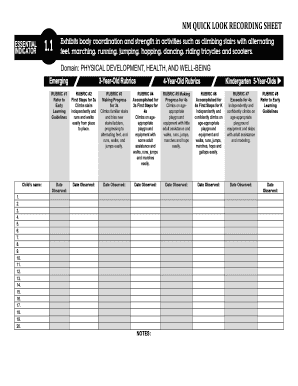
NM QUICK LOOK RECORDING SHEET - newmexicoprek
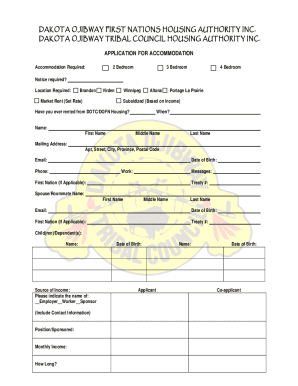
Dotc housing application
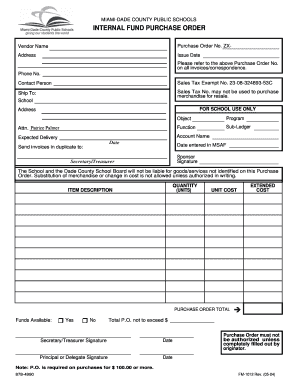
MIAMI-DADE COUNTY PUBLIC SCHOOLS INTERNAL FUND PURCHASE ORDER - dadorsey dadeschools
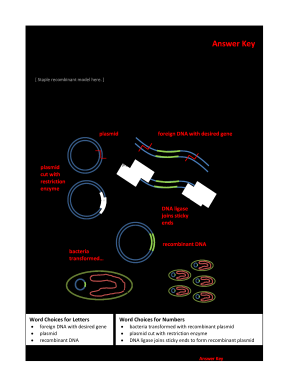
Bacterial transformation virtual lab answer key
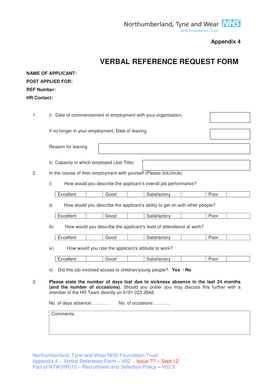
Nhs reference request email

Pnb metlife surrender form pdf download
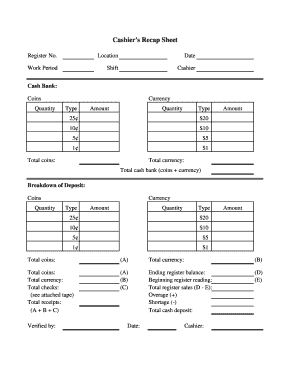
Cashier's Recap Sheet
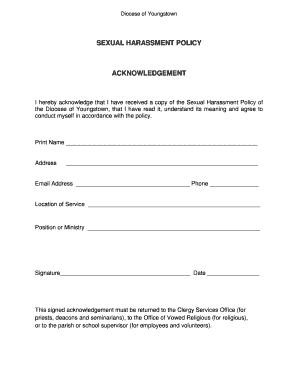
Harassment policy acknowledgement form
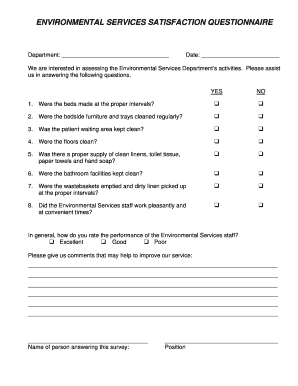
Housekeeping feedback form
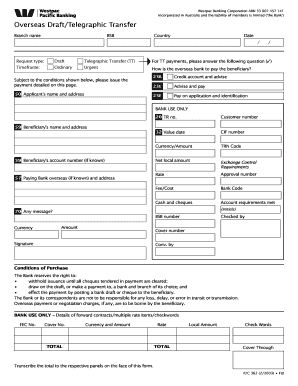
Westpac telegraphic transfer
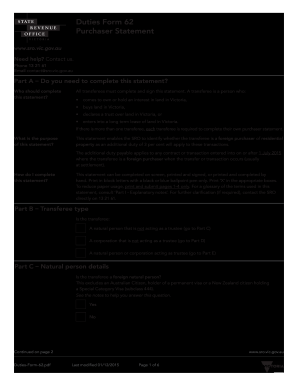
Duties Form 62 Purchaser Statement - State Revenue Office - sro vic gov
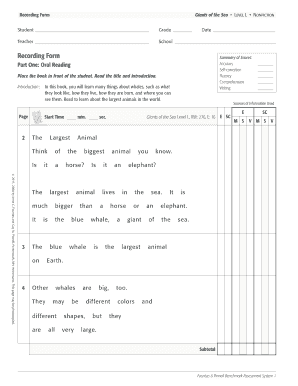
Giants of the sea running record
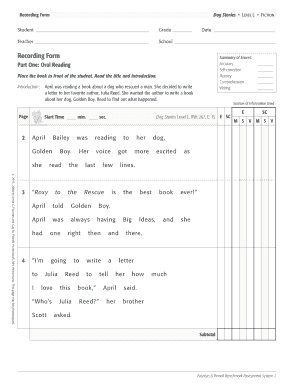
Dog stories running record
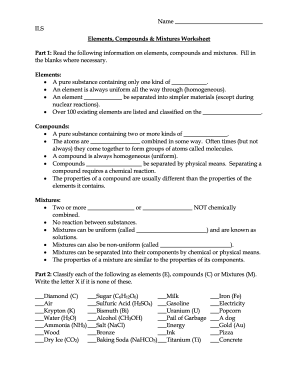
Elements compounds and mixtures worksheet grade 7 pdf
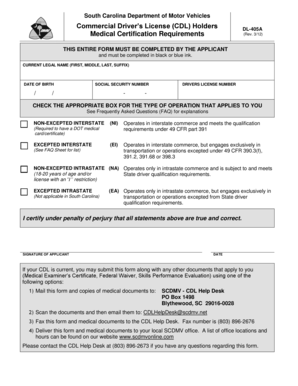
Dl 405a
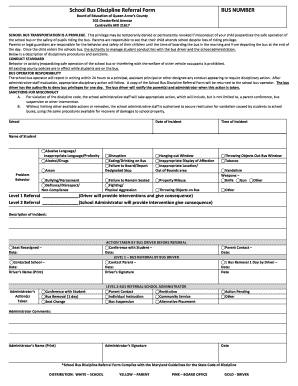
Bus discipline DocHub
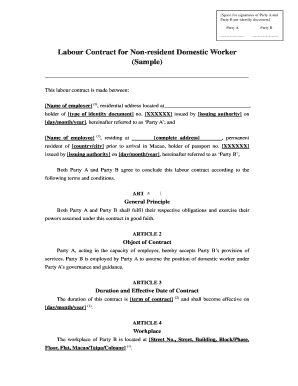
Macau labor law for domestic helper
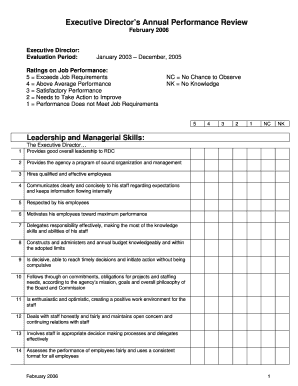
Executive Director39s Annual Performance Review - NADOorg - nado

LC 6-1 Team T-Shirt Order Form - Cyberschool
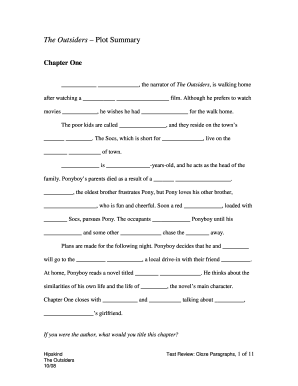
The Outsiders Plot Cloze Paragraphs 10-08doc - ezwebsite
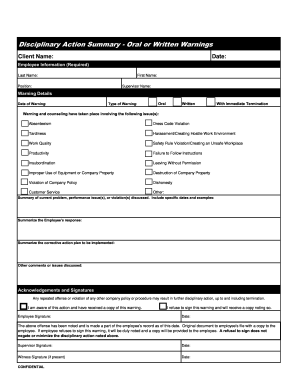
Disciplinary Action Summary Oral or Written Warnings Client Name: Date: Employee Information (Required) Last Name: First Name: Position: Supervisor Name: Warning Details Date of Warning: Type of Warning: c Oral c Written c With Immediate

Notice of removal of a human corpse from a facility
Australia nswnma letter
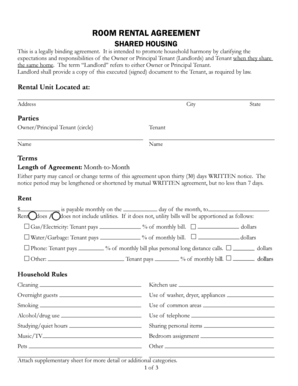
Room Rental Agreement for Shared Housing - UCSC Community ...

PAST DUE RENT VERIFICATION FORM - hfuw
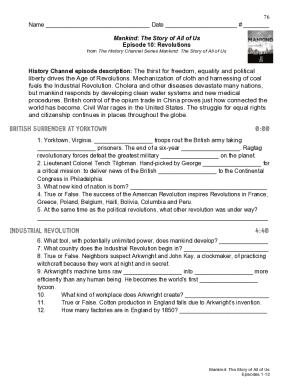
Mankind the story of all of us episode 10 revolutions worksheet answers

Australia trust funds withdrawal
Kentucky water plan
Benefit from the DocHub online library of fillable PDF forms
Searching the PDF forms doesn't have to be a tedious and time-consuming process. With the DocHub online library, it has become easier to find the fillable PDF forms and modify them in your browser. The service allows you to adjust the document to your needs using powerful editing tools.
You can use online document editing features to modify almost any type of document with ease. You just need to find the template of your choice, open it in the editor, and use the toolbar to make the necessary corrections.
Follow this guide to get your document done with DocHub:
- Find the PDF template you need.
- Click the Get Form button to open the file in the editor.
- Use the toolbar to fill out and edit the document.
- Easily add and highlight text, insert images, checkmarks, and symbols.
- Drop new fillable fields, and rearrange or delete pages from your file.
- Save changes and download your record.
DocHub empowers everyone to streamline document editing, signing, and distribution, and form completion. Create an account and benefit from our well-organized PDF Forms library and comprehensive editor.