
Get any PDF form from the DocHub library of ready-made templates - Page 1963

Az drivers license application form

Title and registration application form
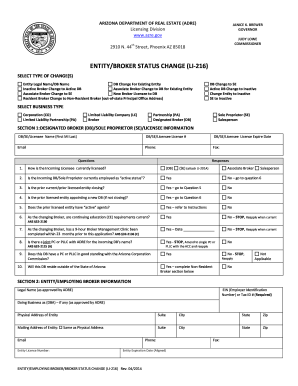
Change adre address

Louisiana iep ser website
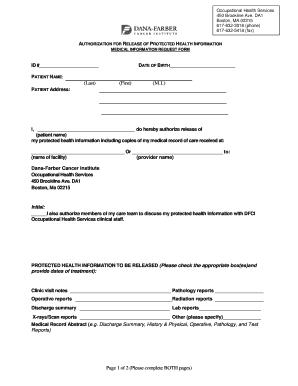
Dana farber medical records
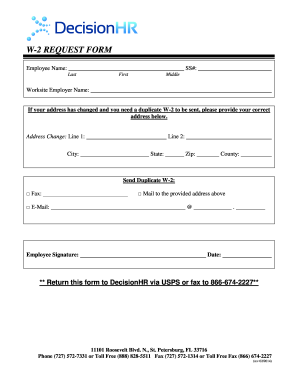
W2request decisionhr com
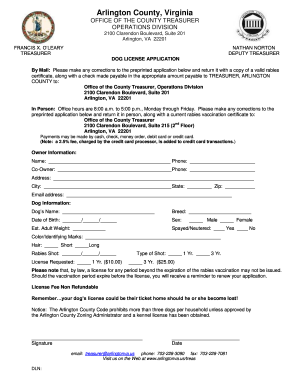
Va arlington dog license application
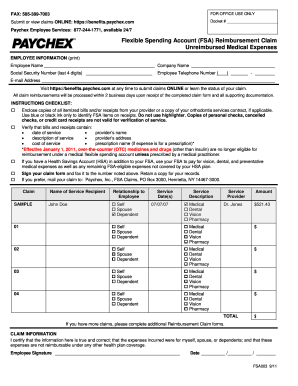
Paychex form fsa003

Paychex new employee form
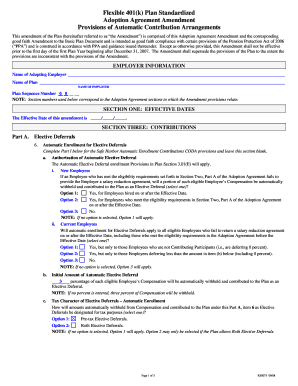
401k plan document templates

Fire incident report sample pdf
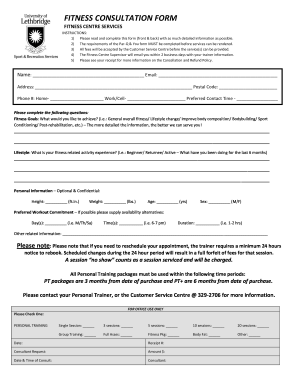
Fitness consultation form
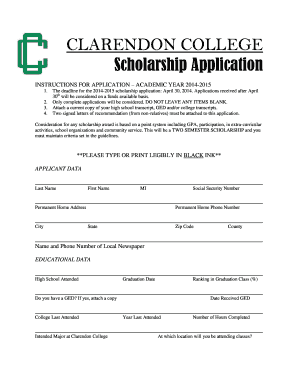
College scholarship application
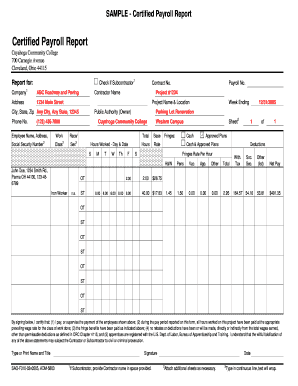
Payroll report sample

Gary finkas

Arizona temporary orders

Sbi challan form pdf
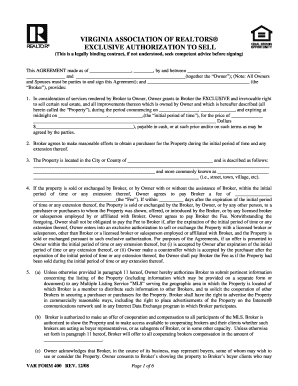
VIRGINIA ASSOCIATION OF REALTORS EXCLUSIVE AUTHORIZATION TO SELL (This is a legally binding contract, if not understood, seek competent advice before signing) This AGREEMENT made as of , , by and between and (together the Owner)
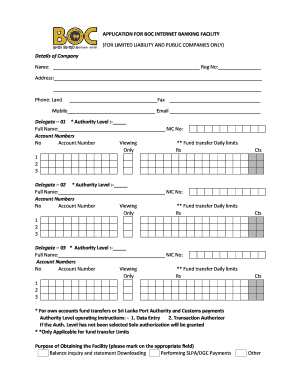
Boc online banking registration
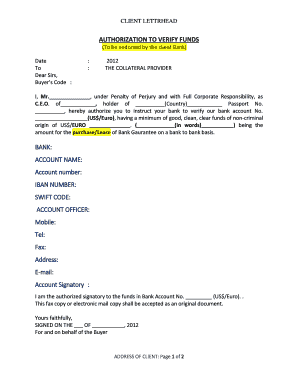
Authorization to verify funds
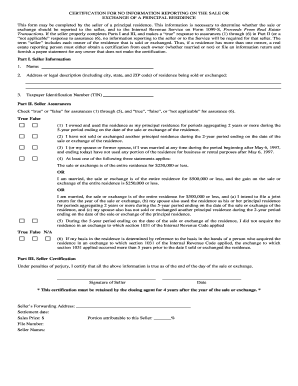
Certification no information reporting
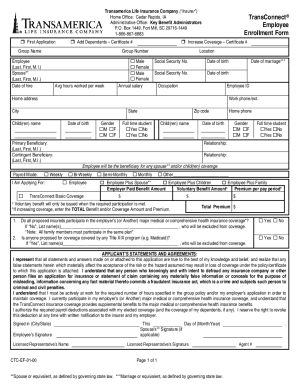
Trans connect life insurance company
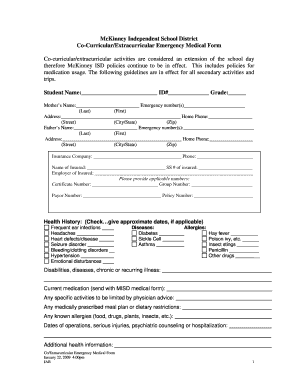
Medical form
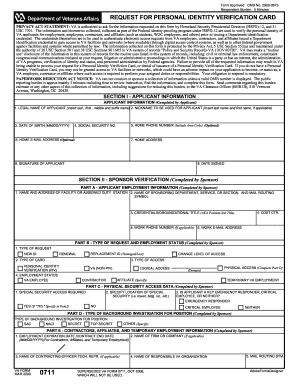
Form 0711
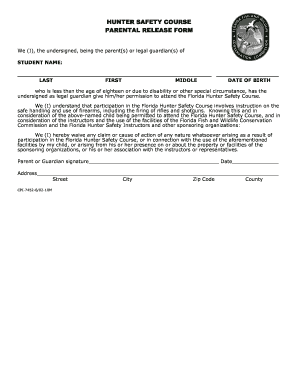
Download the Parental Release Form - Florida Fish and Wildlife ...
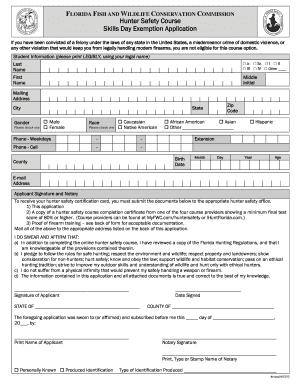
Skills Day Exemption Application - Florida Fish and Wildlife ...
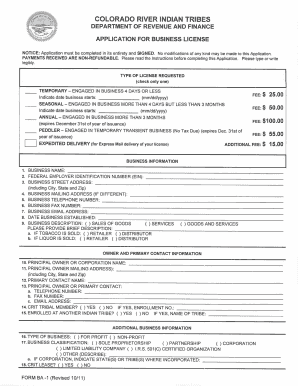
Form ba 1 business online
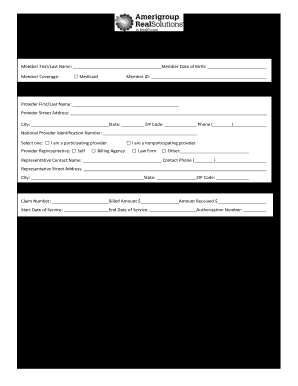
Amerigroup claim form
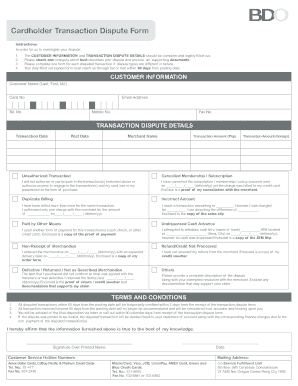
Authorization letter to withdraw money from bdo

Crèche registration forms

Change of Salary form - The Board of Pensions of the Presbyterian ...

Txdmv form1899 2012
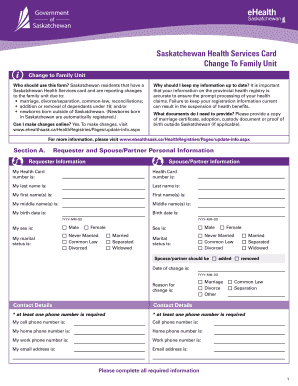
Change family unit sask health
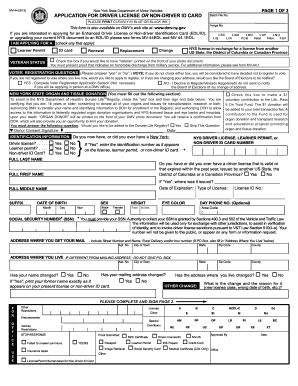
Mv 44 form
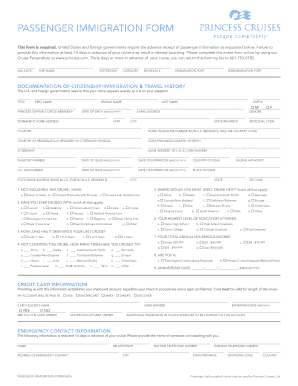
PASSENGER IMMIGRATION FORM - Princess Cruises
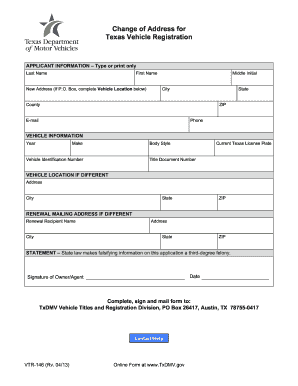
What is title document on form vtr 146
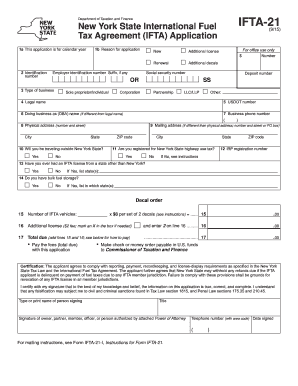
Ifta 21 2013 form
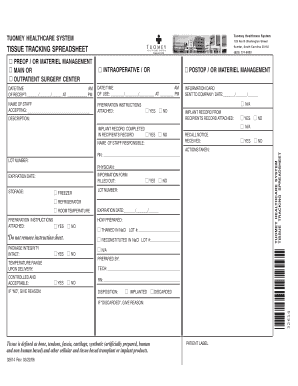
Tissue tracking log template
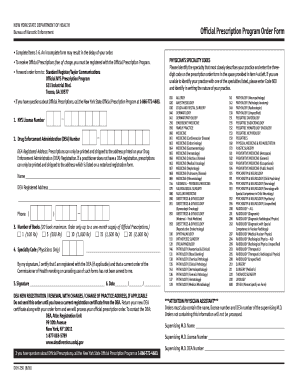
Doh 250 form

Indigo flight ticket pdf download
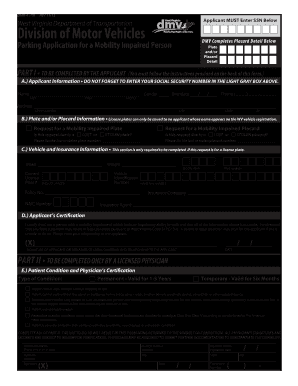
Wv dmv form 41 tr 2013
Asse test
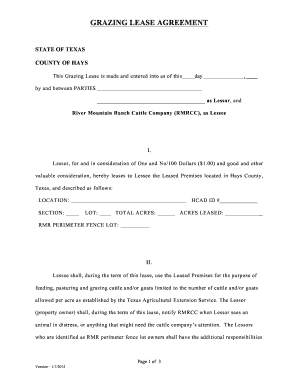
2014 Grazing Lease pdf - River Mountain Ranch

Bb1 forms 2009

Va form 10 7959 2002
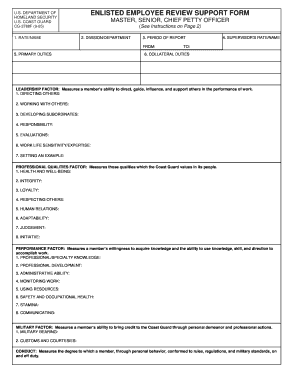
Coast guard marks template

Engineering change proposal template
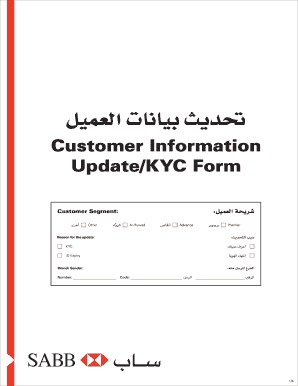
Sabbnet
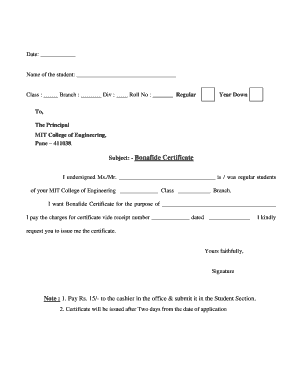
Bonafide certificate download
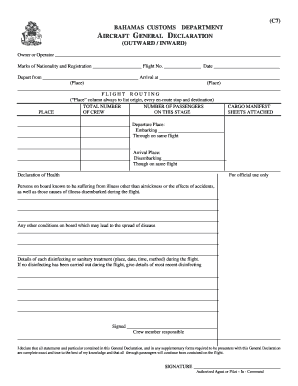
Bahamas c7 form
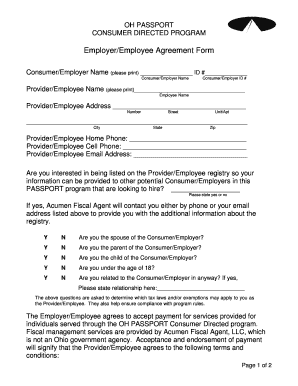
Acumen w2

Personnel action form template word

International money transfer form

Ummc transcript request
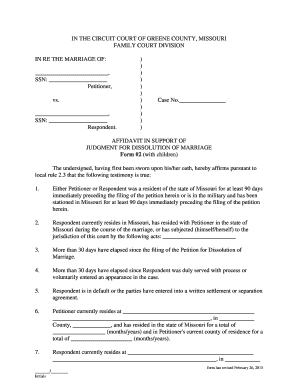
Court affidavit format pdf
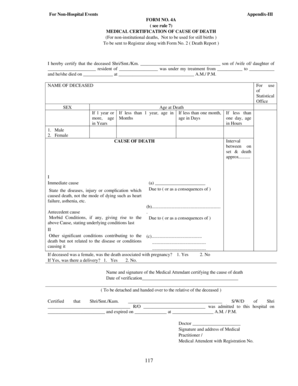
Form 4a

Connecticut divorce complaint form

Position justification form template
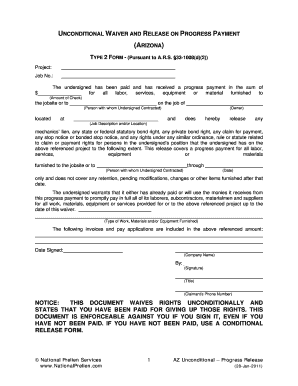
How to fill out an unconditional waiver and release upon final payment

Slps transcripts
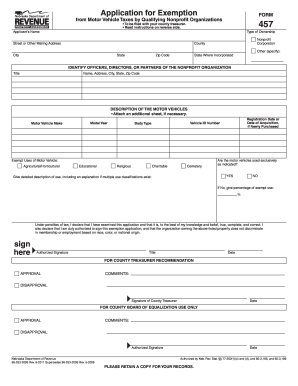
Ne 457 2011 form
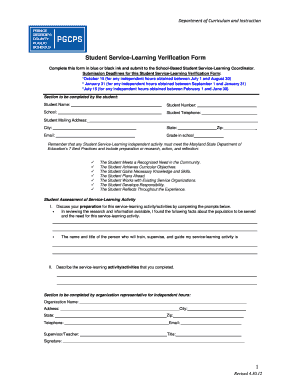
Pgcps community service hours form 2021
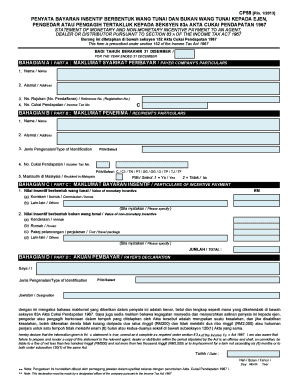
Cp58 sample
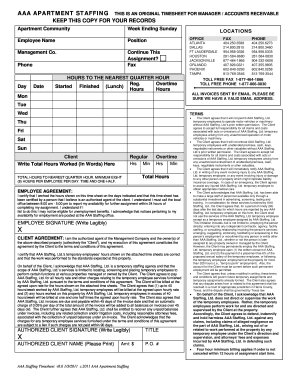
Aaa staffing timesheet

Permission form

Hire dynamics login
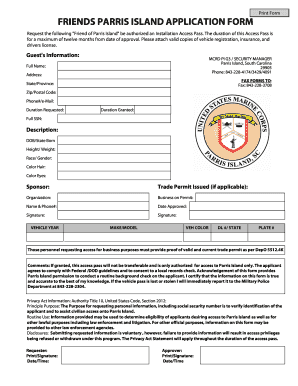
Friends of parris island
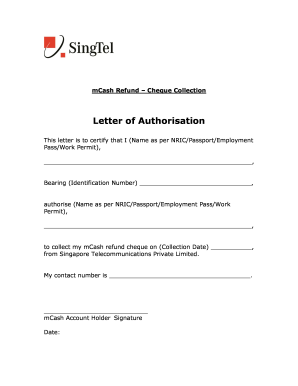
Authorization letter
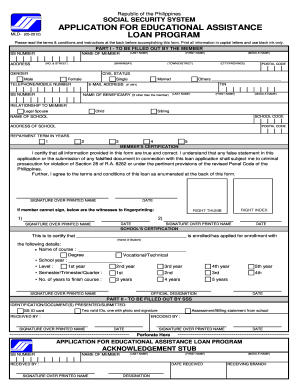
Sss educational loan form
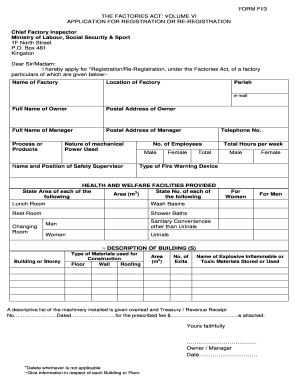
Labour card form pdf
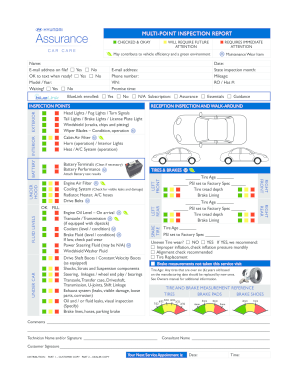
Hyundai multi point inspection
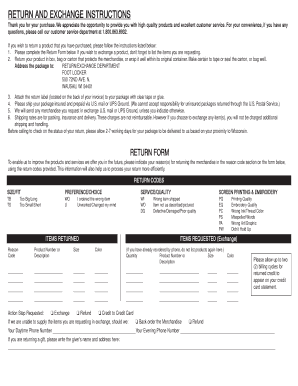
Footlocker returns online
Iata voluntary relinquishment form - iata
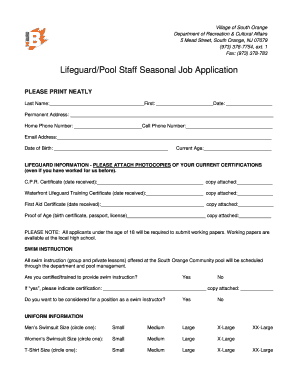
Lifeguard/Pool Staff Seasonal Job Application - The Township of ... - southorange

Night before middle school
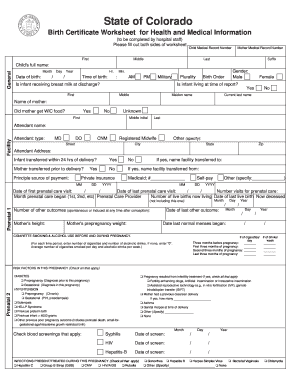
Colorado certificate worksheet

Water loss claim form
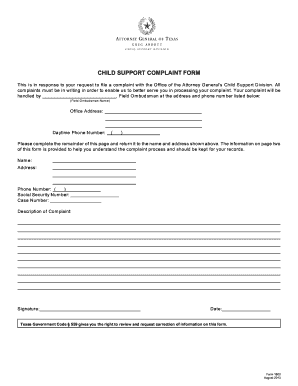
File child support
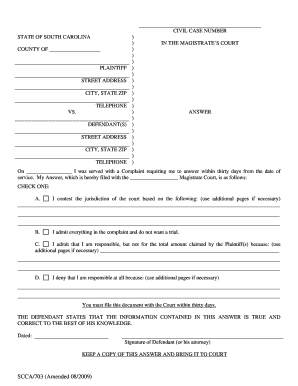
703 magistrates answer form

Youth empowerment registration portal
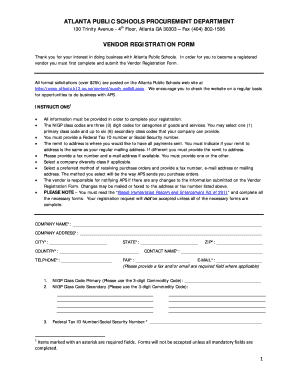
Vendor registration atlanta
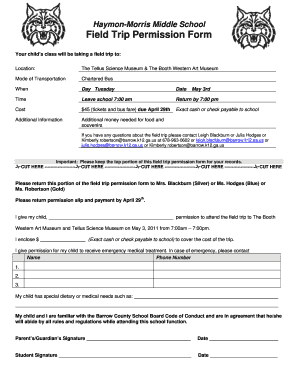
Barrow county field trip permission form
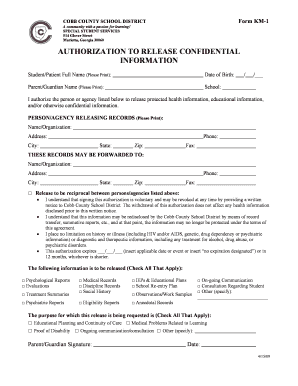
Authorization to Release Confidential Information - Cobb County ... - cobbk12
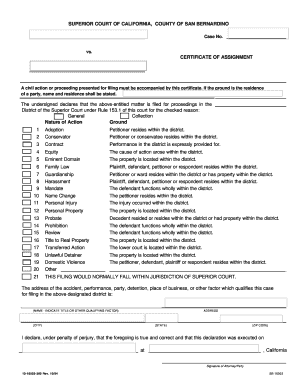
How to fill out certificate of assignment
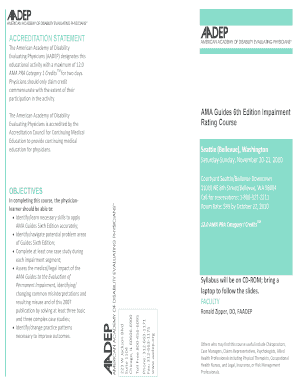
Ama guides 6th edition download
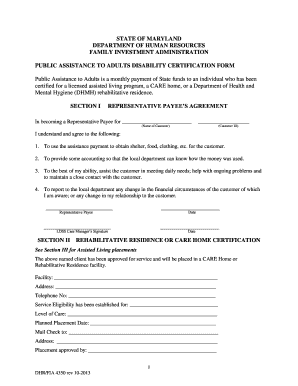
Mydhrbenefits
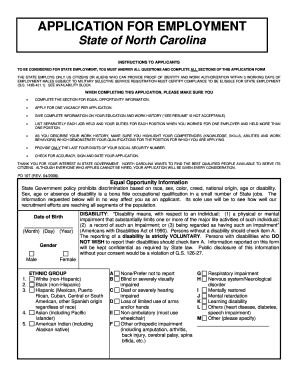
Nc application pd 107 form

Employee self evaluation form
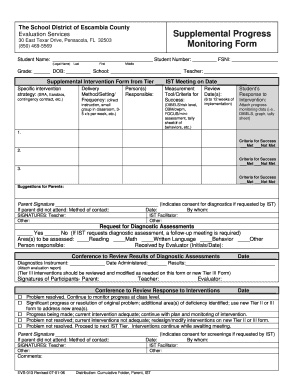
Printable progress monitoring forms
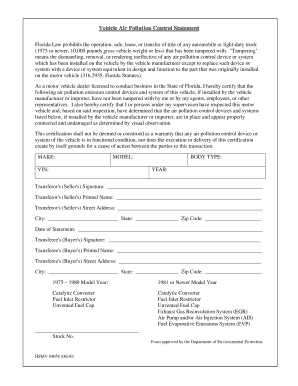
Hsmv 84058
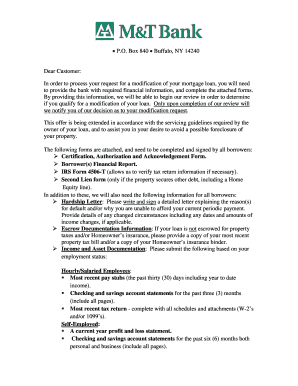
M t foreclosure form
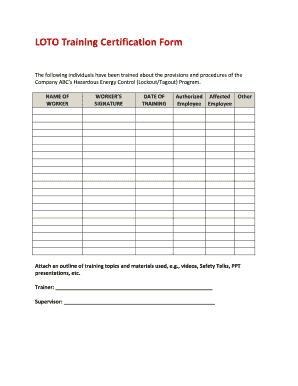
Loto forms

Ae form 190 1ag
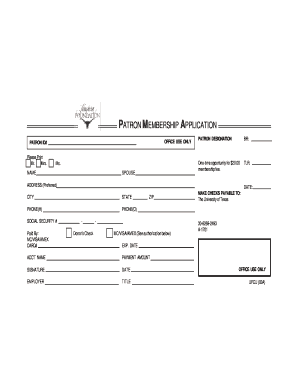
Patron membership application
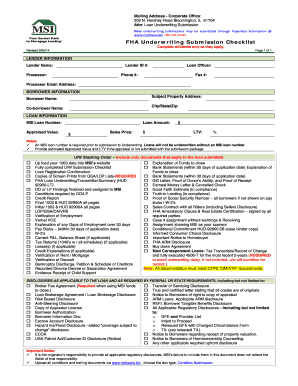
Mortgage underwriting checklist template
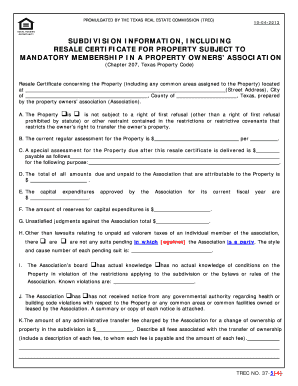
Trec 37 2013 form
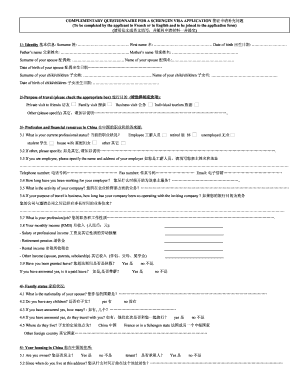
Chengen visa form maltese embassy
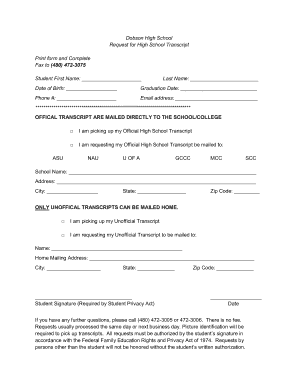
Dobson request transcript

Knights columbus application form
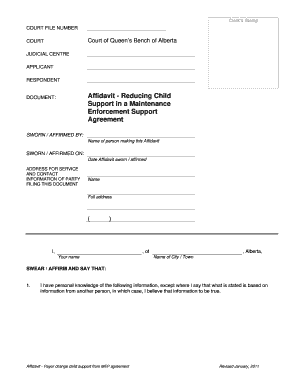
Court of queen's bench alberta forms
Benefit from the DocHub online library of fillable PDF forms
Searching the PDF forms doesn't have to be a tedious and time-consuming process. With the DocHub online library, it has become easier to find the fillable PDF forms and modify them in your browser. The service allows you to adjust the document to your needs using powerful editing tools.
You can use online document editing features to modify almost any type of document with ease. You just need to find the template of your choice, open it in the editor, and use the toolbar to make the necessary corrections.
Follow this guide to get your document done with DocHub:
- Find the PDF template you need.
- Click the Get Form button to open the file in the editor.
- Use the toolbar to fill out and edit the document.
- Easily add and highlight text, insert images, checkmarks, and symbols.
- Drop new fillable fields, and rearrange or delete pages from your file.
- Save changes and download your record.
DocHub empowers everyone to streamline document editing, signing, and distribution, and form completion. Create an account and benefit from our well-organized PDF Forms library and comprehensive editor.