




01. Edit your passenger princess application online
Type text, add images, blackout confidential details, add comments, highlights and more.

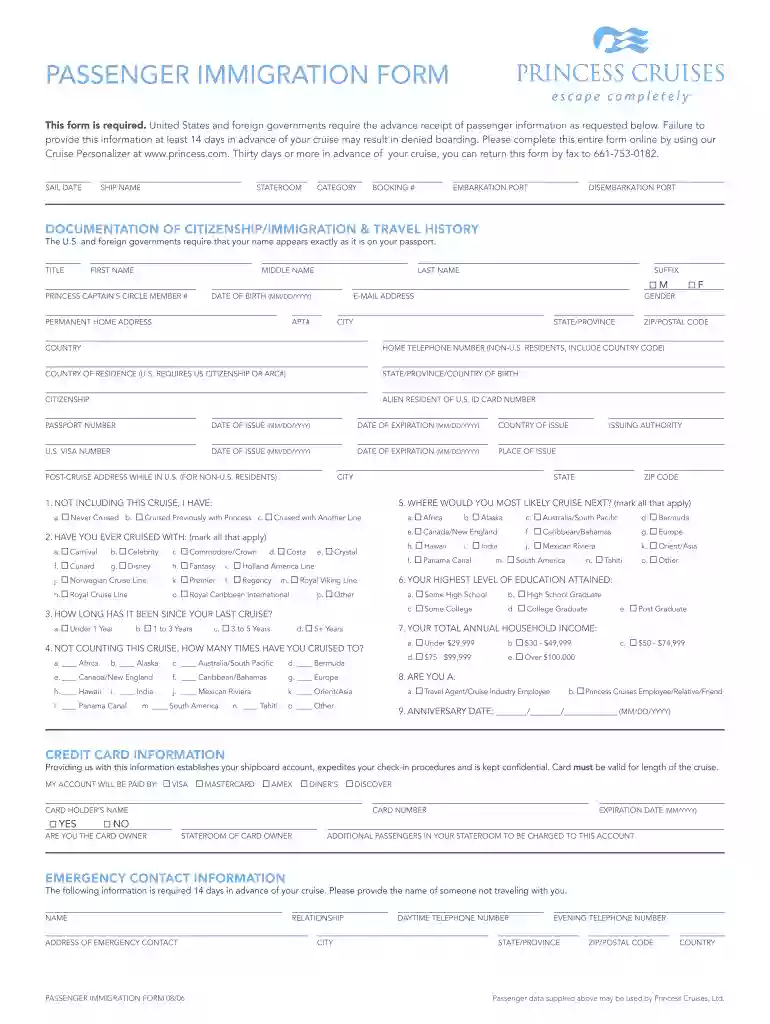
Type text, add images, blackout confidential details, add comments, highlights and more.

Draw your signature, type it, upload its image, or use your mobile device as a signature pad.

Send passenger princess application form via email, link, or fax. You can also download it, export it or print it out.

Start filling out your PASSENGER IMMIGRATION FORM today using our platform for a seamless experience!
We've got more versions of the passenger princess application form. Select the right passenger princess application version from the list and start editing it straight away!
With DocHub, it’s pretty simple. The service offers users an add-on called DocHub for Gmail, which you can find in the Google Workspace Marketplace free of charge. Set it up and give it access to your Google account. Open your email with your passenger princess application pdf attached and click on the add-on button in the right-side panel. Log in to your DocHub account, and import the form to our editor, where you can fill it out and sign.
As a comprehensive document modifying service, DocHub is accessible on smart phones. Open DocHub in your choice of mobile internet browser and use our smart mobile-friendly toolset to complete your passenger princess form.
At DocHub, your data security is our priority. We follow HIPAA, SOC2, GDPR, and other standards, so you can work on your documents with confidence.
Mar 31, 2020 Princess Cruise Lines, Ltd., 32 Cal. App. 5th 206, 223 (2019) (affirming dismissal of action brought by a passenger who was injured on a.Read more
If you are not a U.S. citizen or an LPR, you will need a passport and/or the appropriate documentation based on the status you are seeking in the United StatesRead more


