




01. Edit your city of atlanta vendor registration online
Type text, add images, blackout confidential details, add comments, highlights and more.

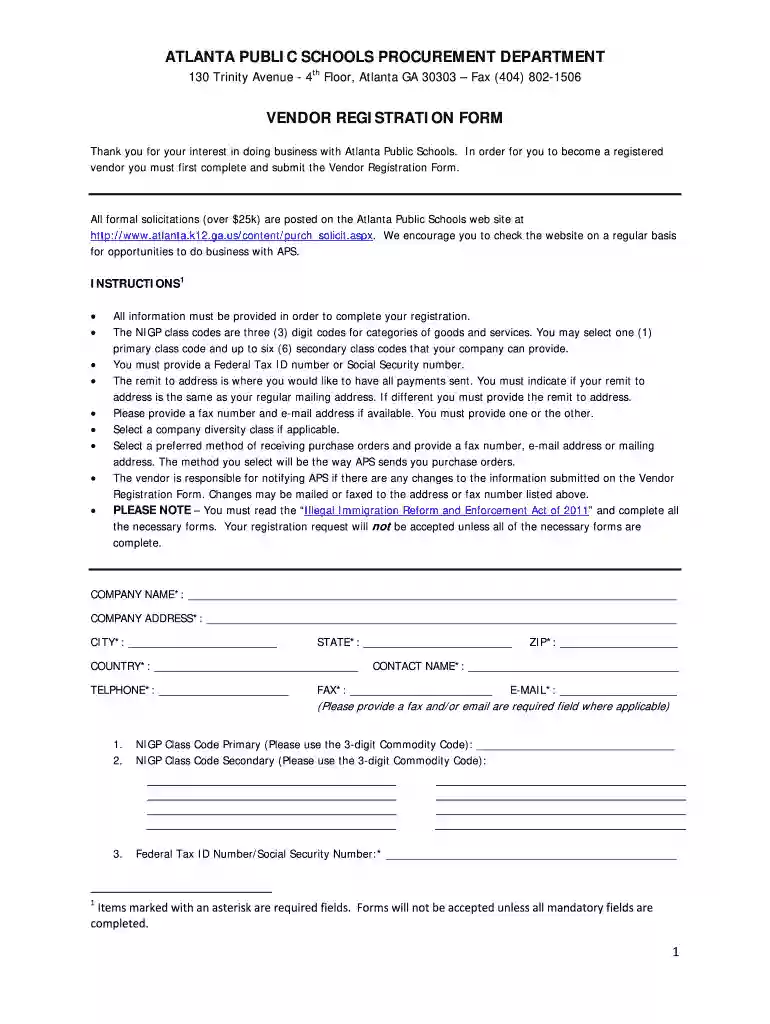
Type text, add images, blackout confidential details, add comments, highlights and more.

Draw your signature, type it, upload its image, or use your mobile device as a signature pad.

Send vendor registration atlanta via email, link, or fax. You can also download it, export it or print it out.

Start filling out your Vendor Registration Form today for free using our platform!
At DocHub, your data security is our priority. We follow HIPAA, SOC2, GDPR, and other standards, so you can work on your documents with confidence.
Nov 5, 2024 A new trade, service, individual, or consultant vendor may be set up upon submission and approval of a Georgia Tech Supplier Registration Portal.Read more
Chargeback Management includes vendors that help businesses manage and prevent chargebacks, including dispute resolution and fraud prevention. Key Benefits.Read more
You should only register as a vendor if you have a business relationship with Fulton County Government (e.g., being awarded a contract, purchase order, etc.).Read more


