
Get any PDF form from the DocHub library of ready-made templates - Page 18
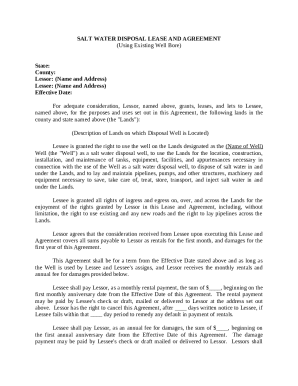
Salt Water Disposal Lease Agreement
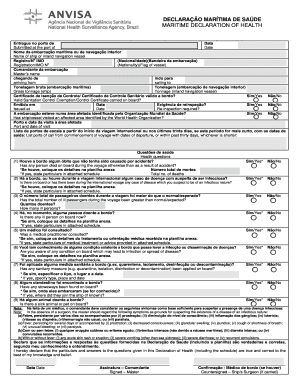
Maritime Declaration of Health
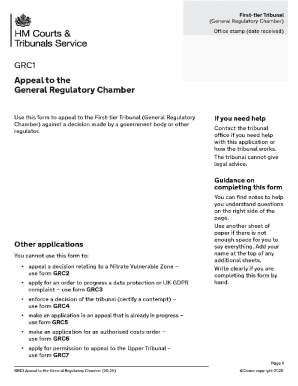
GRC1 Appeal to the General Regulatory Chamber

IRS Form SS-4 Application

Florida Health Care Surrogate Designation

Child Care Vehicle Inspection Form
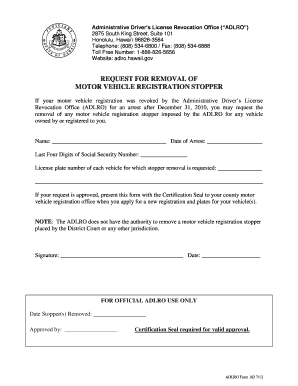
Hawaii Motor Vehicle Registration Stopper Removal Request
Liberia Birth Certificate Form

VicRoads Consent to Release Information Form
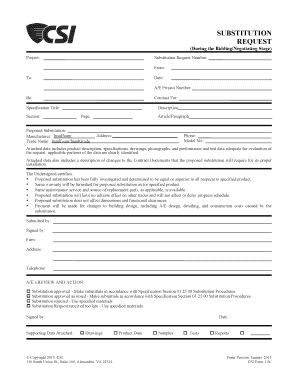
Substitution Request Form
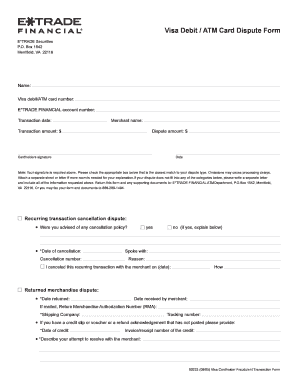
Visa Debit ATM Card Dispute Form

Patient Pre-Registration Form

Texas Residential Property Declaration Form T-47 1
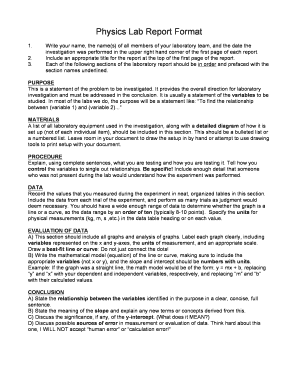
Physics Lab Report Format

USDF Horse Registration Form
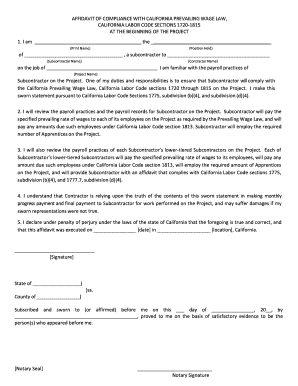
Affidavit of Compliance with California Prevailing Wage Law

VFW Auxiliary Trustees Report of Audit
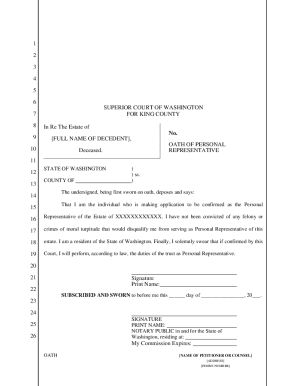
Oath of Personal Representative
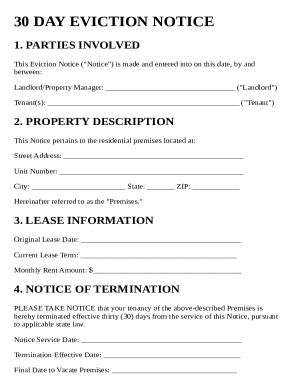
30 Day Eviction Notice Template

British Columbia Residential Purchase Agreement
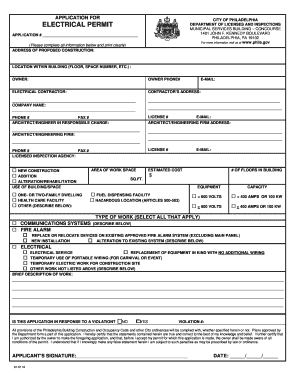
City of Philadelphia Electrical Permit Application

Turkmenistan Visa Application Form

Wyoming Motion for Continuance

Manulife Registered Investment Transfer Form

CDPHP Member Appeal Form

US Coast Guard Administrative Remarks Form

US Small Business Administration Personal Financial Statement

M-CHAT Autism Screening Form
Residential Purchase Contract
Mississippi Warranty Deed
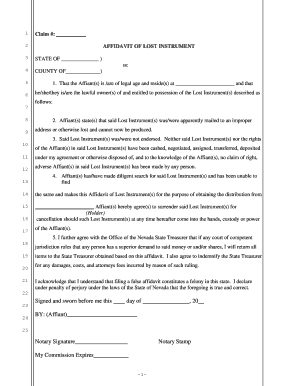
Affidavit of Lost Instrument

HUD Disability Verification Form
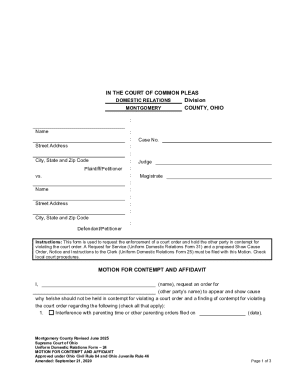
Motion for Contempt and Affidavit
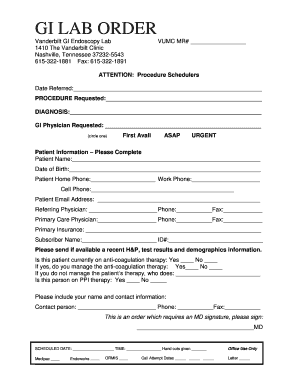
Vanderbilt GI Endoscopy Lab Order Form

Texas Electrician Experience Verification Form

Sexual Addiction Screening Test Form
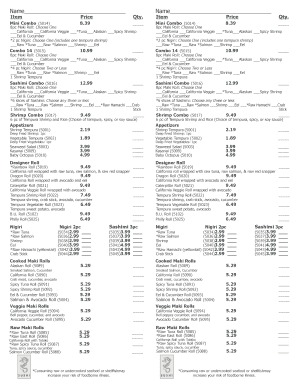
Sushi Order Form
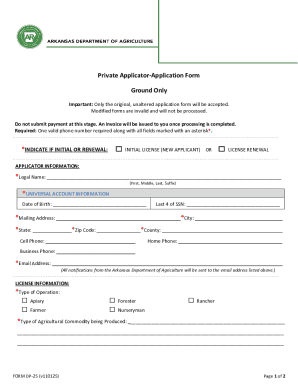
Arkansas Private Applicator Application Form
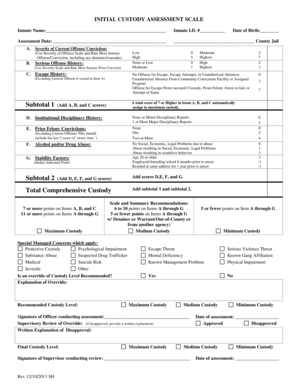
Inmate Custody Assessment Form
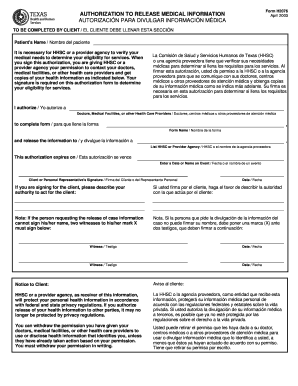
Authorization to Release Medical Information Form H2076
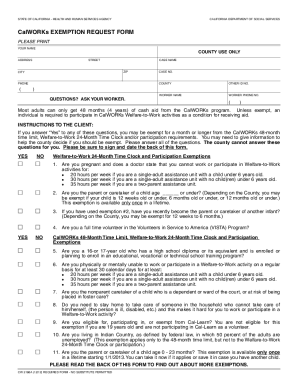
California CalWORKs Exemption Request Form
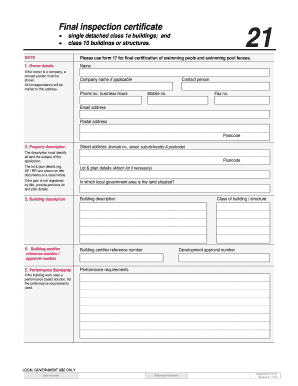
Final Inspection Certificate Form 21

8-Ball Score Sheet

Parkwood Homeowners Association Complaint Form
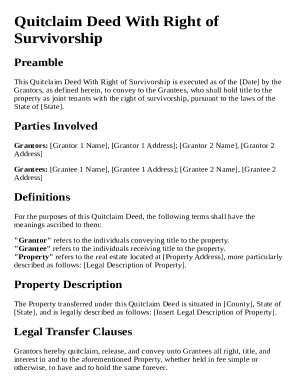
Quitclaim Deed With Right of Survivorship Template
Bank Deposit Receipt
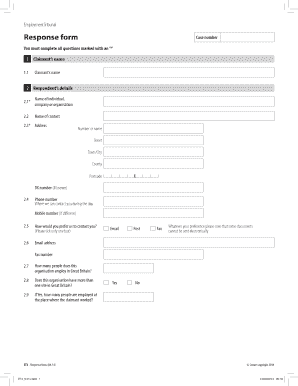
Employment Tribunal Response Form

Alabama Answer Waiver and Agreement for Taking of Testimony

Form 2583 choices information transmittal
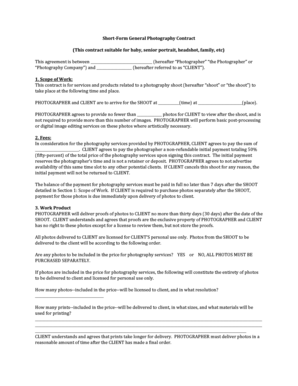
General Photography Contract
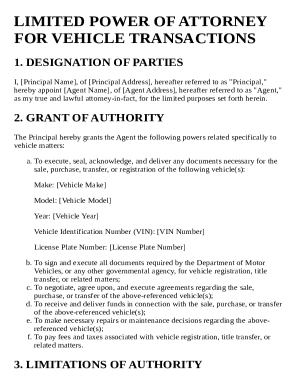
Limited Power of Attorney Vehicle Template
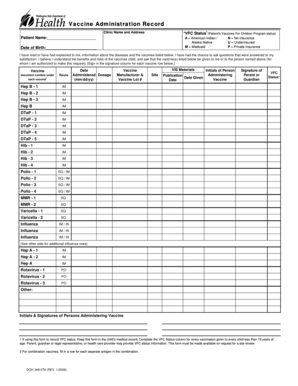
Vaccine Administration Record
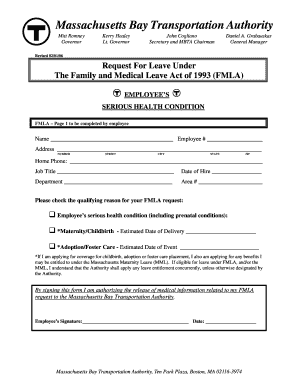
Massachusetts FMLA Leave Request Form

MRI Patient Screening Form

Virginia TANF Direct Deposit Authorization

Room Condition Inventory Form
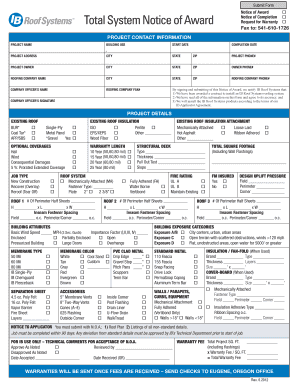
IB Roof Systems Notice of Award
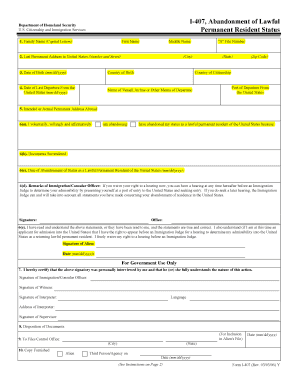
USCIS Form I-407 Abandonment of Permanent Resident Status

Optometrist Referral Form
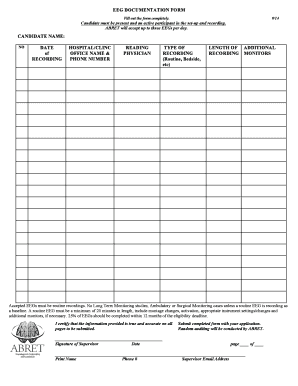
EEG Documentation Form

Exhibit List Trial Form
USPS Change of Address Form

USCIS Form I-589 Asylum Application
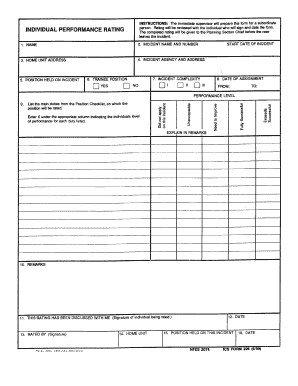
Ics form 226

Prescription Mattress Form
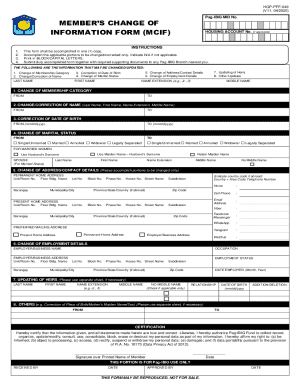
Pag-IBIG Member s Change of Information Form (MCIF)
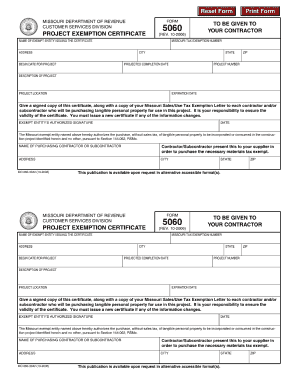
Mo form 5060 fillable
PPTC 054 E : Adult Simplified Renewal Passport Application for Eligible Canadians Applying in Canada
National Rural Youth Service Corps Application Form
Request for a Business Number and Certain Program Accounts
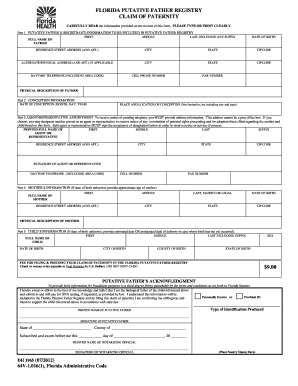
Florida Putative Father Registry Claim of Paternity
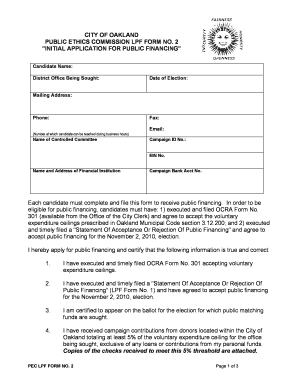
Oakland Public Financing Initial Application

Nebraska Pharmacy Technician Registration Application

Student Emergency Grant Application
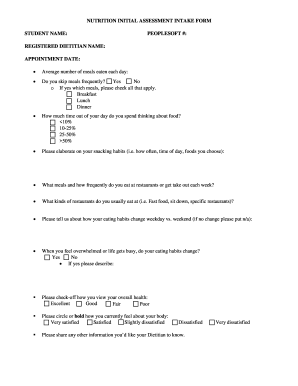
Nutrition Initial Assessment Intake Form
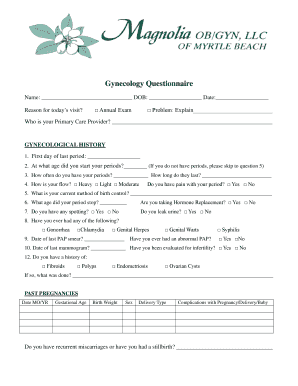
Gynecology Questionnaire
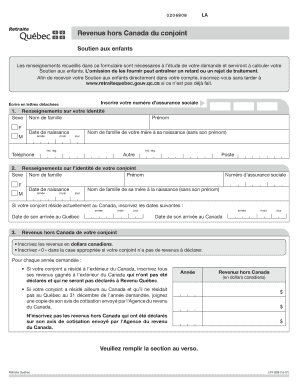
Formulaire de soutien aux enfants LPF-808
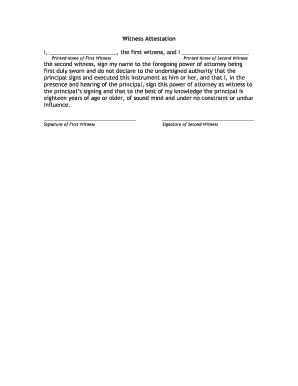
Witness Attestation Form
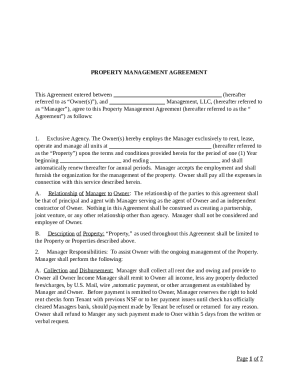
Property Management Agreement
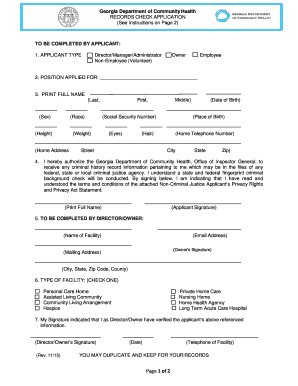
Georgia Records Check Application
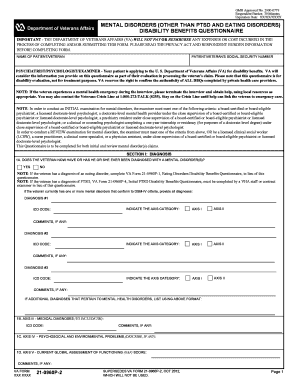
VA Form 21-0960P-2 Disability Benefits Questionnaire
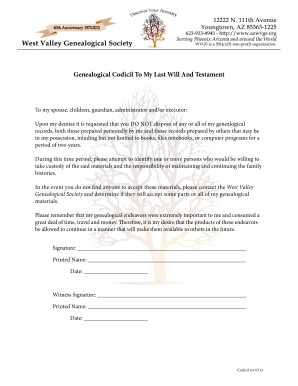
Genealogical Codicil to Last Will

Nevada Nursing Name Change Form

Florida Delinquent Renewal Application
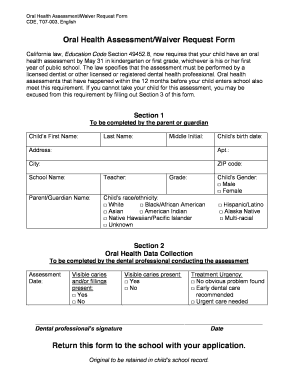
Oral Health Assessment Waiver Request Form
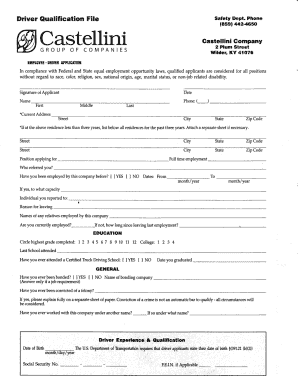
Driver Qualification File

Texas Standardized Credentialing Application

Ontario Form 12: Notice of Withdrawal

FSRA Complaint Form

UK PSC01 Form

US Form 8802 Residency Certification
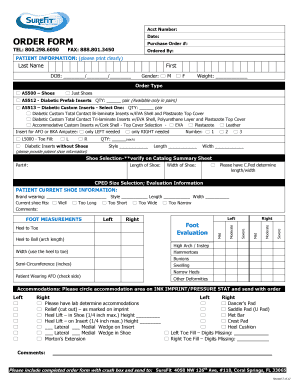
Diabetic Shoe Order Form

Hazardous Waste Storage Weekly Inspection Checklist
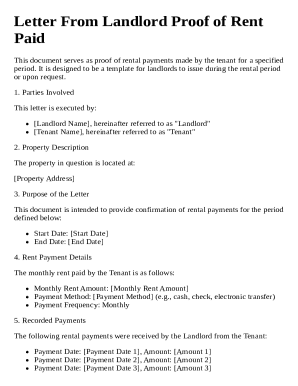
Letter From Landlord Proof of Rent Paid Template

Indianapolis Fire Department Self Inspection Form

Unaccompanied Housing Inspection Checklist
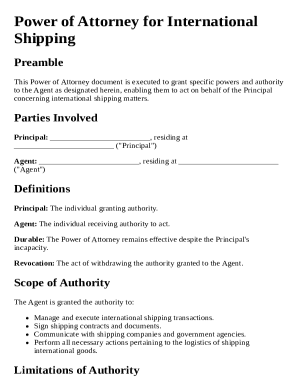
Power of Attorney for International Shipping Template
Bangladesh No Visa Required Application Form

Anodyne Shoes Return Form
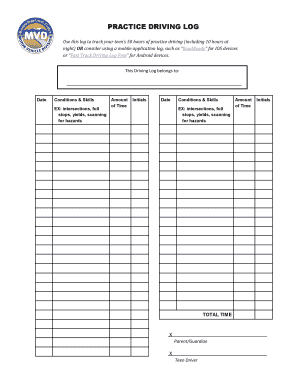
Practice Driving Log
Benefit from the DocHub online library of fillable PDF forms
Searching the PDF forms doesn't have to be a tedious and time-consuming process. With the DocHub online library, it has become easier to find the fillable PDF forms and modify them in your browser. The service allows you to adjust the document to your needs using powerful editing tools.
You can use online document editing features to modify almost any type of document with ease. You just need to find the template of your choice, open it in the editor, and use the toolbar to make the necessary corrections.
Follow this guide to get your document done with DocHub:
- Find the PDF template you need.
- Click the Get Form button to open the file in the editor.
- Use the toolbar to fill out and edit the document.
- Easily add and highlight text, insert images, checkmarks, and symbols.
- Drop new fillable fields, and rearrange or delete pages from your file.
- Save changes and download your record.
DocHub empowers everyone to streamline document editing, signing, and distribution, and form completion. Create an account and benefit from our well-organized PDF Forms library and comprehensive editor.