
Get any PDF form from the DocHub library of ready-made templates - Page 20

DOT F 1050-8 Individual Complaint of Employment Discrimination
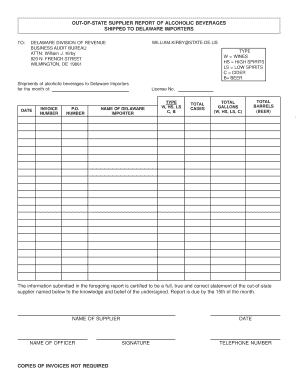
Out-of-State Supplier Report of Alcoholic Beverages

Gastroenterology Prescription Form
Texas Request for Process

Alberta Authorization for Government Vehicle Services

Tennessee Jury Summons and Qualification Form

Notice of Cancellation for Variable Life Insurance

Navcomp Form 2193 Reimbursable Orders
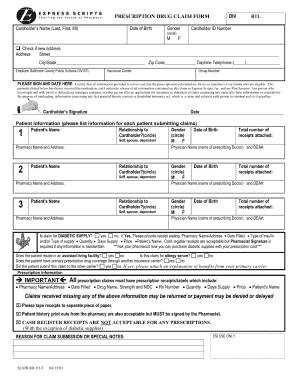
Express scripts fillable form
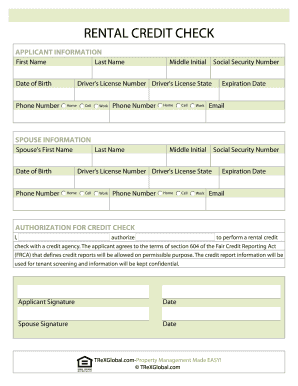
Rental Credit Check Form
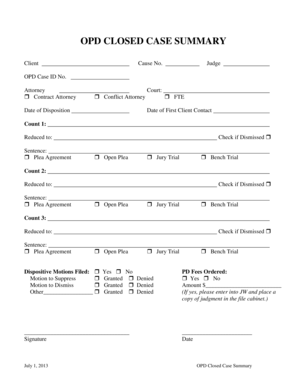
OPD Closed Case Summary

Closing Disclosure Explainer

Norwegian Tax Deduction Card Application

Electronic Transmission Authorization and Consent Form

Domestic Violence Safety Plan

General Homestead Exemption Application

Rental Unit Condition Report
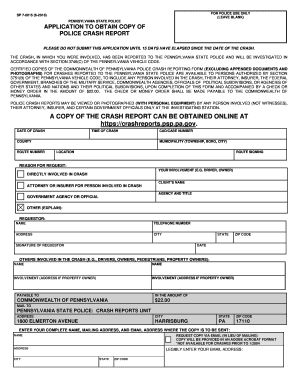
Pennsylvania Police Crash Report Application

Dissection Vocabulary Worksheet
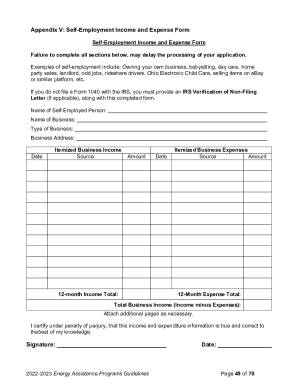
Self-Employment Income and Expense Form

Arizona Family Court Sensitive Data Sheet
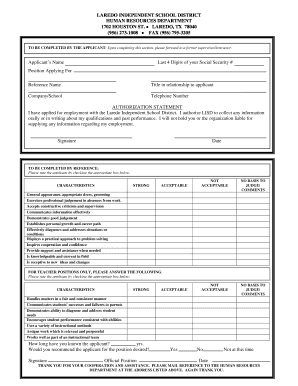
Laredo ISD Employment Reference Form

Ontario Support Filing Form

Contractor s Final Payment Affidavit
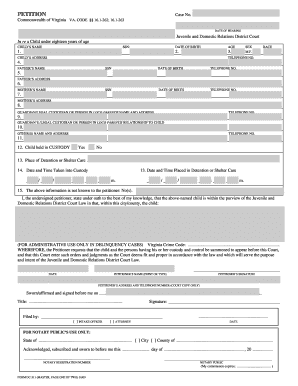
Virginia Juvenile Petition Form DC-511
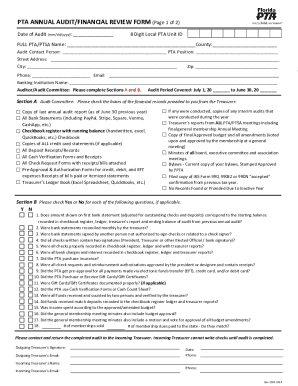
Florida PTA Annual Audit Form

Arizona Complaint Form

Illinois Disability Parking Placard Replacement Application

Nevada Notary Public Application
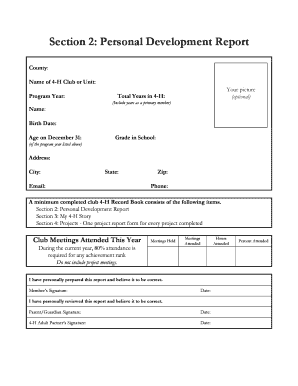
4-H Personal Development Report

Event Rental Application Form
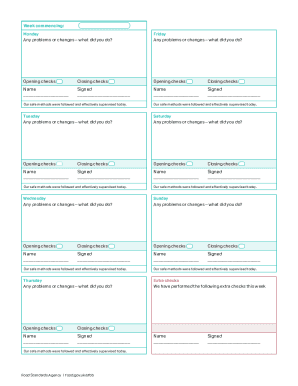
Food Standards Agency Weekly Checklist
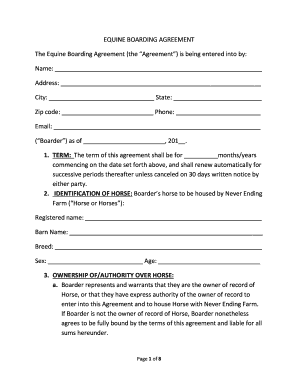
Equine Boarding Agreement

SOAR Checklist for Initial Claims

GEPF External Transfer Form
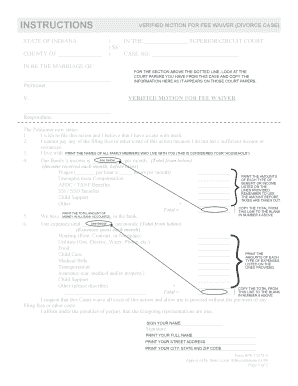
Indiana Verified Motion for Fee Waiver
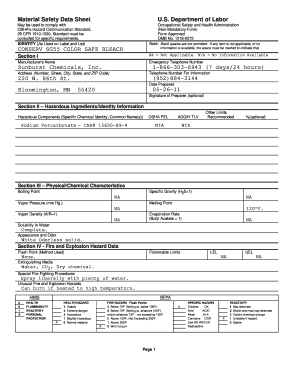
Material Safety Data Sheet
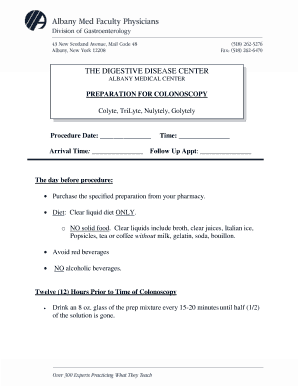
Colonoscopy Patient Instructions
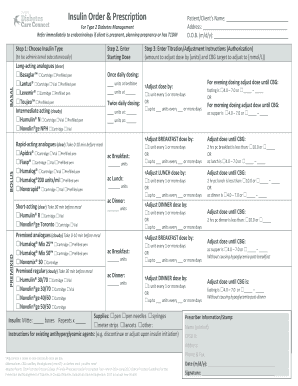
Insulin Prescription Form
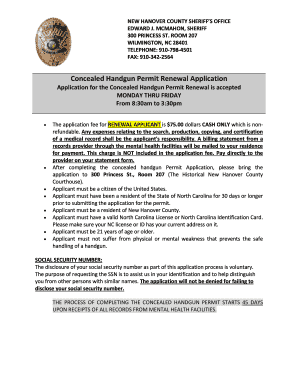
North Carolina Concealed Handgun Permit Renewal Application

Kenya MOH 706 Laboratory Services Summary

Punjab Police Complaint Form
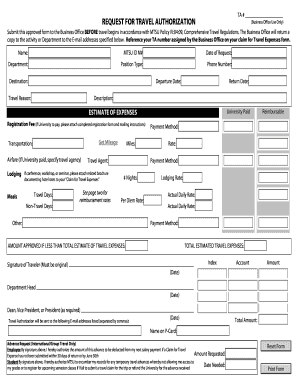
Travel Authorization Form

Ohio Residential Property Disclosure Form

Wedding Ceremony Options Template
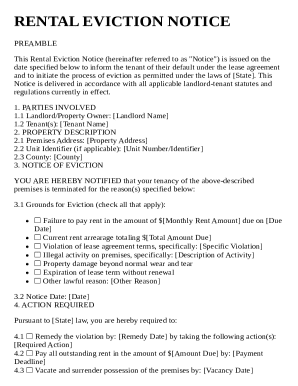
Rental Eviction Notice Template

North Carolina Employee s Withholding Allowance Certificate

Duke University Independent Contractor Checklist

Lambeth Primary iCAF Form

Pregnancy Risk Assessment Form
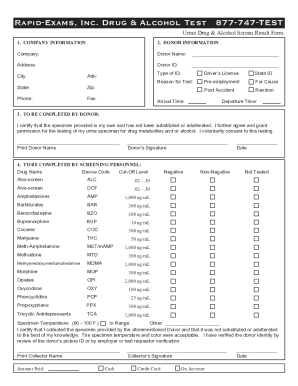
Drug and Alcohol Test Result Form

TalkTalk Direct Debit Instruction Form
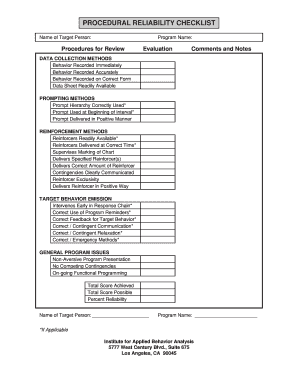
Behavioral Program Reliability Checklist

Model Euthanasia Authorization Form

UK Statutory Sick Pay Form

Citizens 4-Point Inspection Form

Notice of Termination of Lease
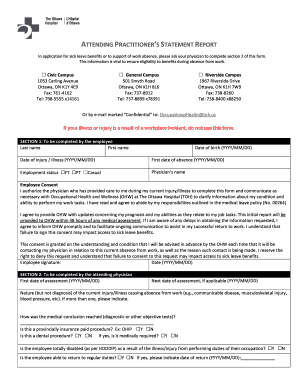
Attending Practitioner s Statement Report
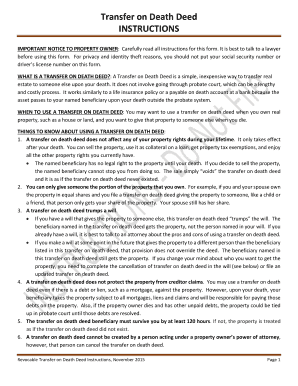
Transfer on Death Deed

Loss Mitigation Application Form
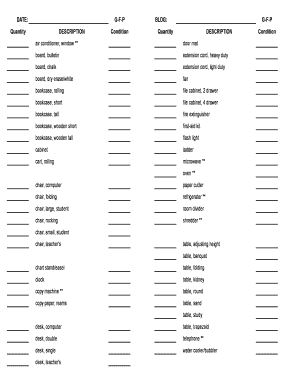
Inventory List Form
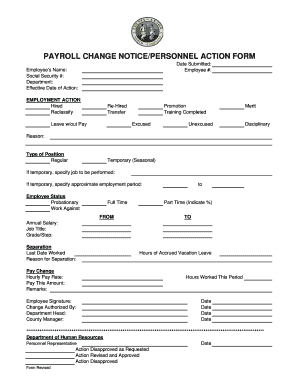
Payroll Change Notice Form
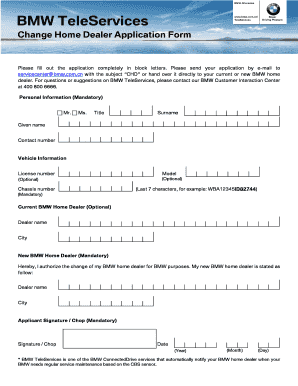
BMW Dealer Application Form
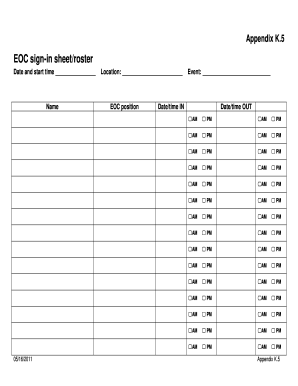
EOC Sign-In Sheet Roster

Minnesota Vehicle Title Registration Application

Affidavit of Fraud and Forgery
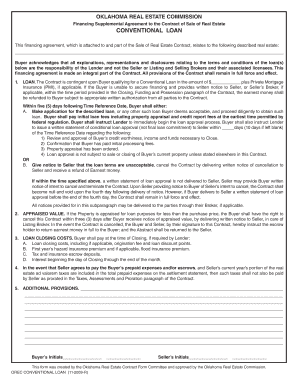
Oklahoma Real Estate Commission Conventional Loan Agreement

Broward County Student Registration Form

UK AP01 Appointment of Director Form
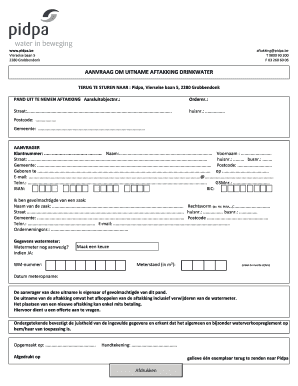
Aanvraag om uitname aftakking drinkwater

Permission to Metal Detect on Private Property
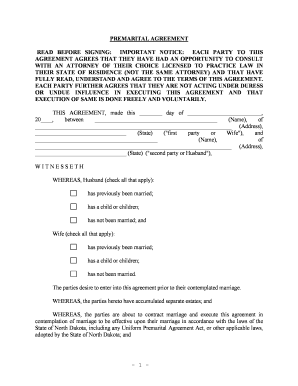
Premarital Agreement
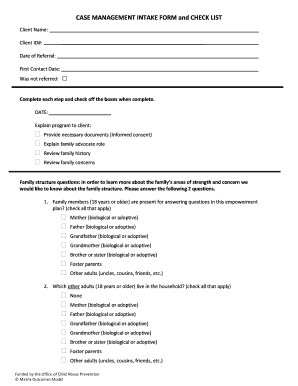
Case Management Intake Form and Checklist
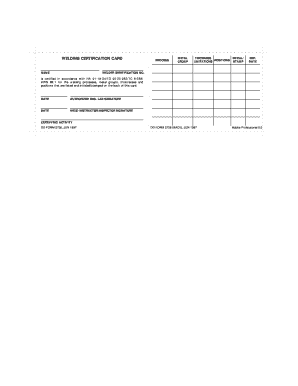
Welding Certification Card

Expresslink Automatic Debit Arrangement Form
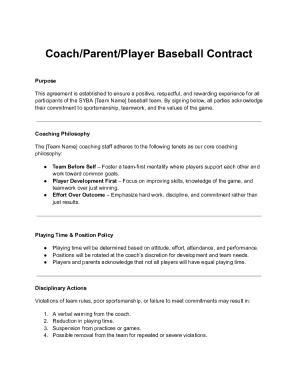
Baseball Team Contract
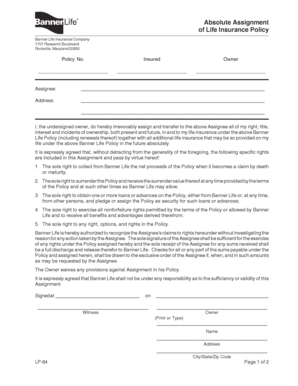
Absolute Assignment of Life Insurance Policy
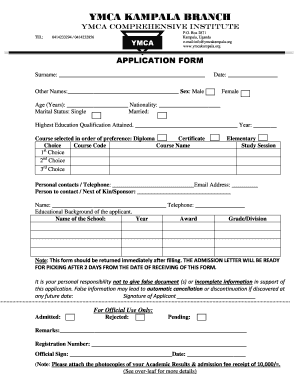
YMCA Kampala Application Form
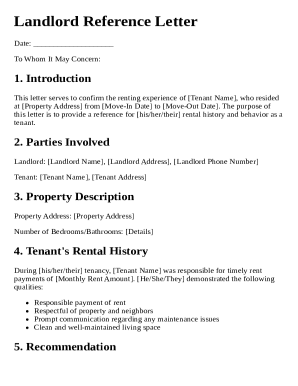
Landlord Reference Letter Template
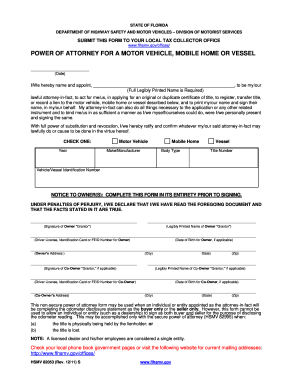
Florida Power of Attorney for Motor Vehicle

Form 911 Request for Taxpayer Advocate Service Assistance

D claration de revenus et de prestations
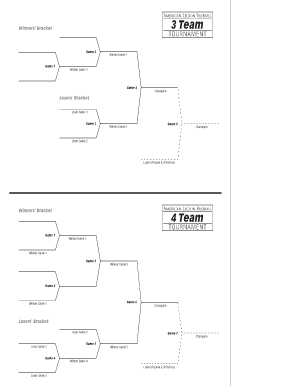
American Legion Baseball Tournament Bracket

Formulario I-9
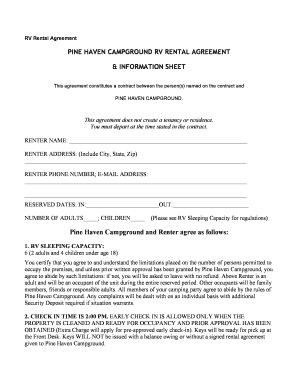
RV Rental Agreement

Ryanair Fit to Fly Form

Sponsorship Evaluation Form IMM 5481

Minnesota Seller s Disclosure Alternatives
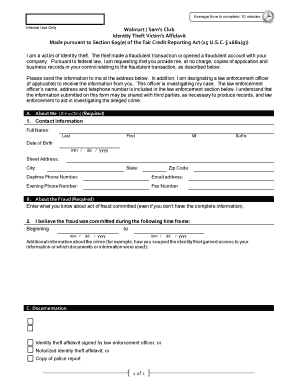
Walmart Identity Theft Victim's Affidavit
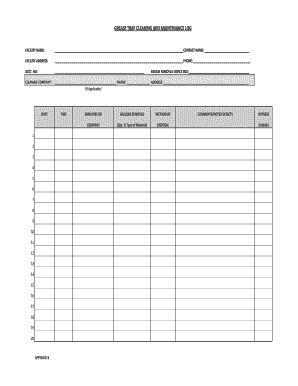
Grease Trap Cleaning and Maintenance Log
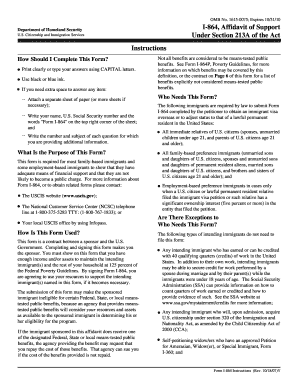
USCIS Form I-864 Affidavit of Support
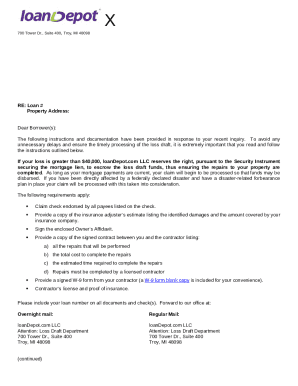
LoanDepot Loss Draft Claim Form
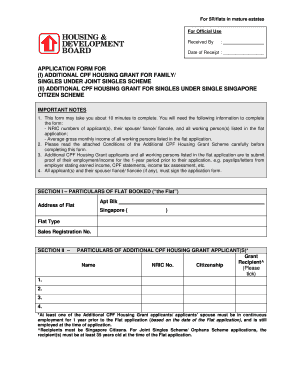
Singapore CPF Housing Grant Application Form
TA6 Property Information Form
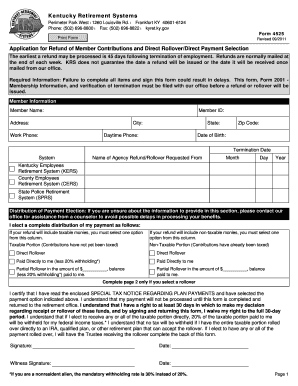
Kentucky Retirement Systems Special Tax Notice
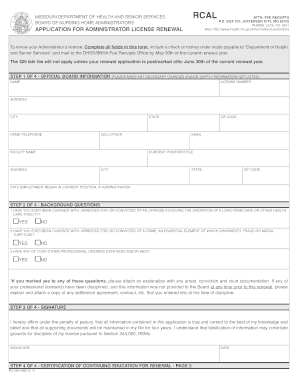
Missouri Administrator License Renewal Form
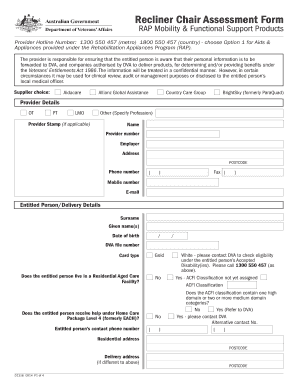
Recliner Chair Assessment Form
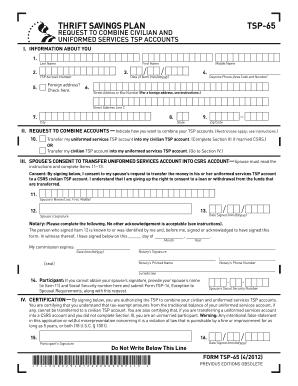
TSP-65 Form Request to Combine Accounts

Alternative Vaccine Schedule Form
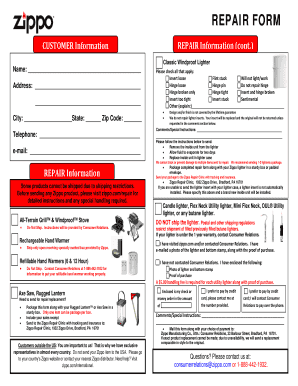
Zippo Repair Form
Benefit from the DocHub online library of fillable PDF forms
Searching the PDF forms doesn't have to be a tedious and time-consuming process. With the DocHub online library, it has become easier to find the fillable PDF forms and modify them in your browser. The service allows you to adjust the document to your needs using powerful editing tools.
You can use online document editing features to modify almost any type of document with ease. You just need to find the template of your choice, open it in the editor, and use the toolbar to make the necessary corrections.
Follow this guide to get your document done with DocHub:
- Find the PDF template you need.
- Click the Get Form button to open the file in the editor.
- Use the toolbar to fill out and edit the document.
- Easily add and highlight text, insert images, checkmarks, and symbols.
- Drop new fillable fields, and rearrange or delete pages from your file.
- Save changes and download your record.
DocHub empowers everyone to streamline document editing, signing, and distribution, and form completion. Create an account and benefit from our well-organized PDF Forms library and comprehensive editor.