
Get any PDF form from the DocHub library of ready-made templates - Page 1121
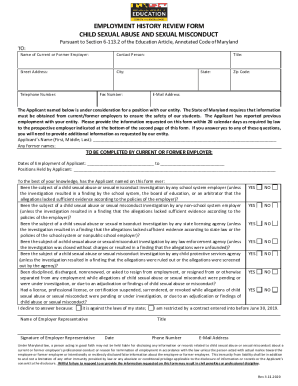
Employment history forms child sexual abuse
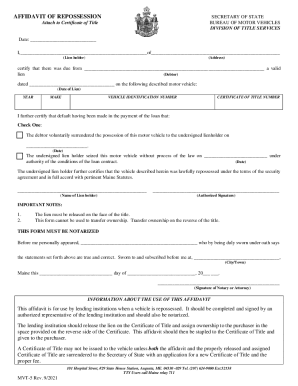
Repo paperwork
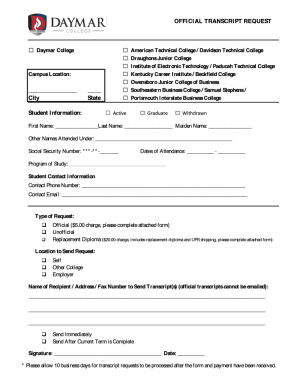
Daymar college transcripts

Income and assets sa369

Nalc request for informal a meeting National Association
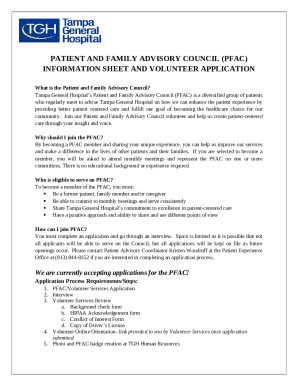
Patient and Family Advisory Council (PFAC) Application
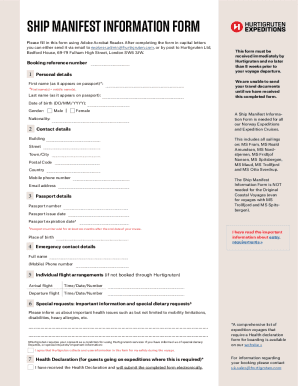
Ship manifest information form
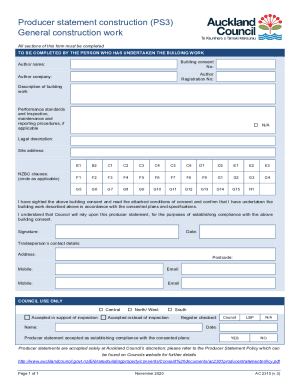
Producer statement construction ps3
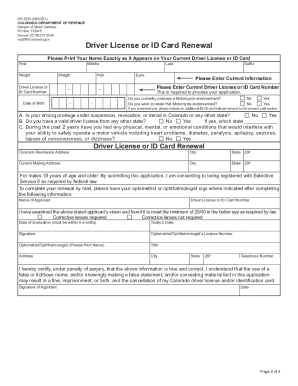
Colorado dor driver renewal
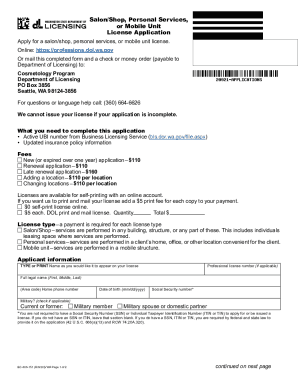
Salon shop license

Gpcl form
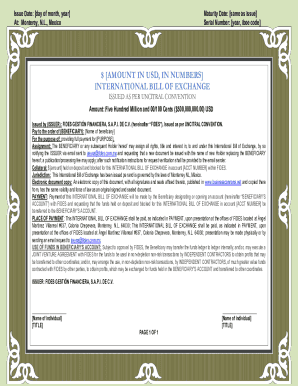
$ AMOUNT IN USD, IN NUMBERS INTERNATIONAL BILL OF EXCHANGE
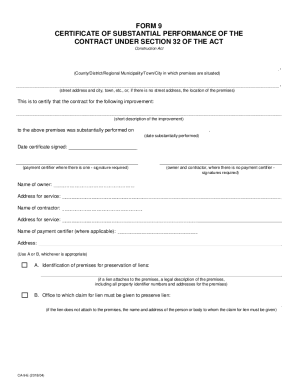
Form 9 substantial completion
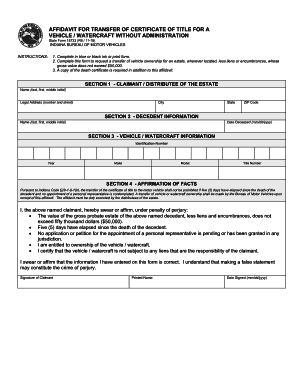
State form 18733
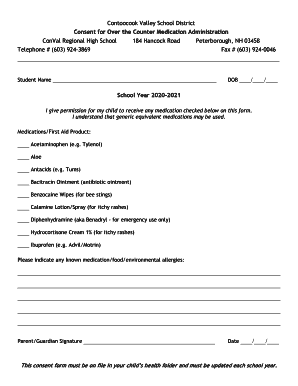
OTC Medication Administration Consent Form 2020-2021

Care health insurance neft form
NATIONAL HEALTH FUND EDUCARE GRANT PROGRAMME APPLICATION FORM
Pinellas county quit claim deed
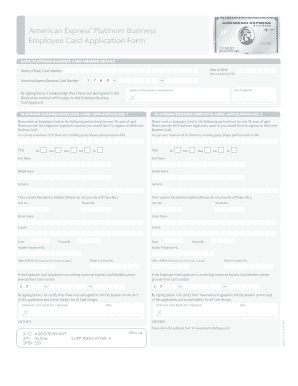
Australia supplementary application
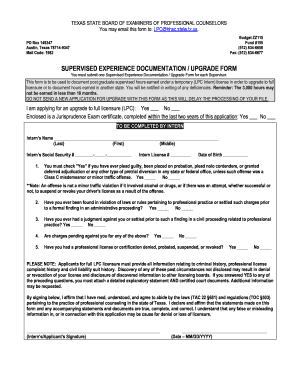
LPC- #F75-10963 Supervised Experience Documentation Form
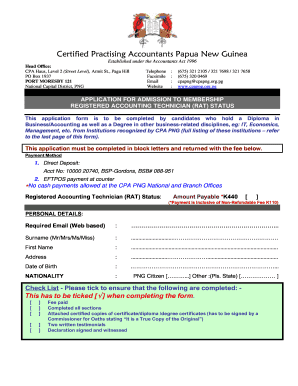
Cpa png application form 2022 pdf
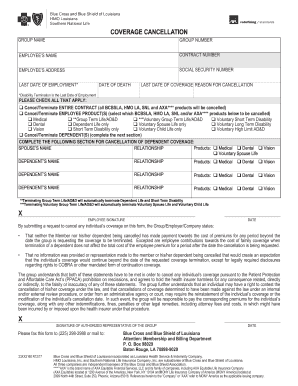
Blue cross blue shield cancellation form
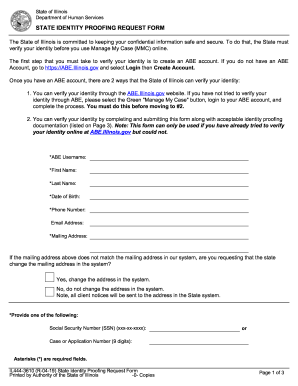
State identity proofing request form - DHS
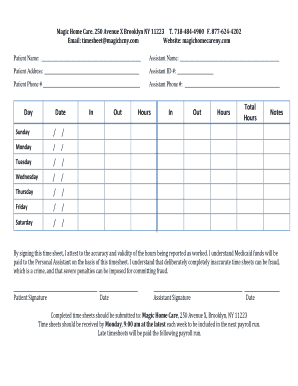
Magic home care

Pool Schedule & Splash PAd - Pecan Lakes HOA

Charter School Enrollment Plan Template

Montana revocation
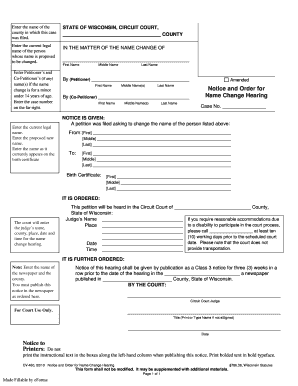
CV-460: Notice and Order for Name Change Hearing

Power attorney financial affairs

Cot form

Star hunt audition 2022 requirements

WORK AUTHORIZATION FORM - Carolina Water Damage

2012 Kois Center Confidential Information Questionnaire
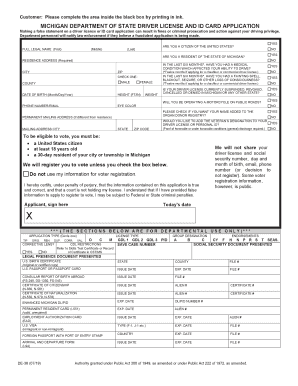
Michigan id card
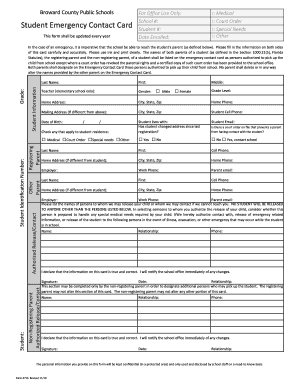
Student emergency contact form
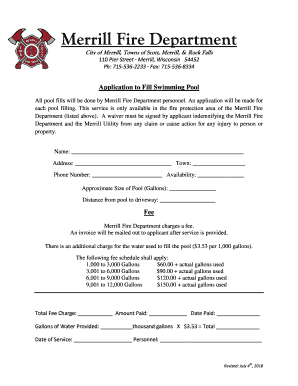
Application to Merrill Fire Department for Swimming Pool Filling
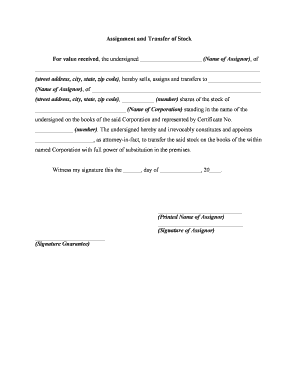
Medallion signature guarantee form
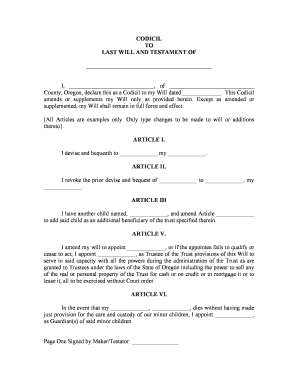
Oregon Codicil to Will Form for Amending Your Will - Will Changes or Amendments
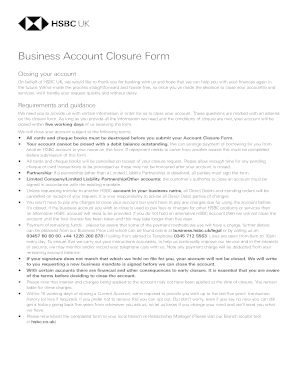
Hsbc account closure form
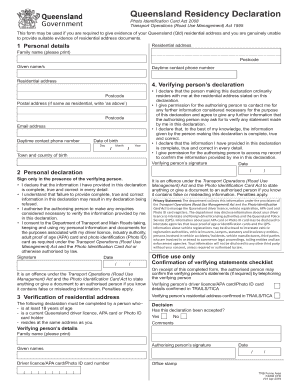
Queensland residency declaration

PEORIA RIVERMEN DONATION REQUEST FORM
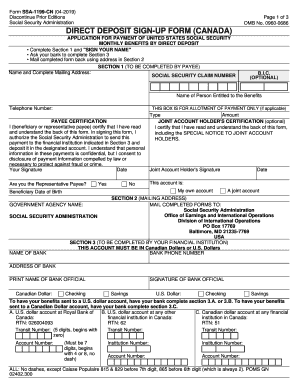
SSA-1199-CN Direct Deposit Sign-Up Form (Canada)
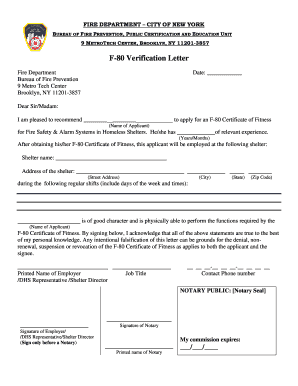
F80 verification letter
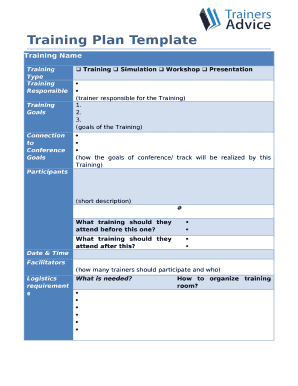
Training Plan Template - Trainers Advice
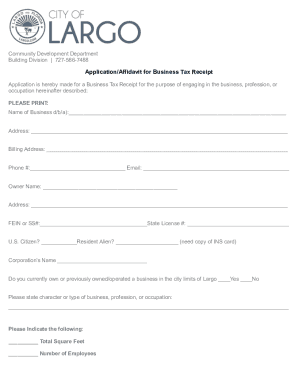
Fl largo application receipt create
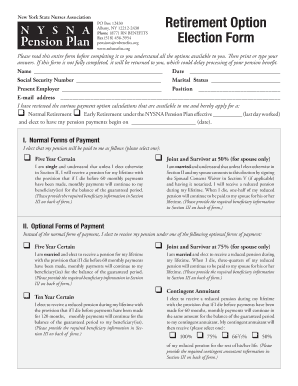
Retirement Option Election Form - NYSNA Pension Plan and Benefits
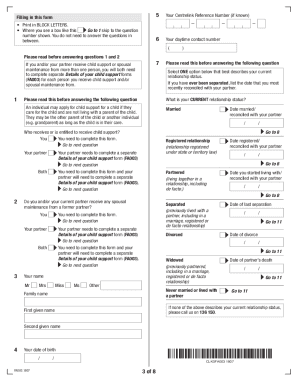
Details of your child support form - Australian Government

Request for Supplemental Certificate ALABAMA G I
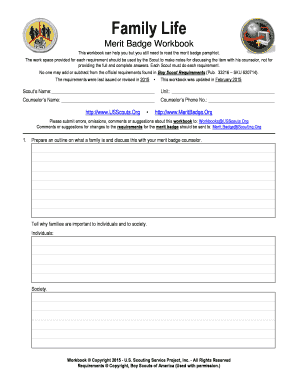
Family life merit badge workbook

Chevron cardlock application
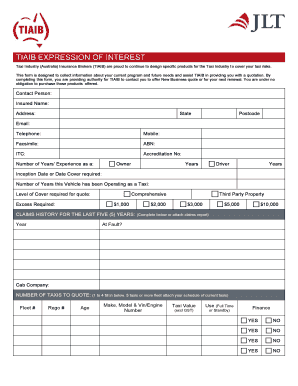
Tiaib insurance
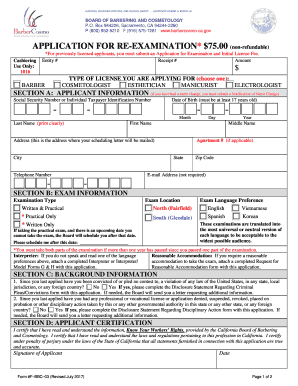
Ca f 03 re examination barber cosmo barbering online
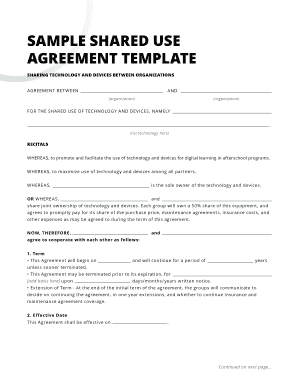
Bet contract template
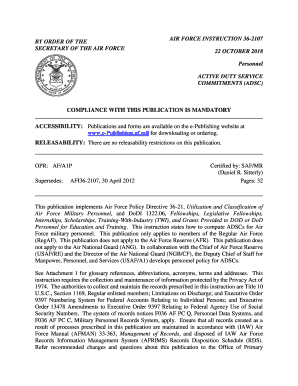
Afi 36 2107
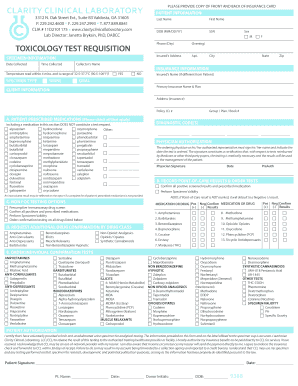
Clarity clinical laboratory toxicology test requisition
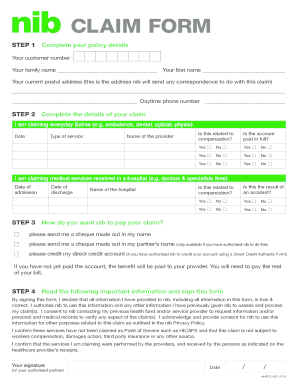
Nib claim form
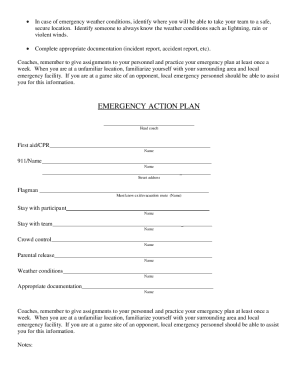
Pop warner emergency action plan
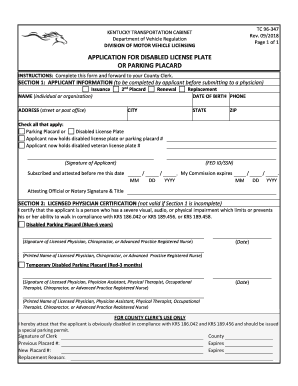
Application for disabled license plate or parking placard - Kentucky

SOW - Skrill - Declaration docx
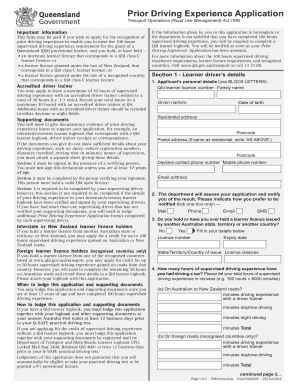
Prior driving experience application

Certificate de cession
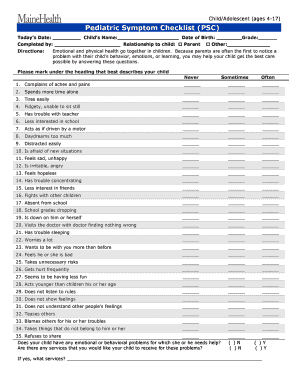
Child mental health assessment template
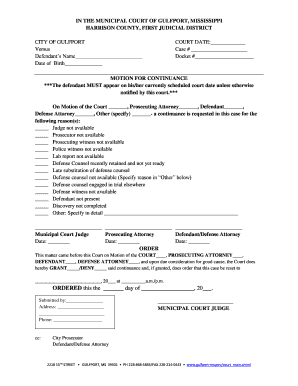
Municipal Court - Gulfport-MS The Official Web Site for the City
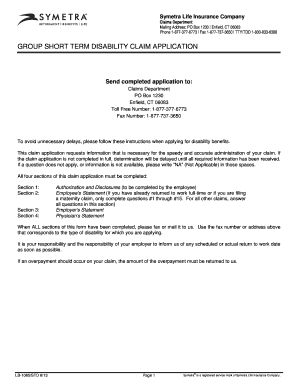
Term claim application

Isuzu finance of america
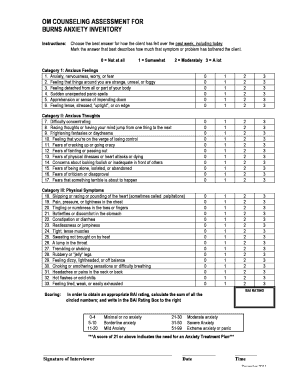
Burns anxiety inventory
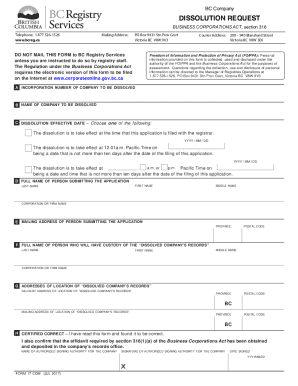
British columbia dissolving company
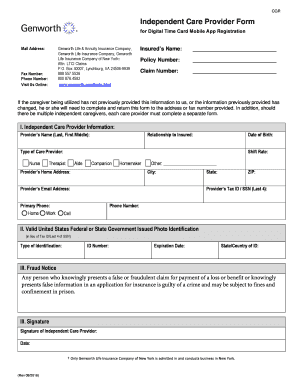
CGR Form for DTC docx
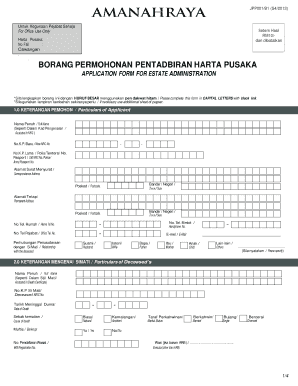
Borang permohonan pentadbiran harta pusaka
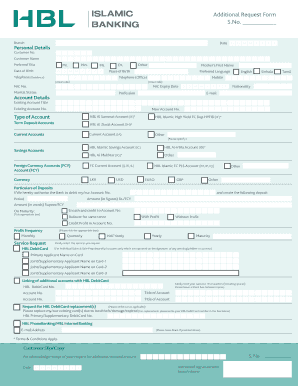
Hbl additional request form
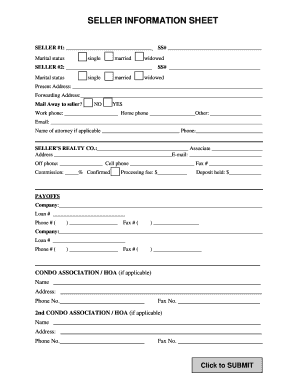
Seller information sheet

Pto membership form template

Indemnity form for the trip to the water park

Lic50
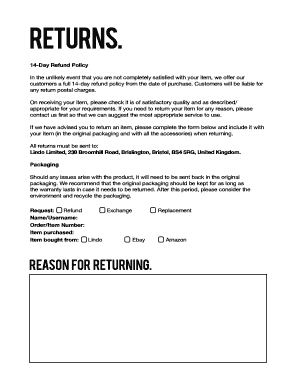
14-Day Refund Policy

Structured clinical interview dsm 5

Case study consent form
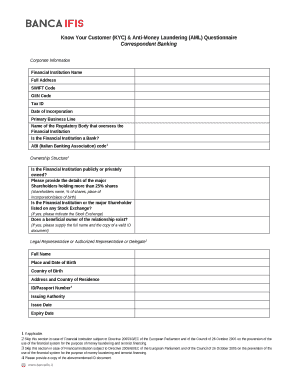
Kyc questionnaire template
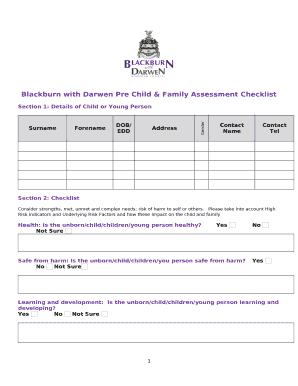
Blackburn with Darwen Pre Child & Family Assessment Checklist

Tricare for life skilled nursing facility authorization request form

Interview protocol template
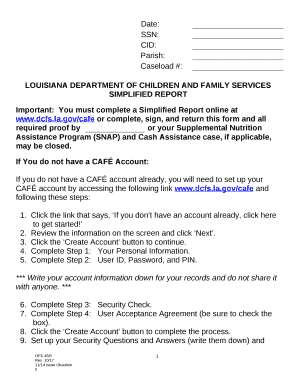
Simplified reporting form

Hardware Accomplishment Summary
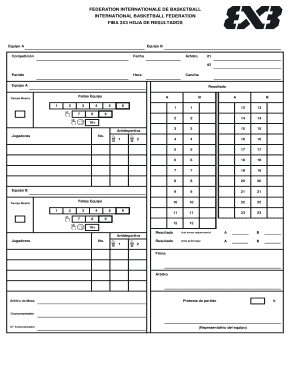
Planilla 3x3 fiba
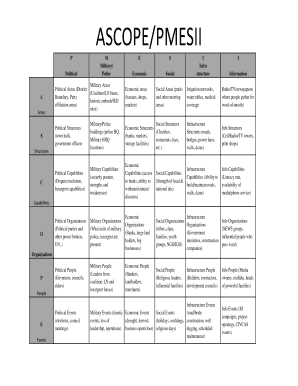
Ascope
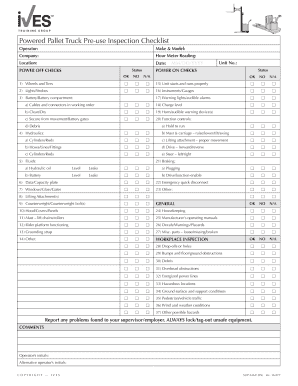
Pallet truck inspection checklist pdf
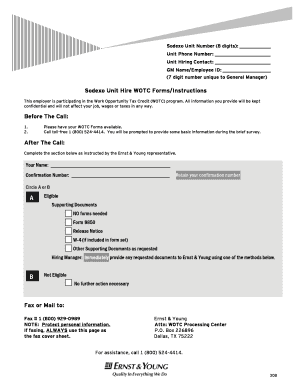
Sodexo wotc form
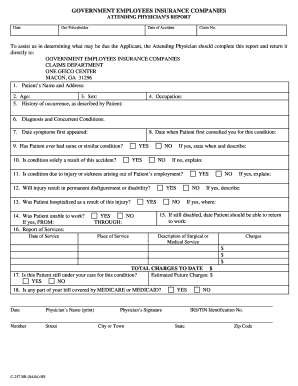
GOVERNMENT EMPLOYEES INSURANCE COMPANIES
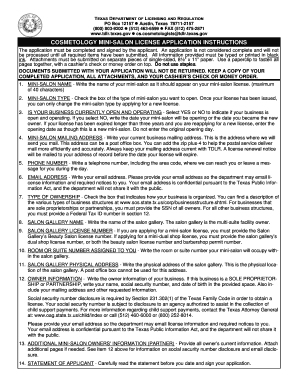
Mini salon license texas online application
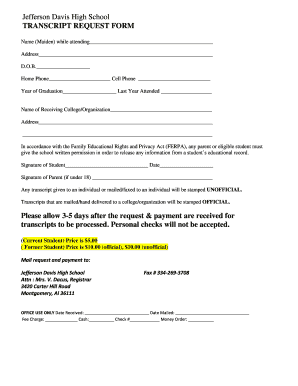
Jefferson Davis High School TRANSCRIPT REQUEST FORM
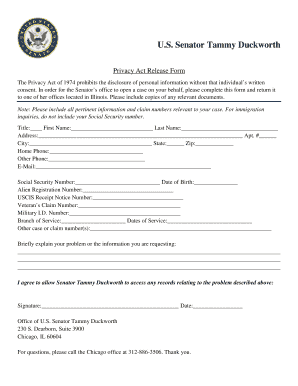
Senator Tammy Duckworth

Utilitiesinvestmentco com
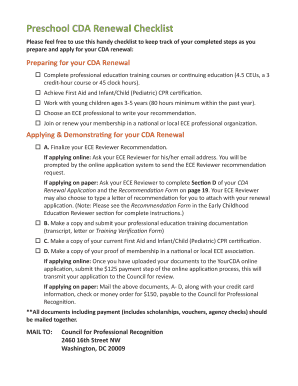
Cda letter of recommendation sample

Insperity 401k rollover form

Roommate Release Form - Blue Ridge Companies

Missing Baggage Claim Form - norwegian-no custhelp
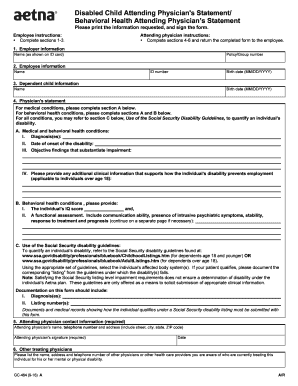
Disabled Child Attending Physician s Stmt Behvl Hlth Attending Physician s Stmt Disabled Child Atten
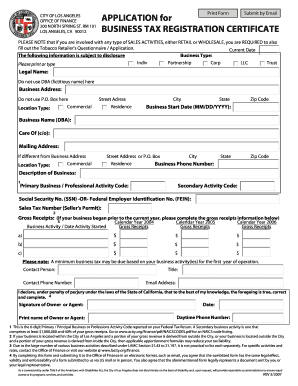
Tax registration certificate
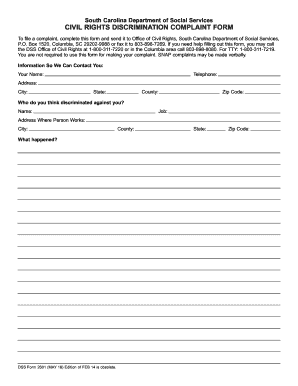
How do i file a complaint against dss in sc

Regions bank direct deposit form pdf
Benefit from the DocHub online library of fillable PDF forms
Searching the PDF forms doesn't have to be a tedious and time-consuming process. With the DocHub online library, it has become easier to find the fillable PDF forms and modify them in your browser. The service allows you to adjust the document to your needs using powerful editing tools.
You can use online document editing features to modify almost any type of document with ease. You just need to find the template of your choice, open it in the editor, and use the toolbar to make the necessary corrections.
Follow this guide to get your document done with DocHub:
- Find the PDF template you need.
- Click the Get Form button to open the file in the editor.
- Use the toolbar to fill out and edit the document.
- Easily add and highlight text, insert images, checkmarks, and symbols.
- Drop new fillable fields, and rearrange or delete pages from your file.
- Save changes and download your record.
DocHub empowers everyone to streamline document editing, signing, and distribution, and form completion. Create an account and benefit from our well-organized PDF Forms library and comprehensive editor.