
Get any PDF form from the DocHub library of ready-made templates - Page 1098
Stan mucinic
Building Permit - Application Form - City of Minneapolis

Public service loan forgiveness
Form 9611 (Rev 6-2014) Application for Leave Under the Family and Medical Leave Act

Michigan voter registration
Idaho concealed application
Uit 1159a
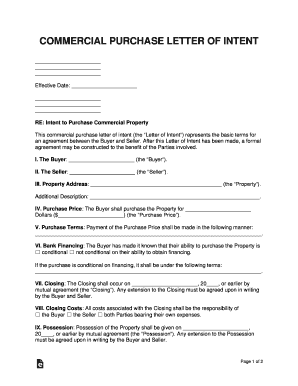
Free Business Purchase Letter of Intent Template - PDF
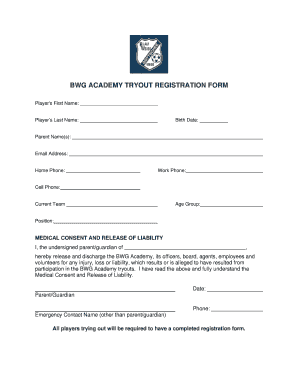
Tryout Permission Form (Tryouts)
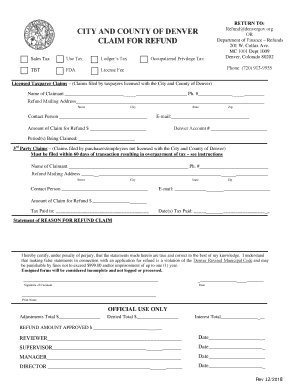
Co claim refund
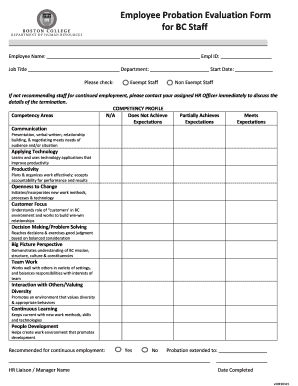
Employee probation form
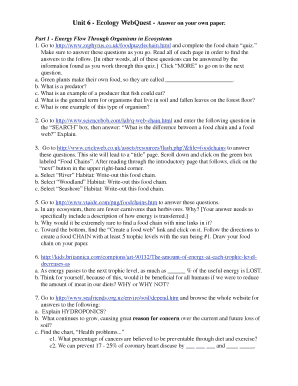
Unit 6 ecology webquest answer key
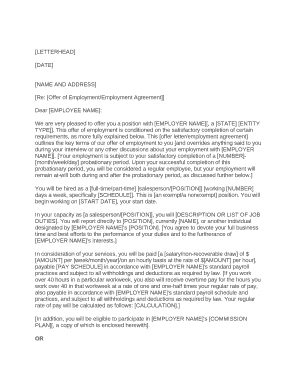
Amazon offer letter pdf
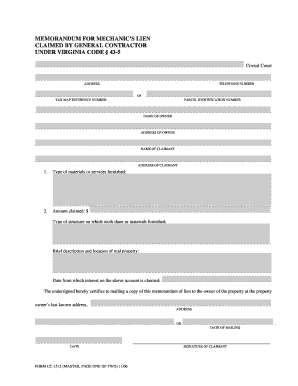
Virginia mechanic lien
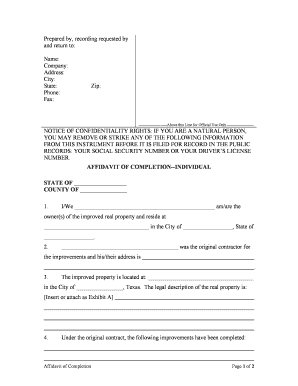
Texas liens
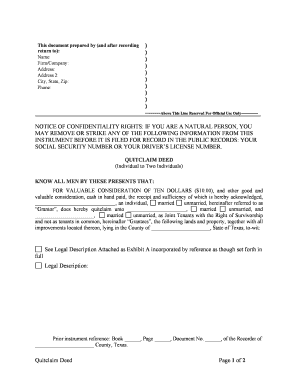
Texas deed

60 day notice to vacate florida pdf
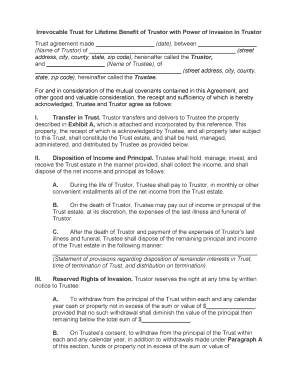
Irrevocable trust
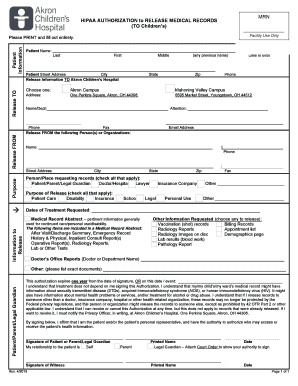
Patient Demographics - Third Street Family Health Services
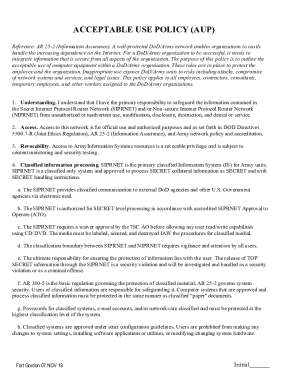
Acceptable use policy form
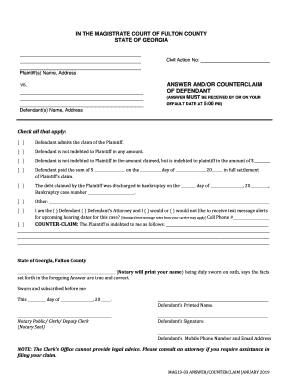
Georgia counterclaim county
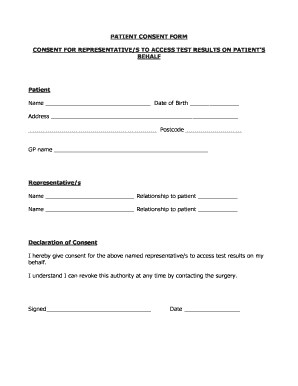
Gp consent letter template
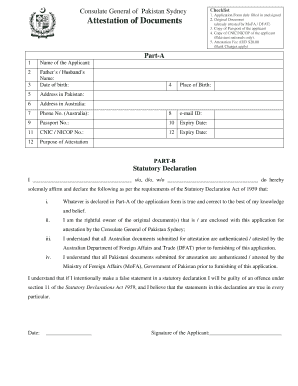
Pakistan attestation form
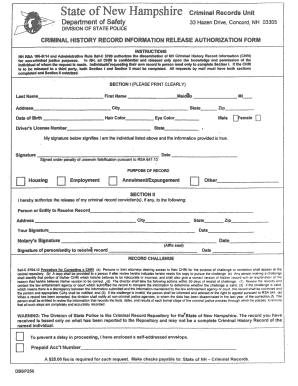
Nh dssp256

Enrollment Services - Copiah-Lincoln Community College

Il rut25x use

Verification of Occupational Work Experience Form Office Higher Education
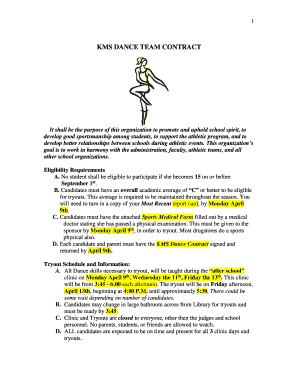
Dance team contract template
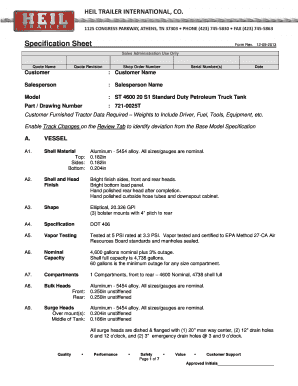
Specification Sheet Form Rev 12-09-2013 - Heil Trailer
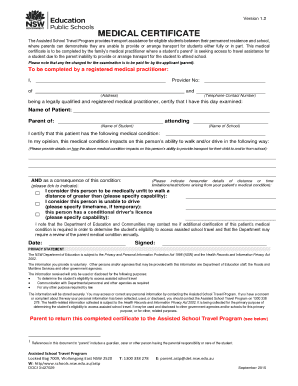
Medical certificate template nsw

LEGACY HIGH SCHOOL JROTC RAIDER TEAM - WordPress

Membership Form - CPSU CSA

Nha housing application form

Dangerous goods security card

Snapmga
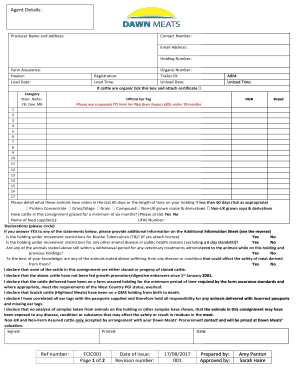
Dawn meats cattle entry form

Medicaid Qualifying Income Trust Medicaid Forms
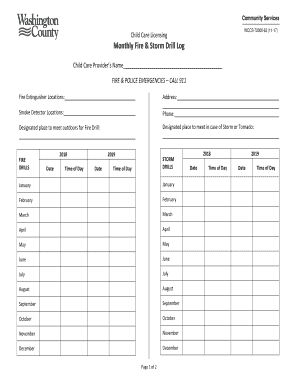
Child care fire drill log
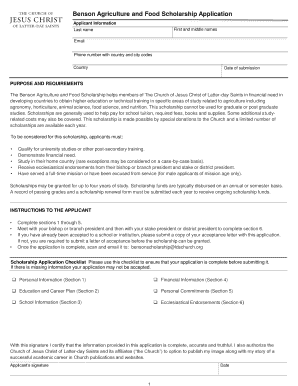
Benson scholarship

Marriage licence application form

Central valley women's health associates
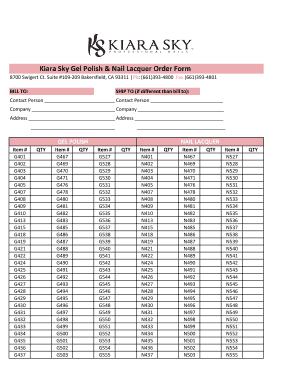
Kiara Sky Gel Polish & Nail Lacquer Order Form

Guide 5551

Kpd kfd emergency business form

Government forms

Employee wood county form

Hornepayne Parkview Apartments Rental Application
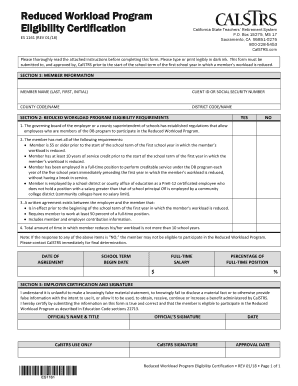
Calstrs reduced workload program
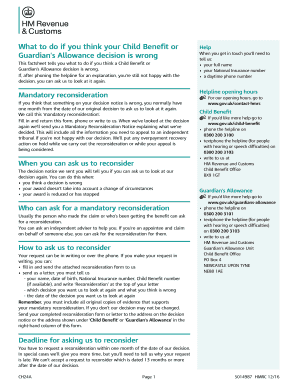
Ch24a
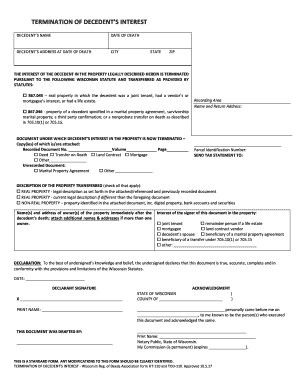
Termination of Decedent's Interest (HT110 and TOD110)
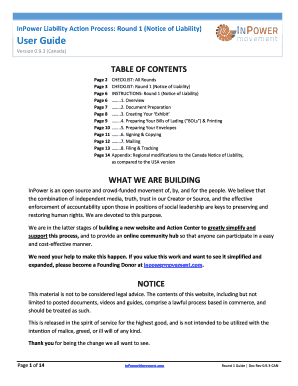
Notice of liability form
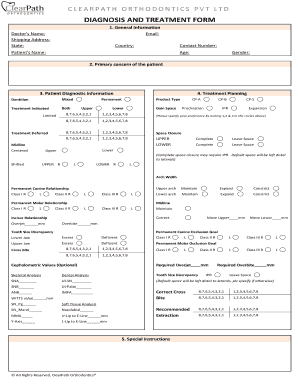
Orthodontic diagnosis sheet
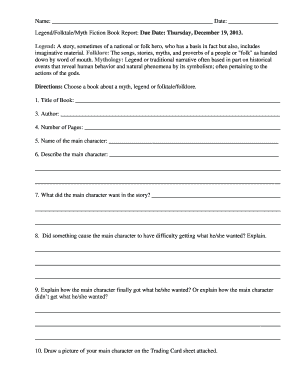
Legend Folktale Myth Fiction Book Report

Li ka shing center access request form - UC Berkeley
Darden employee handbook
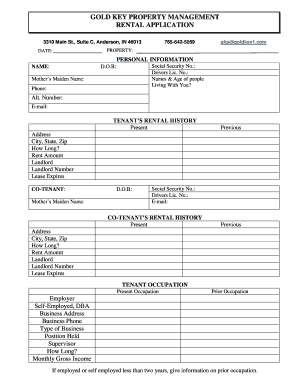
Gold key property management
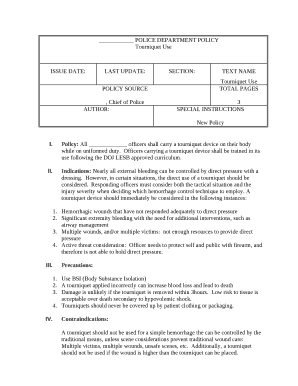
POLICE DEPARTMENT POLICY template

Narrative observation template
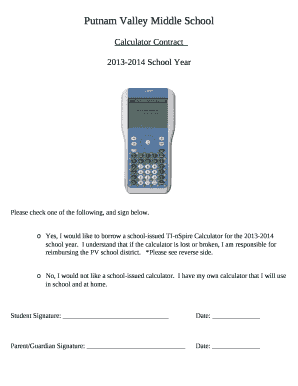
Calculator Contract
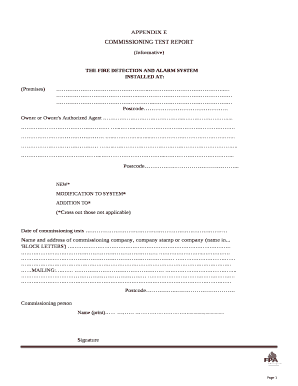
Commissioning report format in word

Transcript of records template
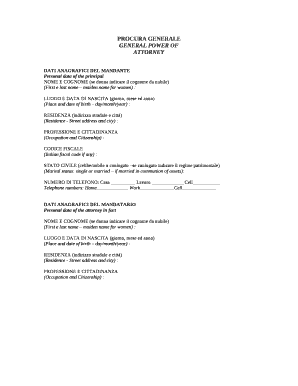
Procura generale
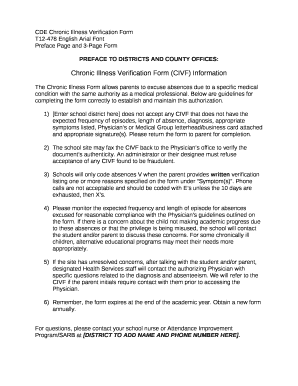
Chronic illness verification form
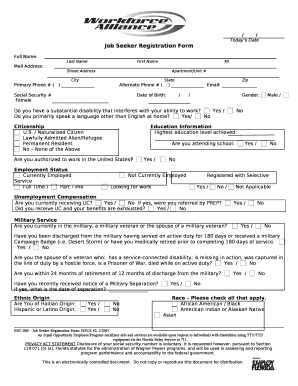
Proof of registration as a work seeker

Yacht food preference sheet
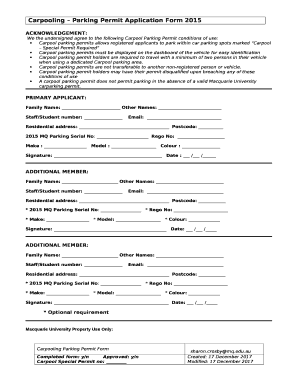
Carpool parking permits allows registered applicants to park within car parking spots marked Carpool

Addiction and Recovery Treatment Services (ARTS) Provider Attestation Form
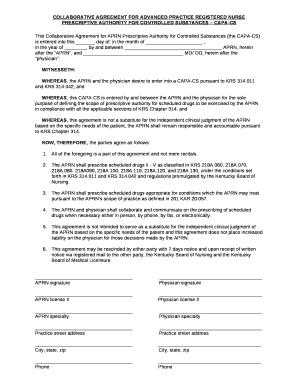
Capa cs

STUDY BUDDY CONTACTS

MHSA VOLLEYBALL ROSTER & LINE UP CARDS
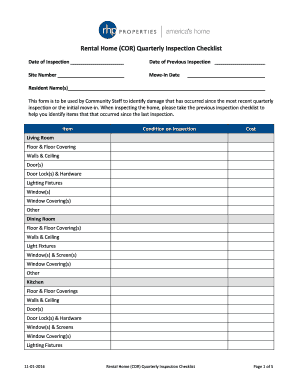
Rental Home (COR) Quarterly Inspection Checklist
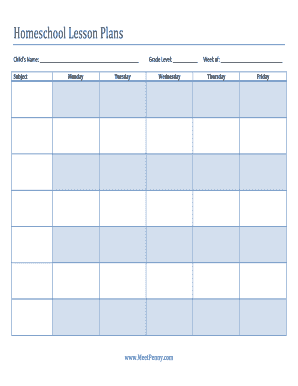
Homeschool Lesson Plans

2018 RIVERDOG BASEBALL TRYOUT REGISTRATION FORM
Comed claim form
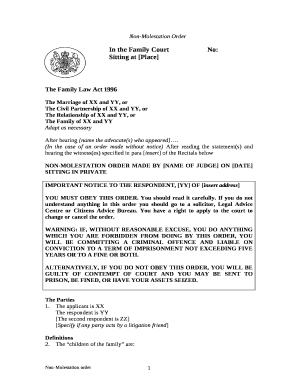
Non molestation order template
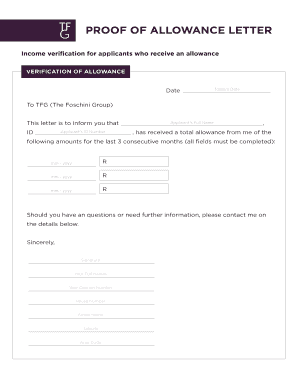
PROOF OF ALLOWANCE LETTER
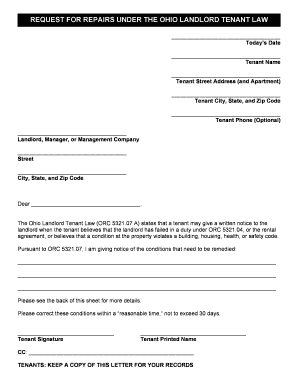
REQUEST FOR REPAIRS UNDER THE OHIO LANDLORD TENANT LAW
Payslip generator australia

DDS-MR 287 - Medical Report
Smoking cessation form
Prostart I Final Practice Exam docx

Trust Plan - The Arc of Northern Virginia

Behavior tracking sheet
Incident safety officer checklist
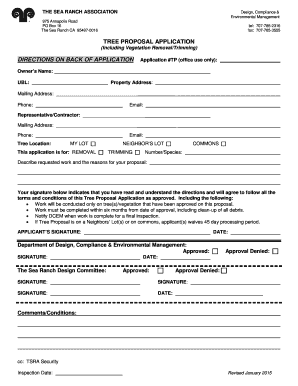
Tree Proposal Application (Including Vegetation Removal - Trimming) - tsra

Owners consent form
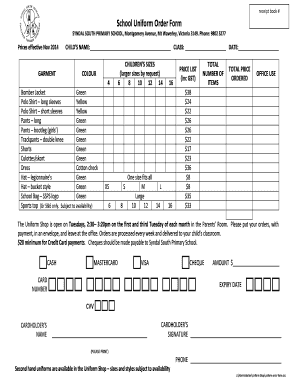
School uniform order form
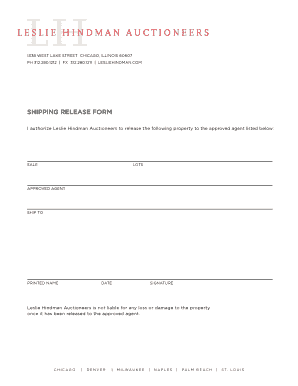
Shipping release form
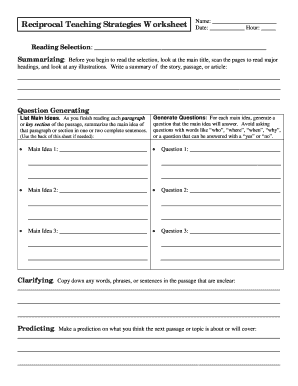
Reciprocal teaching worksheet pdf
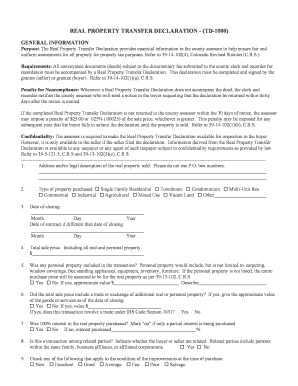
Real property transfer declaration - (td-1000) - Adams County - co adams co

Letter of suspension from school
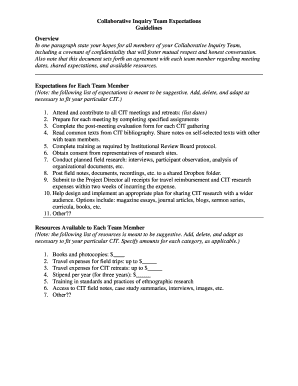
Team expectations template
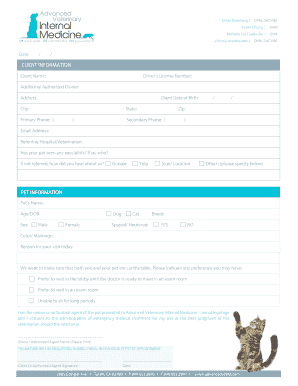
New client form template
Sgs galson chain of custody
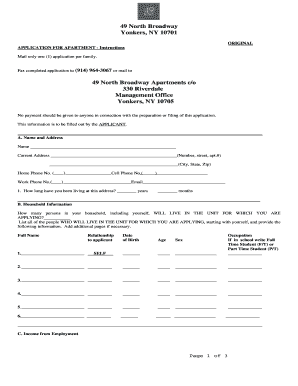
49 north broadway
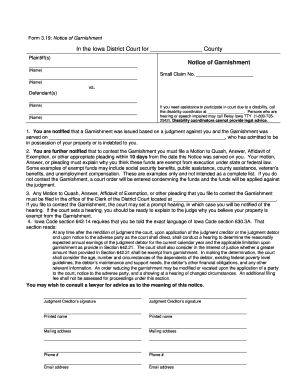
Iowa notice garnishment form
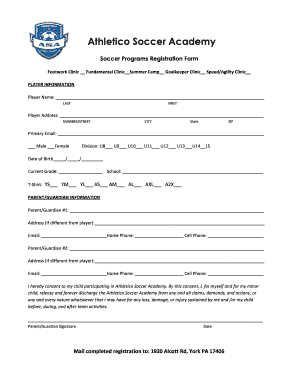
Soccer application form

SEPARATE SERIES AGREEMENT - Clint Coons, Esq

Air masses and fronts worksheet pdf

Offtake agreement template word
Benefit from the DocHub online library of fillable PDF forms
Searching the PDF forms doesn't have to be a tedious and time-consuming process. With the DocHub online library, it has become easier to find the fillable PDF forms and modify them in your browser. The service allows you to adjust the document to your needs using powerful editing tools.
You can use online document editing features to modify almost any type of document with ease. You just need to find the template of your choice, open it in the editor, and use the toolbar to make the necessary corrections.
Follow this guide to get your document done with DocHub:
- Find the PDF template you need.
- Click the Get Form button to open the file in the editor.
- Use the toolbar to fill out and edit the document.
- Easily add and highlight text, insert images, checkmarks, and symbols.
- Drop new fillable fields, and rearrange or delete pages from your file.
- Save changes and download your record.
DocHub empowers everyone to streamline document editing, signing, and distribution, and form completion. Create an account and benefit from our well-organized PDF Forms library and comprehensive editor.