
Get any PDF form from the DocHub library of ready-made templates - Page 1100
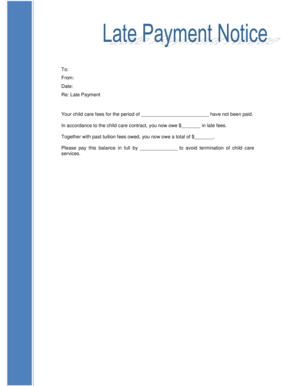
Late Payment Notice - Child Care Lounge

Brenda parkinson calgary
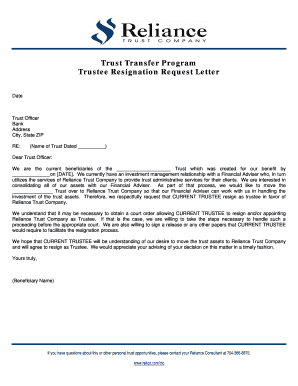
Sample letter requesting copy of trust

Youth sports physical form
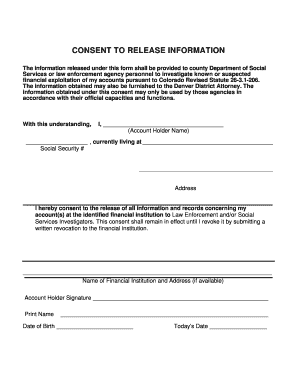
Information release consent form
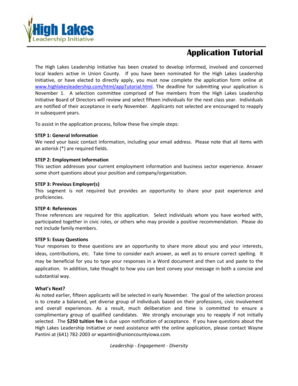
Application Tutorial - High Lakes Leadership Initiative
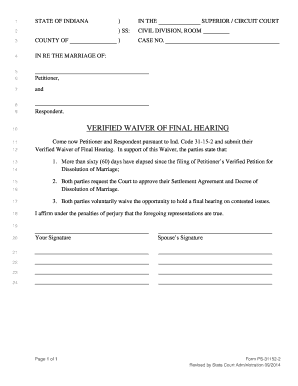
Waiver Final Hearing - State of Indiana
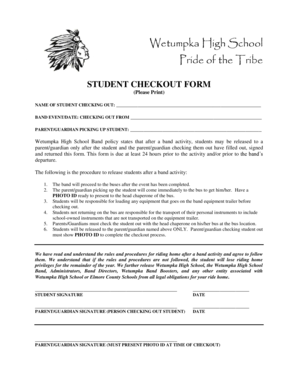
Wetumpka High School Pride of the Tribe STUDENT CHECKOUT FORM (Please Print) NAME OF STUDENT CHECKIN

A3 problem solving template pdf
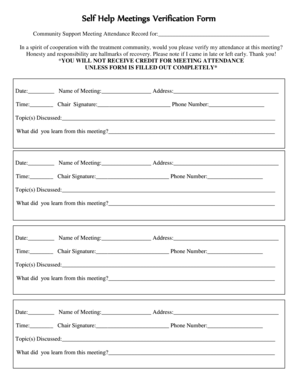
Self Help Meetings Verification Form - Island County Government

Integrated Practice Agreement - Nebraska Health and Human - dhhs ne

COMMUNITY ORGANIZATION AND VOLUNTEER AUTHORIZATION LETTER

Bcbs provider maintenance form
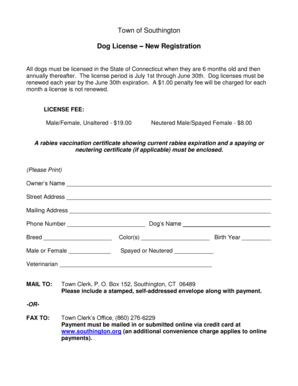
Southington dog license

E-MAIL PAYSTUB AUTHORIZATION FORM
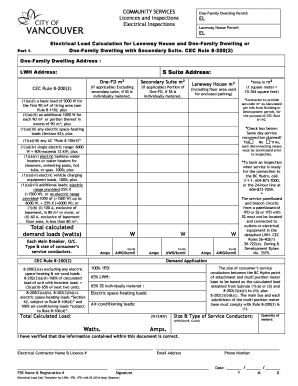
Electrical load calculation vancouver

Lab Kit Receipt Full Page Version - Napa Valley College - napavalley
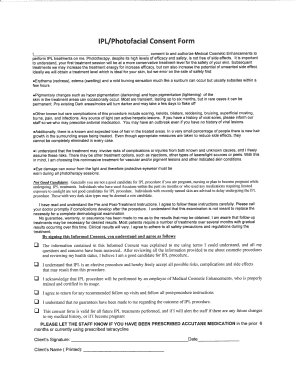
Ipl consent form
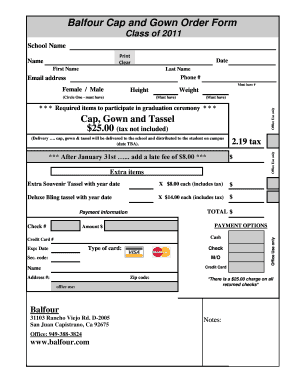
Balfour cap and gown order form
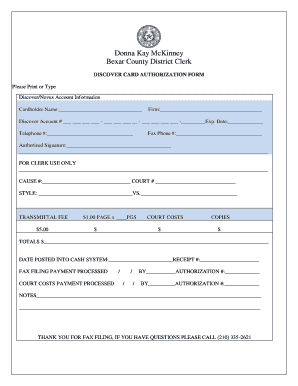
Bexar county district clerk
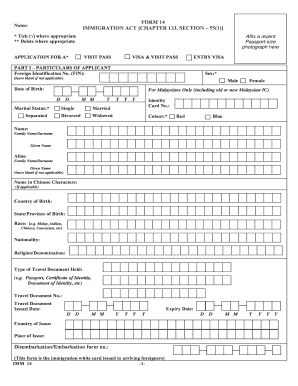
Form 14 ica sample
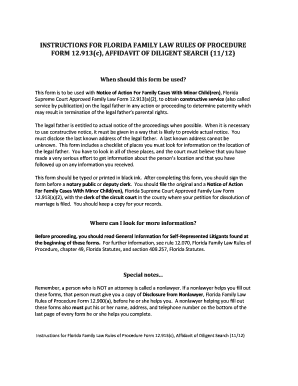
Florida diligent form
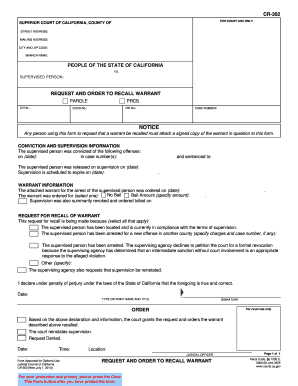
California warrant form
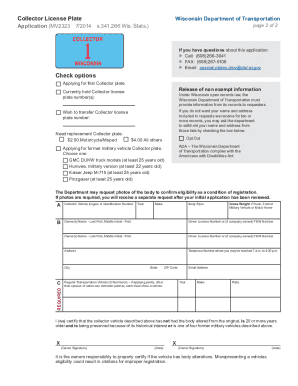
MV2323 Collector License Plate Application - mchange dot wisconsin
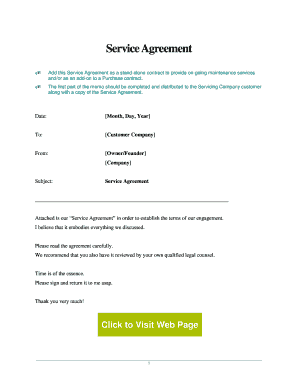
Service Agreement - JIAN Business plan software template
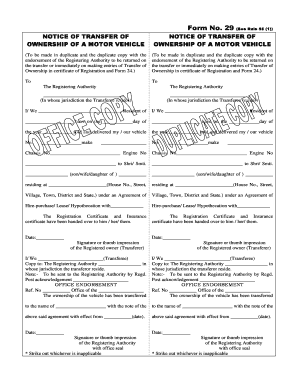
Transfer of ownership form pdf
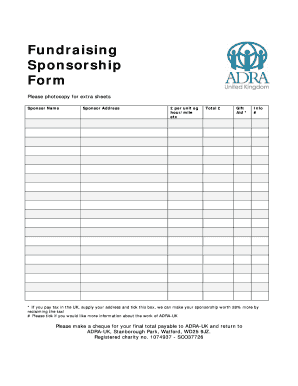
Fundraising form
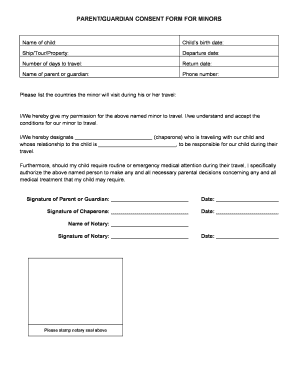
Parent guardian consent form
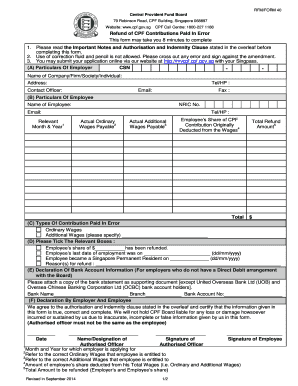
Cpf form 90
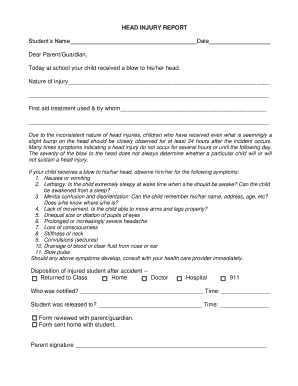
Head Injury Report Form

International experience exemption form texas tech university

SCHEDULE - FORM OF TRAINING RECORD LICENSING - SCPLH - angus gov
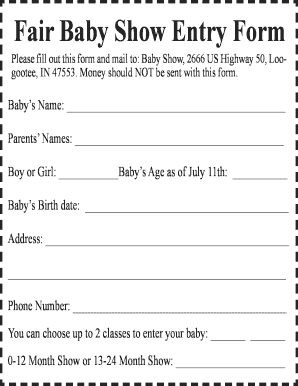
Baby show registration form
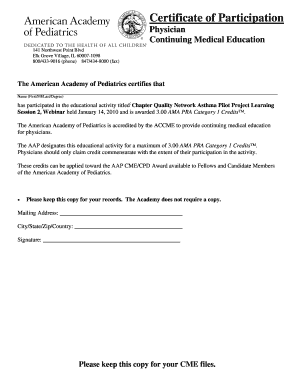
Certificate of Participation - American Academy of Pediatrics - www2 aap

Designated safety representative form

Credit for Prior Learning application form 81Kb - Deakin University - deakin edu

9-0-1 Form - Oak Ridge Electric Department - City of Oak Ridge

Secretary evaluation form

How to fill out a wire transfer form
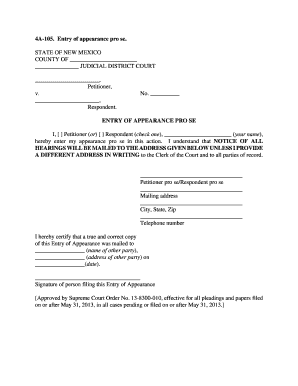
Form 4a 105

V997

DESIGNATED PREMISES SUPERVISOR (DPS)
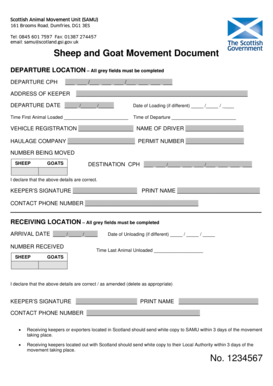
Samu dumfries

Canada address generator
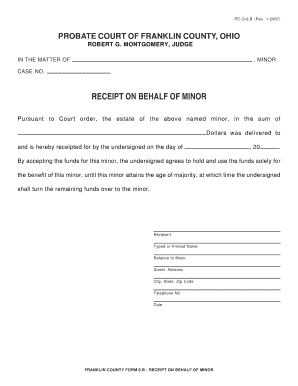
RECEIPT ON BEHALF OF MINOR - Franklin County, Ohio - franklincountyohio

Safety patrol permission slip
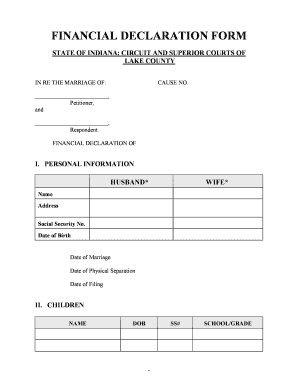
Financial declaration sample
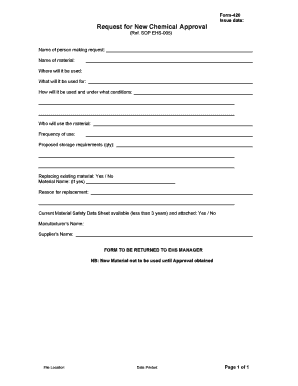
Form-420 Request for New Chemical Approval - GMP SOP Logo

Piano rental agreement

Kpmg application form

Scotiabank resp withdrawal form

How to change dbbl account mobile number
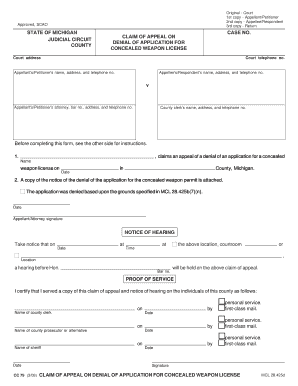
Michigan cpl denial appeal
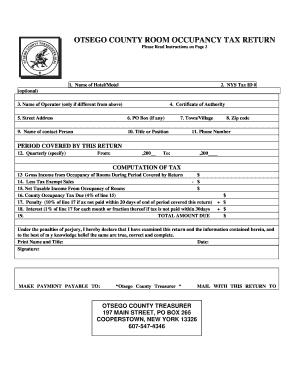
Otsego county bed tax
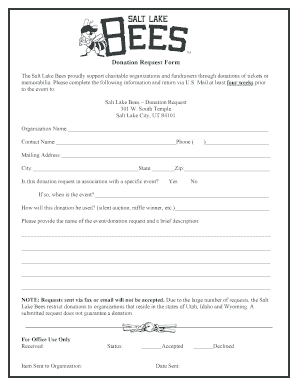
Donation Request Form The Salt Lake Bees proudly support charitable organizations and fundraisers th
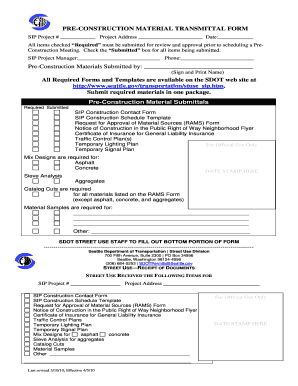
Transmittals in construction

Surgical Reservation Form - Rush University Medical Center - rush

Contractor safety agreement form

Pfbc t8 form

Custodian of records live scan form
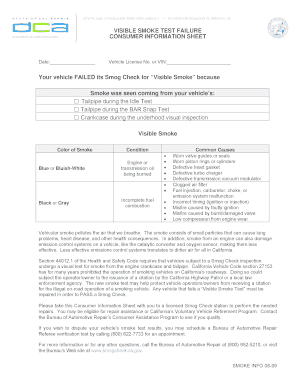
Visible smoke test failure sheet

F2067
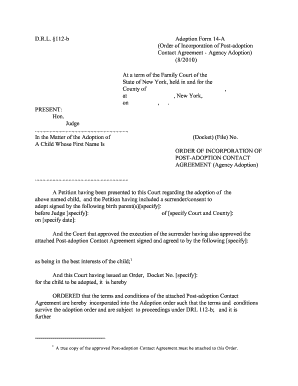
Adoption paper

Fund utilization report sample excel
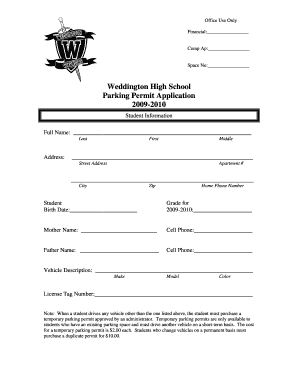
Parking permit form template

Debonairs franchise application form
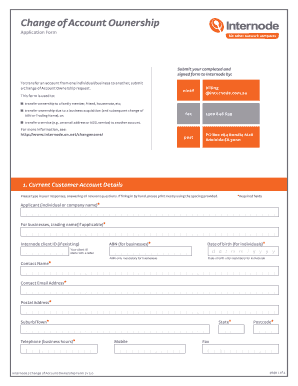
Internode change of ownership

Requirements for barangay kagawad candidacy

Belgium visa application form

Form 10: Notice of Change of Directors - BC Registry Services - bcregistryservices gov bc

Form cg1

ASCAP PUBLISHER APPLICATION
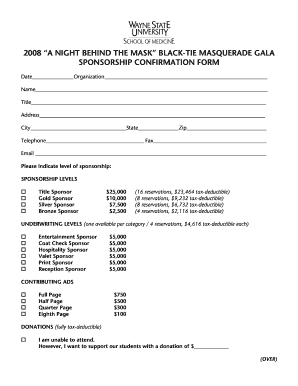
Sponsorship levels form
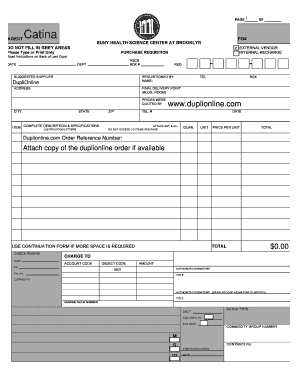
Purchase requisition form
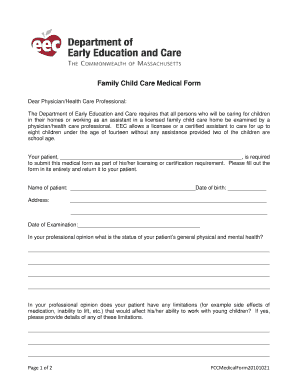
Eec medical form

Oklahoma sales tax exemption form
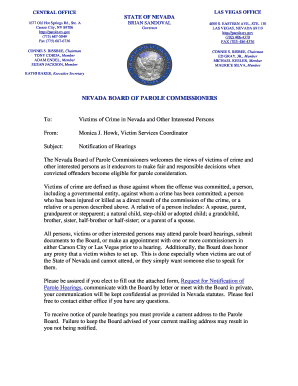
Ndoc parole results 2022

Montana polst form pdf

FY09 Application for New Grants Under the Indian Education - ed
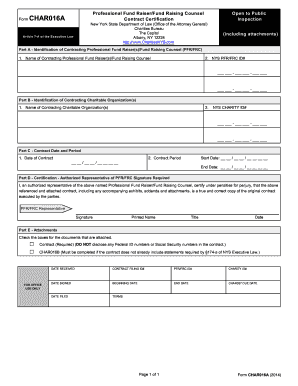
Char016a
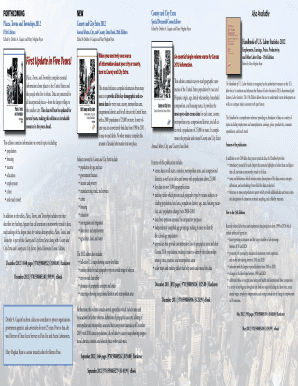
DocHub coupon code

Printable gcse certificates
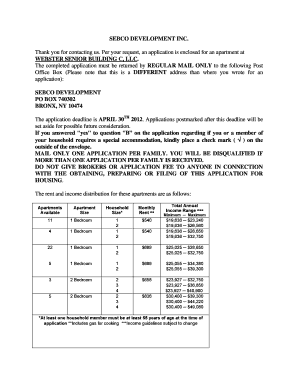
Sebco apartments application
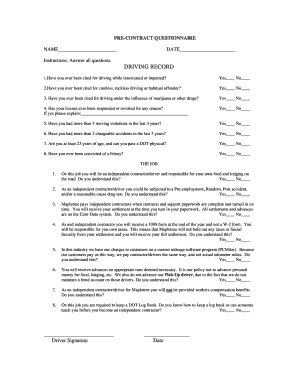
Mapletree transport

Regence provider recredentialing application form

Rental license in philadelphia form

Publication 1212 pdf
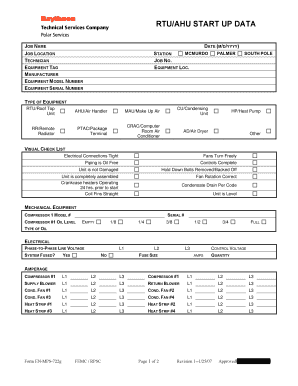
RTU AHU START UP DATA - nsf
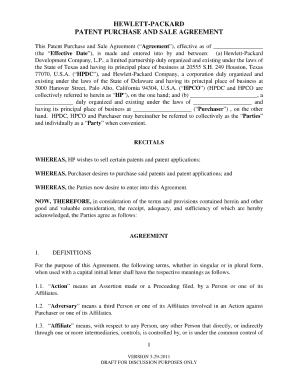
Patent purchase agreement
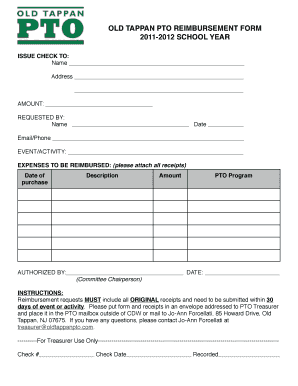
Pto reimbursement form
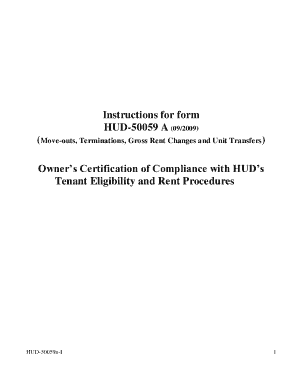
Hud form 50059 instructions
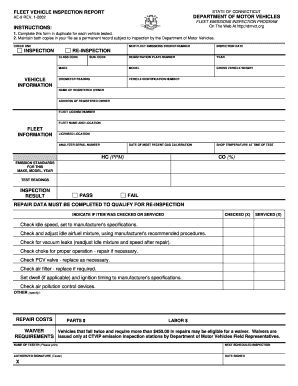
Ct vehicle inspection report

Pmi cancellation letter
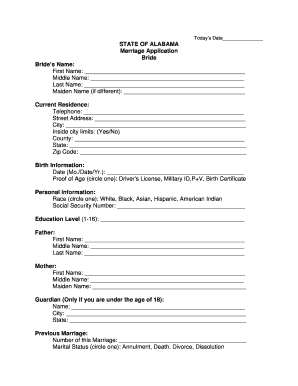
Alabama marriage certificate 2020
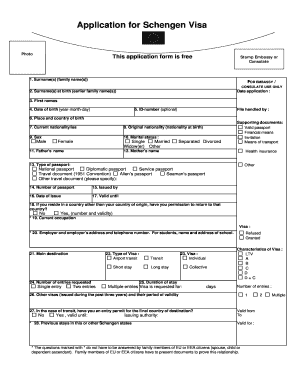
Schengen visa application form
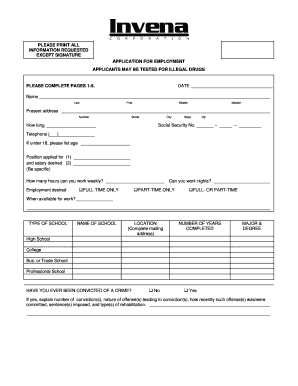
What is your means of transportation to work

Employer Information Form
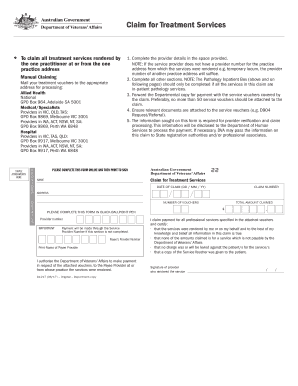
D1217
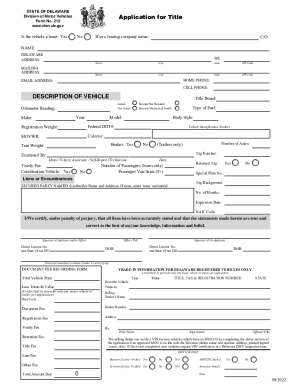
Is the vehicle a lease: Yes
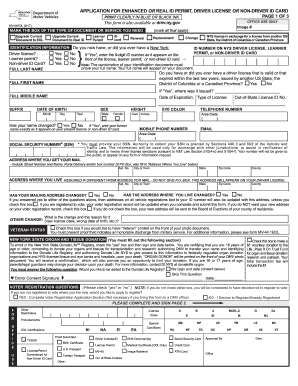
How To Print On Plastic At Home
Benefit from the DocHub online library of fillable PDF forms
Searching the PDF forms doesn't have to be a tedious and time-consuming process. With the DocHub online library, it has become easier to find the fillable PDF forms and modify them in your browser. The service allows you to adjust the document to your needs using powerful editing tools.
You can use online document editing features to modify almost any type of document with ease. You just need to find the template of your choice, open it in the editor, and use the toolbar to make the necessary corrections.
Follow this guide to get your document done with DocHub:
- Find the PDF template you need.
- Click the Get Form button to open the file in the editor.
- Use the toolbar to fill out and edit the document.
- Easily add and highlight text, insert images, checkmarks, and symbols.
- Drop new fillable fields, and rearrange or delete pages from your file.
- Save changes and download your record.
DocHub empowers everyone to streamline document editing, signing, and distribution, and form completion. Create an account and benefit from our well-organized PDF Forms library and comprehensive editor.