
Get any PDF form from the DocHub library of ready-made templates - Page 1083
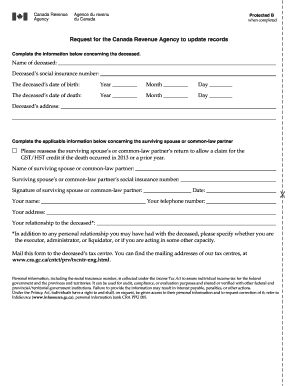
Request for the canada revenue agency to update records
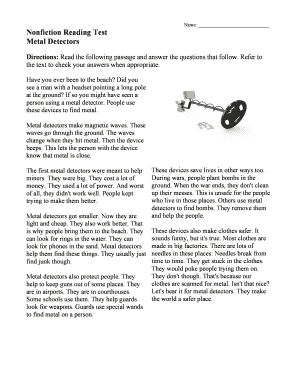
Nonfiction reading test metal detectors answers
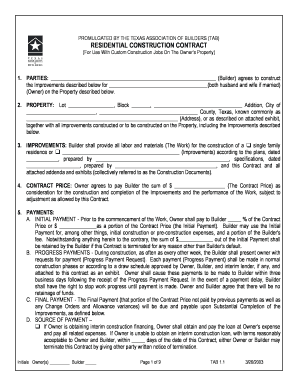
(For Use With Custom Construction Jobs On The Owner's Property)
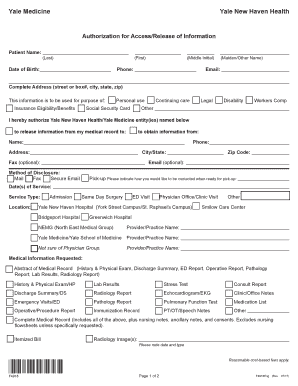
Yale New Haven Health
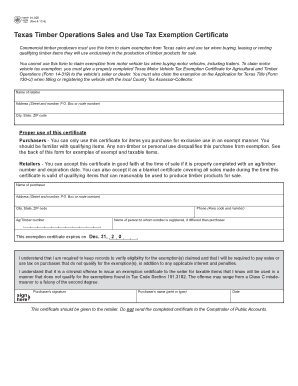
Texas Agricultural and Timber Exemption Forms - Texas Comptroller
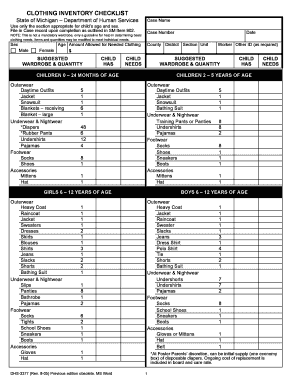
Clothing inventory checklist
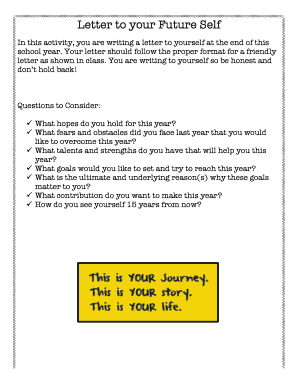
Letter to my future self template pdf

8772543762

STORMWATER FIELD INSPECTION REPORT - ACTIVE

Dshs 14 532
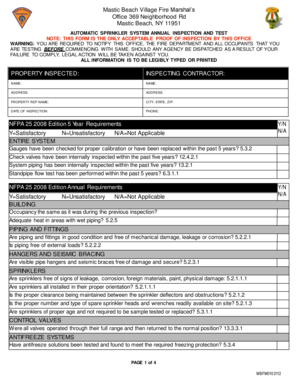
Fire sprinkler inspection report template
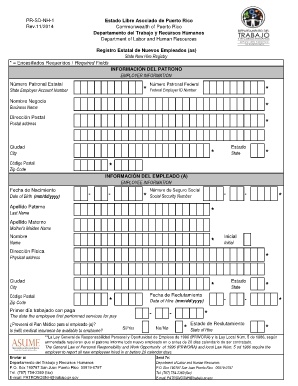
Pr sd nh 1

CD-79 - Department of Commerce - osec doc

Elrc forms
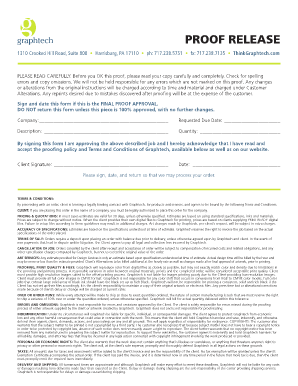
Proof approval form

Partnership declaration form
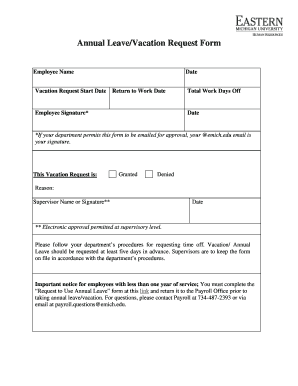
Annual leave form
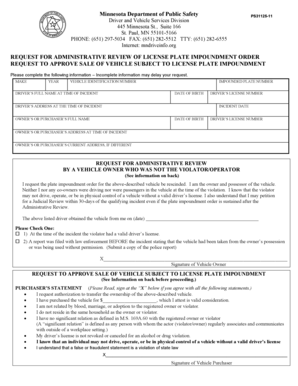
Form ps31125

Sample eeoc complaint
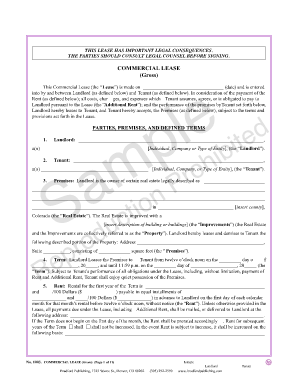
Commercial Lease (Gross) - Bradford Publishing
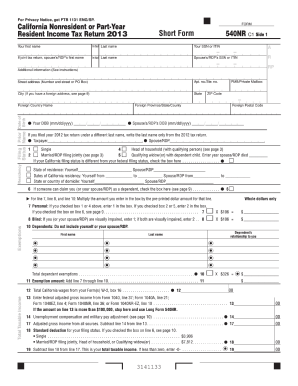
California 540nr transcript 2013 form
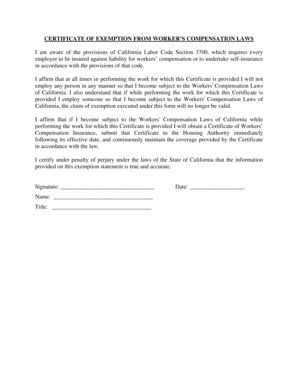
Certificate of Exemption from Workers Compensation - HACLA - hacla

Affidavit of absent applicant for marriage license

Usps shipping label template
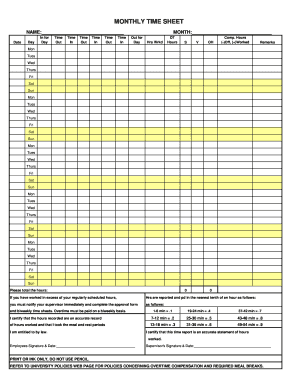
Usc timesheet
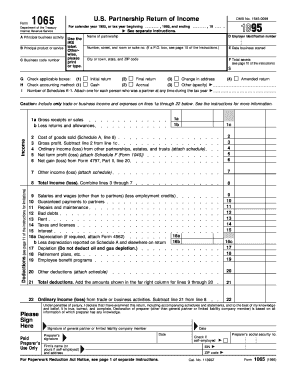
Form 1065 fillable
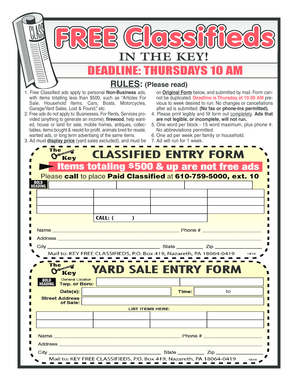
Download a Classified Ad Form - The Key Weekly Newspaper

Kurzantrag beihilfe brandenburg
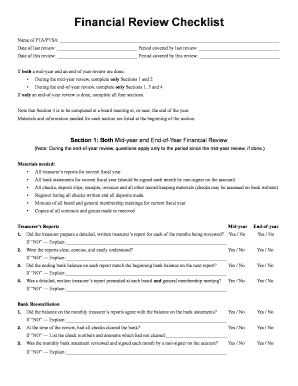
Financial Review Checklist - Washington State PTA - kacpta
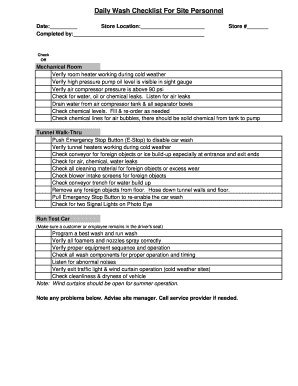
Cold room maintenance checklist pdf
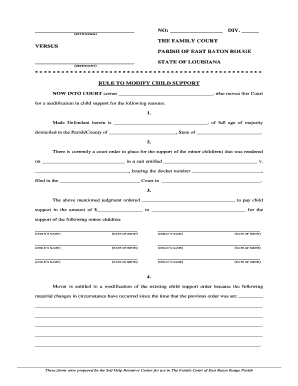
Child support forms
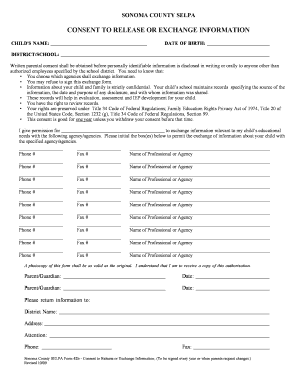
Consent to Release or Exchange Information English pdf
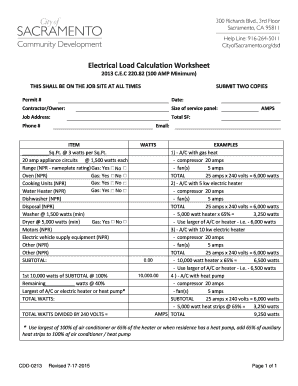
Nec load calculation worksheet

Identifying text structure 1 answer key
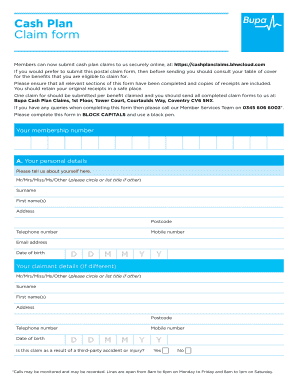
Bupa cash plan claim

F PERMIT APPLICATION FILING FEE $40 00 - com ohio

NEVADA IMACS SITE FORM - BLM - blm
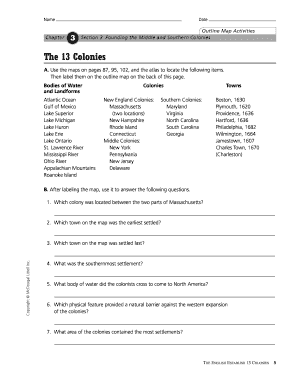
13 colonies map worksheet pdf
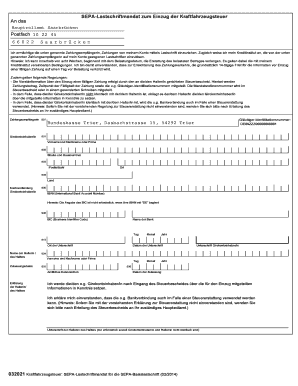
Sepa lastschriftmandat muster ausgef llt
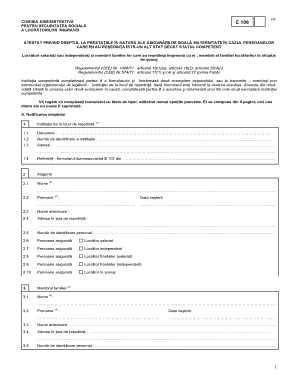
Adsef formulario 106

Blank California WDO Form 43m-41 - pestboard ca
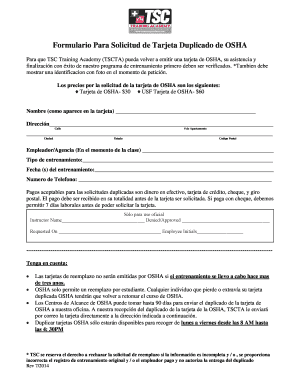
Como recuperar mi tarjeta de osha
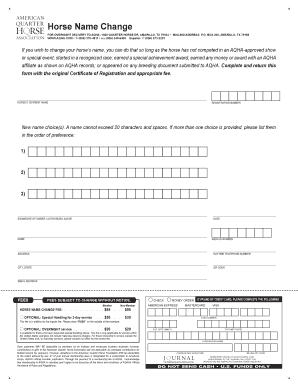
Horse Name Change - AQHA
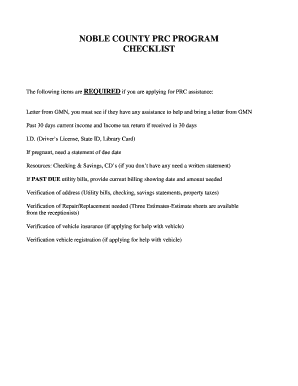
Noble CDJFS PRC Application - noble county department of job and - ncdjfs
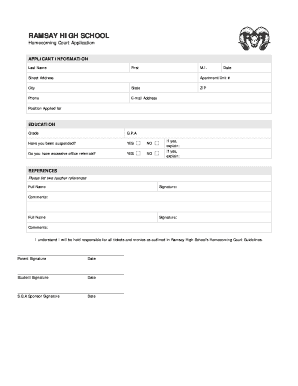
Homecoming court application
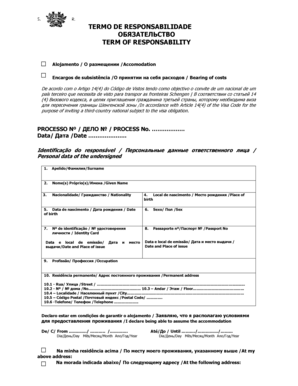
TERM OF RESPONSABILITY Alojamento - secomunidades
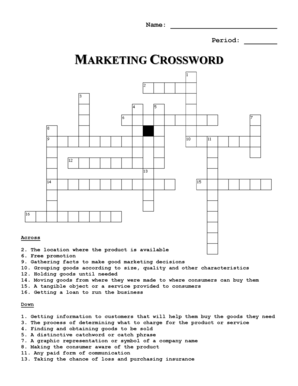
Marketing crossword puzzle

Ford certified pre owned warranty pdf
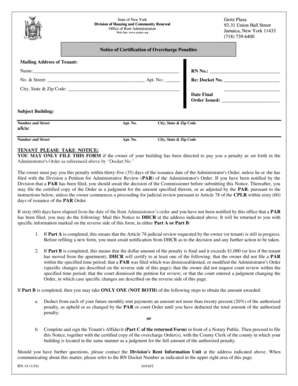
B307 form
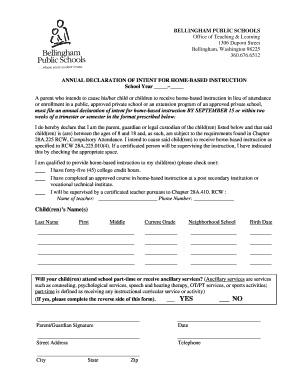
Homeschool Intent Form - Bellingham Public Schools - bellinghamschools
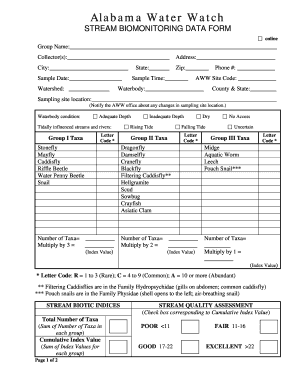
Alabama water watch macroinvertebrate data forms

School bus evacuation drill form

Apprentice evaluation form
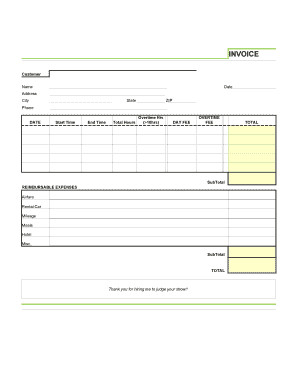
JUDGES INVOICE TEMPLATE - GoHorseShow
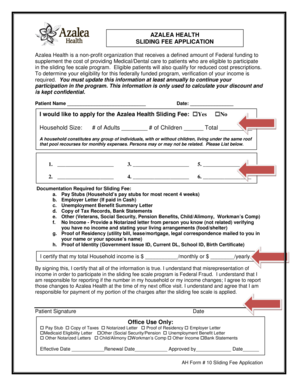
Aza health sliding scale
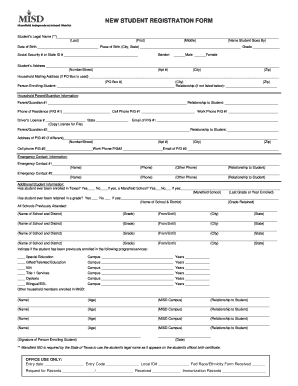
New student at school
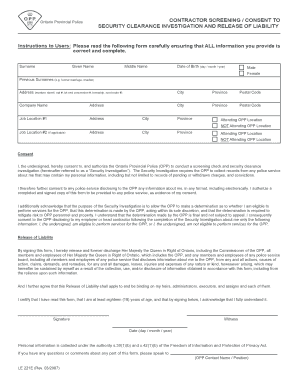
Opp security clearance

Foothills spay and neuter clinic
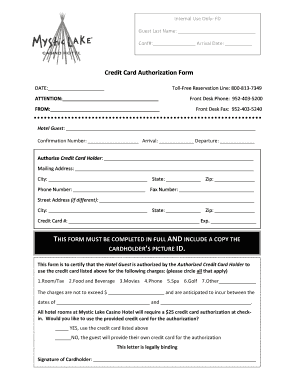
Credit Card Authorization Form - Mystic Lake Casino Hotel
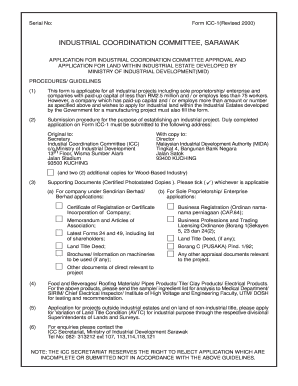
Industrial coordination committee sarawak form
Co lender agreement

Medication Review Form Brown Bag Program Name Physician - pskills pharm ku

Sprint exigent circumstances form

Daily behavior tracking sheet pdf
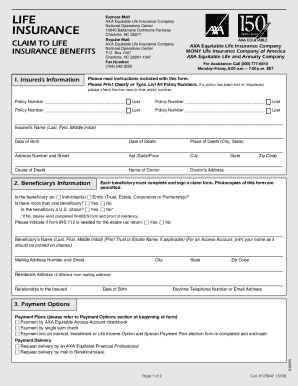
Life insurance form

SPECIAL bPOWER OF ATTORNEYb - Philippine Embassy Berne

Oci questionnaire online
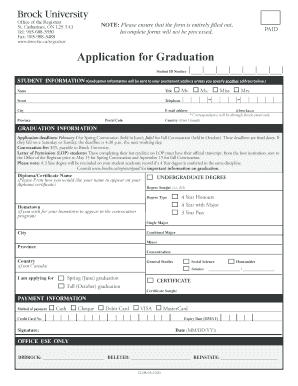
Application for Graduation - Brock University - brocku
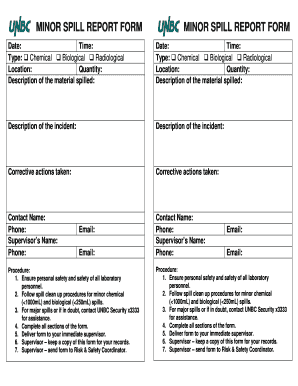
Chemical spillage mock drill report doc
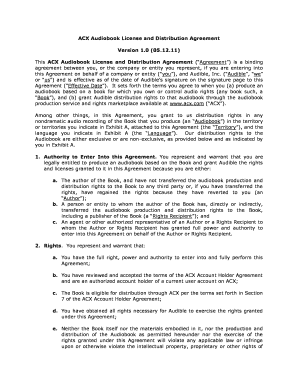
This ACX Audiobook License and Distribution Agreement
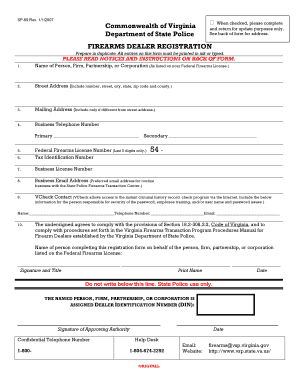
Firearms Dealer Registration - Virginia State Police

AISH Benefits Administration Instruction Form - Human Services
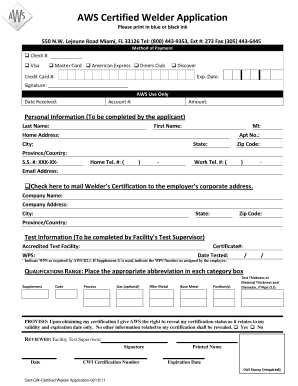
AWS Certified Welder Application - American Welding Society - aws
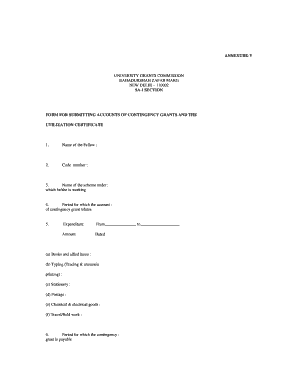
Ugc contingency form
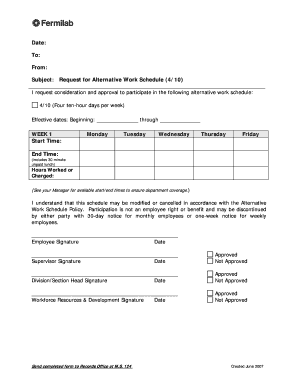
Work schedule agreement template
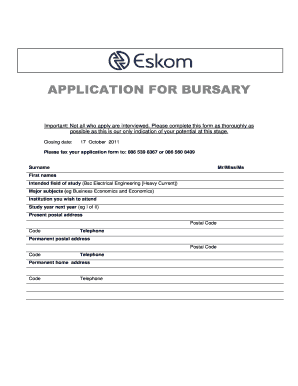
Eskom electricity application form 2022
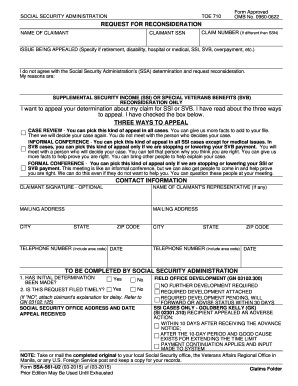
Ssa 561 appeal form pdf
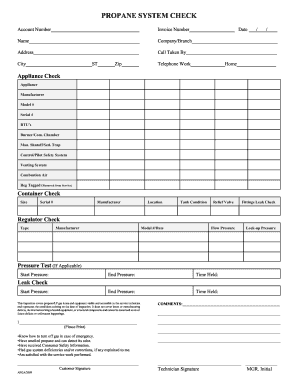
Propane system check form

Consent form for football
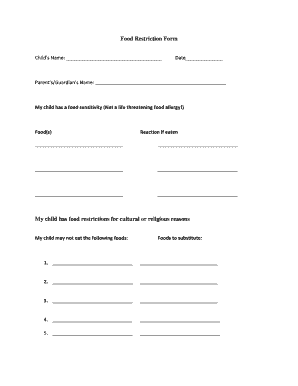
Food Restriction Form My child has food restrictions for cultural or
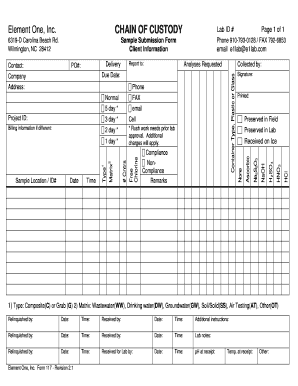
Waste water drinking water chain of custody form - Element One, Inc

Employee Health Fair Vendor Needs-Assessment Form
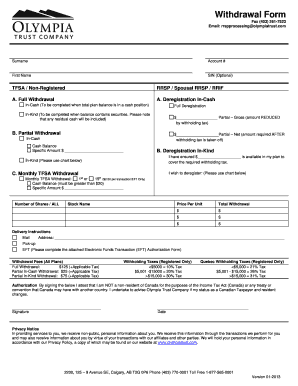
Olympia trust withdrawal form

Welding bid sheet
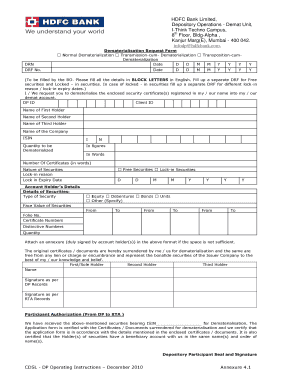
Hdfc drf form
Fsa 155 form
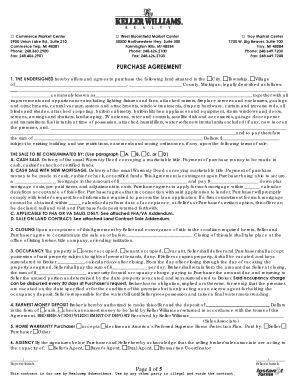
Keller williams purchase agreement
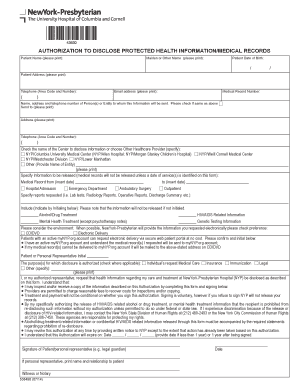
Medical authorization release form new york presbyterian

APPLICATION FOR TEMPORARY PLACARD - State of New Jersey - state nj
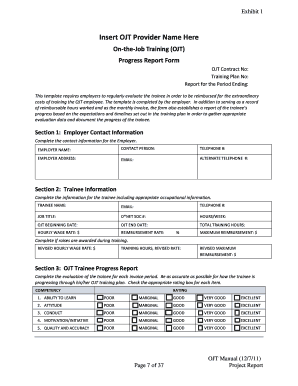
Ojt format
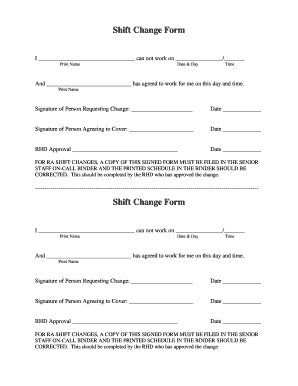
Shift change form word

Va irp 1 form
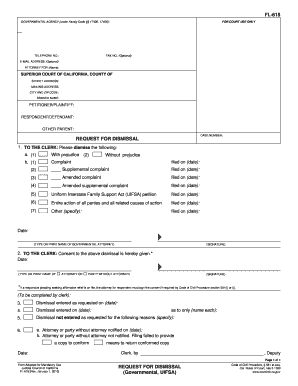
Fl618 form
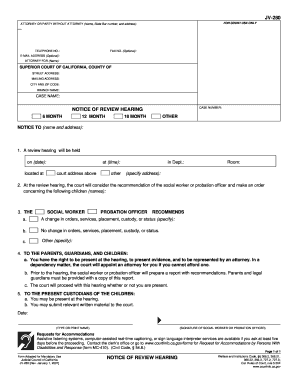
Jv 280
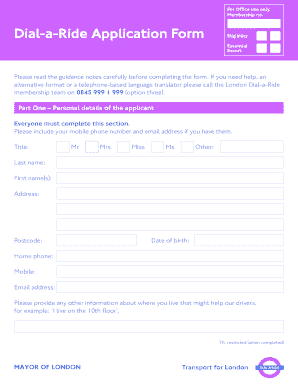
Dial a ride form
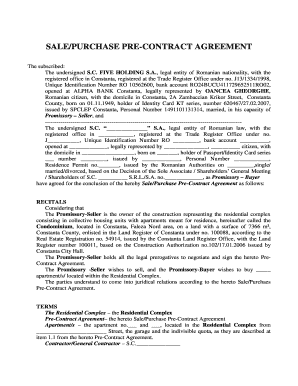
Pre contract agreement
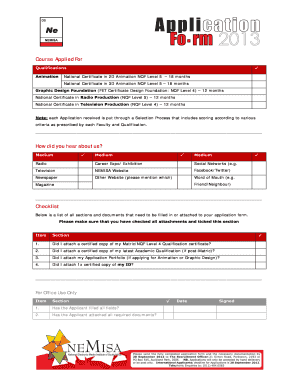
Nemisa certificate download pdf
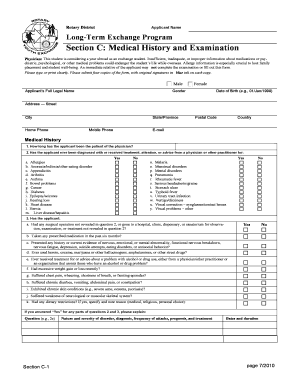
Long term exchange program medical history and examination form
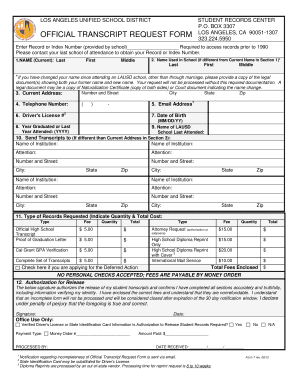
Lausd transcripts

Retaining wall inspection checklist
Benefit from the DocHub online library of fillable PDF forms
Searching the PDF forms doesn't have to be a tedious and time-consuming process. With the DocHub online library, it has become easier to find the fillable PDF forms and modify them in your browser. The service allows you to adjust the document to your needs using powerful editing tools.
You can use online document editing features to modify almost any type of document with ease. You just need to find the template of your choice, open it in the editor, and use the toolbar to make the necessary corrections.
Follow this guide to get your document done with DocHub:
- Find the PDF template you need.
- Click the Get Form button to open the file in the editor.
- Use the toolbar to fill out and edit the document.
- Easily add and highlight text, insert images, checkmarks, and symbols.
- Drop new fillable fields, and rearrange or delete pages from your file.
- Save changes and download your record.
DocHub empowers everyone to streamline document editing, signing, and distribution, and form completion. Create an account and benefit from our well-organized PDF Forms library and comprehensive editor.