
Get any PDF form from the DocHub library of ready-made templates - Page 977

Illinois state plates form
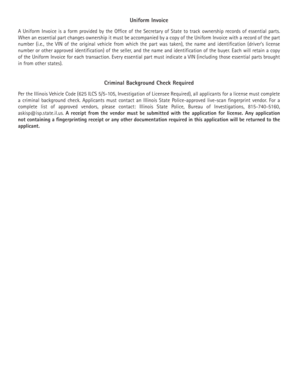
Illinois automotive license

Plate collegiate you
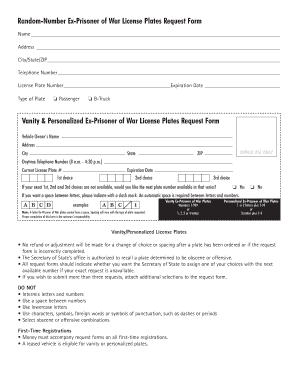
Il ex war

Il cdts teen create
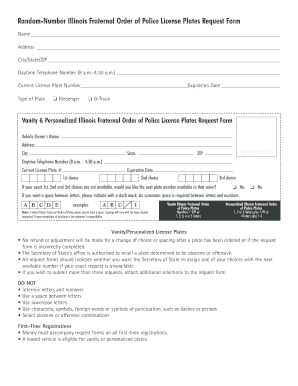
Fraternal order form

Driver illinois enclose
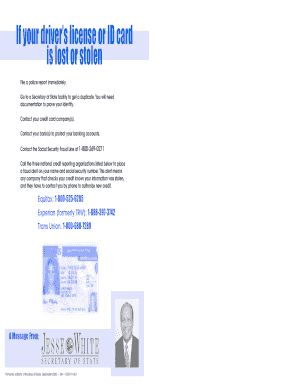
Illinois x id card
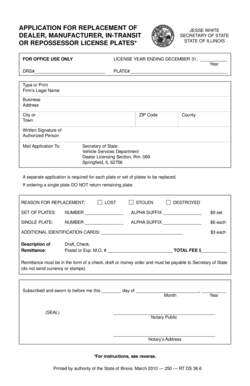
Plate replacement dealer

Homemade trailer title illinois

Illinois awareness license print

Illinois police plates
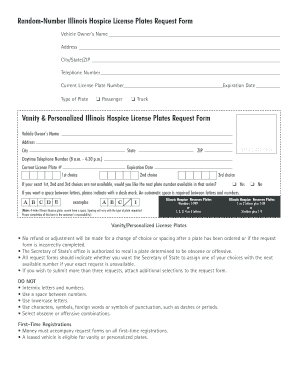
Illinois hospice license

Inspection vehicle illinois

Suppression license illinois
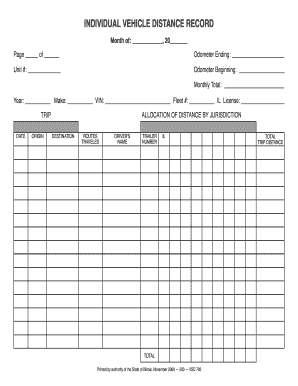
Il traveled authority

Illinois law plates vanity
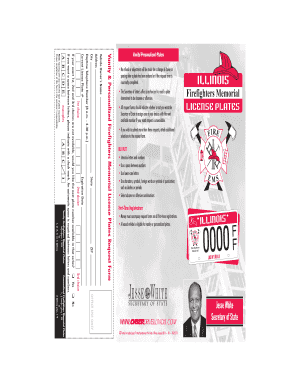
Firefighters request illinois get

Dsd fr 10 form

Illinois examples vehicle insurance
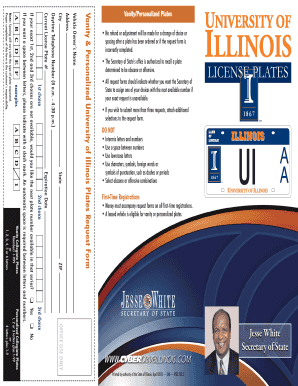
Illinois vanity form

Driver duty form

Vsd 707

Illinois teen driving
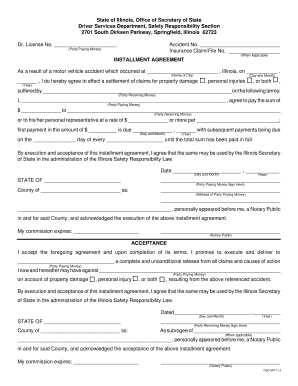
Installment sr22

Second division vehicle

State condition cyberdriveillinois

Il general release
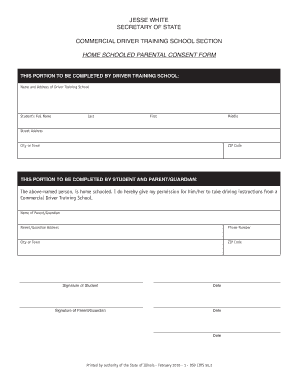
Schooled consent template

Illinois michigan license plates

Vanity plates form get

Dc dmv form

Dc vehicle lien

District of columbia dmvpta

Provisional license

Dc poder notarial

Dmndio

Dc dmvadj online
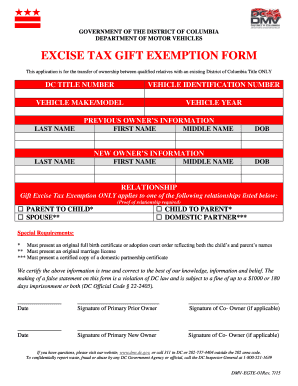
District of columbia excise tax

Venta sin IVU para artculos de temporada de huracanesGobierno

District of columbia poa

Organization department motor

Dc dmv inscripcion get

Week placard

Dc dmv titulo
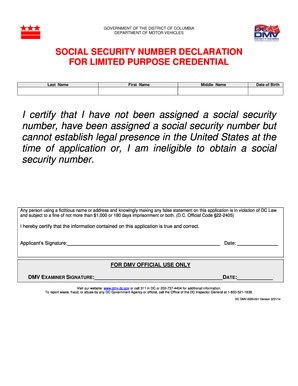
Dc social number

Dc dmvsss
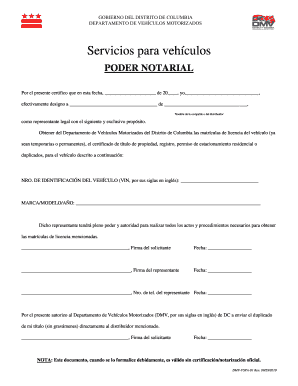
Dmv vspa 01

St wvr download
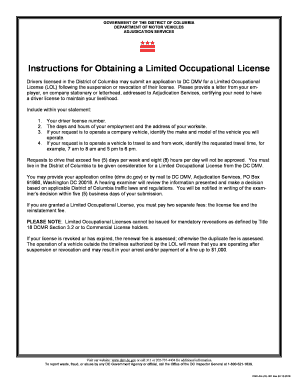
Dc dmv instructions
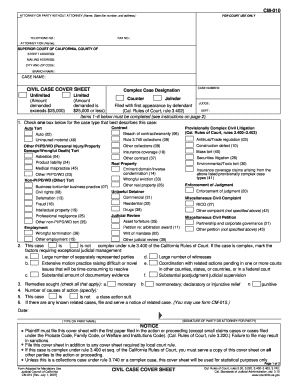
Cm 010
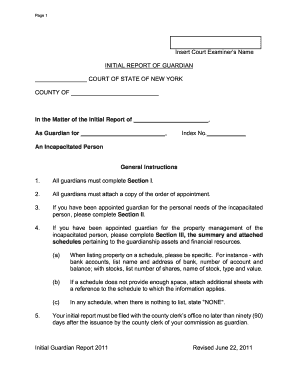
Initial report of guardian form new york state

Td 420 073 2013 form

Cdl med 1 2013 form

Hsmv 86072 2011 form

(To opt out, complete separate form)

Printable in transit sign for car 2012 form

Alaska auto titles 2012 form
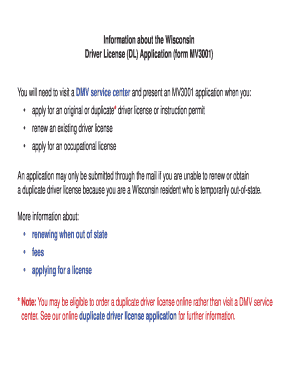
Wisconsindmvgovmv3001 2011 form

Over Axle and Over Gross Weight Tolerance

To vtr 340
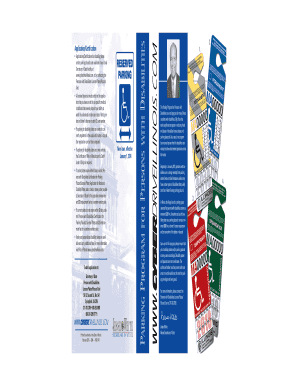
Parking Program for Persons with Disabilities - Illinois Secretary of
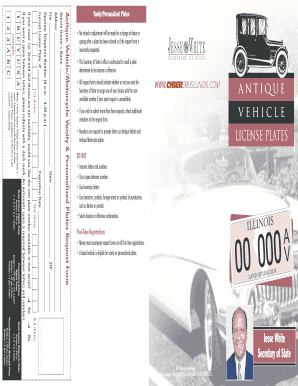
2013 plates

Mandatory Vehicle Insurance Public Service Facility - Illinois

Vision Specialist Report - Illinois Secretary of State

Expedited Title Service - CyberDrive Illinois

Parent-Teen Driving Guide - Illinois Secretary of State

Illinois Graduated Driver Licensing Program - Illinois Secretary of State
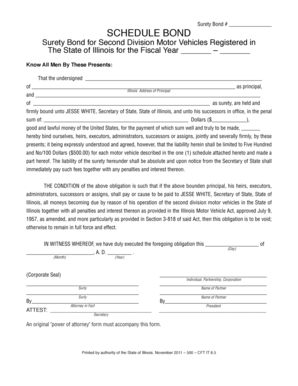
Schedule bond illinois
DUI Fact Book - Illinois Secretary of State
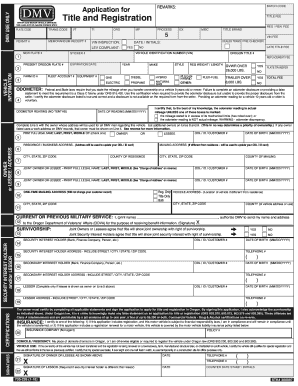
Application for Title and Registration
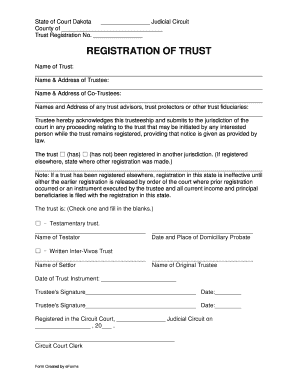
Form 4441 - Statement of Trust - Missouri Department of
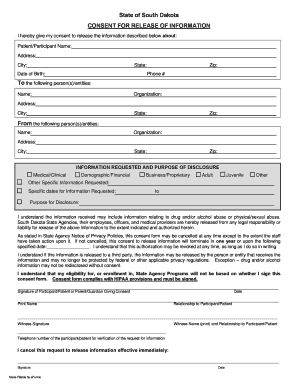
Request to release health information - State of South Dakota

North Dakota HIPAA Release of information

Fingerprint based form

Fire Self Inspection Report
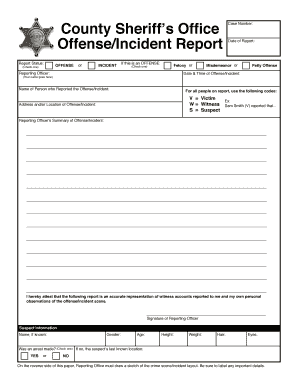
County sheriff's office offense incident report
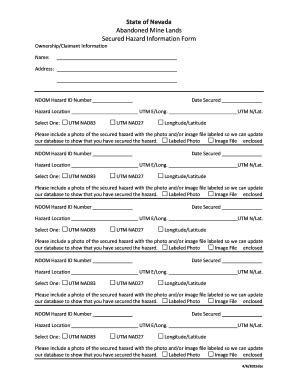
Changing Coordinate System from MGA54 grid to local mine grid
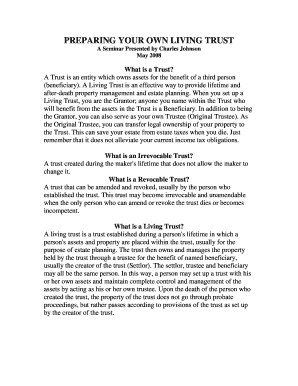
Do I Need A Living Trust? - Johnson Turner Legal

Nevada vocp

Arizona trademark

Form 55 55 driller

Wyoming Revocable Living Trust Form

Wyoming wld liquor get

Camping campgroundsminnesotaCity of Spring Lake Park - Parks & Recreation Department

Mn seller

Cc plan authorization pdf

Find Fence Permit - Search Fence Permit

Biggs-ca documentsfence permitFence Permit Application - biggs-ca
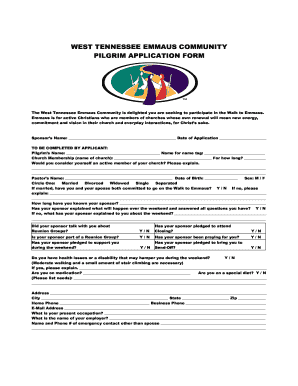
Tennessee emmaus

Certificate of sale missouri

Kenosha dog license
Wi milwaukee chief inspector
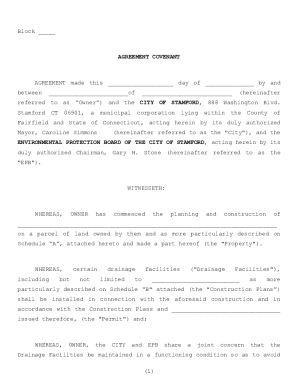
Covenant Agreement: Definition & Sample - ContractsCounsel
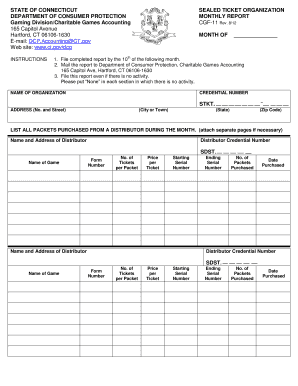
Ct cgf 11 sealed form
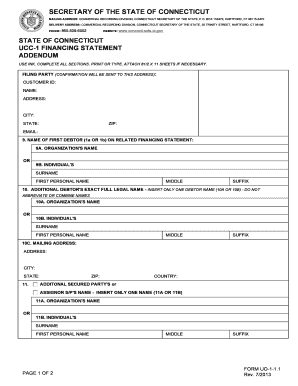
Ct ucc uo1 1 form
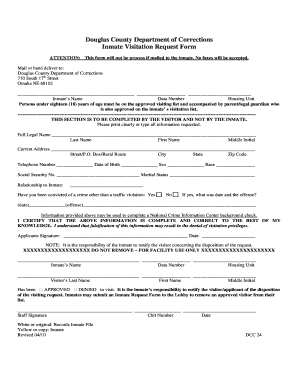
Douglas county nebraska jail
COPFCU Outgoing Wire Transfer Form

Ohio notice mortgage
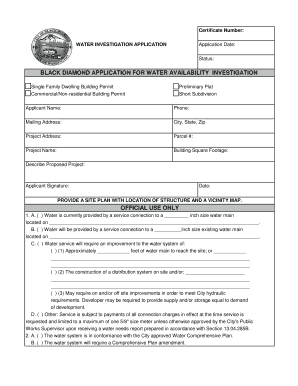
Water - City of Black Diamond
Benefit from the DocHub online library of fillable PDF forms
Searching the PDF forms doesn't have to be a tedious and time-consuming process. With the DocHub online library, it has become easier to find the fillable PDF forms and modify them in your browser. The service allows you to adjust the document to your needs using powerful editing tools.
You can use online document editing features to modify almost any type of document with ease. You just need to find the template of your choice, open it in the editor, and use the toolbar to make the necessary corrections.
Follow this guide to get your document done with DocHub:
- Find the PDF template you need.
- Click the Get Form button to open the file in the editor.
- Use the toolbar to fill out and edit the document.
- Easily add and highlight text, insert images, checkmarks, and symbols.
- Drop new fillable fields, and rearrange or delete pages from your file.
- Save changes and download your record.
DocHub empowers everyone to streamline document editing, signing, and distribution, and form completion. Create an account and benefit from our well-organized PDF Forms library and comprehensive editor.