
Get any PDF form from the DocHub library of ready-made templates - Page 976

University registration form
Canada
2014 CCP Forms RN indd - crnm mb

Prior Learning Assessment Application Form - Camosun College

Tin 902 671 733 2000 form
VS-165 - dshs texas

STATUTORY SHORT FORM POWER OF ATTORNEY - Justia
Florida equitable distribution worksheet 1996 form

Monthly Totals - Louisiana - doa la
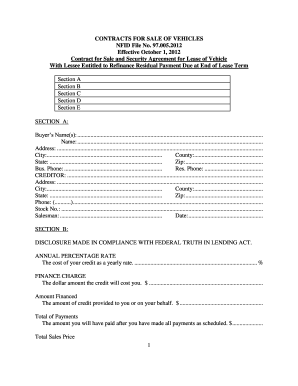
Nfid vehicles
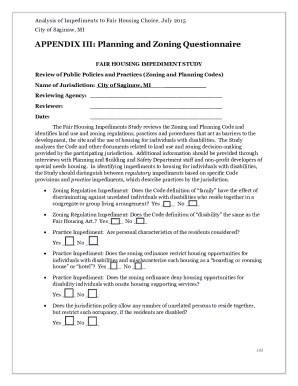
Analysis of Impediments To Fair Housing Choice - City of Saginaw
Mdotjboss
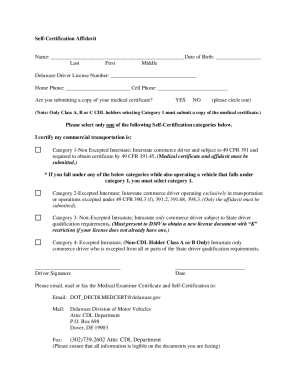
Are you submitting a copy of your medical certificate

School license application
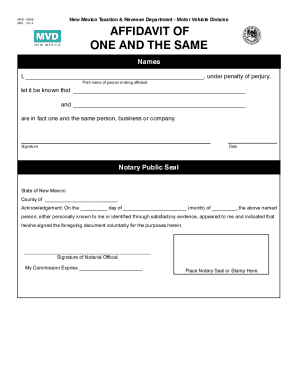
Same name affidavit pdf
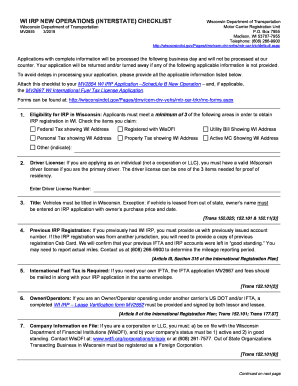
Wi form operations dot
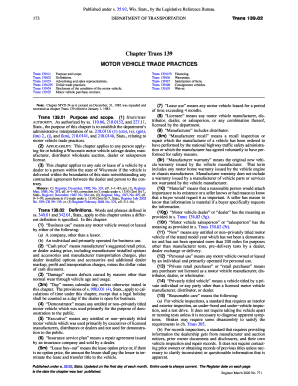
MOTOR VEHICLE TRADE PRACTICES

Id renewal by mail

Direct services are those provided to clients and their
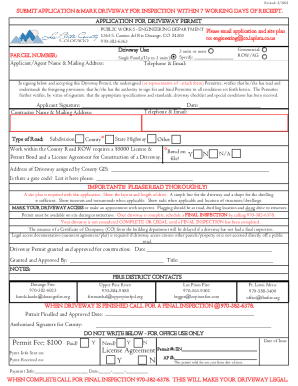
Motor Vehicles Rules and Regulations

Co driver handbook

New hampshire
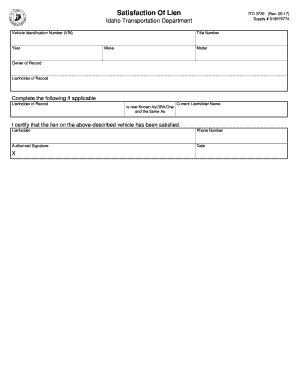
Itd 3726

MDOT Careers - Mississippi Department of Transportation

Mississippi affidavit of ownership of motor vehicle

Maryland odometer
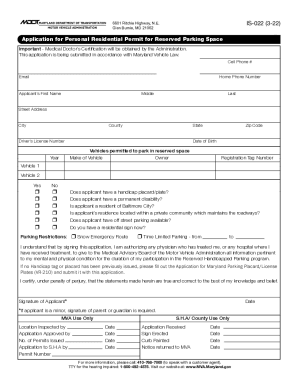
Mdtagsnow pdfVR-210ApplicationforDisabilityMotor Vehicle Administration 6601 Ritchie Highway, N E VR

Arkansas susan komen plate
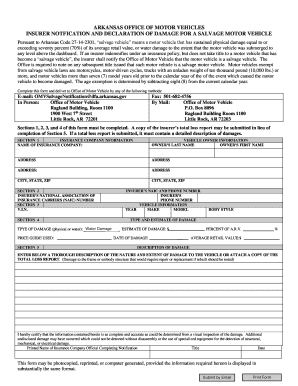
Ar declaration form

Tx dps dl 7

Dealer auto affidavit

Fl hsmv accompany title

Florida request hearing

Volunteer tags fire
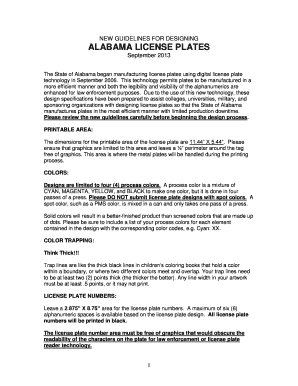
Al designing license plates
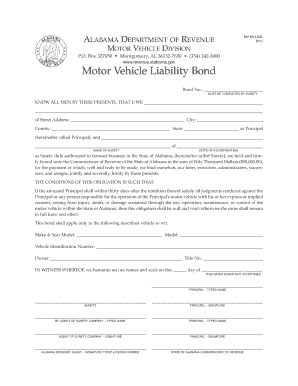
Al motor bond form

Alabama ifta form

Mvr 40 alabama form

Az crash instruction manual

Utah driver file

Tc 95 report form

Cdl medical card ct

Ct service vehicle inspection

Ct hearing contest towing

Connecticut salvage sheets form
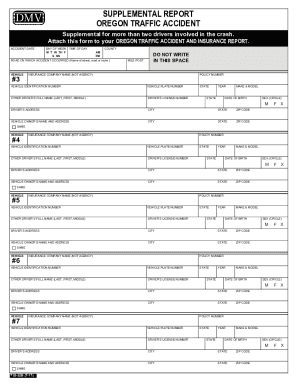
Oregon Department of Transportation : Accident Reporting and

DOL ID#

Washington disclosure questionnaire

Georgia Department of Driver Services
Ga vehicle accident
Irp guide

Nj historic license plates
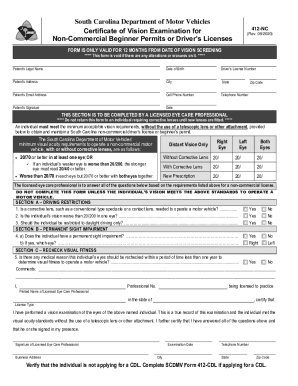
South carolina examination permits
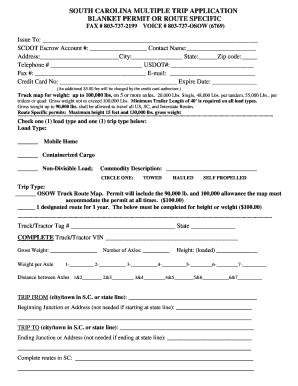
South carolina osow permit application - South Carolina
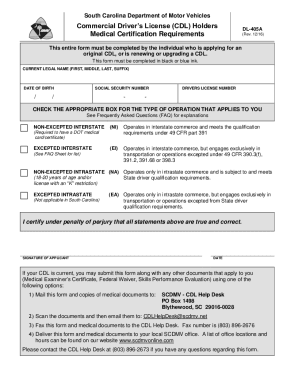
South Carolina CDL Medical Certification Form

North carolina transfer title
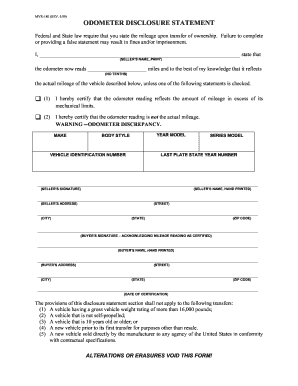
Mvr 180

Voluntary surrender cdl

Dmv 100 tr

House document in usa pdf

Nebraska title application pdf
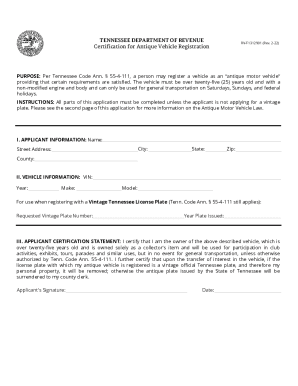
Antique registration
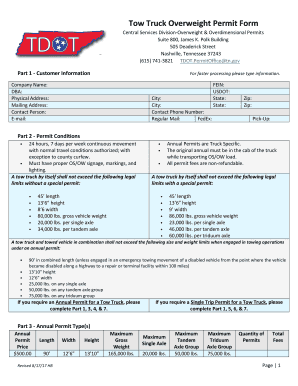
Tow Truck Overweight Permit Form
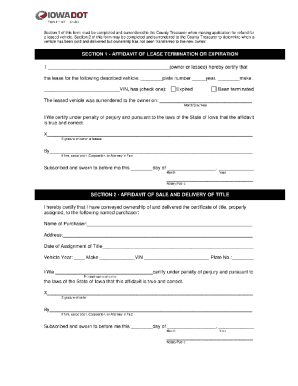
Lease Termination Affidavit of Sale
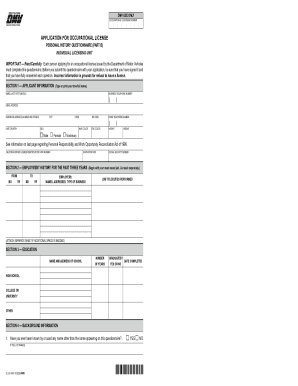
California dmv occupational license

INSTALLATION & REMOVAL REQUEST

Ny dom information article 6 dmv form
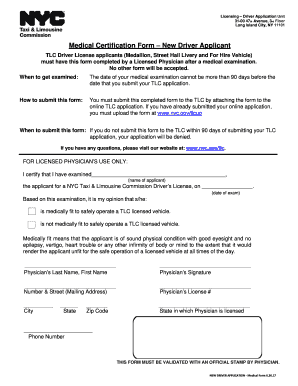
Medical certification form new driver applicant

New york city albany
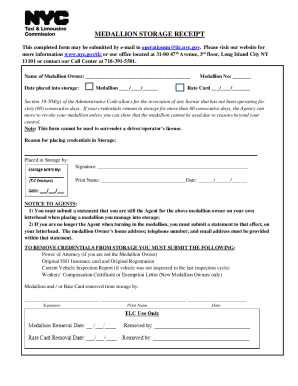
MEDALLION STORAGE RECEIPT - New York City
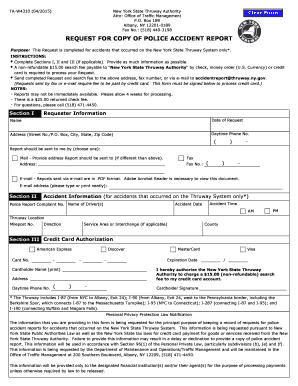
Stolen vehicle police report example

Mv 197
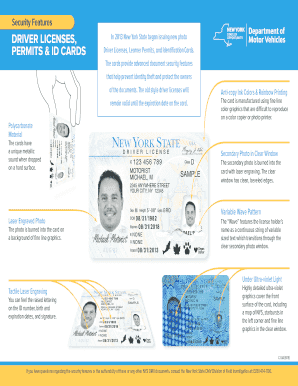
Ny security id cards
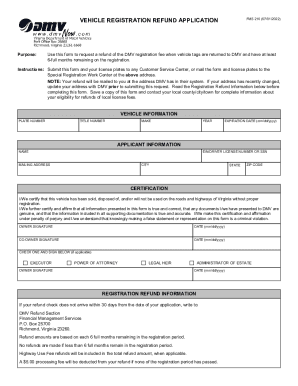
Va dmv vehicle registration
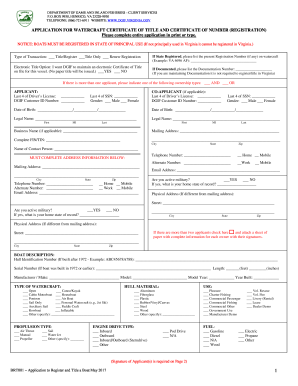
Virginia watercraft title
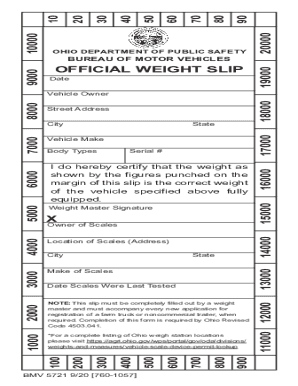
Ohio bureau motor vehicles

Il university plates uc
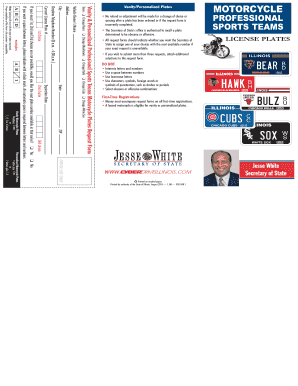
Professional Sports Teams Motorcycle - CyberDrive Illinois
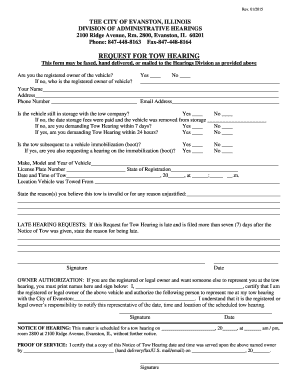
THE CITY OF EVANSTON, ILLINOIS DIVISION OF - cityofevanston
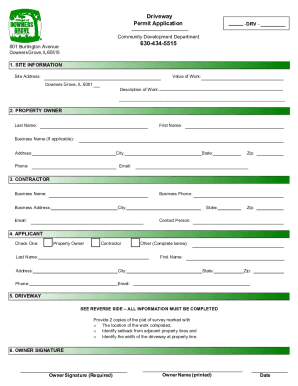
Permit Application - VILLAGE OF DOWNERS GROVE
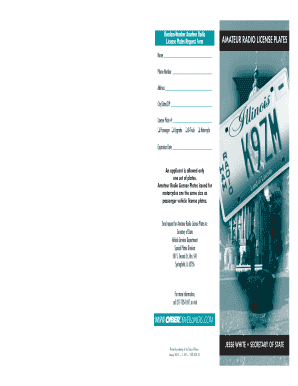
Illinois radio plates
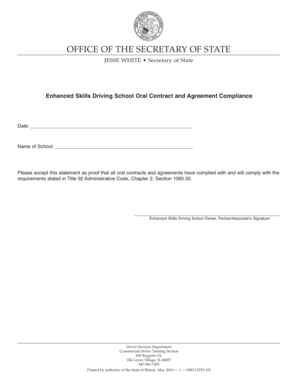
Illinois school oral contract
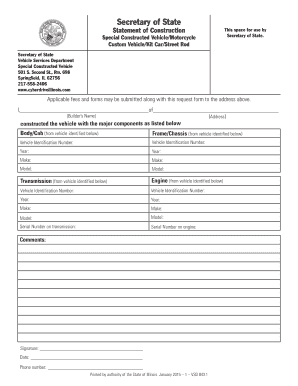
Statement construction constructed sample

Illinois driver education approval form

Illinois subject secretary

Illinois route 66 plates
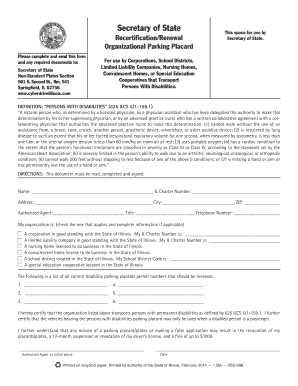
Illinois renewal parking placard

Illinois prince hall form
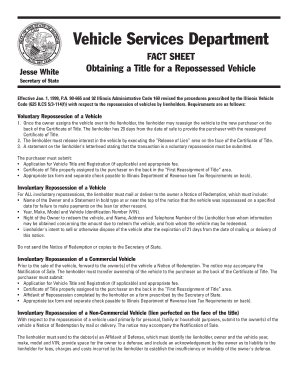
Vehicle repossession

Illinois dop disabilities placard
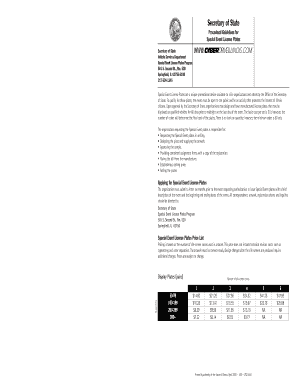
Illinois special event license plates

DePaul University Brochure - Illinois Secretary of State

Illinois northwestern license
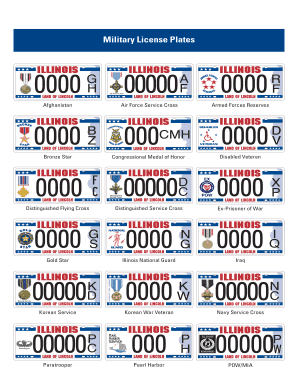
Illinois military plates

Reduced license plates get

Environmental plate illinois

Support youth license
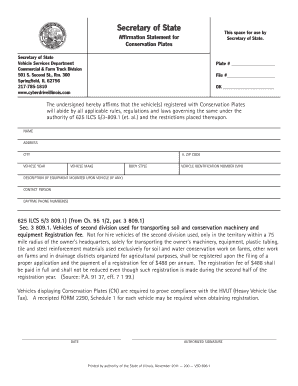
Conservation cyberdrive illinois
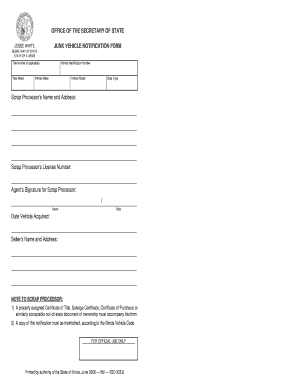
Scrap illinois title
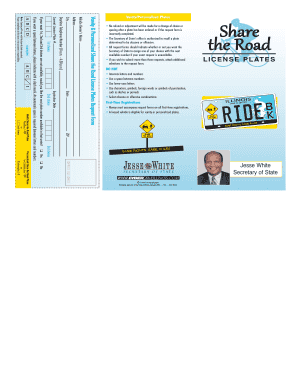
Il road license plates
Benefit from the DocHub online library of fillable PDF forms
Searching the PDF forms doesn't have to be a tedious and time-consuming process. With the DocHub online library, it has become easier to find the fillable PDF forms and modify them in your browser. The service allows you to adjust the document to your needs using powerful editing tools.
You can use online document editing features to modify almost any type of document with ease. You just need to find the template of your choice, open it in the editor, and use the toolbar to make the necessary corrections.
Follow this guide to get your document done with DocHub:
- Find the PDF template you need.
- Click the Get Form button to open the file in the editor.
- Use the toolbar to fill out and edit the document.
- Easily add and highlight text, insert images, checkmarks, and symbols.
- Drop new fillable fields, and rearrange or delete pages from your file.
- Save changes and download your record.
DocHub empowers everyone to streamline document editing, signing, and distribution, and form completion. Create an account and benefit from our well-organized PDF Forms library and comprehensive editor.