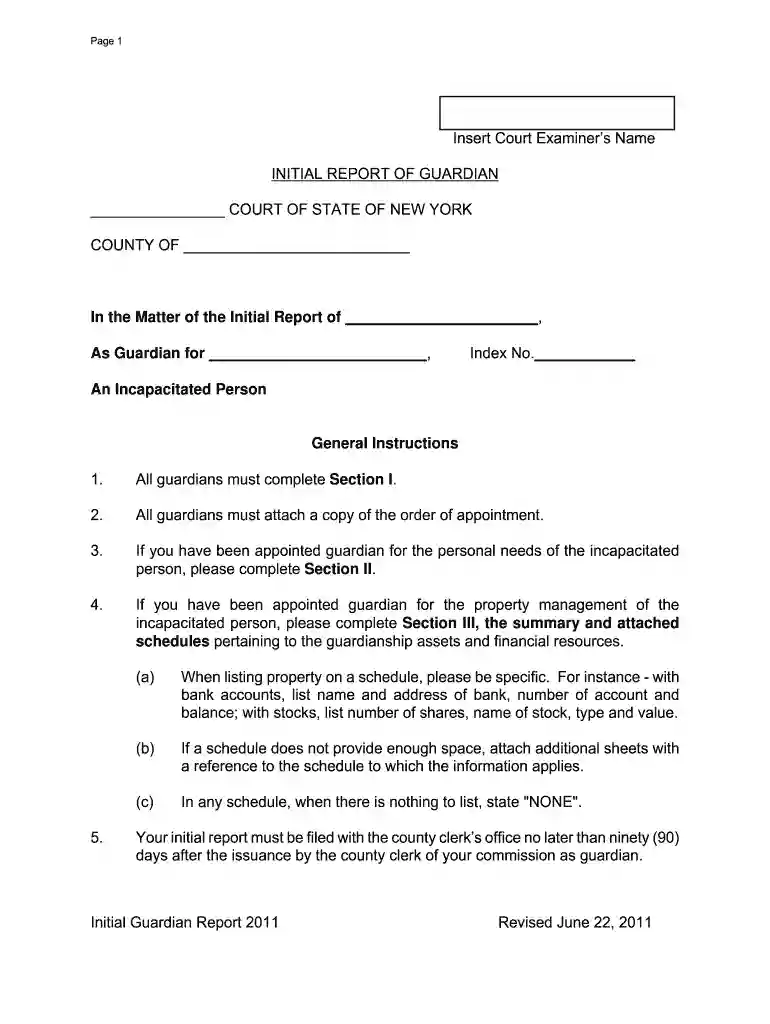
initial report of guardian new york Preview on Page 1

Initial report of guardian form new york state 2026

Here's how it works

  • 01. Edit your initial report of guardian new york online

    Type text, add images, blackout confidential details, add comments, highlights and more.

  • 02. Sign it in a few clicks

    Draw your signature, type it, upload its image, or use your mobile device as a signature pad.

  • 03. Share your form with others

    Send it via email, link, or fax. You can also download it, export it or print it out.

How to use or fill out initial report of guardian form new york state with our platform

Form edit decoration
9.5
Ease of Setup
DocHub User Ratings on G2
9.0
Ease of Use
DocHub User Ratings on G2
  1. Click ‘Get Form’ to open the initial report of guardian form in the editor.
  2. Begin with Section I, where all guardians must provide general information. Fill in the date of the report, your name and address, and details about the incapacitated person including their name, address, and date of birth.
  3. Complete the appointment details by entering the date of order, court name, judge's name, and bond information if applicable.
  4. If you have been granted powers over personal needs or property management, ensure to complete Sections II and III respectively. Provide detailed plans for care and management as required.
  5. For any schedules related to assets or income, list all relevant information clearly. If there is nothing to report on a schedule, indicate 'NONE'.
  6. Finally, verify your report by signing it and ensuring all necessary attachments are included before submitting it to the county clerk’s office.

Start using our platform today for free to streamline your document editing and completion process!

See more initial report of guardian new york versions

We've got more versions of the initial report of guardian new york form. Select the right initial report of guardian new york version from the list and start editing it straight away!

VersionsForm popularityFillable & printable
20174.8 Satisfied (152 Votes)
20114.4 Satisfied (197 Votes)
20054 Satisfied (38 Votes)

be ready to get more

Complete this form in 5 minutes or less

Got questions?

We have answers to the most popular questions from our customers. If you can't find an answer to your question, please contact us.

A Declaration of Guardian is a legal document where you tell the court who you want to serve as your guardian if there is ever a guardianship proceeding for you. There are two types of guardians: Guardian of your estate, and guardian of your person.
How to Write Legal Guardianship Letter? Title and Date. Parent or Guardians Information. Childs Information. Guardians Information. Duration of Guardianship. Reason for Guardianship. Details of Authority. Legal Guardians Consent.
If you have been appointed as a Guardian by the Court, you must file a Guardians Report every year unless or until the Guardianship is terminated.
A Go-To Guide for Guardianship Letters Basic Information. In the letter heading, include basic details like names and addresses. Statement of Consent. Grant Powers to Guardian. Describe Your Absence. Provide Contact Details. Get Letter docHubd.

Security and compliance

At DocHub, your data security is our priority. We follow HIPAA, SOC2, GDPR, and other standards, so you can work on your documents with confidence.

Related links

Guide To Becoming A Guardian Without A Lawyer

For example, you report for the year of 2012 will be filed in May of 2013. report similar to an initial report, every year. Sample annual reports can be foundRead more

Learn more
If you believe that this page should be taken down, please follow our DMCA take down process here