




01. Edit your form online
Type text, add images, blackout confidential details, add comments, highlights and more.

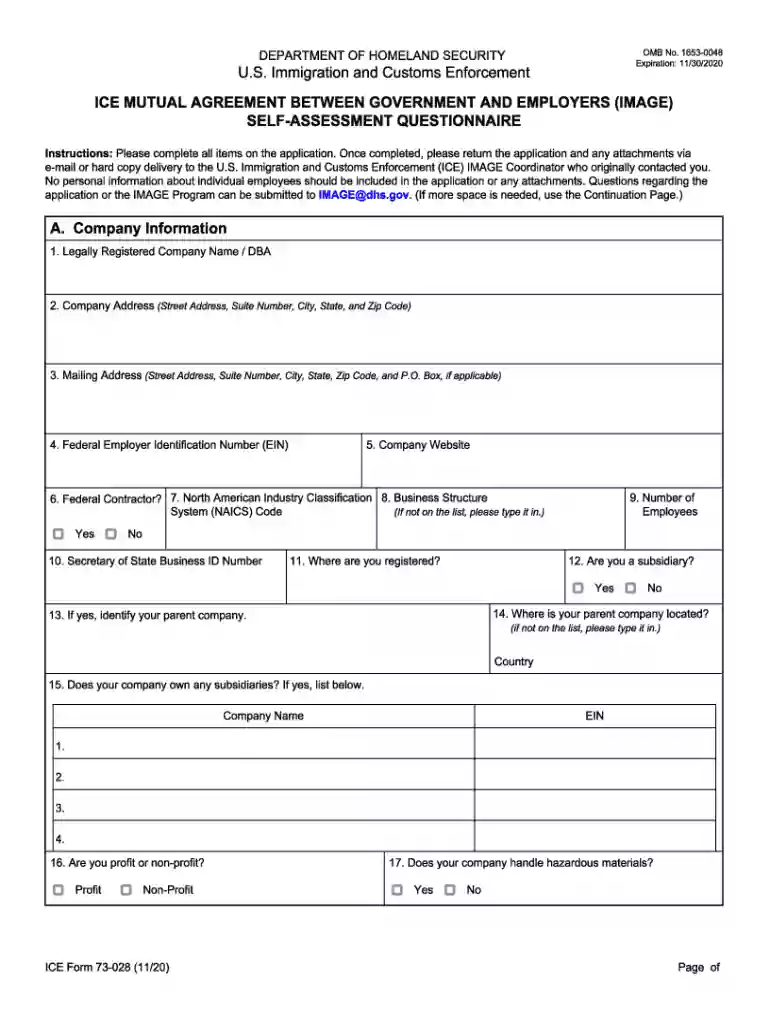
Type text, add images, blackout confidential details, add comments, highlights and more.

Draw your signature, type it, upload its image, or use your mobile device as a signature pad.

Send it via email, link, or fax. You can also download it, export it or print it out.

Start using our platform today for free and simplify your form completion experience!
We've got more versions of the ICE Form 73-028 - image73-028 form. Select the right ICE Form 73-028 - image73-028 version from the list and start editing it straight away!
Approving paperwork on a mobile device is fast, straightforward, and doesn’t require software installation if you have an account with DocHub. Sign in from any browser, fill in your empty fields with your information, and click on Sign → Create your signature. You can draw your electronic signature just as you usually do on paper, add its picture to your ICE Form 73-028 - image73-028, or type in your name and stylize its look. Whatever option you select, your document will be valid.
With a swift editing system like DocHub, you do not require anything but a web browser and connection to the internet to modify your ICE Form 73-028 - image73-028 on the internet quickly. Add your file or get the appropriate form in DocHub’s catalog, open our editor with a single click, and finish it electronically. To revise your forms anytime, register a free profile with DocHub.
At DocHub, your data security is our priority. We follow HIPAA, SOC2, GDPR, and other standards, so you can work on your documents with confidence.


