
Get any PDF form from the DocHub library of ready-made templates - Page 882

Primary Care Emergency Special Services

Children s Hospital Los Angeles - chla

Management Commitment and Responsibilities

Oncokids test requisition patient information sample

Simply Spay and Neuter of OC ***?Please? ?initial? ?the

Children s Hospital Los Angeles
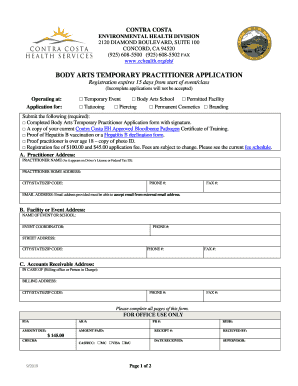
Body arts temporary practitioner application - Contra Costa
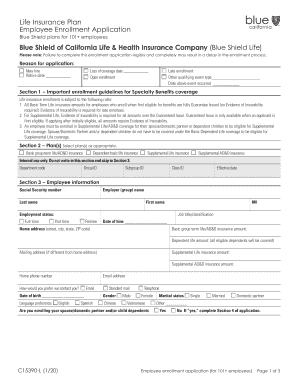
Blue Shield of California and Blue Shield of California

2018 CA Blue Shield Treatment Authorization Request Form

Hcpcfc form

Motherhood Matterssm Car Seat Safety - Molina Healthcare

Health Plan Form - Palo Alto Unified School District - pausd
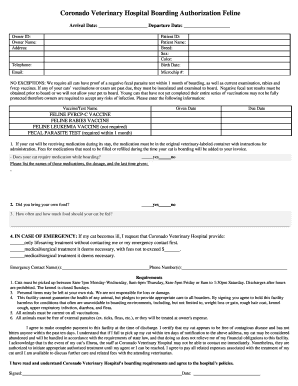
New Client Form - Harbor Animal Hospital
Call BSC Medical Care Solutions Phone Number - Blue

AboutIntegrity Medical Transportation
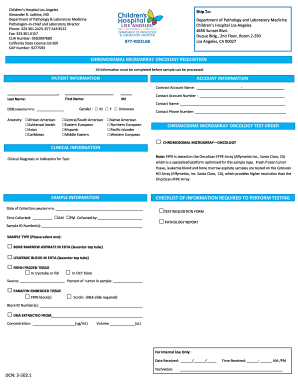
Fillable Online Ocular Disease Focused Exome - Test Requisition

California blue cobra

- Alameda County Behavioral Health - acbhcs
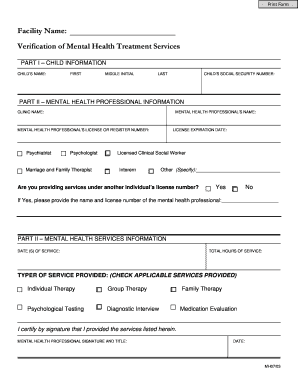
Verification of Mental Health Treatment Services - ibs4youcom

Blue shield bariatric surgery
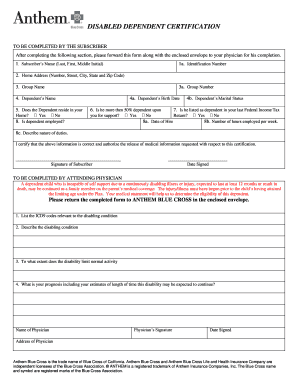
After completing the following section, please forward this form along with the enclosed envelope to
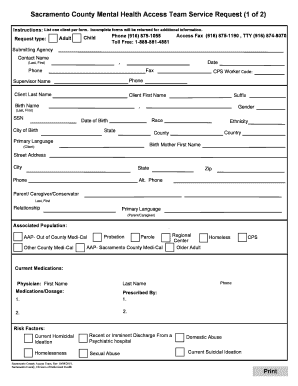
Sacramento county mental health
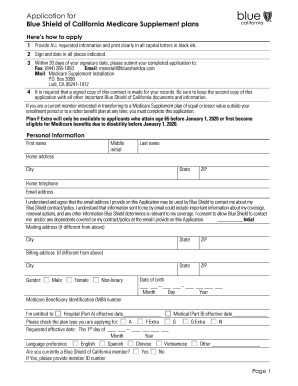
Blue shield medicare application
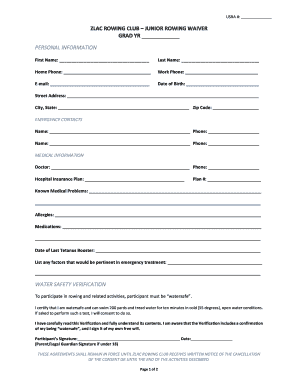
Zlac
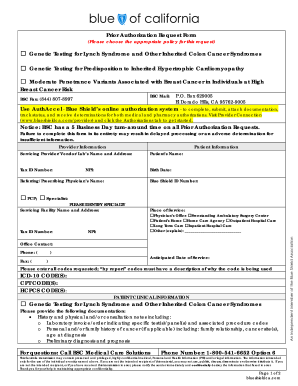
Prior Authorization Request Form Genetic Testing for Lynch

Oss glendale
Ca edrs fax sheet
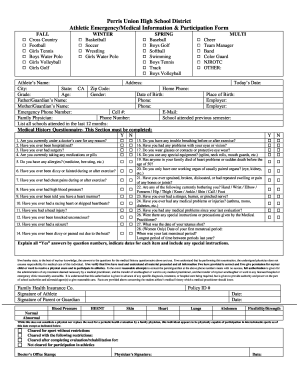
Perris Union High School District Athletic - Amazon S3
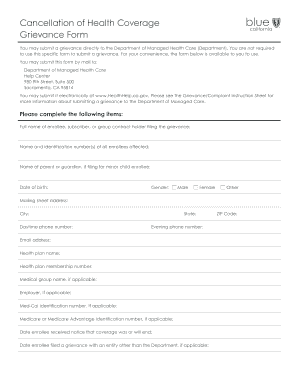
A52129-FF12-19REF121895DMHC Grievance Request Form-FF

Agreement of Financial Responsibility Comprehensive
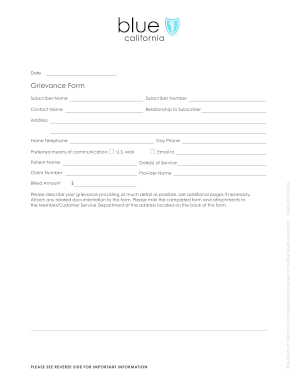
Ca grievance

Exhibit 10 27 Loan Pledge and Security Agreement - SEC

Applicant resume

General Financial Policy, CC Authorization, Consent to
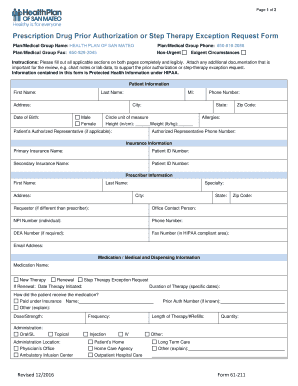
Documents required

Health net medical authorization form
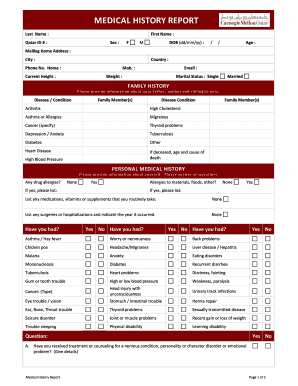
Medical commission result
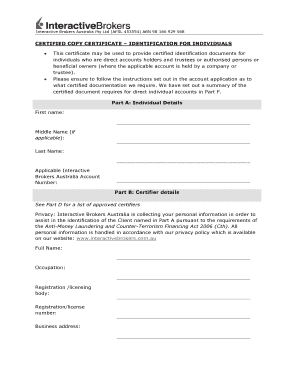
Certified identification form

Edit pdf online online

Psychiatry - Certificate Course
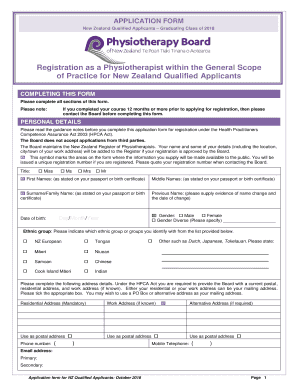
Application form for physiotherapy

Mapei waterproofing warranty
Ec 15 form

Accounts Receivable Account Application Form (Research Funder) - otago ac

Vat 72 form
Vetting declaration

GOES( Global Entry) - Immigroup Immigration Services
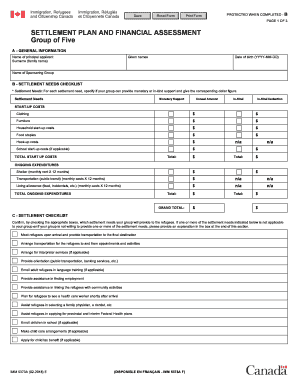
Canada settlement form
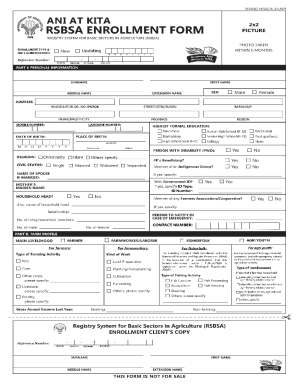
Ani at kita rsbsa enrollment form

Upcat form 1

TEMPORARY SUSPENSION
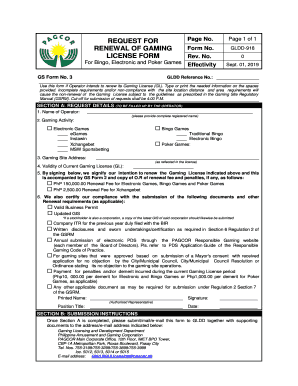
Gldd pagcor

Pup scholarship form
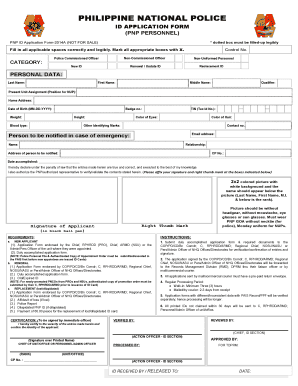
New pnp id application form
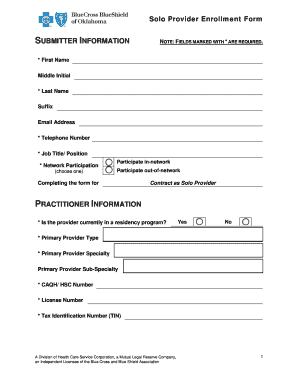
Solo form
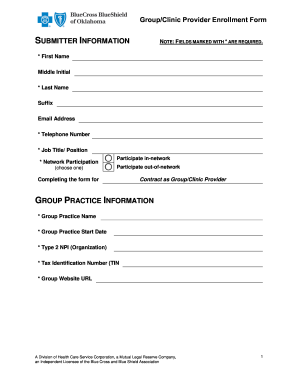
Clinic enrollment form

Pre hospital dnr form
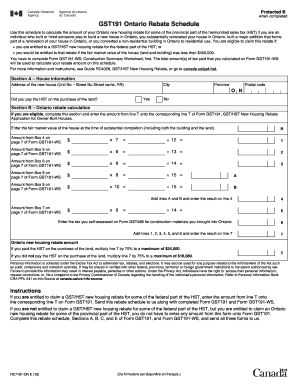
Rc7191 form
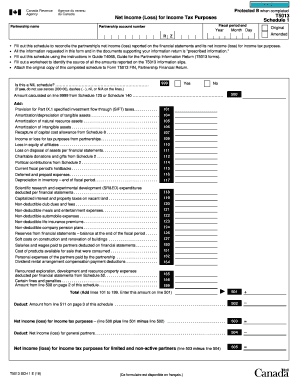
T2sch1
2018 health

Uob maintenance form
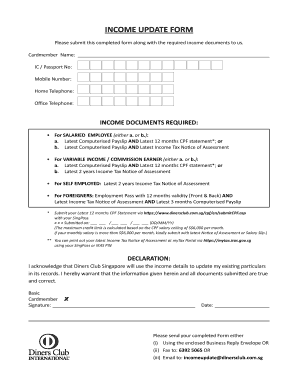
Singapore income update

Stu d ent application form - EtonHouse

Singapore due diligence form
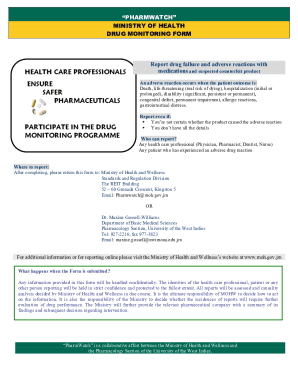
Moh jmwp-contentuploadsPHARMWATCH MINISTRY OF HEALTH DRUG MONITORING FORM

Esa1 form
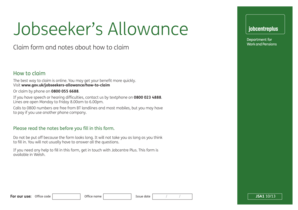
Jsa1 form

Hb claim form redbridge for practice
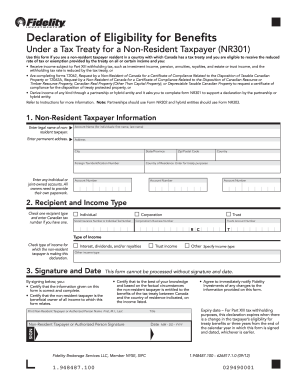
Nr301
Canada deposit application
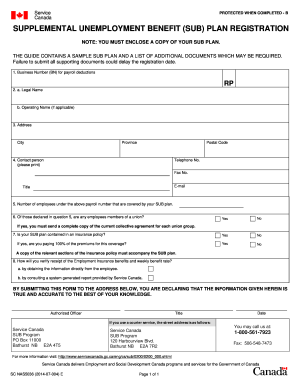
Canada sub plan service
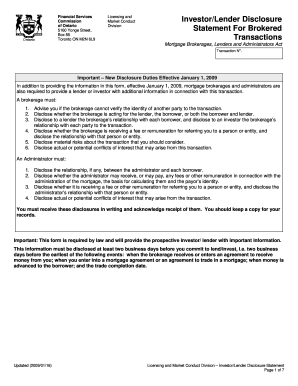
Investor disclosure statement
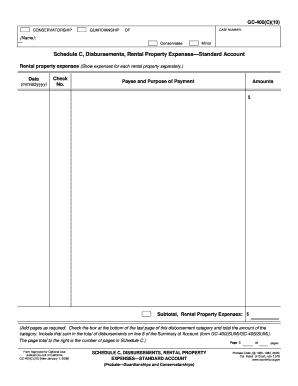
GC-400(C)(10) Schedule C, Disbursements, Rental Property Expenses Standard Account Judicial Council
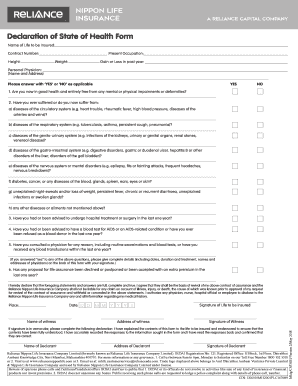
Reliance form nippon life insurance
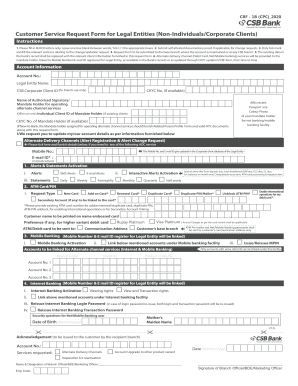
India CBS CRF-1B

Iisjed leave application form
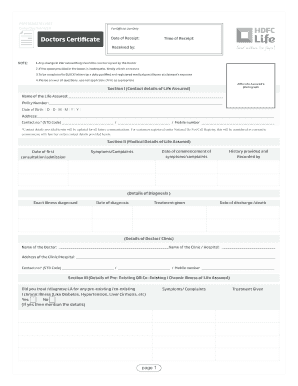
Documents - HDFC Life
Pnb metlife statement

Axis bank corporate internet banking form
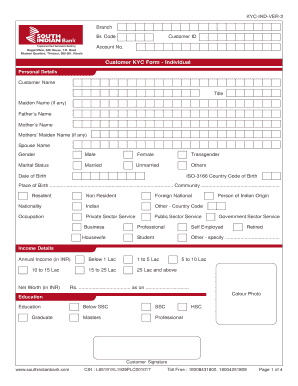
Indian bank kyc form
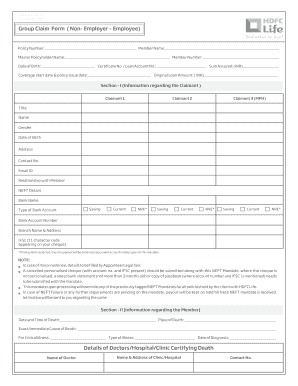
Hdfc life group claim form
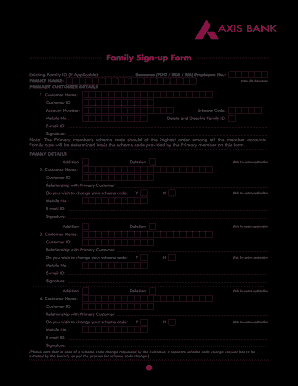
Family banking form axis bank
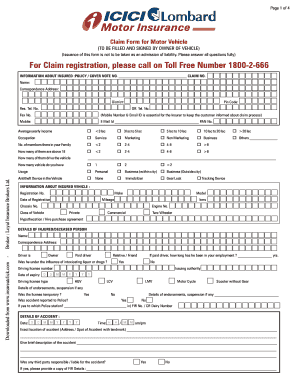
Icici claim form
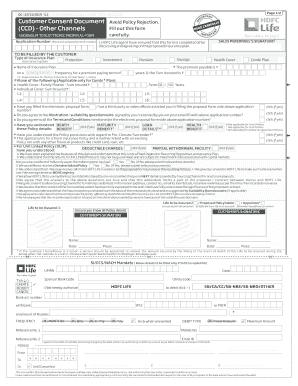
Hdfc consent form
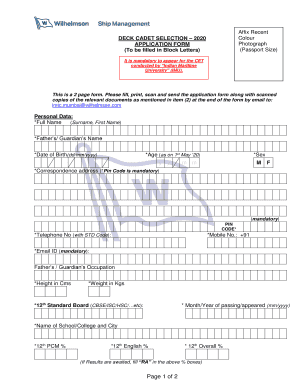
Wilhelmsen ship management online application
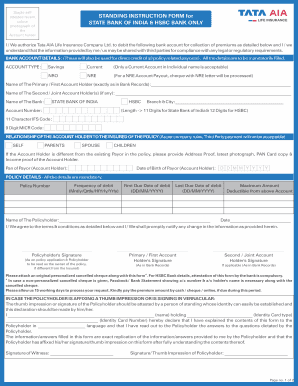
Standing instruction form sbi
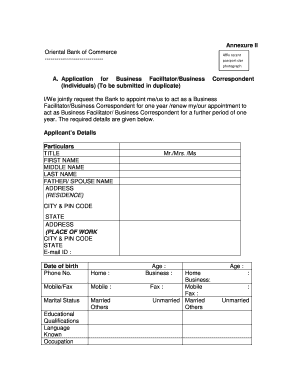
Pnb csp application form pdf

La martiniere form

Billing & LiabilityCorporate Card Programme

SEMPHN Mental Health Referral Form (Adolescent)
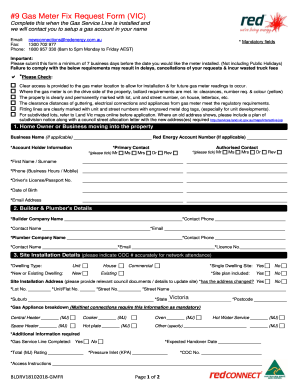
Gas meter fix
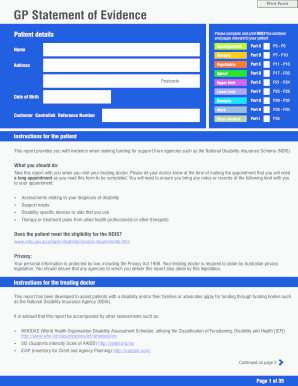
IMGP Statement of Evidence Form cdr

Student Declaration Part B POST-PLACEMENT - UNSW Law

Summer Program Student Declaration and Parent Guardian Consent Form
PFT Program in Breast Surgery - BreastSurgANZ

Vmaps super
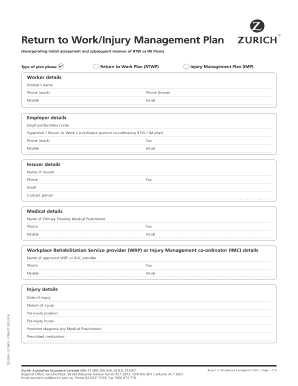
Injury management plan

Swinburne special consideration
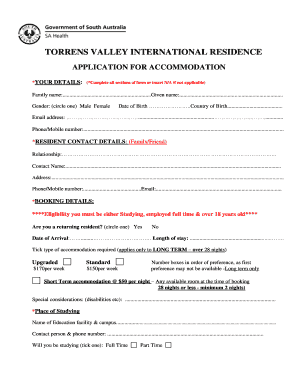
TORRENS VALLEY INTERNATIONAL RESIDENCE

Racgp reconsideration form
Benefit from the DocHub online library of fillable PDF forms
Searching the PDF forms doesn't have to be a tedious and time-consuming process. With the DocHub online library, it has become easier to find the fillable PDF forms and modify them in your browser. The service allows you to adjust the document to your needs using powerful editing tools.
You can use online document editing features to modify almost any type of document with ease. You just need to find the template of your choice, open it in the editor, and use the toolbar to make the necessary corrections.
Follow this guide to get your document done with DocHub:
- Find the PDF template you need.
- Click the Get Form button to open the file in the editor.
- Use the toolbar to fill out and edit the document.
- Easily add and highlight text, insert images, checkmarks, and symbols.
- Drop new fillable fields, and rearrange or delete pages from your file.
- Save changes and download your record.
DocHub empowers everyone to streamline document editing, signing, and distribution, and form completion. Create an account and benefit from our well-organized PDF Forms library and comprehensive editor.