




01. Edit your form online
Type text, add images, blackout confidential details, add comments, highlights and more.

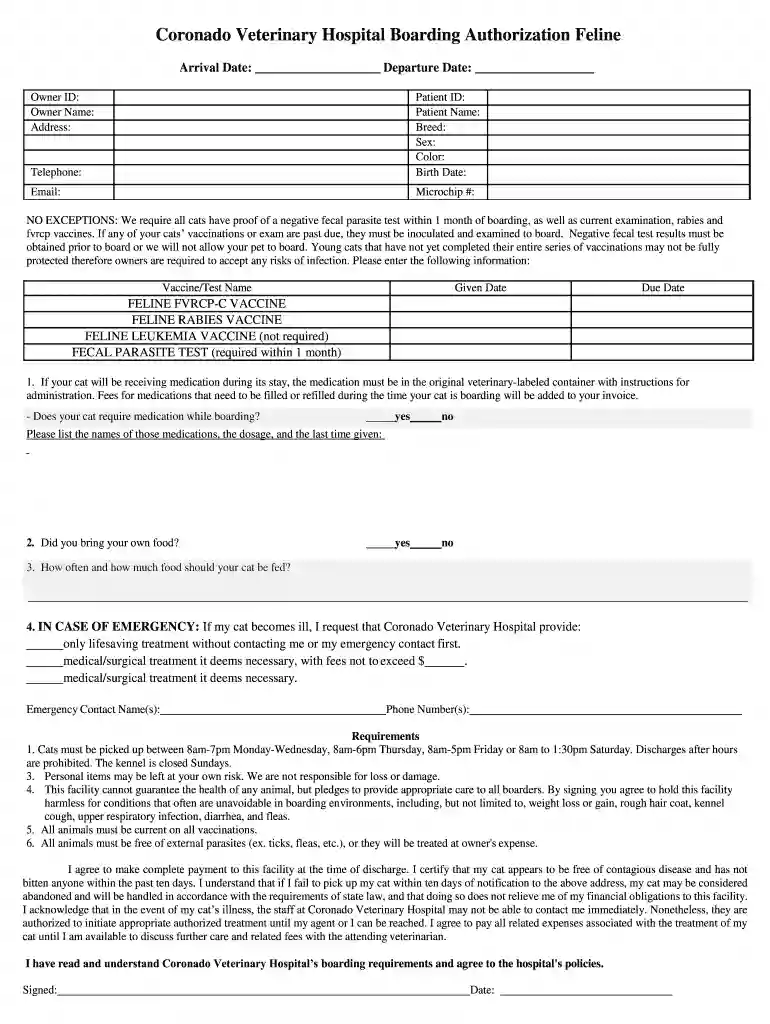
Type text, add images, blackout confidential details, add comments, highlights and more.

Draw your signature, type it, upload its image, or use your mobile device as a signature pad.

Send it via email, link, or fax. You can also download it, export it or print it out.

Start filling out the New Client Form today using our platform for a hassle-free experience!
Yes, you can utilize DocHub for signing any business and private documentation, including your New Client Form - Harbor Animal Hospital. All eSignatures you create with our tool are legally binding and court-admissible, as DocHub complies with criteria required by ESIGN and UETA. Save your completed paperwork with a detailed Audit Trail if needed.
When you edit your New Client Form - Harbor Animal Hospital with DocHub, you merely require a steady web connection and virtually any browser installed on your device. No need to install any third-party applications or study guides. Simply open a tab with DocHub, drag and drop your file, and modify it on the spot.
At DocHub, your data security is our priority. We follow HIPAA, SOC2, GDPR, and other standards, so you can work on your documents with confidence.
After submitting this form, allow one business day for data entry. Clients can call 352-392-2235 to secure their pets appointment.Read more
Use this form for initial enrollment in the North Carolina State Laboratory of Public Health provider database. fax to 919-807-0730 service@dhhs.nc.gov


