
Get any PDF form from the DocHub library of ready-made templates - Page 838
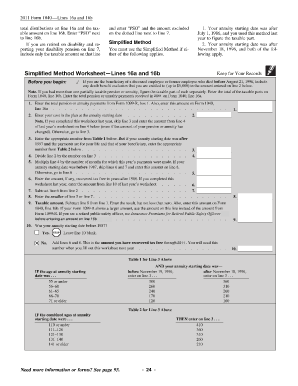
Simplified method worksheet

Accountants certificate April 2022 Confirming income forAccountants and Auditors : Occupational Outl

What Is A Santander Accountant's Certificate? - Oportfolio
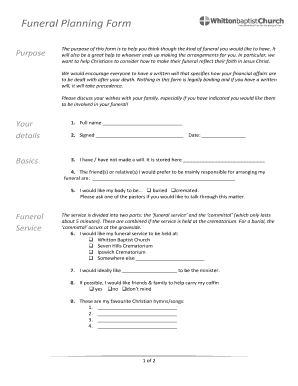
Funeral Planning Form - Whitton Baptist Church - whittonbaptist org

Order Form - Hague Apostille Service

Claims - First Canadian Financial Group

First Canadian Tire Claim Form - Fill Online, Printable, Fillable

First canadian tire claim form

APPLICATION FOR APPOINTMENT AS AN OFFICER OR INSTRUCTOR - 412sqn aafc org

NSW Qualified Supervisor Consent Declaration
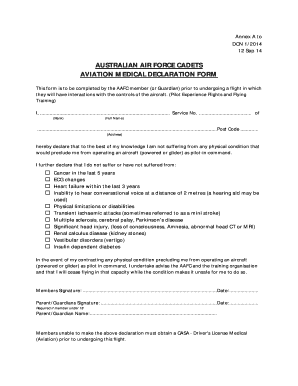
AUSTRALIAN AIR FORCE CADETS AVIATION MEDICAL DECLARATION FORM - aviation 3wg aafc org
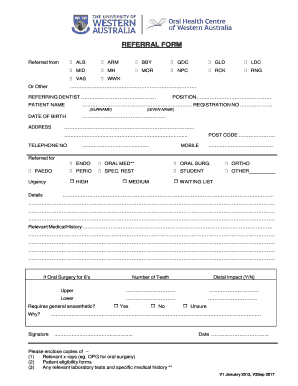
OHCWA Referral Form V2 Sept 2017

Form 14 oral health centre
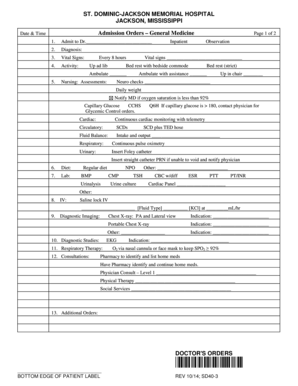
Admission orders
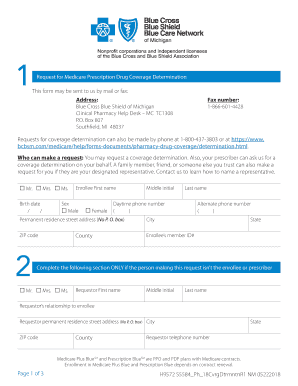
ACH Form PPO and PDP - Blue Cross Blue Shield of Michigan
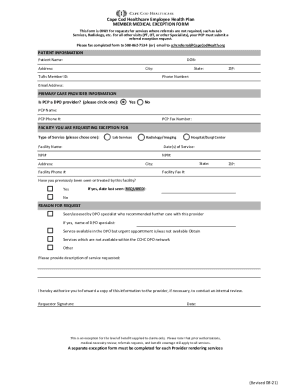
Cape Cod Healthcare Inc - Full Filing- Nonprofit Explorer

Cape Cod Healthcare DPO Medical Plan MEDICAL EXCEPTION FORM
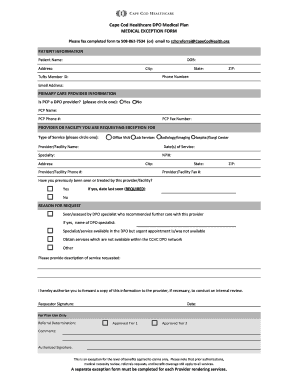
Cape Cod Healthcare DPO Medical Plan MEDICAL

Form 70014 Drilled Shaft Log Form 70014 Drilled Shaft Log
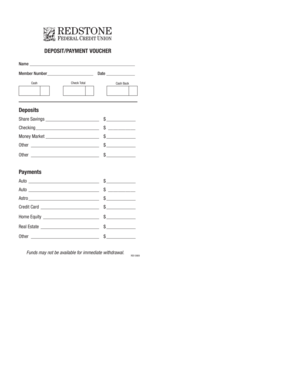
DEPOSITPAYMENT VOUCHER - Redstone Federal Credit Union - redfcu
PUB-30 Alaska Landlord and Tenant Act (7 12) - Alaska Court System - courts alaska

Anatomy of the constitution fill in the blank answers
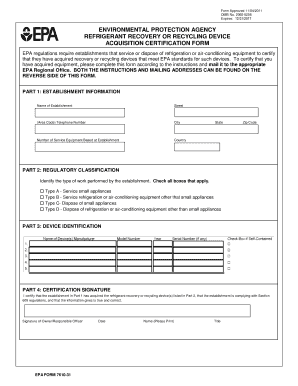
Epa refrigerant log

Hotel Tax Certificate of Registration
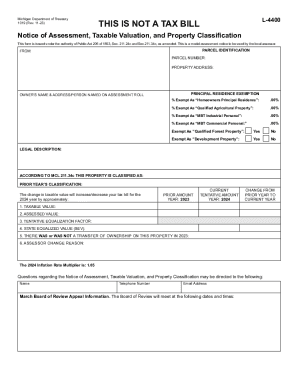
1019, Notice of Assessment, Taxable Valuation, and Property Classification
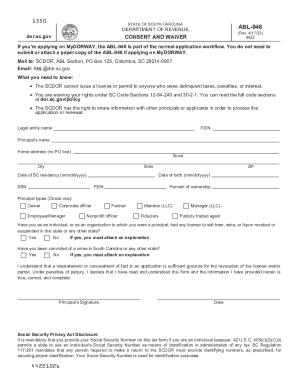
ABLForms - SC Department of Revenue

ST-389 Schedule for Local Taxes

CG-114:7 10:Claim for Redemption Refund of Cigarette Tax Stamps
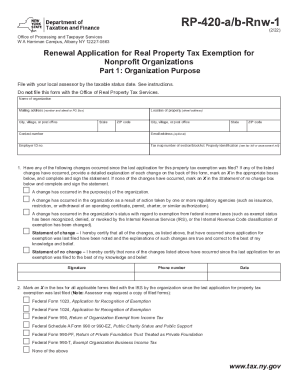
Form RP-420-a b-Rnw-1 Renewal Application for Real Property Tax

CL-1 - SC Department of Revenue - SC

Form RP-459-c Application for Partial Tax Exemption for Real Property of Persons with Disabilities a

SCDOR-111 Instructions - SC Department of Revenue
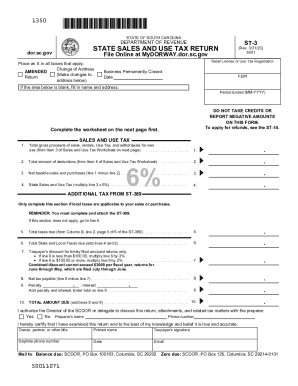
Blue Moon Estate Sales: Premier Estate Sale Services

5081 Sales, Use and Withholding Taxes Annual Return 5081 Sales, Use and Withholding Taxes Annual Ret
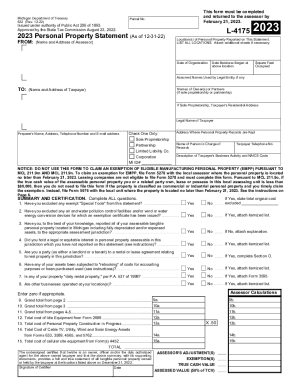
2023 Small Business Property Tax Exemption Claim Under

4924, Withholding Certificate for Michigan Pension or Annuity Payments MI W-4P

CT Form CT-W3Connecticut Annual Reconciliation of
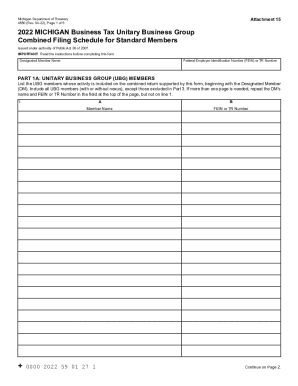
4580, 2022 Michigan Business Tax Unitary Business Group Combined Filing Schedule for Standard Member
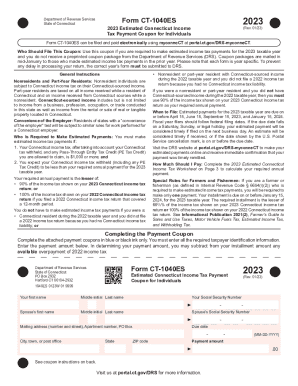
Form CT-1040ES Form CT-1040ES
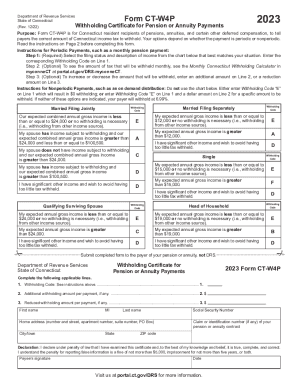
Form CT -W4P - UAW Region 9A

13545: CT - CT-1065 and CT-1120SI e-File Mandate

Form CT-1096 2020 - ConnecticutForm CT-1096 2021Form CT-1096 2020 - ConnecticutForm CT-1096 2020 - C

Partnership- FAQ - SC Department of Revenue

Grand Rapids Income Tax Resident - EZ Form
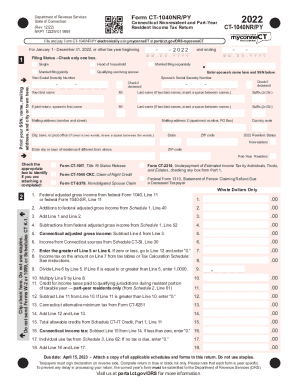
Form CT 1040NR PY Connecticut Nonresident and Part Year

Form CT941 must be filed and paid electronically unless certain conditions are met
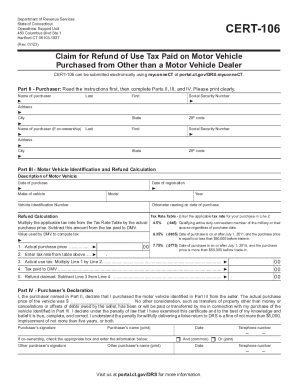
CERT-106, Claim for Refund of Use Tax Paid on Motor
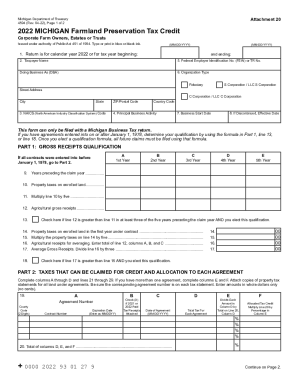
2022 Michigan Farmland Preservation Tax Credit Claim MI
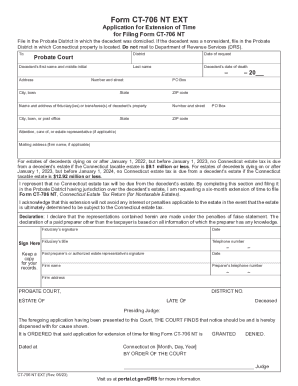
Failure to File Form CT-706 NT EXT
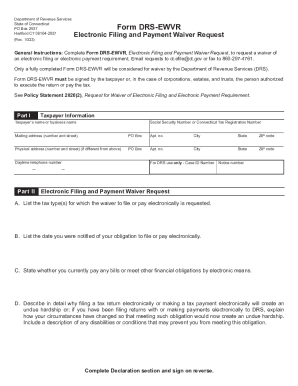
Connecticut Electronic Filing and Payment Waiver Request
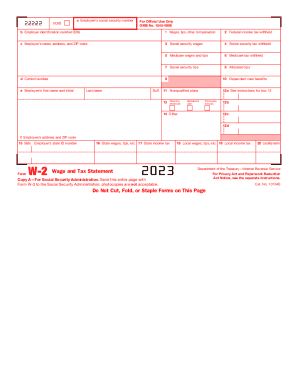
2023 Form W-2 Wage and Tax Statement
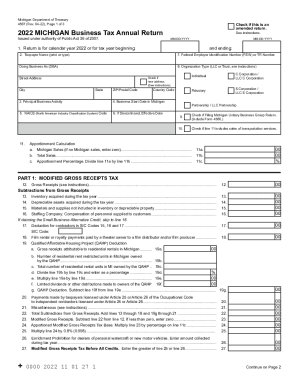
Annual Return (4567) - Department of Treasury - Formalu
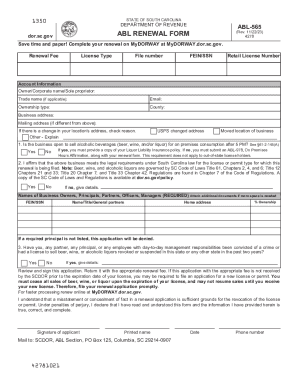
Registration- Forms - SC Department of Revenue
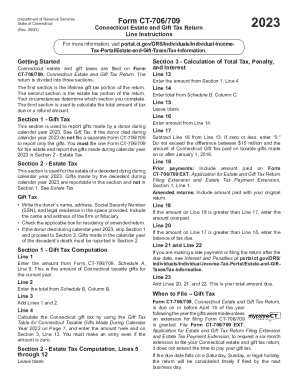
Connecticut Estate and Gift Tax Return
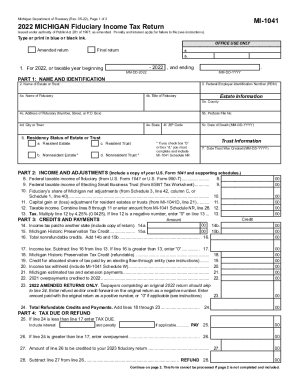
Fiduciary Tax - Department of Revenue - Kentucky

Controlling Interest Transfer Taxes (Part Two) - Alston & Bird
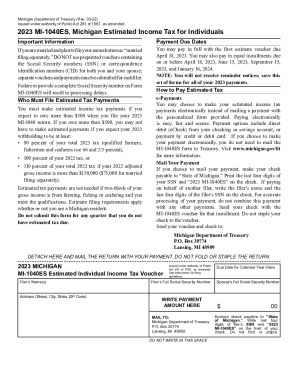
2023 MI-1040ES, Michigan Estimated Income Tax for Individuals 2023 MI-1040ES, Michigan Estimated Inc
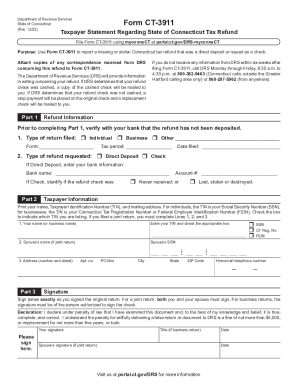
Other Helpful Information - CT
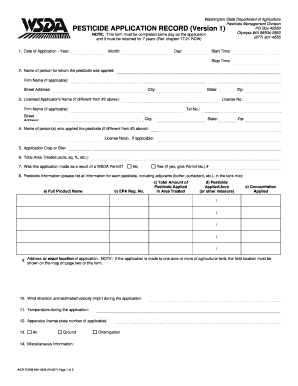
Agr form 640 4279
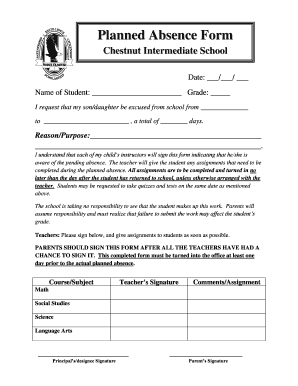
Planned Absence Form - North Olmsted City Schools
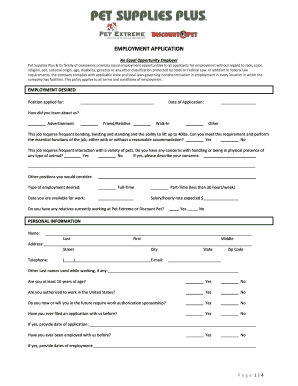
Employment Application Pet Extreme 00381470DOC

Collection & Compliance - Notices - SC Department of Revenue

Form 850Instructions Sales and Use Tax Return

Form 39NR, Part-year Resident and Nonresident
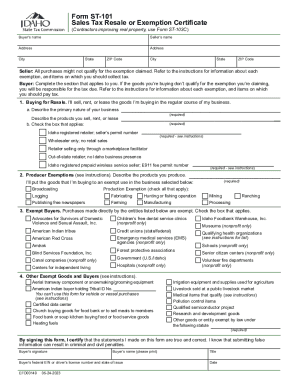
Refer to the instructions for information about each

Form ST-108, Sales Tax Affidavit - Untitled Transport Trailer, Office Trailer, and Boat
Printable Nebraska Dmv Data Form - Fill Online, Printable
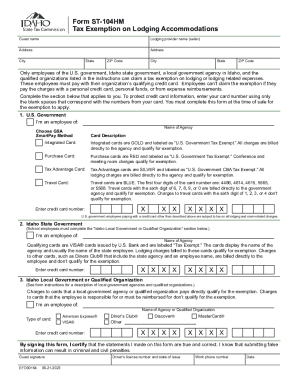
Idaho State Tax Exemption Policies
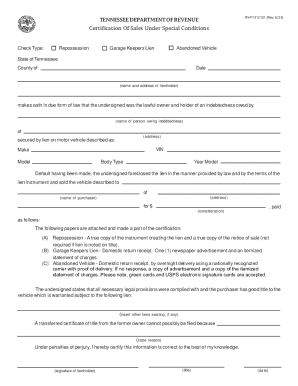
Sales under Special Conditions Tn Form - Fill Out and Sign
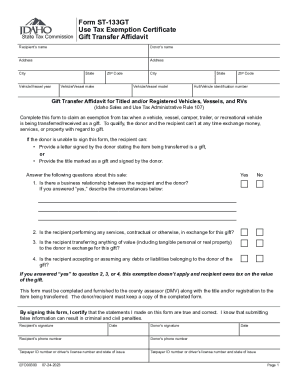
Sales or Use Tax Exemption CertificateMotor Vehicles
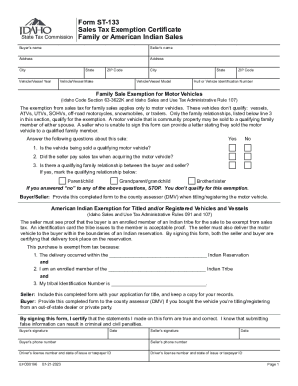
Form ST-133CATS, Sales Tax Exemption Certificate Capital
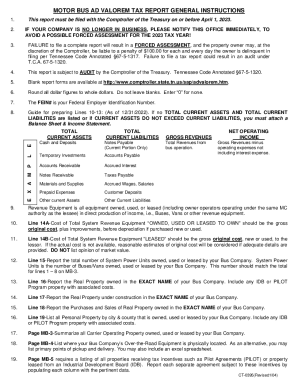
202109020S Tax Type: Motor Vehicle Document Type: Statute
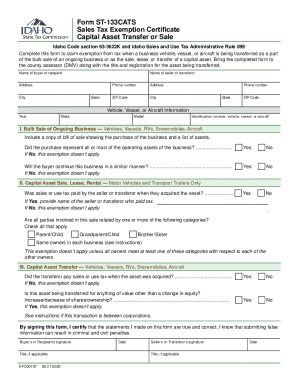
Form ST-133CATS, Sales Tax Exemption Certificate Capital Asset
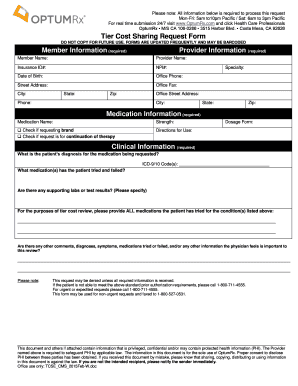
Optumrx tier cost sharing request form
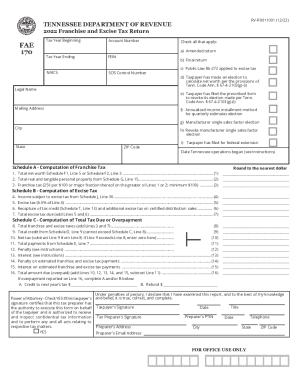
Franchise & Excise Tax - Tennessee Department of Revenue
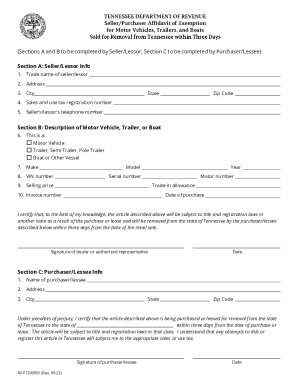
Seller Purchaser Affidavit of Exemption - Sold for Removal
DC Estate Tax Return Instructions
2021 D-30 - Office of Tax and Revenue - DC
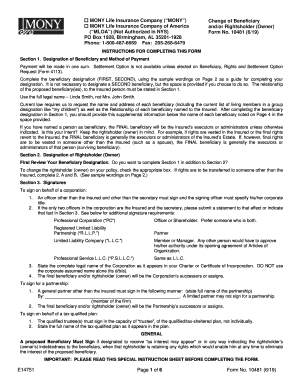
MONY10481ChangeofBeneficiaryandorRightsholder(Owner) rtf
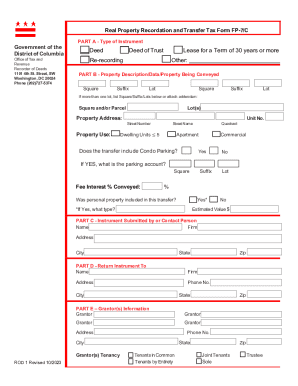
A completed Tax Return (FP-7 C) is required to record any Deed, Deed of Trust, Modification or
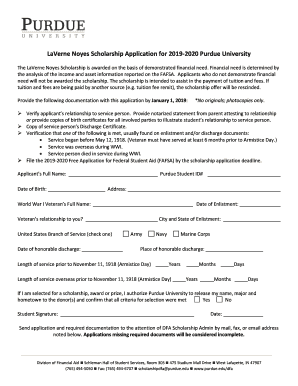
LaVerne Noyes Scholarship Application for 2019-2020 Purdue University
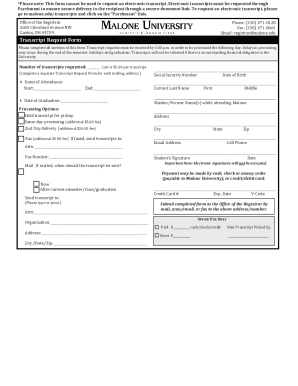
Transcript Request Form with Fill-Ins
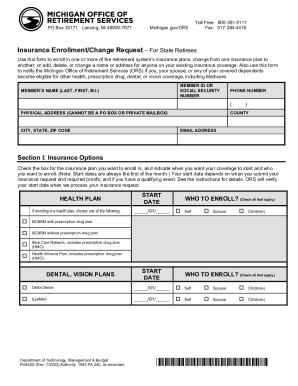
R0452G InsEnrollChange
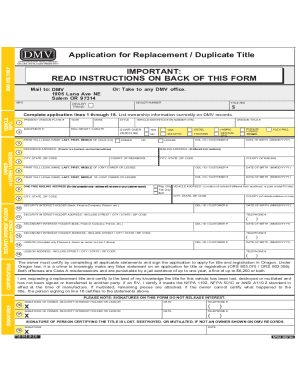
735-515 Application for Replacement Duplilcate Title
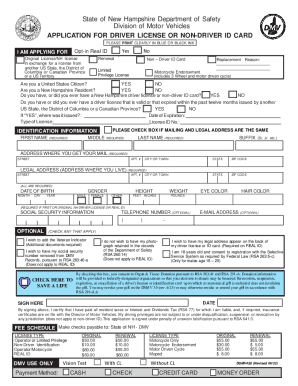
New Hampshire Driver License Application
Gazette governmentcolorado-launches-freeColorado launches free tax clinics to help residents qualify
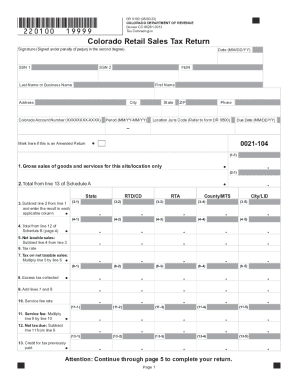
How to File the Colorado Retail Sales Tax Return - YouTube
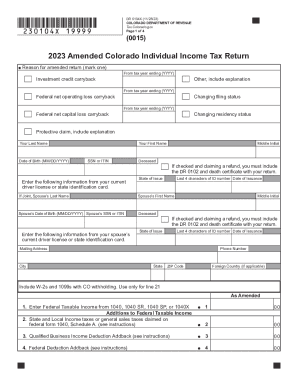
DR 0104X 2023 Amended Individual Income Return Instructions If you are using a screen reader or othe
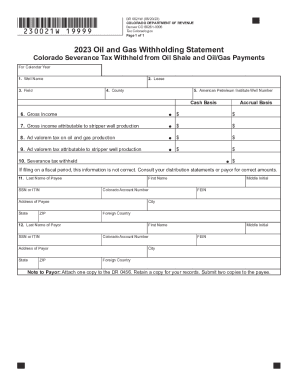
Dr 0021w colorado form
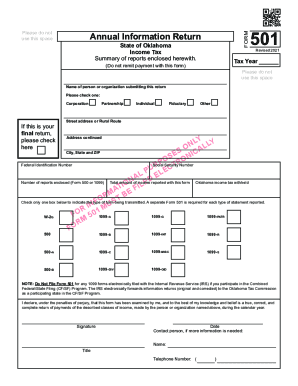
Form 501 Annual Information Return Summary of Reports Enclosed Herewith
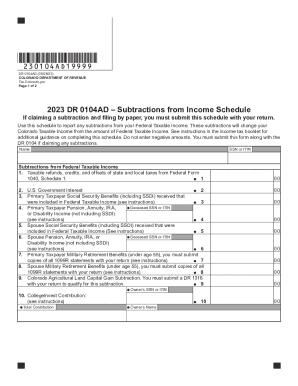
2021 Income Tax FormsIndividuals & Families

Forms By Tax TypeDepartment of Revenue - Taxation

Book 21 If you are using a screen reader or other assistive technology, please note that Colorado De

DR 0204 Tax Year Ending Computation of Penalty Due Based on Underpayment of Colorado Individual Esti
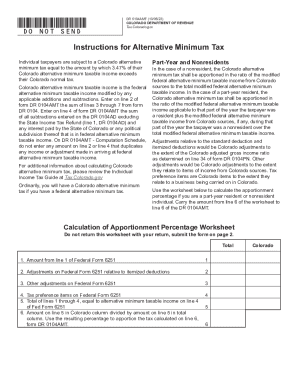
What is Alternative Minimum Tax (AMT) - Video

DR 0205 2023 Tax Year Ending Computation of Penalty Due Based on Underpayment of Colorado Corporate
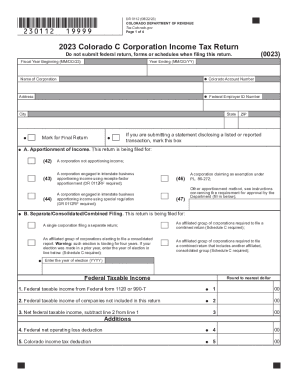
DR 0112 2023 Colorado C Corporation Income Tax Return

DR 0104, 2023 Colorado Individual Income Tax Return

DR 0104PN, 2023 Part-Year Resident Nonresident Tax Calculation Schedule
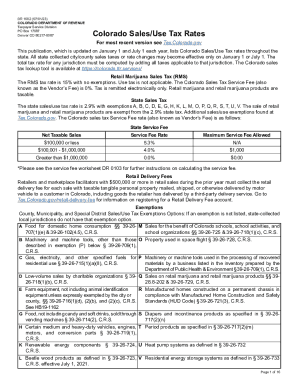
DR 1002 Colorado Sales Use Tax Rates
Benefit from the DocHub online library of fillable PDF forms
Searching the PDF forms doesn't have to be a tedious and time-consuming process. With the DocHub online library, it has become easier to find the fillable PDF forms and modify them in your browser. The service allows you to adjust the document to your needs using powerful editing tools.
You can use online document editing features to modify almost any type of document with ease. You just need to find the template of your choice, open it in the editor, and use the toolbar to make the necessary corrections.
Follow this guide to get your document done with DocHub:
- Find the PDF template you need.
- Click the Get Form button to open the file in the editor.
- Use the toolbar to fill out and edit the document.
- Easily add and highlight text, insert images, checkmarks, and symbols.
- Drop new fillable fields, and rearrange or delete pages from your file.
- Save changes and download your record.
DocHub empowers everyone to streamline document editing, signing, and distribution, and form completion. Create an account and benefit from our well-organized PDF Forms library and comprehensive editor.