
Get any PDF form from the DocHub library of ready-made templates - Page 37

Australian TiLite Order Form

Creditor Mailing Matrix Template

Referral Form A PCP Tracking Number

US Shipper's Export Declaration Form 7525-V

Namibia Customs Declaration Form
Authorization to Close My Account Form
Banque Cantonale de Gen ve Payment Order

Adult Circumcision Registration Form

Rotary Foundation Contribution Form

Zero Income Affidavit

Emergency Trauma Hot Debrief Form
Canada Pension Plan Disability Consent Form

Fluid Balance Chart

W-8BEN Form

Anesthesia Record Form

RTGS NEFT IMPS Transaction Request Form
IRS Form 8396 Mortgage Interest Credit
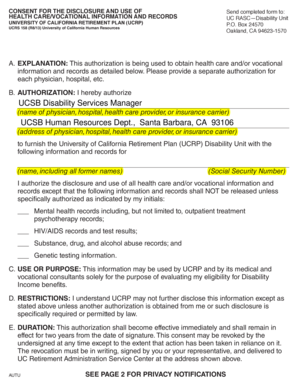
UCRP Disability Health Records Consent Form
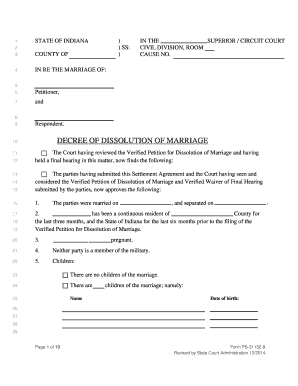
Form ps 31152 9
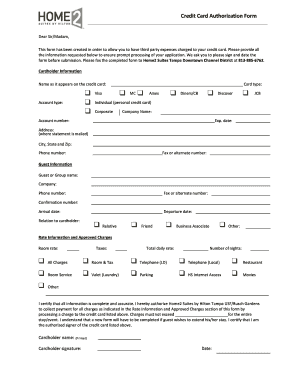
Credit Card Authorization Form
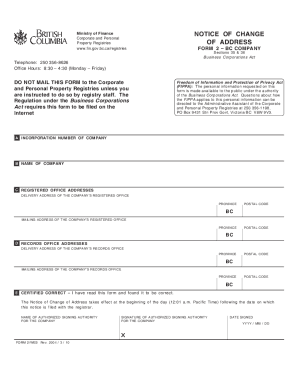
BC Company Notice of Change of Address
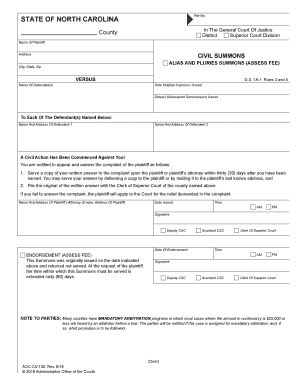
North Carolina Civil Summons
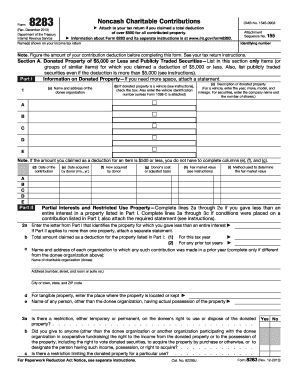
IRS Form 8283 Noncash Charitable Contributions
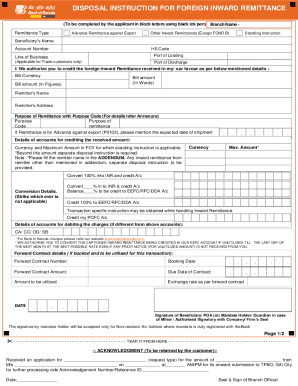
Foreign Inward Remittance Disposal Instruction

Down Payment Assistance Funding Verification Form
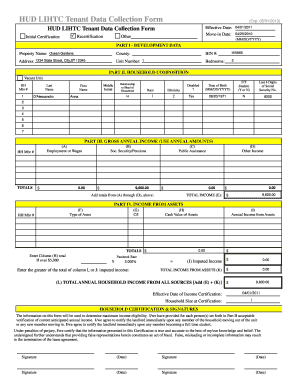
HUD LIHTC Tenant Data Collection Form
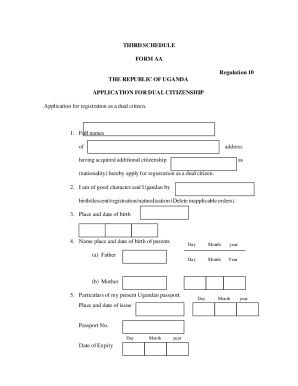
Uganda Dual Citizenship Application Form

NICHQ Vanderbilt Assessment Scale Teacher Form
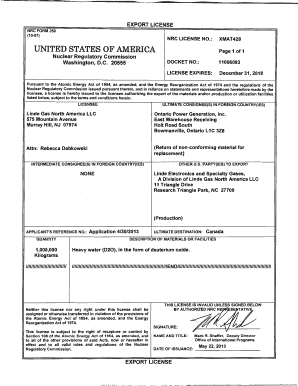
Export license format

Ivy Tech Community College Assessment Document Cover Sheet

Form M23, Claim for a Refund for a Deceased Taxpayer

Professional Liability Actions Form

Utah Fiduciary Income Tax Return TC-41

Washington Temporary Family Law Order Form
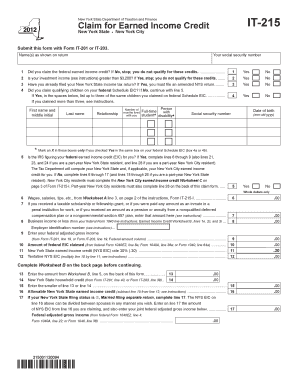
New York State Earned Income Credit Claim Form IT-215

DD Form 2656 Retired Personnel Data

Notice of No Trespass

South Africa Special Motor Vehicle Registration Application

Swing Control Return Form

Florida AS IS Residential Contract For Sale And Purchase

Motion to Transfer

Foreign Domestic Worker Biodata Form

De Minimis Safe Harbor Election

Affordable Care Act Orthodontic Treatment Score Sheet
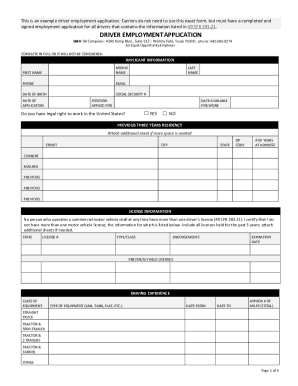
Driver Employment Application

South Carolina Possession by Seller After Closing Agreement

MnCHOICES Assessment Referral Form
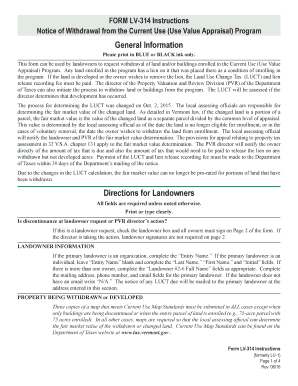
Vermont LV-314 Form

Gaming History Win Loss Request Form

Opioid Withdrawal Record Induction Form
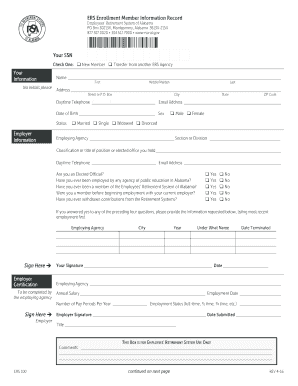
ERS 100 Enrollment Member Information Record

Ohio tornado crossword puzzle answers

Nova Scotia Personal Directive Template

Statutory Declaration of Aboriginal and Torres Strait Islander Status

IRS Form 8881 2002

Declaration for Federal Employment Form 306

Teen Driving Log Form
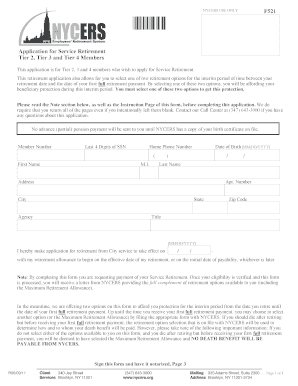
NYCERS Service Retirement Application F521

Canadian Dental Care Plan Claims Agreement
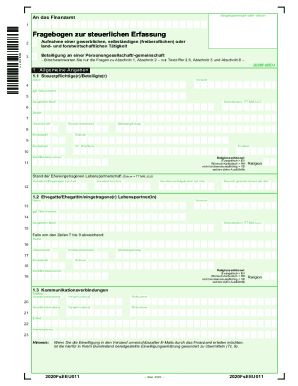
German Fragebogen zur Steuerlichen Erfassung
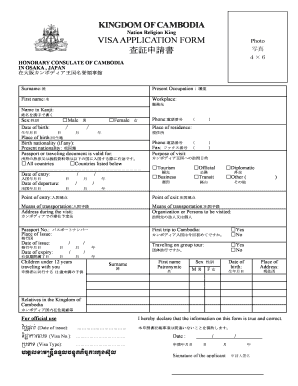
Cambodia Visa Application Form
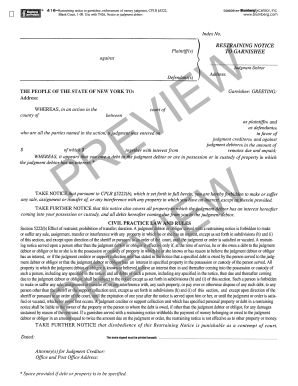
Restraining Notice to Garnishee

Graphing Quadratic Functions Worksheet
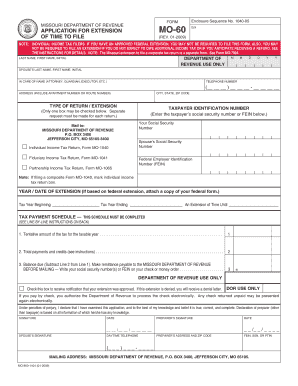
Missouri Tax Extension Form MO-60

Friendship Quiz
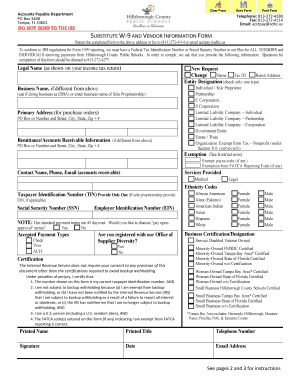
Substitute W-9 Vendor Information Form
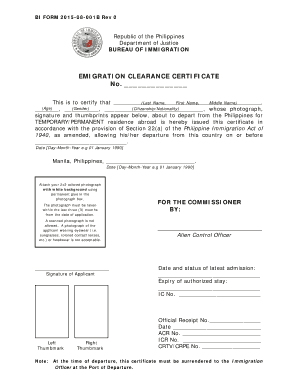
Emigration Clearance Certificate

Pgw medical certification form

Pa1795

ACL Copyright Transfer Agreement
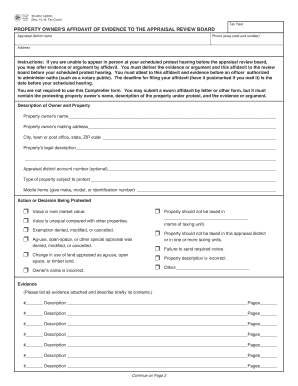
Texas Property Owner's Affidavit Form 50-283

Wisconsin Temporary Event Operator and Seller Information
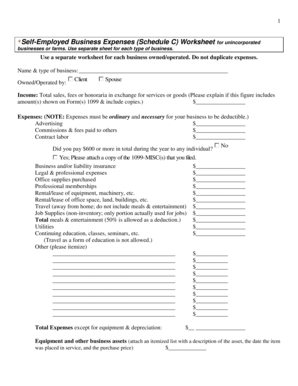
Self-Employed Business Expenses Schedule C Worksheet

Greenhand FFA Degree Application

CMT Withdrawal Form

Form 8919 Medicare Tax on Wages
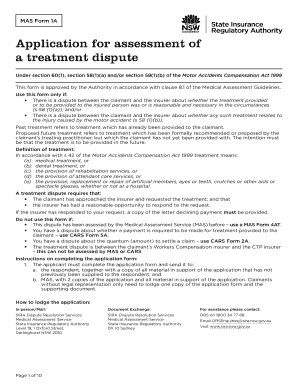
MAS Form 1A - Treatment Dispute Application
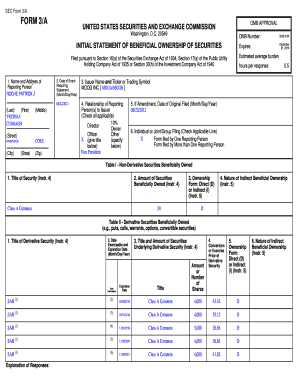
SEC Form 3 A
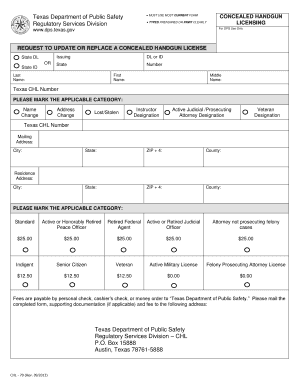
Texas Concealed Handgun License Update Form
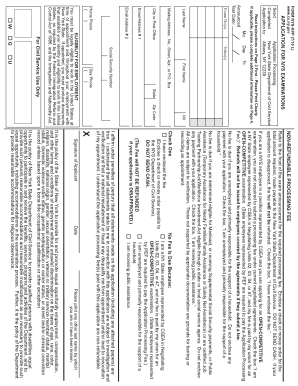
NYS Application for Examinations

Lone Pensioner Allowance Application Form

Form 1040A Social Security Benefits Worksheet

Service Animal Addendum to Residential Lease
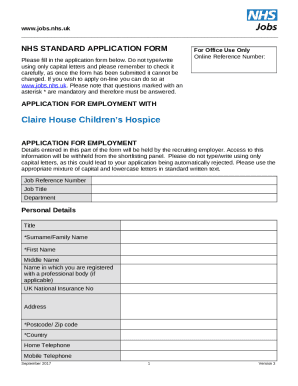
NHS Application Form
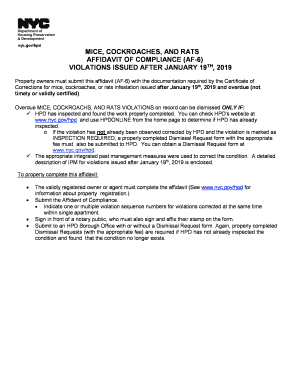
NYC Affidavit of Compliance AF-6

Malawi Self-Assessment Company Return Form 12A
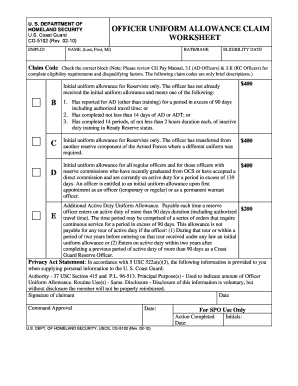
USCG Officer Uniform Allowance Claim Form

Identity Theft Report Letter
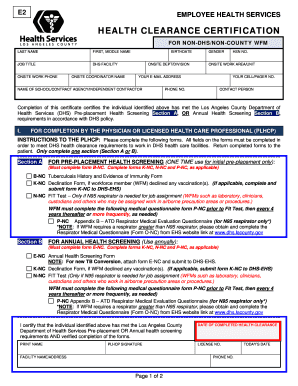
Los Angeles County Employee Health Clearance Form
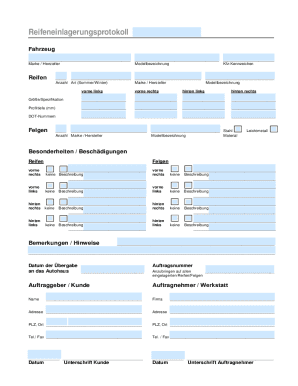
Reifeneinlagerungsprotokoll

Wanted Poster Template

New Mexico Work Experience Affidavit

Defendant s Motion in Limine

Printable navigation log

Regents High School Examination ELA Essay Booklet

Adult Observer ADHD Questionnaire
Self-Certification of Non-US Status - Individual (SCI-W8)

Medicare Coordination of Benefits Form

Non-Cash Charitable Donations Worksheet
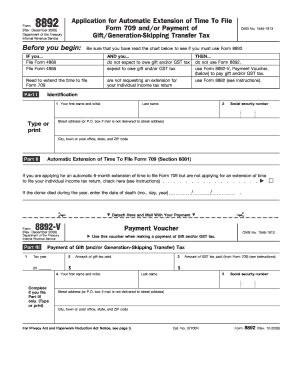
Form 8892 Gift Generation-Skipping Transfer Tax Extension
Benefit from the DocHub online library of fillable PDF forms
Searching the PDF forms doesn't have to be a tedious and time-consuming process. With the DocHub online library, it has become easier to find the fillable PDF forms and modify them in your browser. The service allows you to adjust the document to your needs using powerful editing tools.
You can use online document editing features to modify almost any type of document with ease. You just need to find the template of your choice, open it in the editor, and use the toolbar to make the necessary corrections.
Follow this guide to get your document done with DocHub:
- Find the PDF template you need.
- Click the Get Form button to open the file in the editor.
- Use the toolbar to fill out and edit the document.
- Easily add and highlight text, insert images, checkmarks, and symbols.
- Drop new fillable fields, and rearrange or delete pages from your file.
- Save changes and download your record.
DocHub empowers everyone to streamline document editing, signing, and distribution, and form completion. Create an account and benefit from our well-organized PDF Forms library and comprehensive editor.