
Get any PDF form from the DocHub library of ready-made templates - Page 305
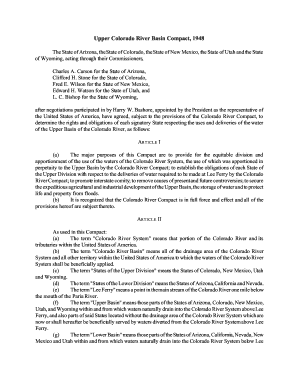
The State of Arizona, the State of Colorado, the State of New Mexico, the State of Utah and the Stat

HomeIT Bureau
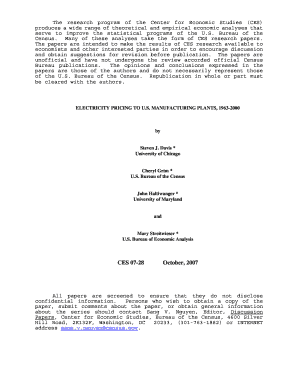
CES 07-28 October, 2007 - U S Census Bureau - www2 census

Unit Management

BAH PRIMER
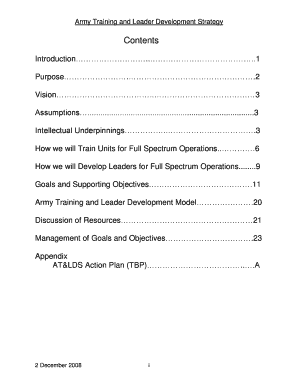
Army Training and Leader Development Strategy

March-April 2000 TDR Registration and Control of Privately Owned Firearms and Other Weapons in Germa
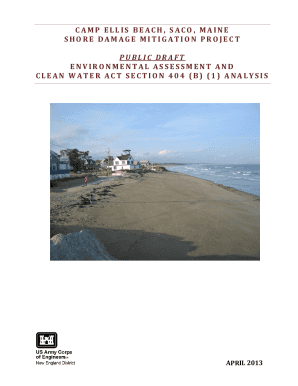
(1) Analysis (DRAFT - 5MB) - New England District - U S Army
Army Regulation 2570
Index of prod2 decennial documents - Census - Census Bureau

Managing for Excellence

HP - US Army Garrison Baden-W rttemberg Home
Infants - census

GINGER EDGECOMBE DORSEY, Ph

Massachusettes voter update
Recommendations to the - usbr

Warrant Officer One (WO1) Command Food Advisor Handbook
ALASKA POST - wainwright army

ARMY INDUSTRIAL OPERATIONS COMMAND
Recruiter training - US Army Recruiting Command - Army mil
AFFINITY AGREEMENT - files consumerfinance

Jandquot;Aa*y M:7-

AGREEMENT This Agreement is entered into as of this Ph day of*,, , 1996 (the andquot - files consume

Jan 03 Recruiter Journal Jan 03 Recruiter Journal - usarec army

5 Launch of new ad campaign

Attrition

Griffin chronicles - INSCOM - U S Army
A Novel Aircraft Instrument Display to Minimize the Risks of Spatial

May Recruiter Journal May Recruiter Journal - usarec army

By Sgt
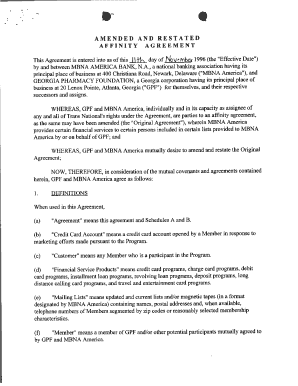
This Agreement is entered into as of this 11+4-, dayofNoVe - files consumerfinance
Employee Orientation Briefing

June RJ - USAREC - U S Army
INSTALLATION - Air Force Freedom of Information Act
COMMAND POSTS

2nd Battalion, 29th Infantry Regiment

The Professional Bulletin of the Armor Branch, Headquarters
PRIVATE BOAT DOCK

The Lewis and Clark

In addition to figures given from Government sources, there are also i,ncorporated
Measuring the Services of Commercial Banks in the

Department of Co:rn:rnerce

Article 1 - By Major James S Tripp
Full text of "Annual report of the Board of Trustees"
AGREEMENT This Agreement is entered into as of this day of N , - files consumerfinance
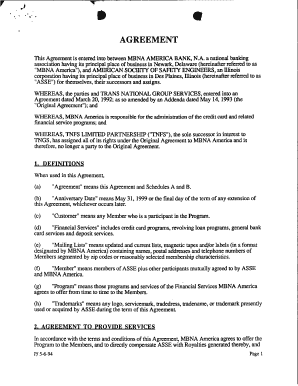
"MBNA America"), and AMERICAN SOCIETY OF SAFETY ENGINEERS, an Illinois - files consumerfinance

DRAFT ENVIRONMENTAL ASSESSMENT - Mobile District - U S Army

In This Issue - U S Army - asc army
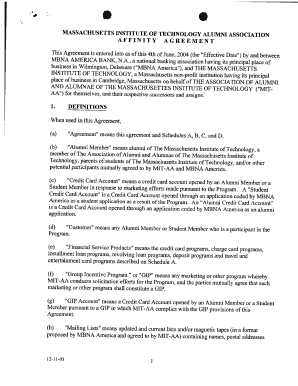
MASSACHUSETTS INSTITUTE OF TECHNOLOGY ALUMNI - files consumerfinance
Survey of Current Business May 1988 - Bureau of Economic Analysis
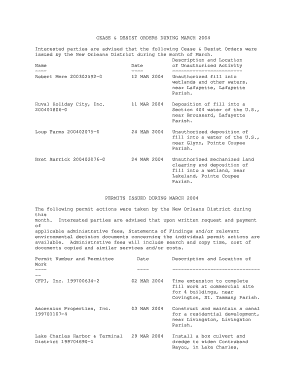
Interested parties are advised that the following Cease and Desist Orders were - mvn usace army

Practical Considerations for In-House Development of

Public War, Private Fight - carl army

PACE UNIVERSITY AFFINITY AGREEMENT This Agreement is - files consumerfinance

AGREEMENT This Agreement entered into between MARYLAND - files consumerfinance
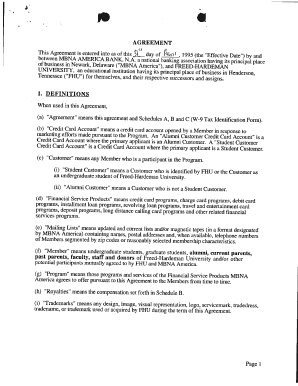
AGREEMENT This Agreement is entered into as of this dav of fiVvi 5 - files consumerfinance

USAREC gets new CG as Cavin is promoted

Updated October 2010 - Fort Gordon - U S Army

SREL - Savannah River Site

Download PDF for 5166d4f999326091c6a60957 - CIA FOIA

Schedules and Recommendation

Credit Union Advisory

DECEMBER 31, 2012 Semi-Annual Report of the Consumer Financial Protection Bureau Message from Richar
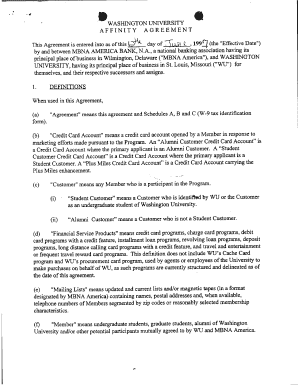
WASHINGTON UNIVERSITY AFFINITY AGREEMENT day of -,-Vky Q- , 199' (the "Effective Date") This Agreeme

Findings of the 2010 Registered Nurse and 2011 Licensed Practical Nurse Surveys - doleta

What the new simplified mortgage disclosures mean for consumers

TS #8087 - CIA FOIA - Central Intelligence Agency - foia cia
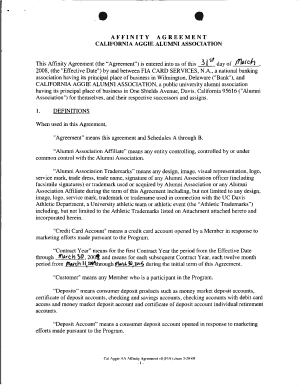
AFFINITY AGREEMENT CALIFORNIA AGGIE ALUMNI ASSOCIATION This Affinity Agreement (the andquot - files

Consumer Financial Protection Bureau - Consumerfinance

AMENDED AND RESTATED AFFINITY AGREEMENT andquot - files consumerfinance

Office of Servicemember Affairs
2010 United States Military Handbook - Fort Campbell, KY - U S Army - campbell army
FM 4-02 19 - Army Electronic Publications and Forms - U S Army - armypubs army

TechnicalPaperOnlyCoverReportDocTitlePages doc DoD Freedom of Information Act Program - hood army

Alligator Bayou Mobile Waterfront Homes For Sale

(34th REPORT)

Feedback from the financial
Mobile Home Boat Solicitation - SDDC - U S Army

45TH GRADUATE COURSE

Empirical Studies of the flood risk on housing prices

Flat Creek Watershed Assessment - Mobile District - U S Army
The Effects of Melatonin on Menstrual Characteristics, Prolactin and

The Aging Military Aviator - U S Army Aeromedical Research

The Army Ethic, Public Trust,
I: PPD es Pink Bollworm pbwsouthwest wpd - aphis - US - aphis usda

Consumer Response:
Final CIBS Report Adobe PDF Version zoar levee and diversion dam, dam safety modification study, pla
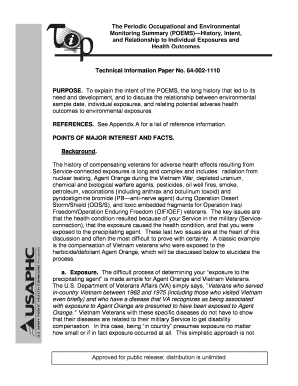
The Periodic Occupational and Environmental Monitoring Summary

Appendices, Bibliography, Index - Philadelphia District - U S Army

Exhibit C: Scope of Work and Schedule of Deliverables Project
CIRO Operational Policies and Procedures - US Army Medical
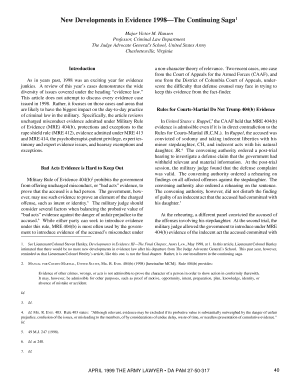
Article 4
Visual Perception in the Field-of-View of Partial Binocular Overlap
FUSRAP Program InformationDepartment of Energy
Fort Campbell Housing Services Office - Fort Campbell, KY - campbell army
Career Management Handbook - USAASC United States Army
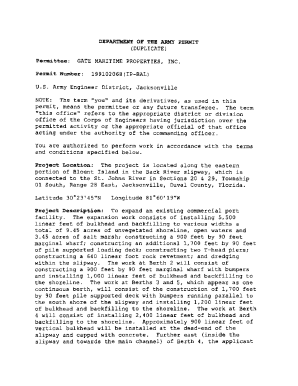
USMC, Gate Maritime, DA Permit, Blount Island, Duval County

Post-Migration Step 1D
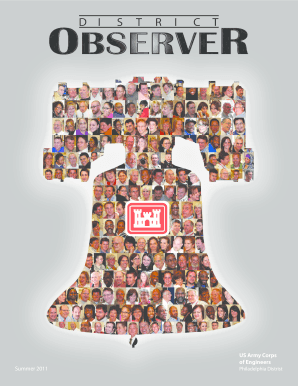
Philadelphia Distrist

Article 6
Benefit from the DocHub online library of fillable PDF forms
Searching the PDF forms doesn't have to be a tedious and time-consuming process. With the DocHub online library, it has become easier to find the fillable PDF forms and modify them in your browser. The service allows you to adjust the document to your needs using powerful editing tools.
You can use online document editing features to modify almost any type of document with ease. You just need to find the template of your choice, open it in the editor, and use the toolbar to make the necessary corrections.
Follow this guide to get your document done with DocHub:
- Find the PDF template you need.
- Click the Get Form button to open the file in the editor.
- Use the toolbar to fill out and edit the document.
- Easily add and highlight text, insert images, checkmarks, and symbols.
- Drop new fillable fields, and rearrange or delete pages from your file.
- Save changes and download your record.
DocHub empowers everyone to streamline document editing, signing, and distribution, and form completion. Create an account and benefit from our well-organized PDF Forms library and comprehensive editor.