
Get any PDF form from the DocHub library of ready-made templates - Page 292
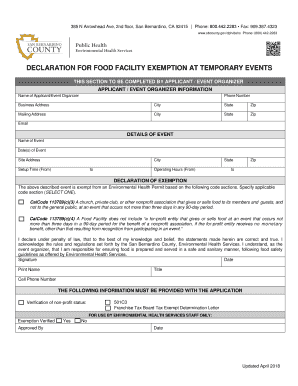
Gov dph dehs Phone: (800) 442-2283

Ssa exam state of california
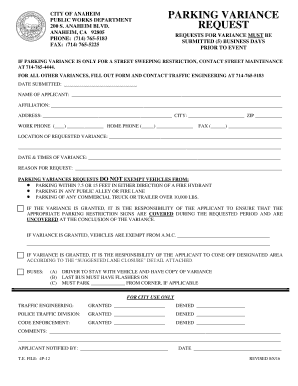
Ca anaheim parking variance request get

Use permit city vista

Fillable standard industrial commercial multi-tenant lease net
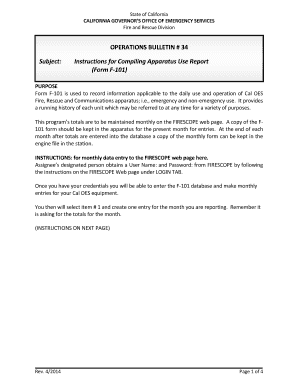
Ca bulletin 34

(NPS Form 10-931) Golden - National Park Service - nps
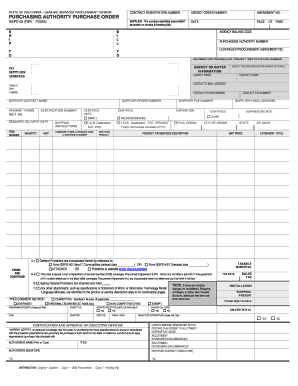
Ca gspd purchasing authority
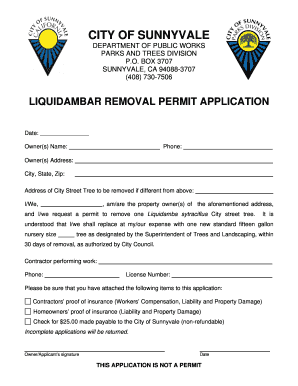
California removal permit application
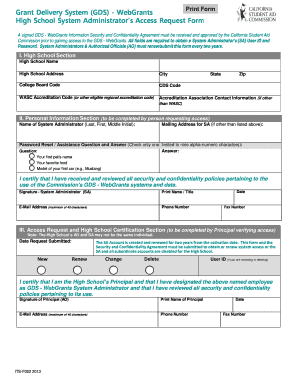
Ca gds school commission

Bail bond form filled

Az periodic status form

Az grandparent program application enrollment form printable

Az trt counter permit

Office of Governor Kay Ivey Gubernatorial Appointment
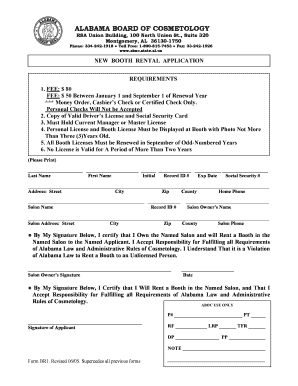
Shop agreement format

Tx notice intent lien form
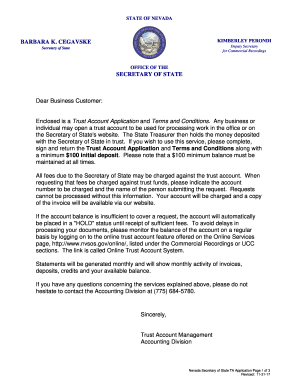
Nv trust account

Azahp organizational form

Form fire testing

Texas title agr
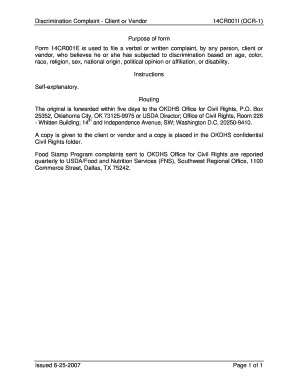
Form 14CR001E (OCR-1) Instructions - okdhs
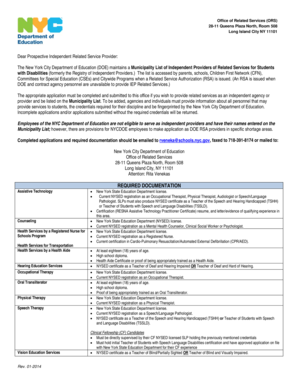
Independent related service provider application form

Nm sample bench sheets
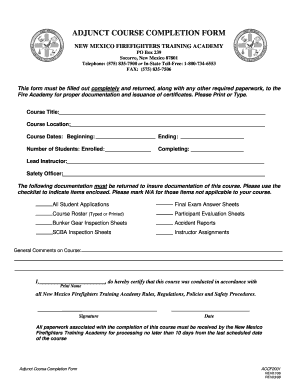
Adjunct Course Completion Form - New Mexico Public Regulation - nmprc state nm
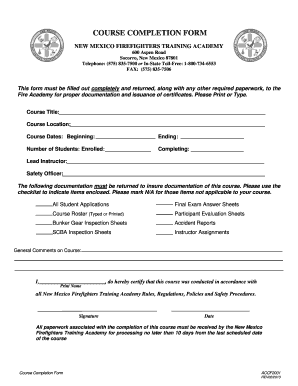
New mexico firefighters training academy - New Mexico Public

New jersey39s 2014 recycling poetry contest - State of New Jersey - nj

Release form beltrami county

Michigan scavenger hunt
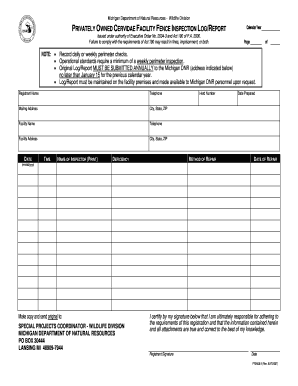
Fence Inspection - State of Michigan - michigan

9707 Rights and Responsibilities and Withdrawal form
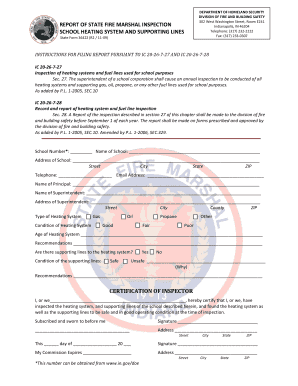
State 36422 form
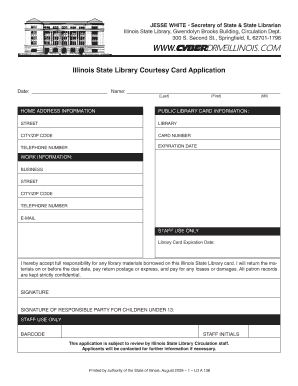
Il 138 card online

Sidewalk reimbursement form cedar rapids
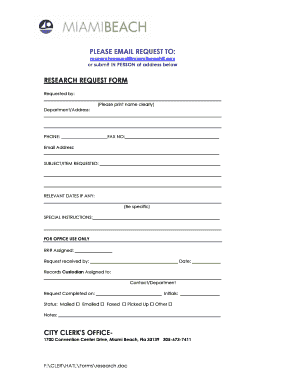
Sitymiami
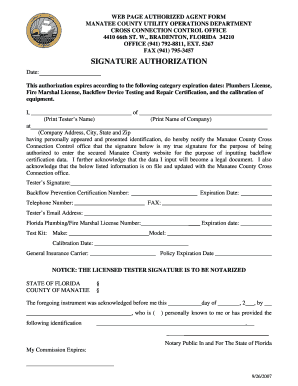
Manatee form agent
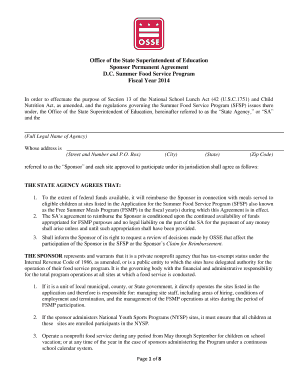
Osse dc child health form
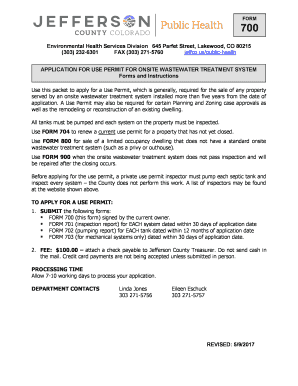
Colorado form application treatment jefferson printable

Ca volunteer application antioch form get
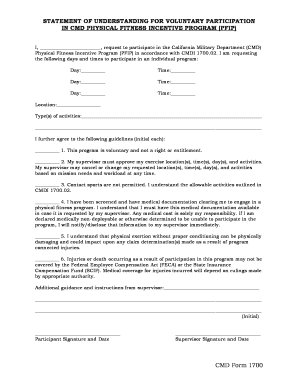
1700 voluntary pfip form

Az hydrant city peoria
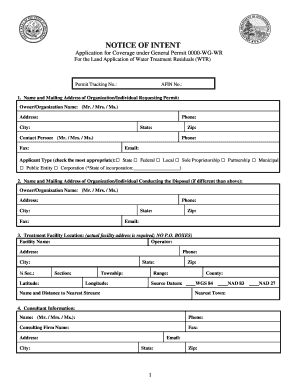
Ar notice intent wtr
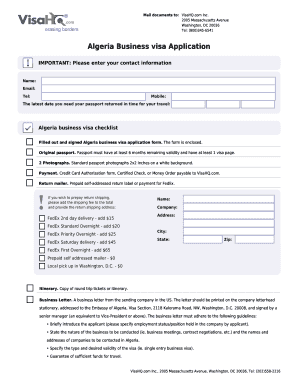
Algeria visa application form pdf

Algeria Business Visa Application
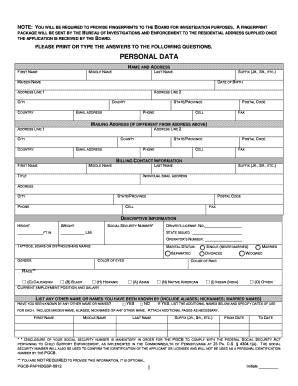
Pennsylvania personal history disclosure form gaming service provider
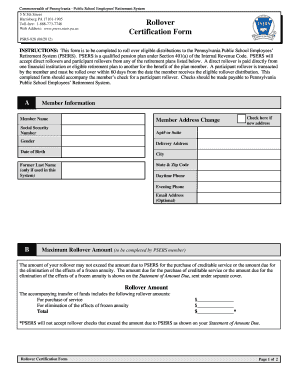
Pa rollover

278 052013 form fillable

Pennsylvania non military form

SEL 400 - Oregon Secretary of State
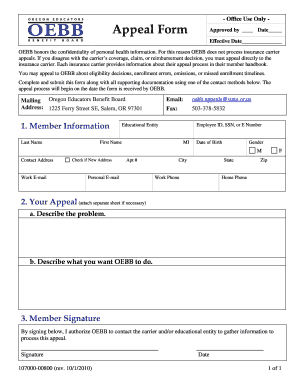
Oebb appeal form
Oregon statement of error form - - thursday
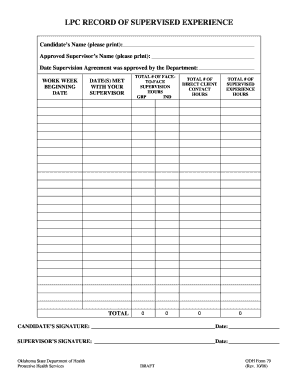
EVALUATION OF SUPERVISED EXPERIENCE - LPC Draft doc - ok
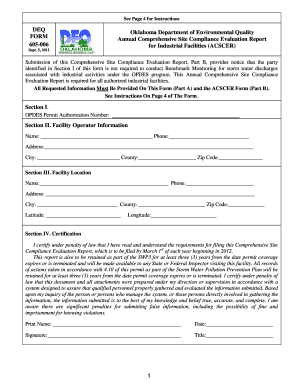
Oklahoma deq annual comprehensive
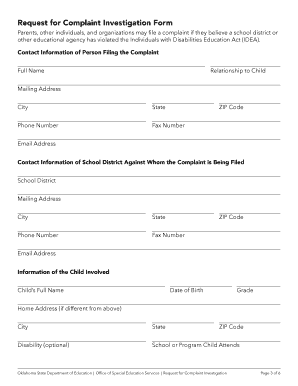
2500 N Lincoln Blvd Ste 412
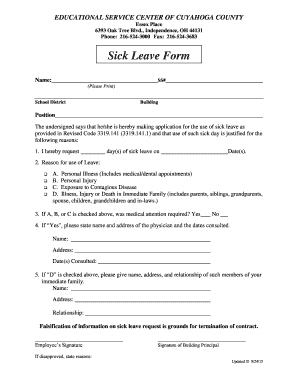
Sick Leave Form - esc-cc

3-R Prescribed by the Ohio Secretary of State (09-17)

Student Shadow Application - Cuyahoga County Medical
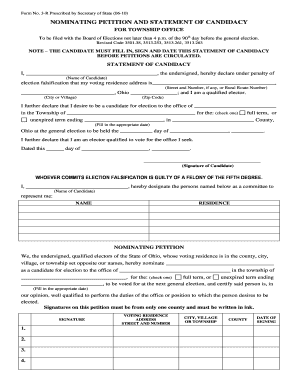
Nominating Petition - Township Office - Ohio Secretary of State - sos state oh
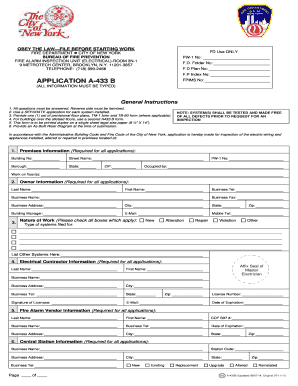
A 433 b form

Nevada Subcontractor Agreement Template

Insulation certificate template nsw

Albuquerque Fire Marshal's Office Exhibit Application - cabq
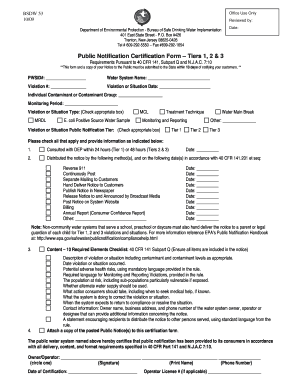
Public Notification Certification Form - state nj
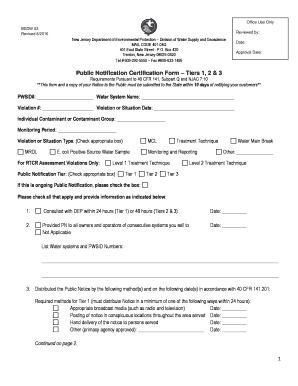
New Jersey Department of Environmental Protection Division of Water Supply and Geoscience

Security drill record form
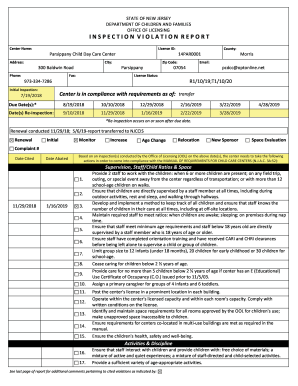
300 Baldwin Road

Nebraska Subcontractor Agreement Template
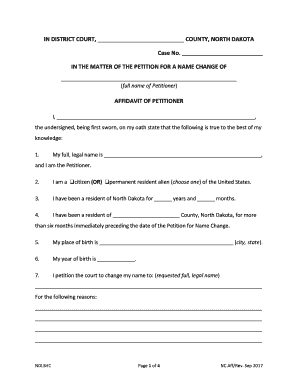
Affidavit of Petitioner - North Dakota
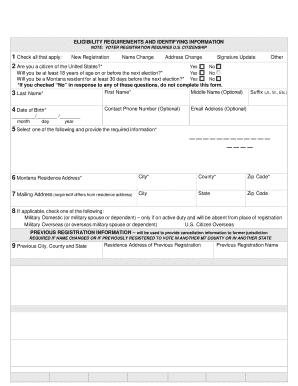
Voter Registration Application - Montana Secretary of State

Montana voter registration application - Montana Secretary of State

Montana Voter Registration Form

Time: AM PM
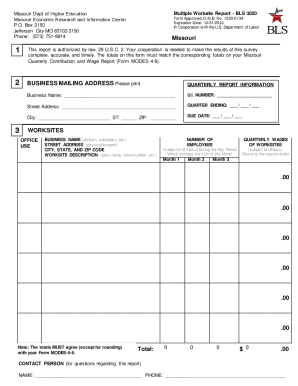
Missouri 3020

2400 Portland Ave S, Suite 190,

Company credit card request form

City of hamtramck building department

PET CT PRIOR AUTHORIZATION FORM - nhp
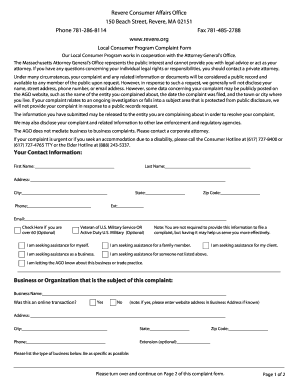
Revere Consumer Affairs Office
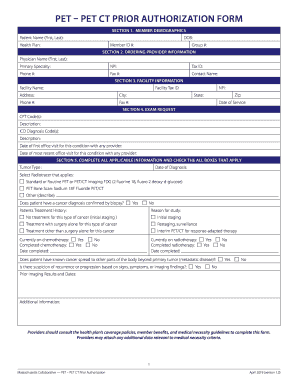
Pet pet ct prior authorization form - Mass Collaborative

LOUISIANA PATIENT S COMPENSATION FUND MD and ADVANCED PRACTICE RN S APPLICATION - doa la

(Also available online at www

City of Topeka Police Department - topeka

Kansas Adjutant General's Department Orientation Checklist - kansastag

Kansas Subcontractor Agreement Template
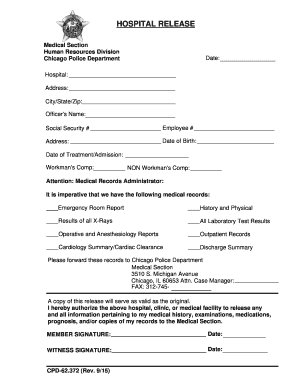
Hospital:
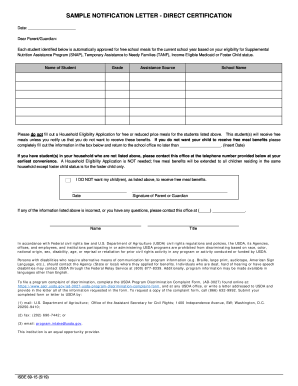
Direct Certification Sample Letter
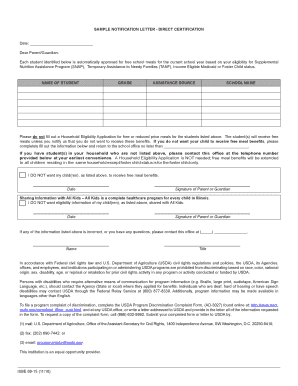
69-15 Sample Notification Letter-Direct Certification - isbe
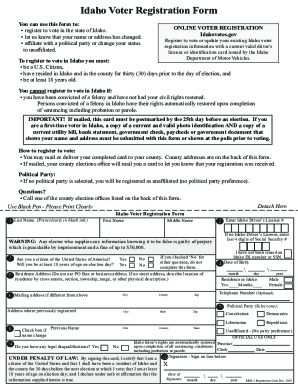
Fillable Idaho Voter Registration Form
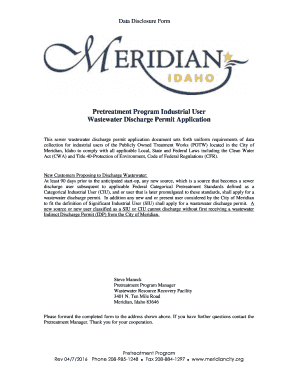
Pretreatment Program Industrial User Wastewater Discharge
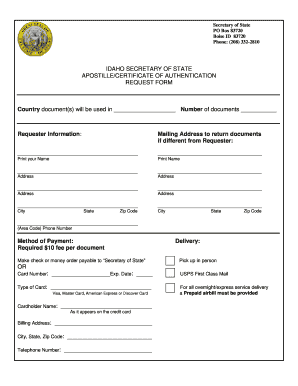
Apostille form pdf

Minor Tenant Improvement Submittal Checklist

Sos iowa
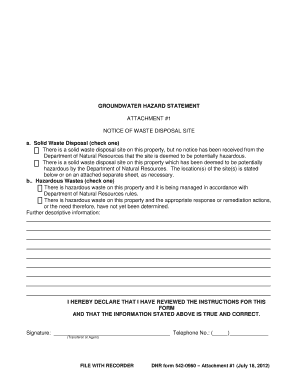
GROUNDWATER HAZARD STATEMENT a Solid Waste Disposal (check

Hawaii Subcontractor Agreement Template

For the Program Year

Certified Tobacco Treatment Specialist Training Verification Form

Florida Public Service Commission Fact Sheet: Docket No
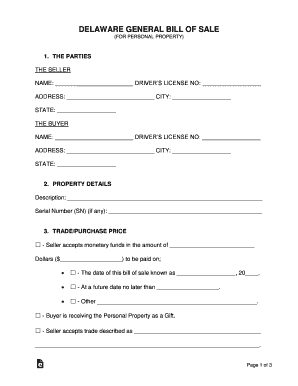
Free Delaware General Bill of Sale Form - WordPDF

STAFF VOLUNTEER HEALTH CERTIFICATE
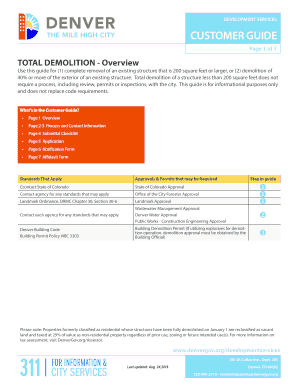
Total Demolition Guide - Denver - denvergov
Benefit from the DocHub online library of fillable PDF forms
Searching the PDF forms doesn't have to be a tedious and time-consuming process. With the DocHub online library, it has become easier to find the fillable PDF forms and modify them in your browser. The service allows you to adjust the document to your needs using powerful editing tools.
You can use online document editing features to modify almost any type of document with ease. You just need to find the template of your choice, open it in the editor, and use the toolbar to make the necessary corrections.
Follow this guide to get your document done with DocHub:
- Find the PDF template you need.
- Click the Get Form button to open the file in the editor.
- Use the toolbar to fill out and edit the document.
- Easily add and highlight text, insert images, checkmarks, and symbols.
- Drop new fillable fields, and rearrange or delete pages from your file.
- Save changes and download your record.
DocHub empowers everyone to streamline document editing, signing, and distribution, and form completion. Create an account and benefit from our well-organized PDF Forms library and comprehensive editor.