
Get any PDF form from the DocHub library of ready-made templates - Page 293
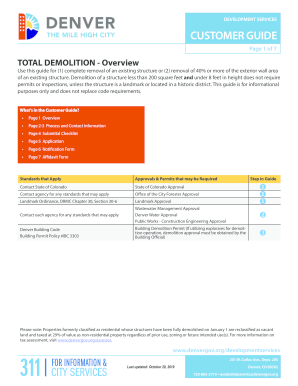
Fillable Online denvergov Total Demolition Guide - Denver
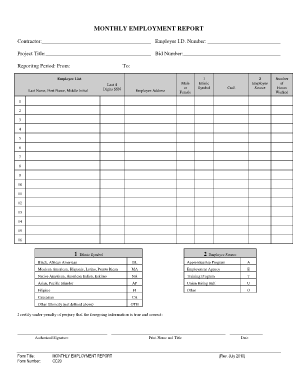
CC20 - Monthly Employment Report - City of San Diego - sandiego
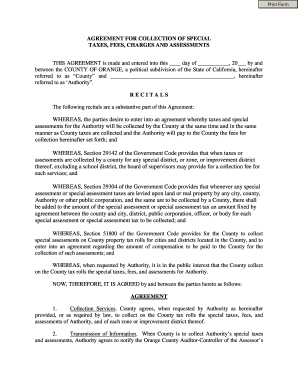
AGREEMENT FOR COLLECTION OF SPECIAL

Map Tax Clearance Certificate Request - San Diego Treasurer

PDF treasurer-tax collector san diego county map tax clearance

CEC-CF2R-ADD-02-E (Revised 01 15)

2019 CA CF2R-ADD-02-E
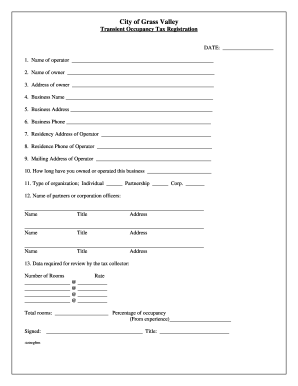
City of Grass Valley Transient Occupancy Tax Registration

Exact Location of Incident:

Arkansas municipal special plate

Alabama Subcontractor Agreement Template
Appendix C Dewatering bDischarge Formsb - Municipality of Anchorage - muni
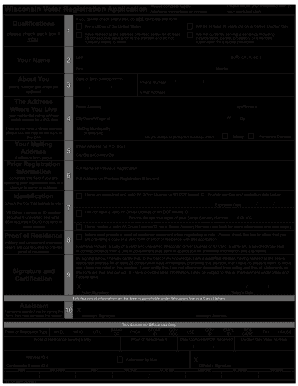
If you cannot check every box, do NOT complete this form
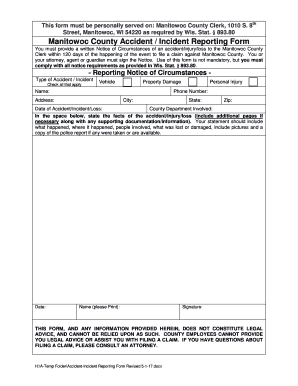
This form must be personally served on: Manitowoc County Clerk, 1010 S
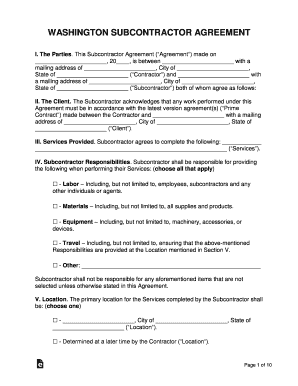
Washington Subcontractor Agreement Template
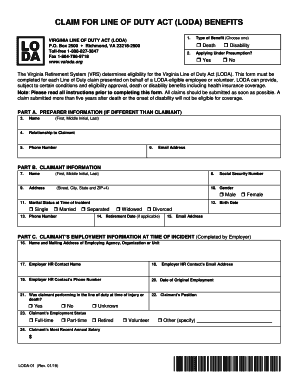
Claim for LODA Benefits (LODA-01) - Virginia Line of Duty Act
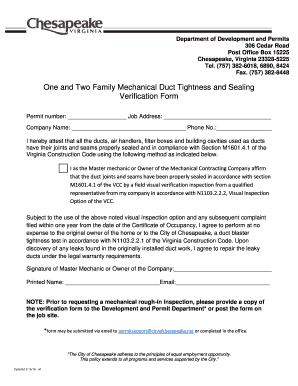
306 Cedar Road
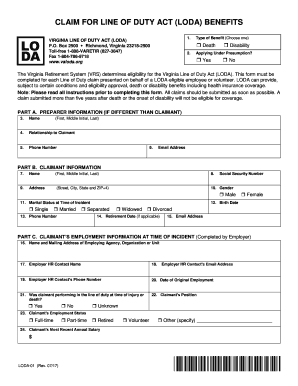
CLAIM FOR LINE OF DUTY ACT (LODA) BENEFITS

Due diligence email template

Virginia practice item guide
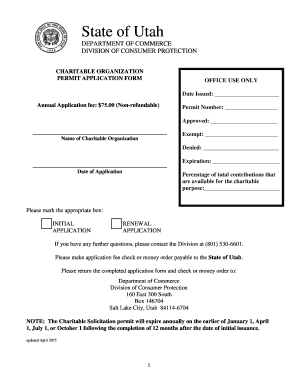
Charitable organization permit application form

Harris County Appraisal District Form 21MH (082011) - hcad
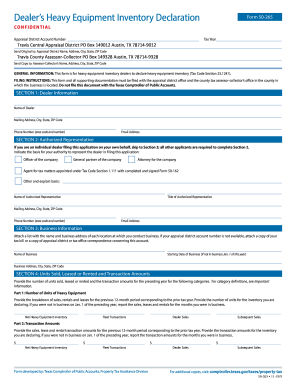
Fillable Online Duke CLACS: Form to Approve Courses for

FORT BEND COUNTY FARM BUREAU ACHIEVEMENT AND ACADEMIC

Texas dwi education program online form
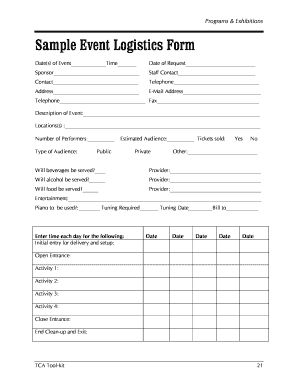
Logistics request form template

Potable Water Storage Tank Inspection Log
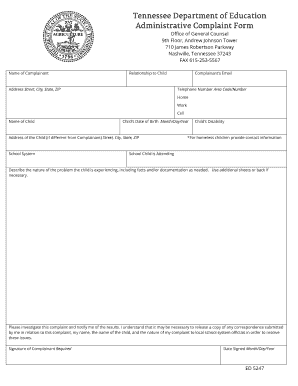
FAX 615-253-5567

Easa form 19

COMMERCIAL CHECK AUTHORIZATION FORM - sagaftraorg

Certified Healthcare Internal Audit Professional

2019 Medical Diagnostic Form for Athletes with a Physical Impairment

1022 site public information form

Registration motor operating ohio
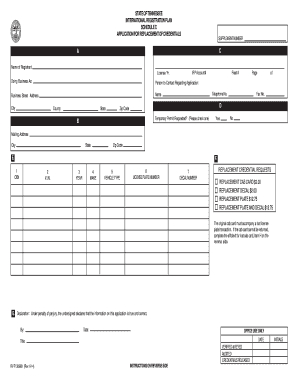
Tennessee irp application
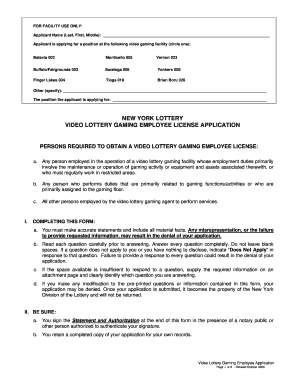
2008 ny lottery license pdf

Ny warehouse license
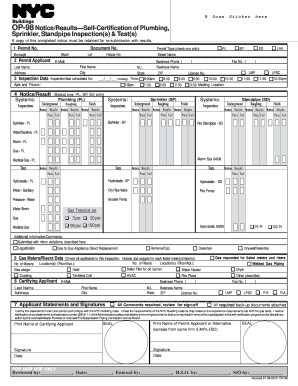
Op98
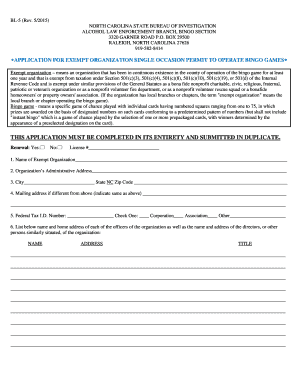
Nc bl 5 print

Renewal application nccob
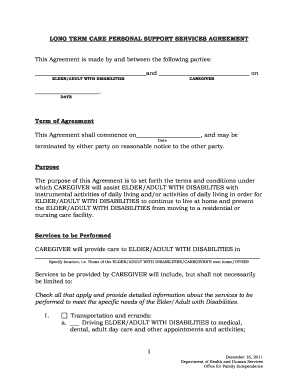
Maine services agreement
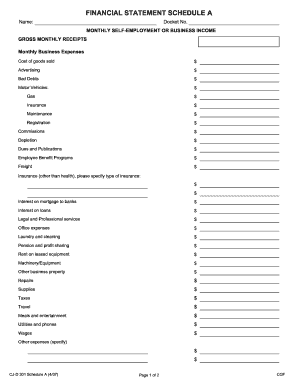
Schedule a financial statement

Ct capital improvement form
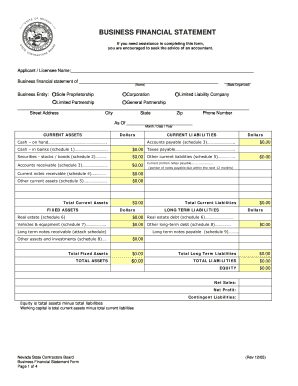
Nevada financial statement form

Nevada auto rates form print

Form 308 wisconsin

Mo real estate csr form
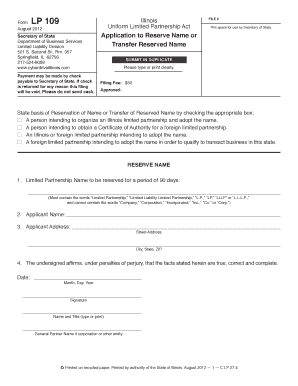
Il 109 application reserved form online

REQUIRED OFF SITE EDUCATION (R O S E ) APPROVAL FORM

Illinois nfp affairs form
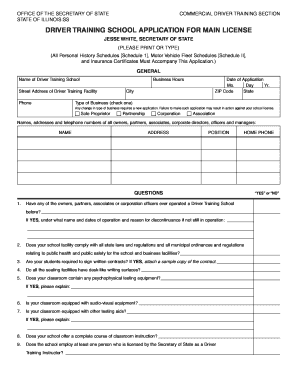
Illinois driver application license

2015 illinois investor statement form blank

Merger illinois consent

Illinois conduct form

Tips for Online Investors - Illinois Secretary of State

Illinois transfer stock

Bca 5 25 form

Illinois conversion form

Lp 207
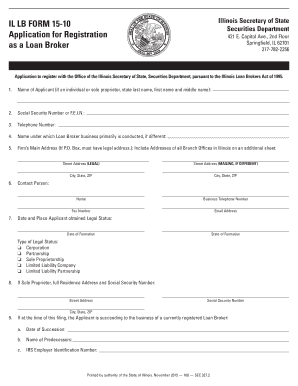
Illinois lb application

Il bca companies
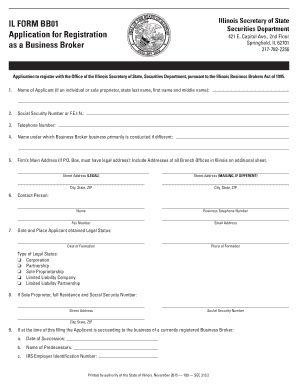
Il form registration business
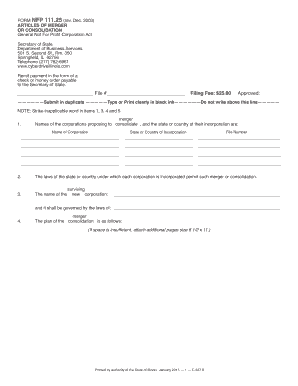
Nfp11125 form

Of resolution illinois
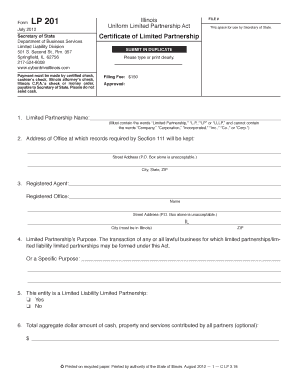
Illinois certificate partnership

Registration thereof illinois

Illinois branch license

APPLICATION FOR WITHDRAWAL AND FINAL REPORT General Not For Profit
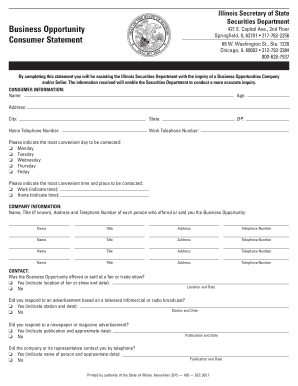
Business Opportunity Consumer Statement - Illinois Secretary of State

Illinois act reinstatement

Agent application illinois print

Il affidavit service

Llc 5 40

Illinois restated
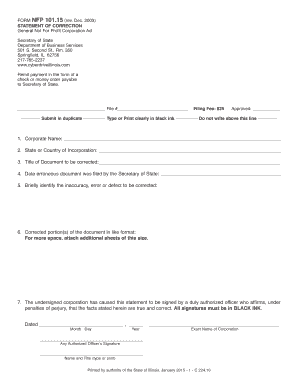
The name incor search
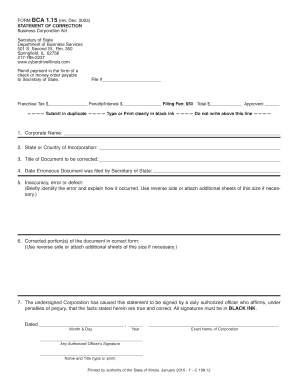
Illinois statement correction
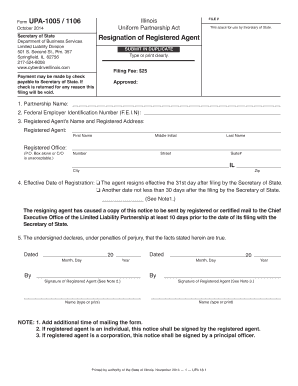
1005 resignation pdf
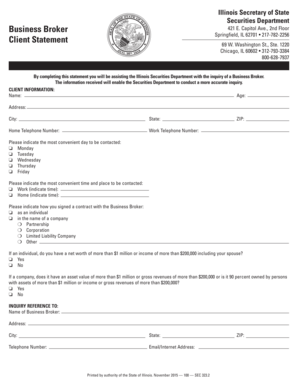
Illinois broker statement
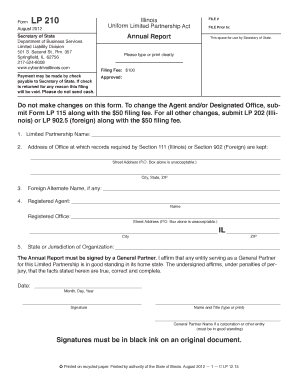
Il annual report form

Il assignment
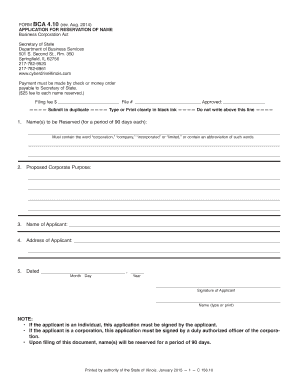
Bca 4 10 form
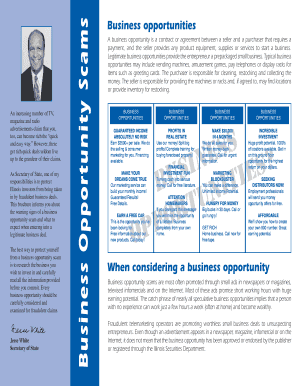
Business opportunities statement sample
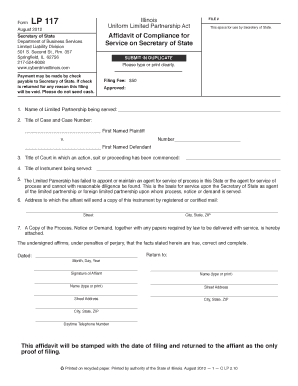
Illinois affidavit compliance form
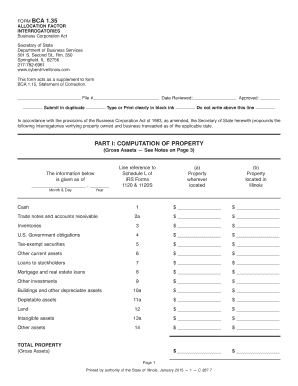
Il bca 1 35
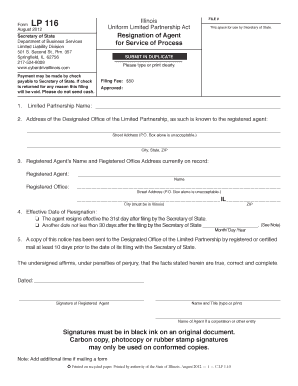
Lp 116
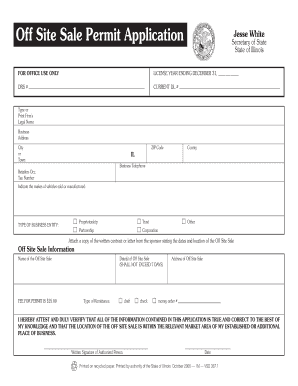
Il vsd 3671 off site sale latest
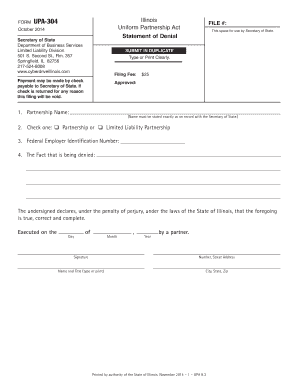
Illinois form 304
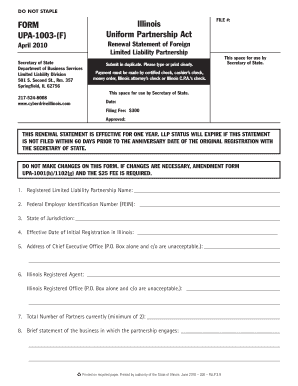
Form upa 1003 form

Il disclosure document

Dsd cdts 117 form

Bca 1435 c form

Illinois statement coversion
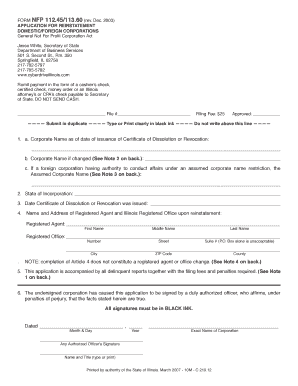
Illinois nfp 112 45

Prioritas bca
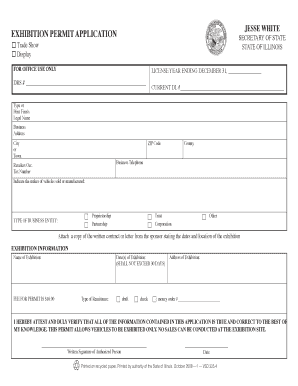
Exhibition cyberdrive illinois
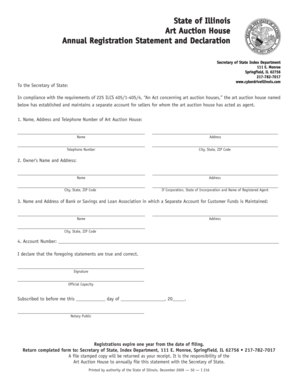
Illinois registration statement
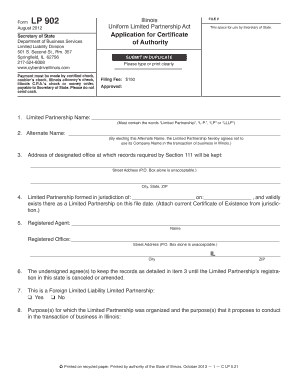
Illinois certificate authority form

Illinois bsop department
Book Illinois Consumers Guide To Online Cremation Arrangement

Revocation dissolution form
Benefit from the DocHub online library of fillable PDF forms
Searching the PDF forms doesn't have to be a tedious and time-consuming process. With the DocHub online library, it has become easier to find the fillable PDF forms and modify them in your browser. The service allows you to adjust the document to your needs using powerful editing tools.
You can use online document editing features to modify almost any type of document with ease. You just need to find the template of your choice, open it in the editor, and use the toolbar to make the necessary corrections.
Follow this guide to get your document done with DocHub:
- Find the PDF template you need.
- Click the Get Form button to open the file in the editor.
- Use the toolbar to fill out and edit the document.
- Easily add and highlight text, insert images, checkmarks, and symbols.
- Drop new fillable fields, and rearrange or delete pages from your file.
- Save changes and download your record.
DocHub empowers everyone to streamline document editing, signing, and distribution, and form completion. Create an account and benefit from our well-organized PDF Forms library and comprehensive editor.