
Get any PDF form from the DocHub library of ready-made templates - Page 1929
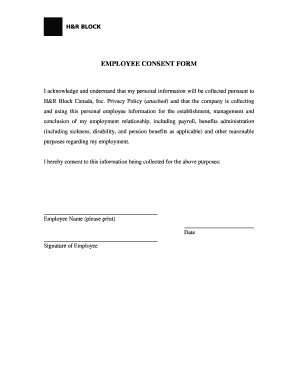
Employee consent form personal information

Esdc emp5626
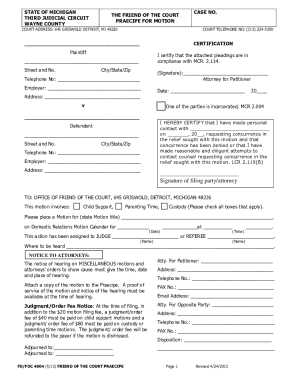
MOTION TO ADDRESS GENERAL FINANCIAL ISSUES - 3Rdcc.org - 3rdcc
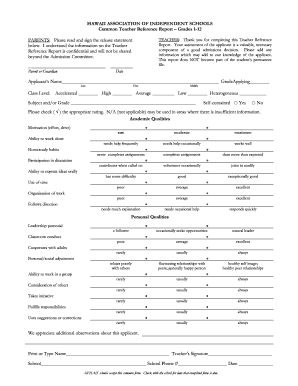
Hawaii 2013 form

Adena financial aid

Cdc form 50 34
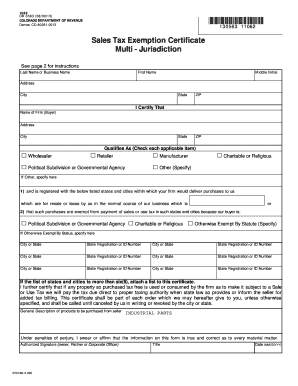
Sales tax exempt certificate
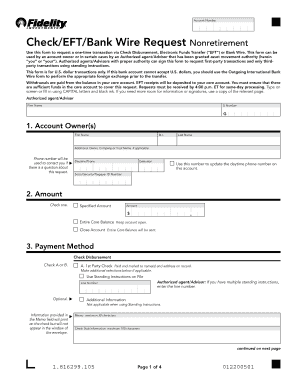
Checkeftbank wire request fidelity form

Colour work agreement definition
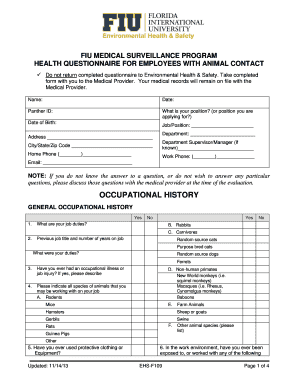
FIU MEDICAL SURVEILLANCE PROGRAM HEALTH QUESTIONNAIRE FOR EMPLOYEES WITH ANIMAL CONTACT

Loading checklist template

Fume hood inspection checklist
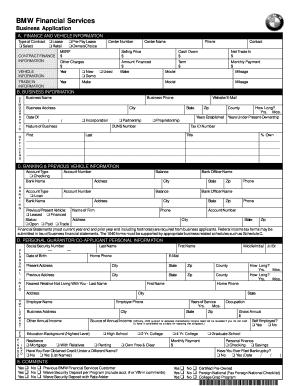
Finance application form
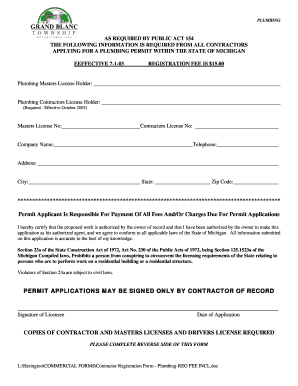
Grand blanc contractor registration
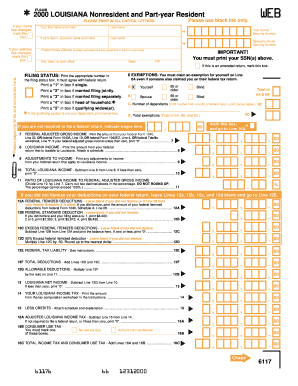
Form IT-540B - Louisiana Department of Revenue - revenue louisiana
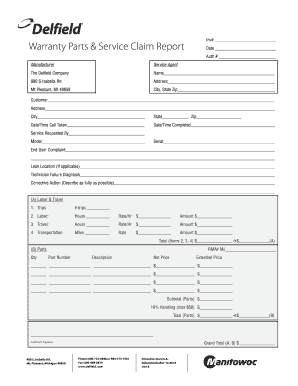
Delfield warranty claim form

Hearing and vision screening forms
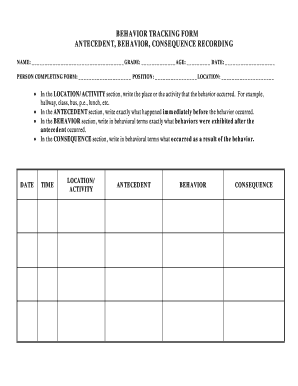
Antecedentbehaviourconsequence form
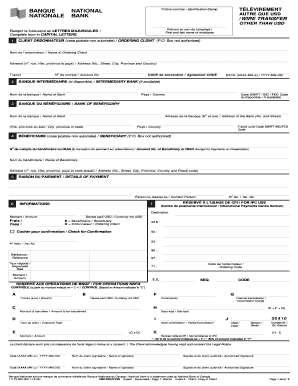
Dollar canada

Millhorn law firm end of life planning guide form
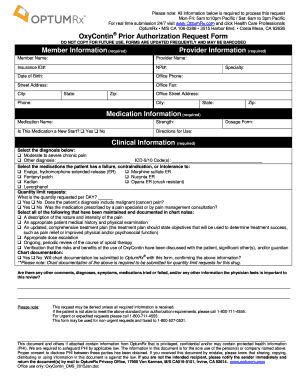
Prior Authorization Request Form Member ... - OptumRx
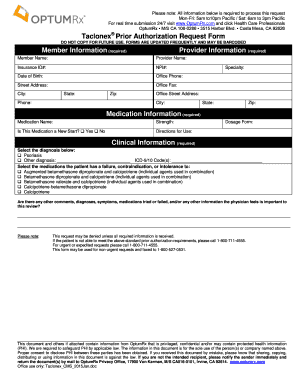
Prior Authorization Request Form Member ... - OptumRx
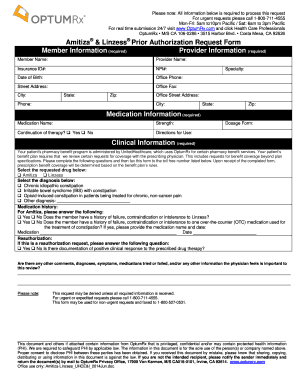
& Linzess Prior Authorization Request Form ... - OptumRx
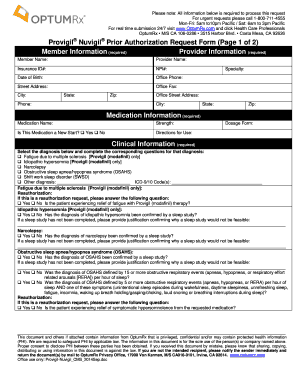
Optumrx form

Fl representative demolay
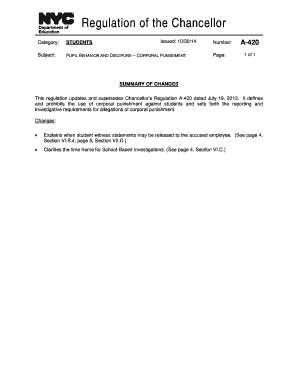
Chancellor's Regulation A-421 Verbal Abuse - schools.NYC.gov
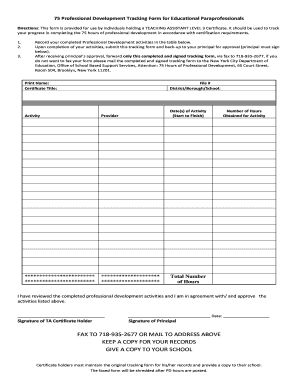
Professional development tracking form
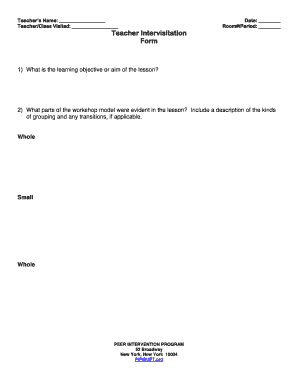
Intervisitation
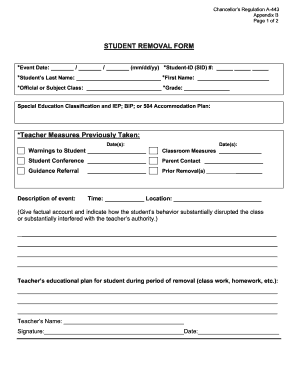
Student removal
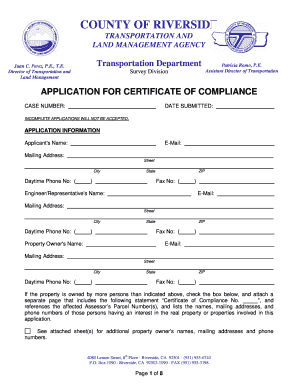
Application for certificate of compliance - TLMA - rctlma

California Applicants ONLY - Job Application Form
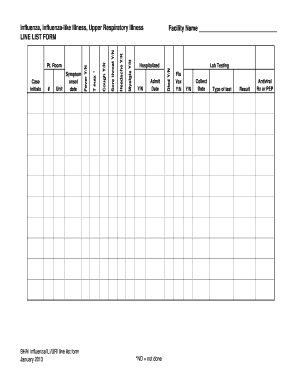
Line listing form
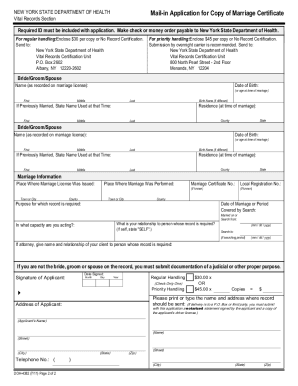
Marriage certificate form
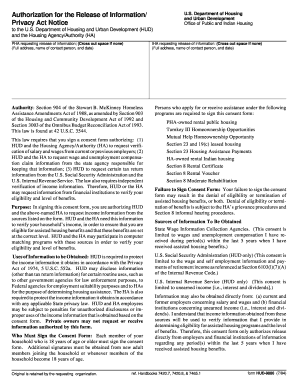
Habc housing
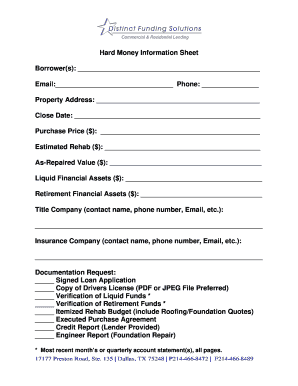
Borrowers form
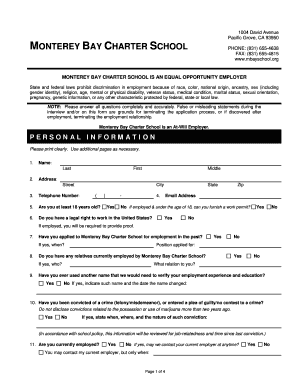
School mbayschool search
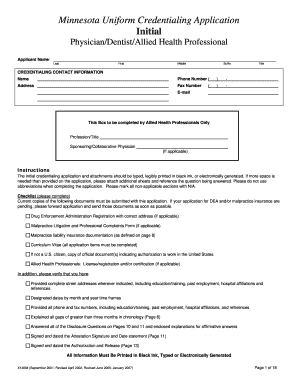
Mn uniform credentialing application initial
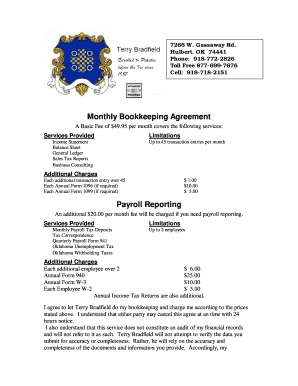
Agreement terry bradfield

Proliant direct deposit form
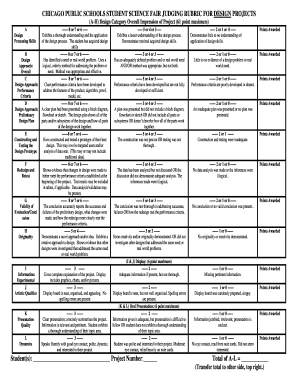
CHICAGO PUBLIC SCHOOLS STUDENT SCIENCE FAIR JUDGING SCORE SHEET - cpsscifair
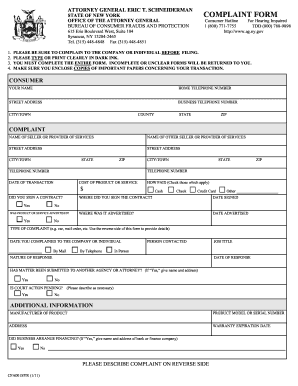
Syracuse Complaint Form - New York State Attorney General - ag ny
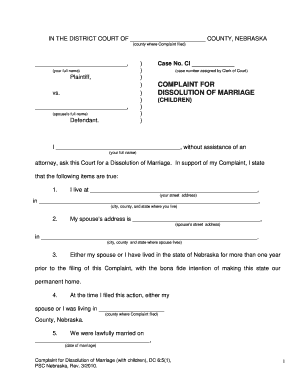
Nebraska child custody forms
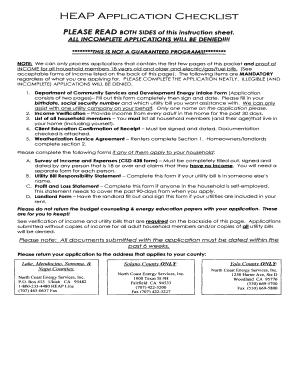
HEAP APPLICATION CHECKLIST - North Coast Energy Services
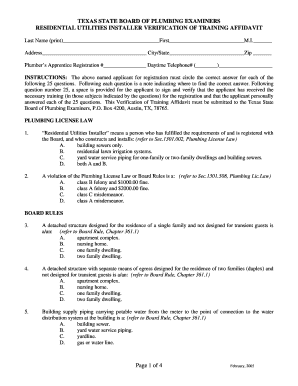
Residential utilities installer
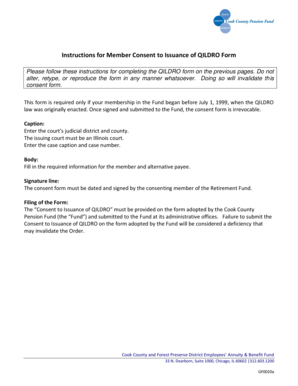
Consent to Issuance of QILDRO - Cook County Pension Fund

Trial schedule e form 1040
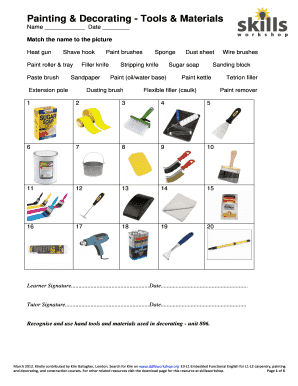
Material name
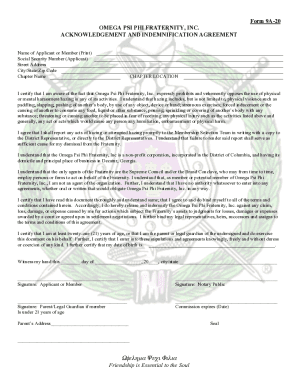
Omega psi phi form 9a 20
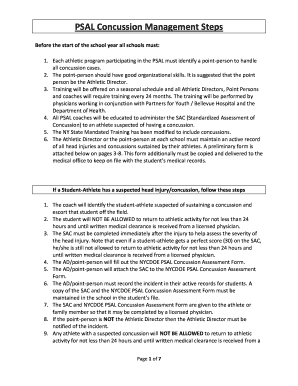
Psal concussion
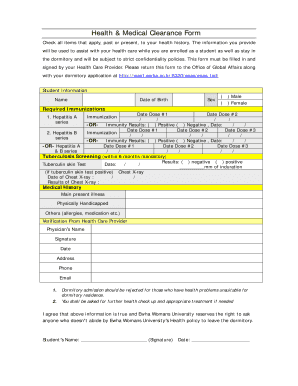
Health & Medical Clearance Form
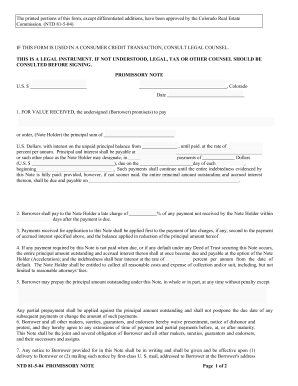
Ntd 81 5 04
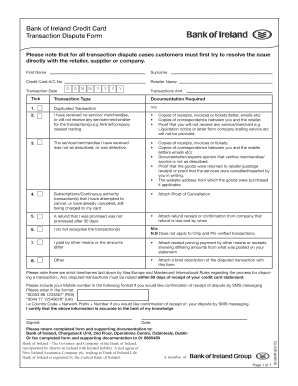
Bank of ireland transaction dispute form
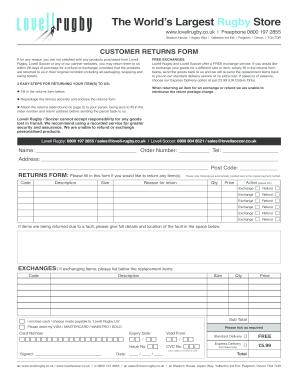
Lovell rugby returns
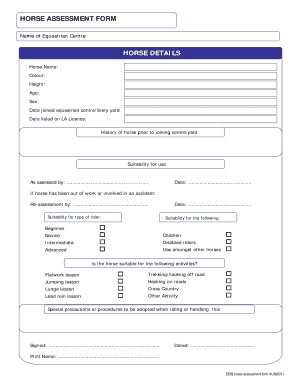
Horse assessment form
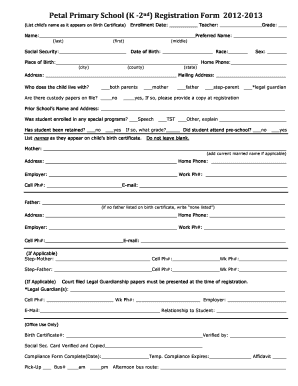
School registration certificate download

Student Registration Form - Petal School District
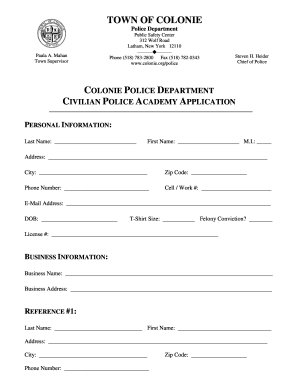
Police academy colonie

Zip line permission form

Application for the 2014 NYLT Pin - Samoset Council

Hybridization worksheet pdf
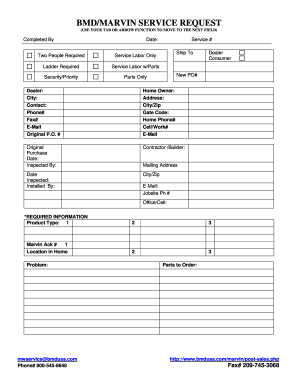
BMD/MARVIN SERVICE REQUEST
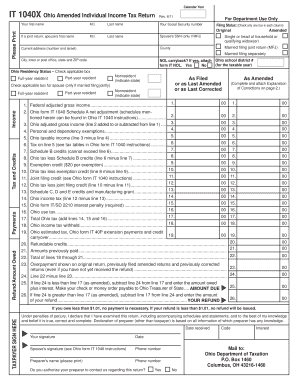
IT 1040X Ohio Amended Individual Income Tax Return - Formytax.com
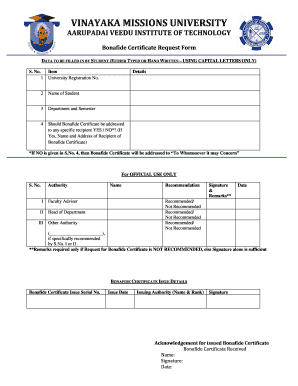
Vinayaka mission university salem degree verification

Priority Request Form - Pinellas County Clerk of the Circuit Court - pinellasclerk
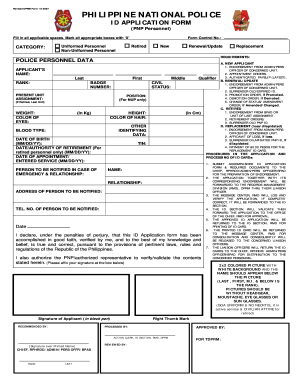
Pnp id online application
Form e1 claim
Ob
Ahis gap insurance
MAT 125 Survey of Special Topics in Mathematics - Union County bb - faculty ucc
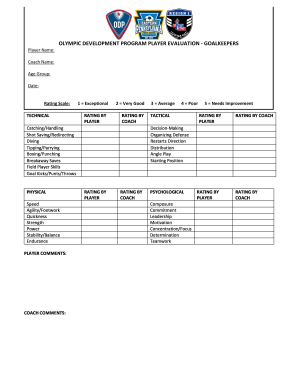
Evaluation odp search
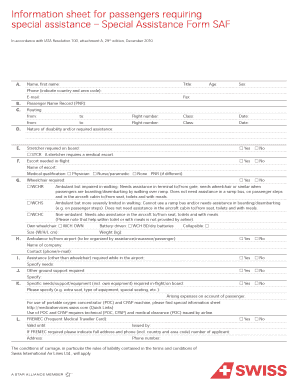
Medif form pia pdf download
HS Band Handbook 13-14.pdf - Connect Seward County

Encroachment License Application - City of Indianapolis - indygov

Payment Plan Contract - City of Indianapolis - indygov

Indiana oversize row
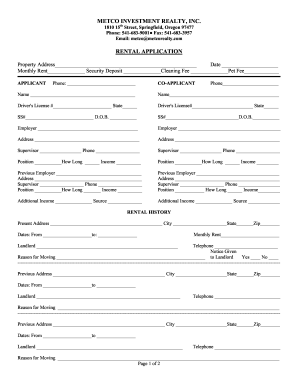
Metco rentals

Discharge medication list template
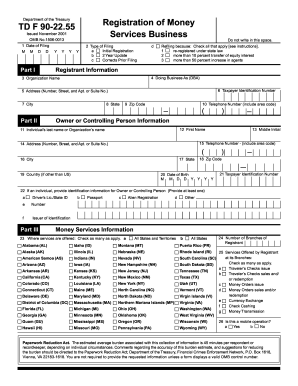
Form 90 registration pdf
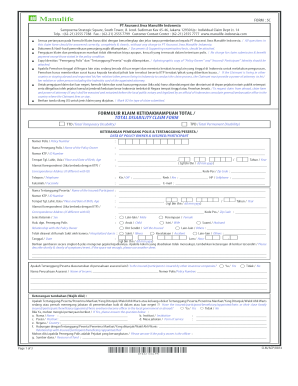
Formulir claim
Qildro calculation court order

Speech form
Stony brook hospital financial assistance

Casa form 61 9tx
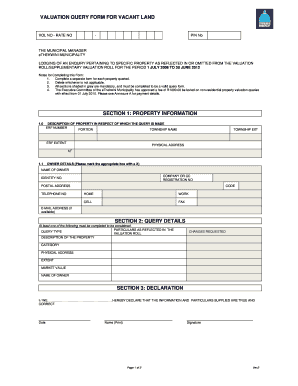
Ethekwini municipality application forms 2022 pdf
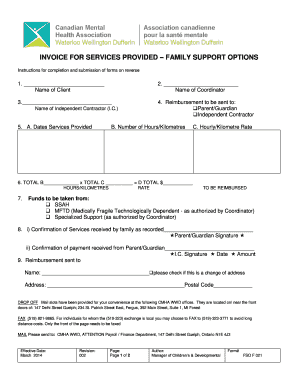
Invoice for services provided - Canadian Mental Health Association ... - wwd cmha
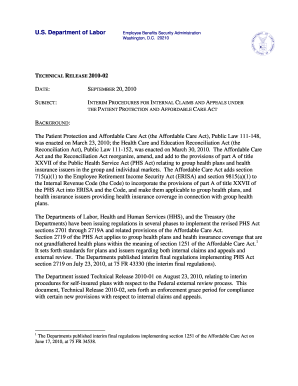
Aetna 1095 form
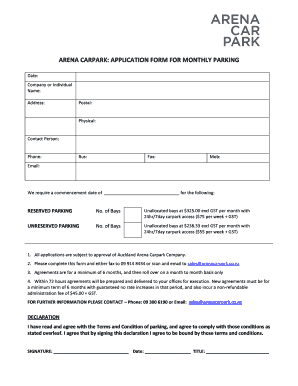
New zealand parking auckland

Application for hardship parking exemption under chapter 250

Disabled parking permit application form - Bayside City Council - bayside vic gov

Fusd transfer
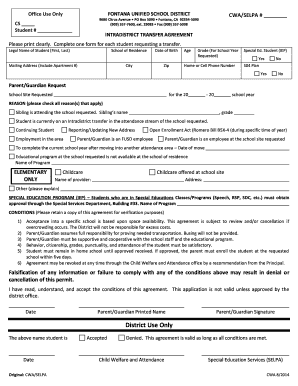
Fontana unified school district transfer
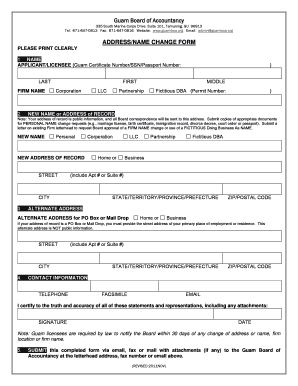
Guam Board of Accountancy ADDRESS/NAME CHANGE FORM - guamboa
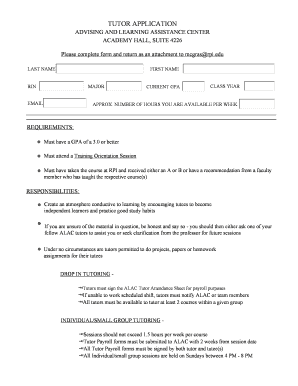
Rpi alac tutoring

Questionnaire stanford form pdf
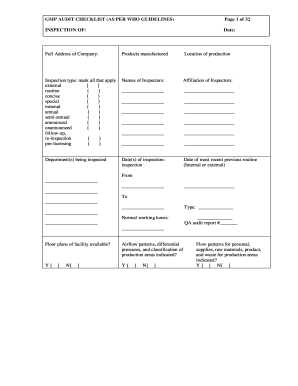
Audit checklist who
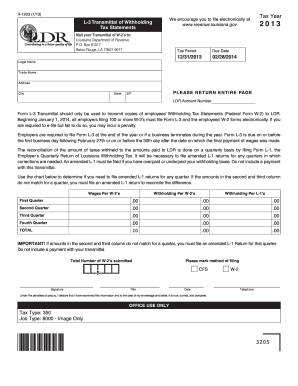
Form - Louisiana Department of Revenue - Louisiana.gov - revenue louisiana
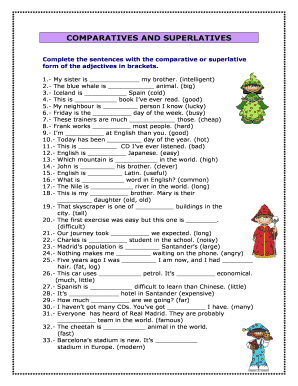
Comparatives superlatives
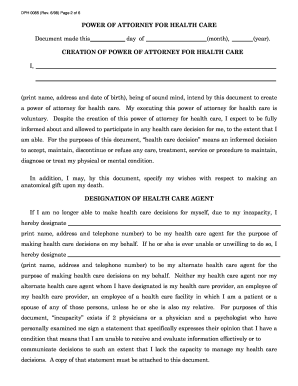
State of wi form doh 0085 1998

Certified bTeenb Leader Handbook - University of Georgia - caes uga

Iaai bill of sale
Benefit from the DocHub online library of fillable PDF forms
Searching the PDF forms doesn't have to be a tedious and time-consuming process. With the DocHub online library, it has become easier to find the fillable PDF forms and modify them in your browser. The service allows you to adjust the document to your needs using powerful editing tools.
You can use online document editing features to modify almost any type of document with ease. You just need to find the template of your choice, open it in the editor, and use the toolbar to make the necessary corrections.
Follow this guide to get your document done with DocHub:
- Find the PDF template you need.
- Click the Get Form button to open the file in the editor.
- Use the toolbar to fill out and edit the document.
- Easily add and highlight text, insert images, checkmarks, and symbols.
- Drop new fillable fields, and rearrange or delete pages from your file.
- Save changes and download your record.
DocHub empowers everyone to streamline document editing, signing, and distribution, and form completion. Create an account and benefit from our well-organized PDF Forms library and comprehensive editor.