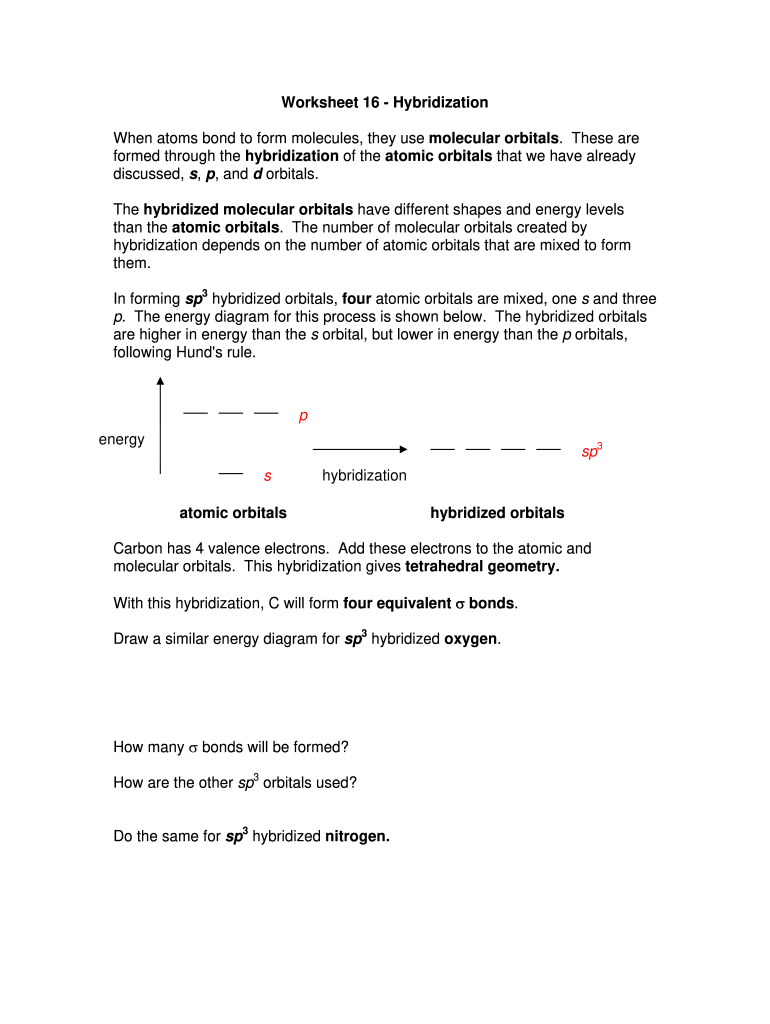
Start editing your hybridization worksheet PDF for free today and streamline your learning experience!
Signing documents on a mobile device is fast, simple, and doesn’t require software installation when you have an account with DocHub. Log in from any browser, fill in your blank fields with your information, and click on Sign → Create your signature. You can draw your eSignature just as you usually do on paper, add its image to your hybridization practice worksheet, or type in your name and stylize its look. Whatever option you choose, your paperwork will be valid.
As a comprehensive document editing service, DocHub is available on mobile devices. Open DocHub in your choice of mobile browser and employ our intelligent mobile-friendly toolset to fill out your hybridization worksheet with answers.
At DocHub, your data security is our priority. We follow HIPAA, SOC2, GDPR, and other standards, so you can work on your documents with confidence.
Learn more