
Get any PDF form from the DocHub library of ready-made templates - Page 1910
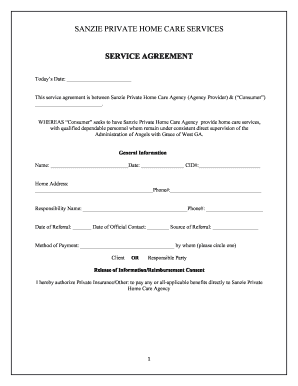
SANZIE PRIVATE HOME CARE SERVICES
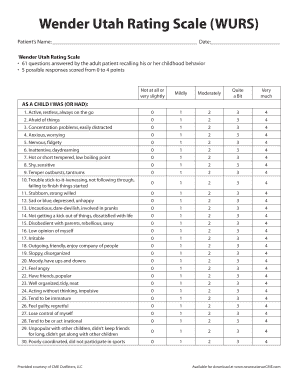
Utah wurs
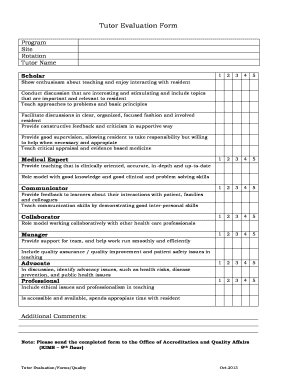
Tutor evaluation form
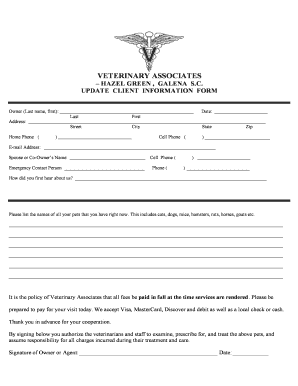
Client summary template

Employer Owned Life Insurance - Notice and Consent Form.PDF

Ccdf v10 14

Asthma Treatment Plan - The Pediatric Asthma Coalition of New ...

Asthma treatment plan
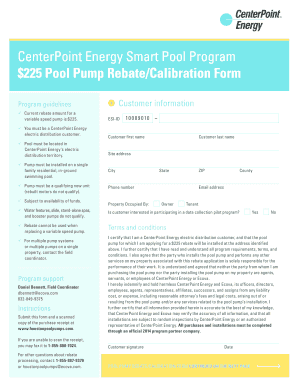
Centerpoint pool pump

AEIG Personal and/or Commercial Farm - Quality Equine Insurance

ISC-270 Cargo Loss Damage Claim form - 5-09.doc
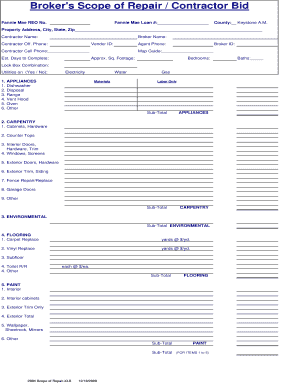
Scope contractor bid
Insurance trust deed
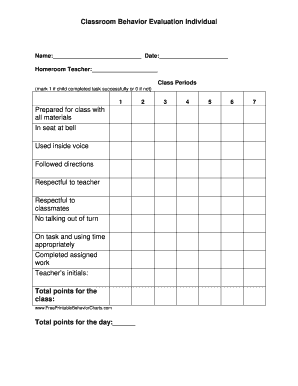
Behavior chart for school
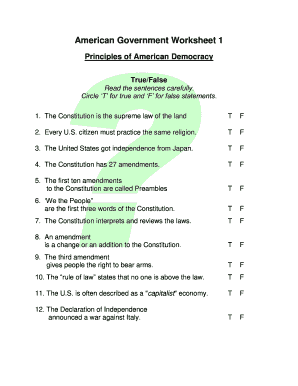
American government worksheet
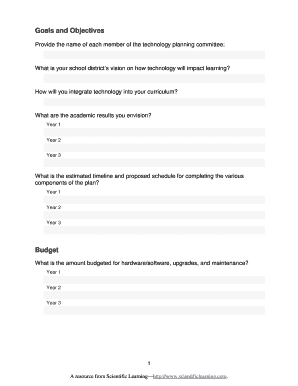
School technology plan template
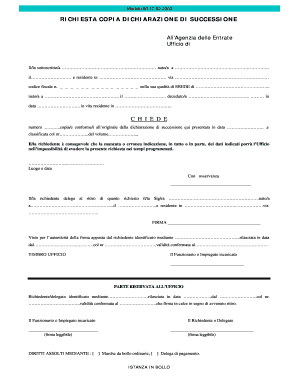
Firma nr confermata pdf
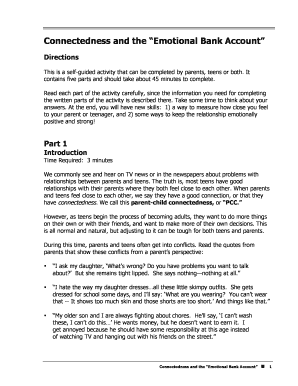
Emotional bank account worksheet
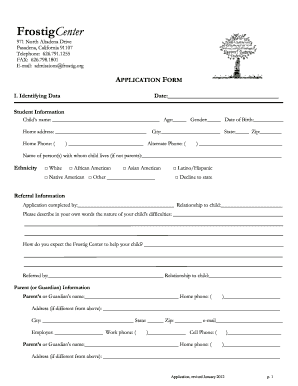
Frostig application form

Gift Letter - CMLS Financial - cmls

Pachsi
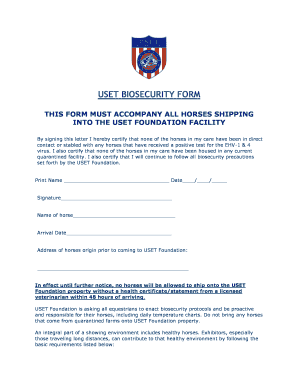
USET BIOSECURITY FORM - uset

Texas disposition of remains form
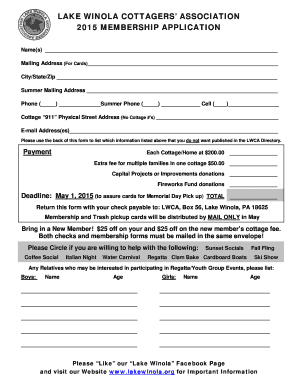
Lake winola cottage association
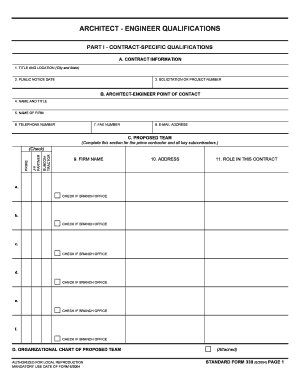
SF330 Template in Word by Wordsworth.pdf - Wordsworth Writing

Pediatric Intake Form - East Valley Naturopathic...
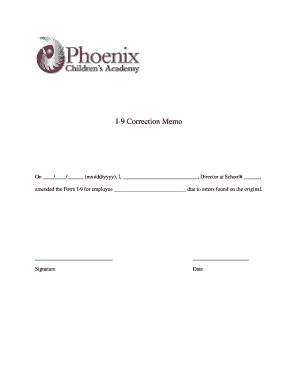
I 9 correction memo template

Seiu local 1 2 claim form

Motion florida form

Hsbc credit card limit enhancement
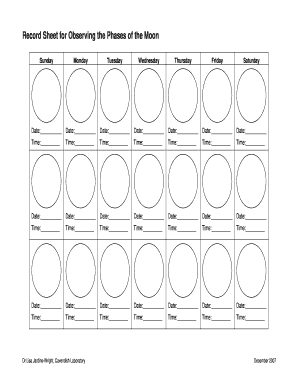
Phases of the moon sheet
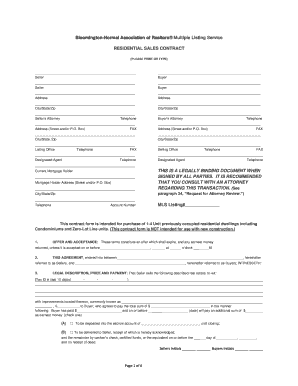
One Step Contract.pdf
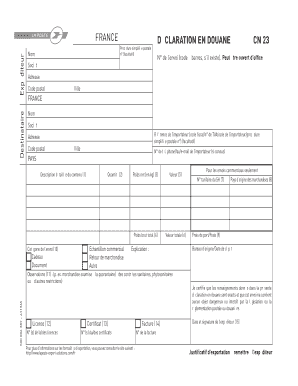
D claration en douane CN23 - La Poste - douane gouv
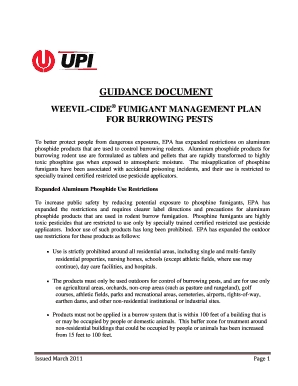
Weevil cide
English for paramedics pdf

Alaska dr 308
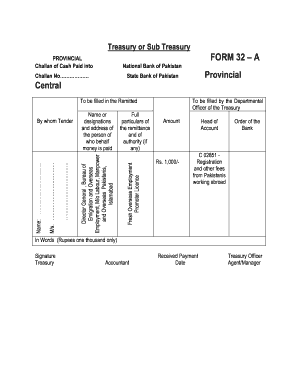
Treasury challan form word format

PTO and Parent Inv Membership Form Survey 2011.doc - svecsd
Charles glen richmond va
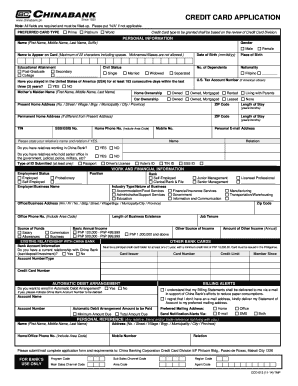
CREDIT CARD APPLICATION - China Bank - chinabank
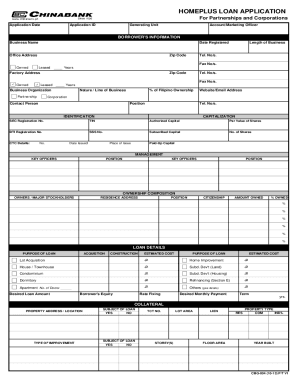
China bank loan application form

Youth sports scholarship application template
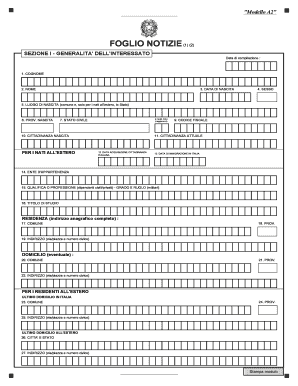
Foglio notizie nos
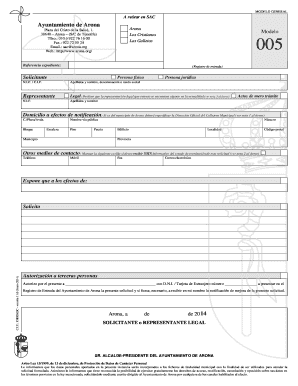
Modelo 005 arona
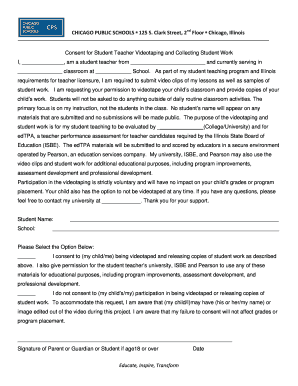
CPS edTPA Student Teacher Video Consent Form - DePaul ... - education depaul
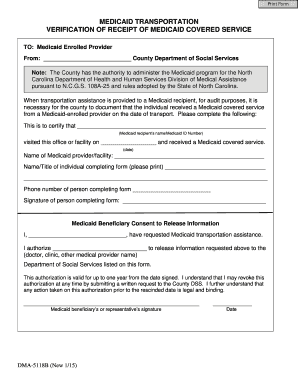
DMA-5118B-ia.pdf. Medicaid Transportation Verification of Receipt of Covered Service- B - info dhhs state nc

Dma 5118

Goal Setting - griffith edu
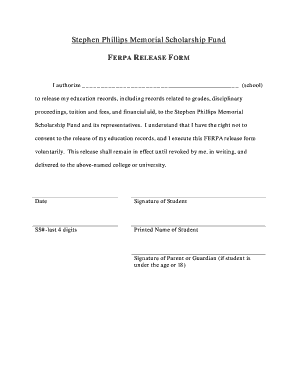
FERPA Release Form - Stephen Phillips Memorial Scholarship Fund

PETITION FOR STALKING - ojd state or
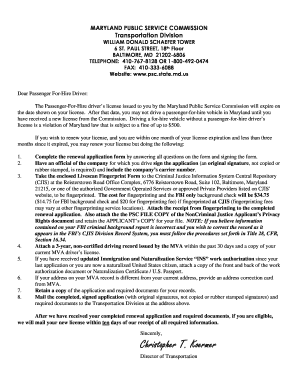
How to get a psc license in maryland
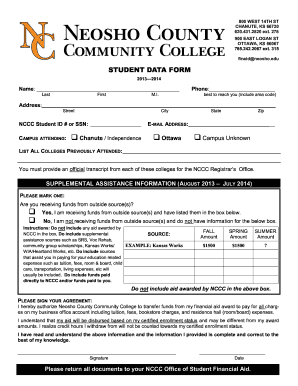
STUDENT DATA FORM - Neosho County Community College

Cg 2025
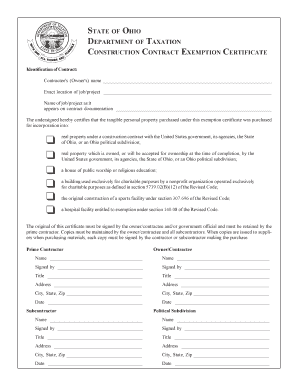
Tax Construction Exemption - City of Willard

Certificate: Non-existence of the Presence of Anthrax - ahvla defra gov
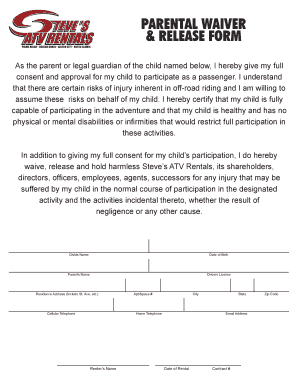
Parental waiver form - Steve's ATV Rentals

Teeth whitening consent form
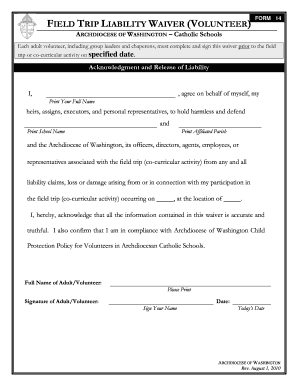
Washington trip waiver
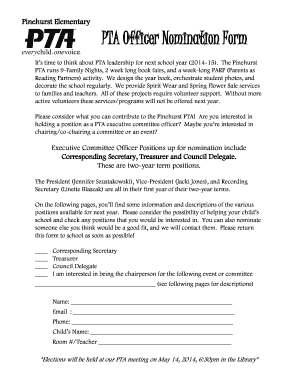
Pta officer nomination form
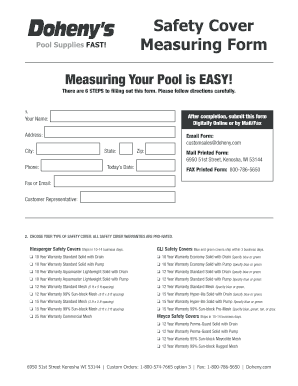
Safety cover measuring form

Program Application 2015 - California Institute of Medical Science

(LBOR Approved - Date - Realty Executives - Hedges Real Estate
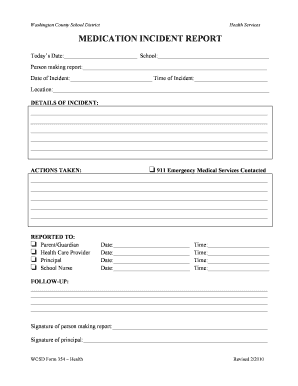
Medication incident form
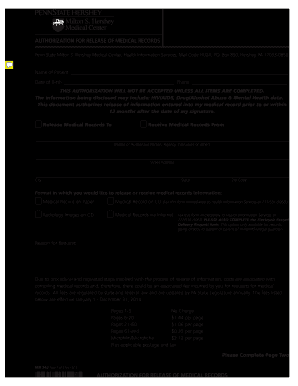
Authorization release of medical records
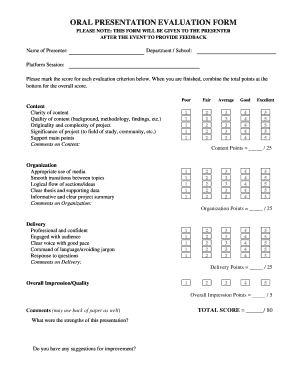
Evaluation Form Oral Presentation - University of - unlv

Printable biometric screening form 2020

Fort peck lake association
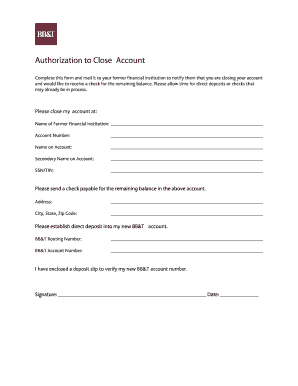
Bb t close account
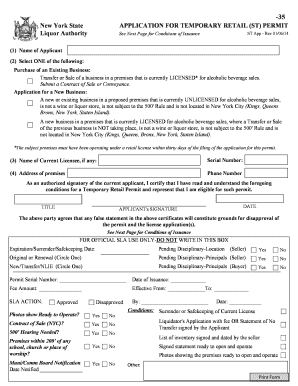
Application temporary permit

Florida secondary metals recycler purchase transaction form - fdle state fl
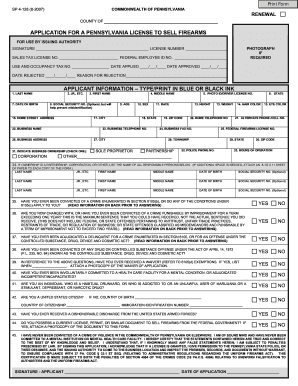
APPLICATION FOR A PENNSYLVANIA LICENSE TO SELL FIREARMS - luzernecounty
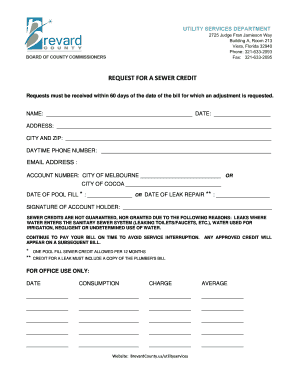
Brevard county sewer credit form
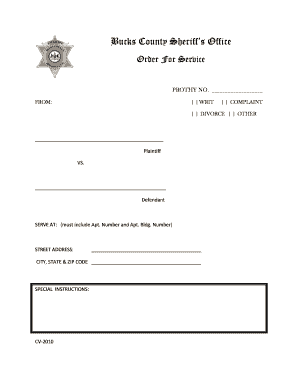
Bucks county sheriff order for service form
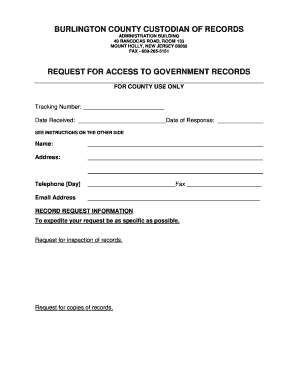
BURLINGTON COUNTY CUSTODIAN OF RECORDS - co burlington nj
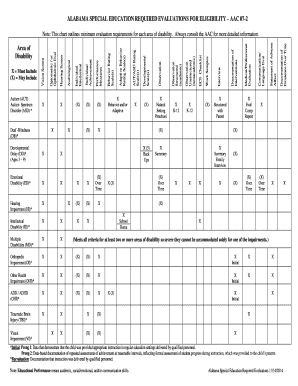
Alabama special education required evaluations eligibility
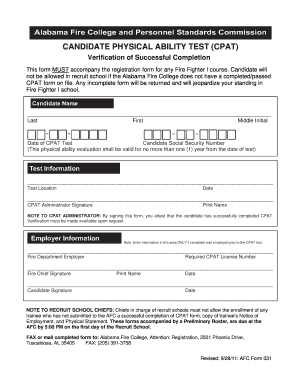
Afc form 031

Georgia Department of Human Services FOOD STAMP/MEDICAID - dfcs dhs georgia
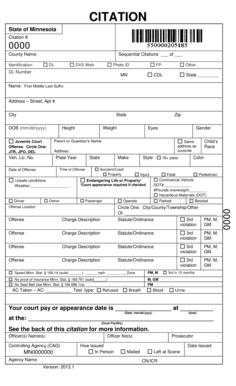
Standard Citation Page 1 - mncourts
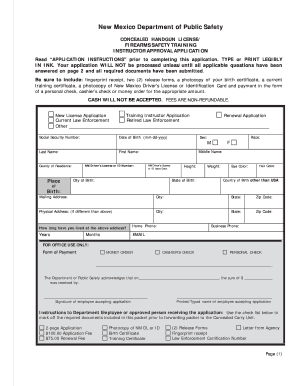
CCW Application - New Mexico Department of Public Safety
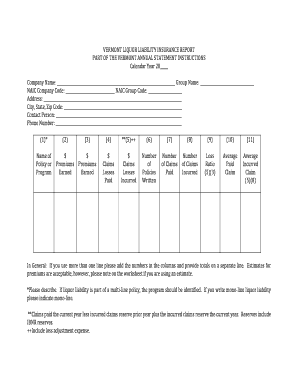
VERMONT LIQUOR LIABILITY INSURANCE REPORT PART - dfr vermont
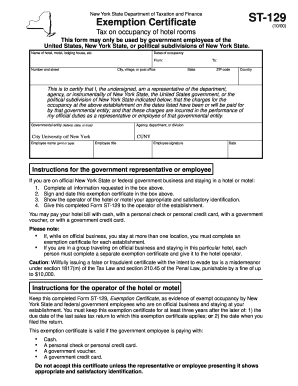
New York State Tax Exempt Form For Hotels. New York State Tax Exempt Form For Hotels

Loan denial form
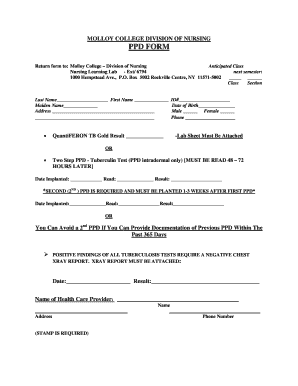
MOLLOY COLLEGE DIVISION OF NURSING PPD FORM - molloy
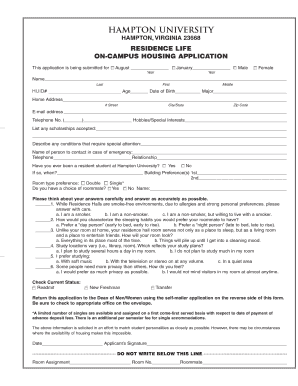
Hampton university application
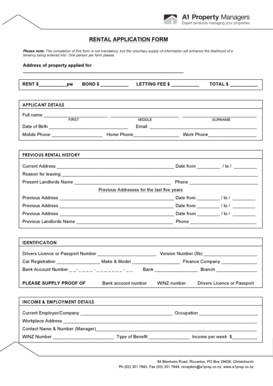
New zealand property rental

Bb t add authorized user

Self care assessment worksheet pdf
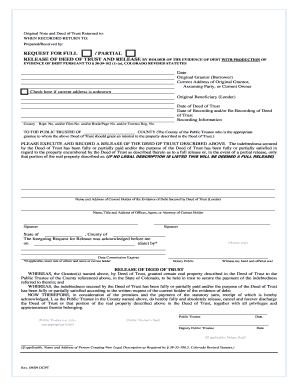
Release with EOD 9-1-09 DCPT Version.doc
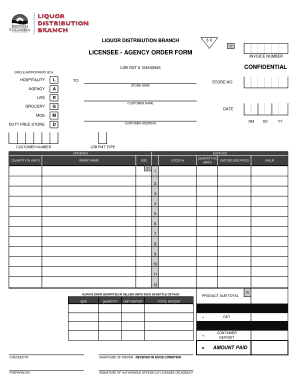
Licensee agency order form pdf
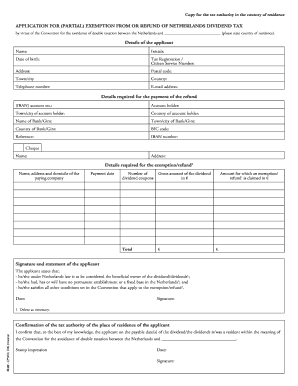
Ib 92
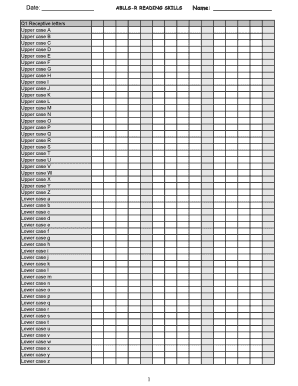
Ablls r tracking sheets excel
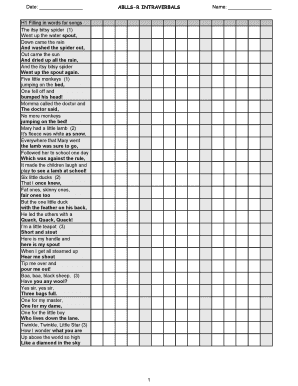
Ablls r pdf
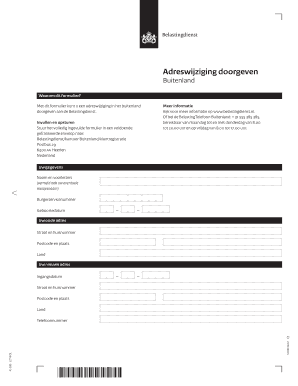
Adreswijziging belastingdienst buitenland
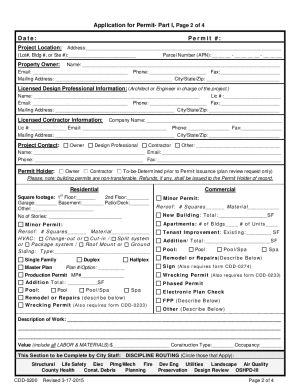
Cdd 0200
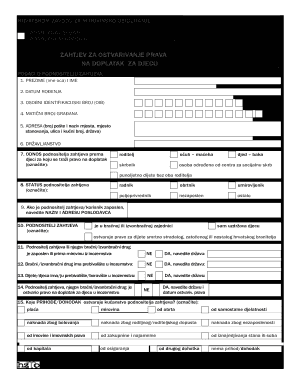
Osiguranje zahtjev djecu
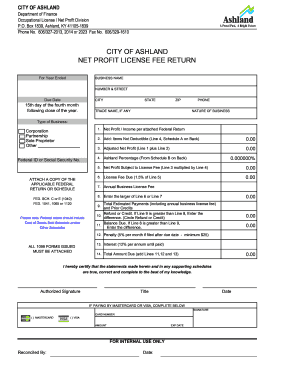
Ashland ky business license
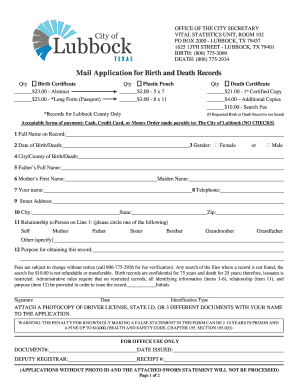
Lubbock vital records
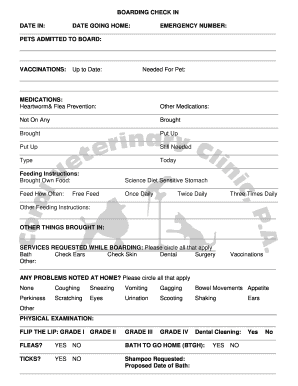
Cat Boarding Check-in Form - Coral Veterinary...
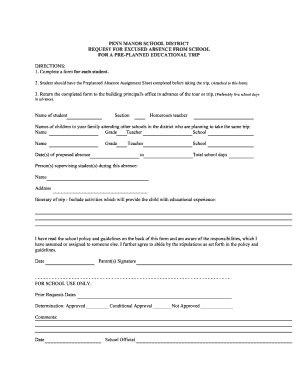
Pre educational trip form

Omega psi phi 50
Benefit from the DocHub online library of fillable PDF forms
Searching the PDF forms doesn't have to be a tedious and time-consuming process. With the DocHub online library, it has become easier to find the fillable PDF forms and modify them in your browser. The service allows you to adjust the document to your needs using powerful editing tools.
You can use online document editing features to modify almost any type of document with ease. You just need to find the template of your choice, open it in the editor, and use the toolbar to make the necessary corrections.
Follow this guide to get your document done with DocHub:
- Find the PDF template you need.
- Click the Get Form button to open the file in the editor.
- Use the toolbar to fill out and edit the document.
- Easily add and highlight text, insert images, checkmarks, and symbols.
- Drop new fillable fields, and rearrange or delete pages from your file.
- Save changes and download your record.
DocHub empowers everyone to streamline document editing, signing, and distribution, and form completion. Create an account and benefit from our well-organized PDF Forms library and comprehensive editor.