Phases of the moon sheet 2026

Get Form
moon phases worksheet Preview on Page 1

Here's how it works

01. Edit your moon phases worksheet online
Type text, add images, blackout confidential details, add comments, highlights and more.

02. Sign it in a few clicks
Draw your signature, type it, upload its image, or use your mobile device as a signature pad.

03. Share your form with others
Send moon phases worksheet pdf via email, link, or fax. You can also download it, export it or print it out.

How to use or fill out phases of the moon sheet with our platform

Form edit decoration
9.5
Ease of Setup
DocHub User Ratings on G2
9.0
Ease of Use
DocHub User Ratings on G2
  1. Click ‘Get Form’ to open the phases of the moon sheet in the editor.
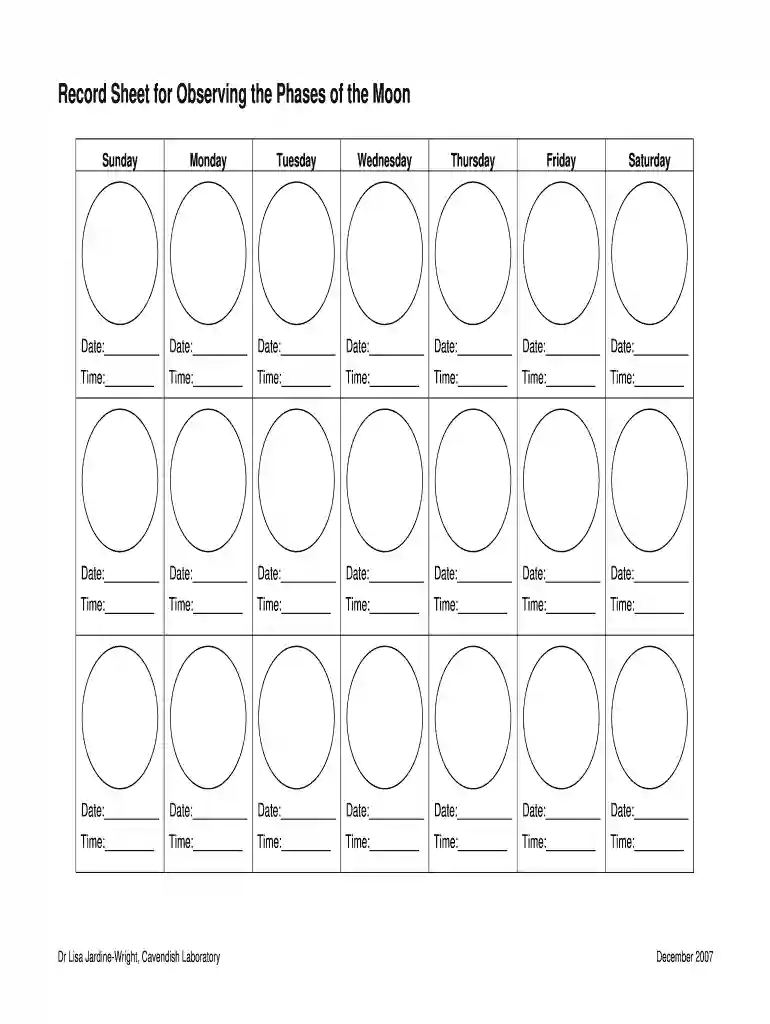
  2. Begin by entering the date for each day of the week in the designated 'Date' fields. This will help you track your observations accurately.
  3. Next, record the time of your observations in the 'Time' fields corresponding to each date. This ensures that you have a precise log of when each phase was observed.
  4. Repeat this process for all seven days, ensuring that each entry is clear and legible. You can easily modify any entry if needed using our editing tools.
  5. Once completed, save your document directly within our platform or export it for sharing or printing.

Start using our platform today to effortlessly track and observe the phases of the moon!

See more phases of the moon sheet versions

We've got more versions of the phases of the moon sheet form. Select the right phases of the moon sheet version from the list and start editing it straight away!
Versions Form popularity Fillable & printable
2021 4.6 Satisfied (47 Votes)
2021 4.9 Satisfied (48 Votes)
2021 4.8 Satisfied (94 Votes)
2020 4.2 Satisfied (27 Votes)
2019 4.8 Satisfied (35 Votes)
2018 4.5 Satisfied (47 Votes)
2018 4.7 Satisfied (26 Votes)
2017 4.8 Satisfied (101 Votes)
2017 4.8 Satisfied (229 Votes)
2016 4.8 Satisfied (119 Votes)
2016 4.1 Satisfied (60 Votes)
2016 4.6 Satisfied (33 Votes)
2016 4.8 Satisfied (131 Votes)
2016 4.5 Satisfied (44 Votes)
2015 4.1 Satisfied (36 Votes)
be ready to get more

Complete this form in 5 minutes or less

Get form

Got questions?

We have answers to the most popular questions from our customers. If you can't find an answer to your question, please contact us.
Contact us

eSignatures are a great alternative to traditional signing, as they save time, effort, and money people spend on printing, scanning, and paper delivery. You can electronically sign your moon sheet utilizing a trustworthy and robust online document management tool like DocHub. It complies with major eSignature policies (ESIGN and UETA), so all forms approved there are legally binding and have the same validity as physically signed ones.

As a comprehensive document editing service, DocHub is available on mobile devices. Open DocHub in your choice of mobile internet browser and employ our intelligent mobile-friendly toolset to complete your moonsheet template.

The five lunar phases that have been considered in the analyses (see the text for more details): new moon, waxing/waning crescent, first/third quarter, waxing/waning gibbous and full moon.
Concerning the lunar month as viewed from Earth, the lunar phase or Moon phase is the shape of the Moon's directly sunlit portion, which can be expressed quantitatively using areas or angles or described qualitatively using the terminology of new moon, waxing crescent, first quarter, waxing gibbous, full moon, waning ...
The Moon displays these eight phases one after the other as it moves through its cycle each month. It takes 27 days for the Moon to orbit Earth. That means the Moon's cycle is 27 days long.

Security and compliance

At DocHub, your data security is our priority. We follow HIPAA, SOC2, GDPR, and other standards, so you can work on your documents with confidence.

Learn more
be ready to get more

Complete this form in 5 minutes or less

Get form

People also ask

Phases of the moon, explained New moon. During this phase the moon is between Earth and the sun, which means none of the lunar half we see is illuminated, and the moon becomes nearly invisible in the night sky. ... Waxing crescent. ... First quarter. ... Waxing gibbous. ... Full moon. ... Waning gibbous. ... Last quarter. ... Waning crescent.
There are four principal lunar phases: the new moon, first quarter, full moon, and last quarter (also known as third or final quarter), when the Moon's ecliptic longitude is at an angle to the Sun (as viewed from the centre of the Earth) of 0°, 90°, 180°, and 270°, respectively.
2:48 13:34 The Phases of the Moon for Kids - YouTube YouTube Start of suggested clip End of suggested clip Less than half of the moon looks lit if you live in the northern hemisphere north of the equator. AMoreLess than half of the moon looks lit if you live in the northern hemisphere north of the equator. A waxing crescent is always lit on the right. Side this crescent moon is waxing.
There are four primary Moon phases: New Moon, First Quarter, Full Moon and Last Quarter, and four intermediate Moon Phases: Waxing Crescent, Waxing Gibbous, Waning Gibbous and Waning Crescent.
The rest of the month we see parts of the daytime side of the Moon, or phases. These eight phases are, in order, new Moon, waxing crescent, first quarter, waxing gibbous, full Moon, waning gibbous, third quarter and waning crescent. The cycle repeats once a month (every 29.5 days).

Related links