
Get any PDF form from the DocHub library of ready-made templates - Page 1900

Unisea application
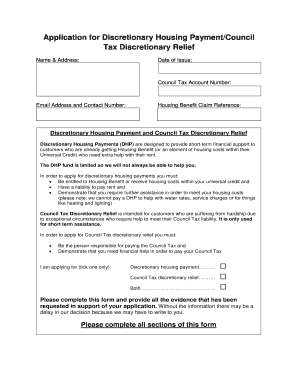
Barnet discretionary housing payment

Arizona pre service provider

Certificate of Conformity (C of C) Form - eastorange-nj

Child care services assistance application

Tax preparation client intake form template
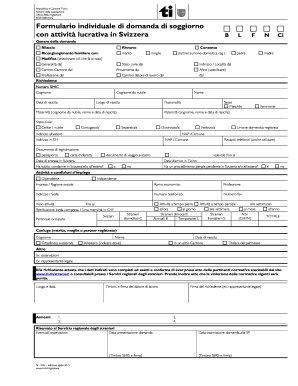
Formulario individuale di domanda di soggiorno con attivit lucrativa ...
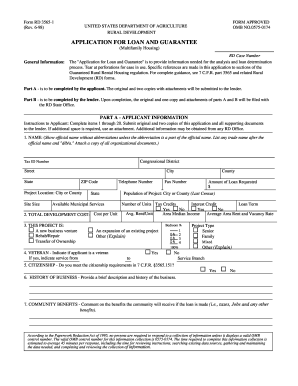
Form RD 3565-1 - forms sc egov usda

Myerscough bus pass
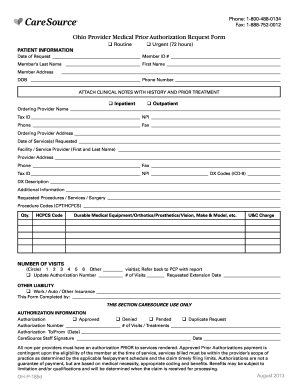
Ohio Provider Medical Prior Authorization Request Form - CareSource
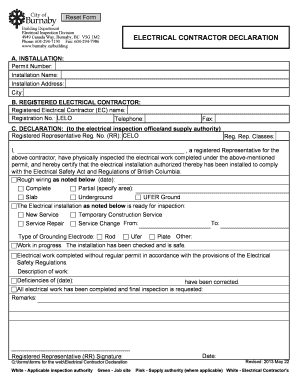
City of burnaby electrical declaration
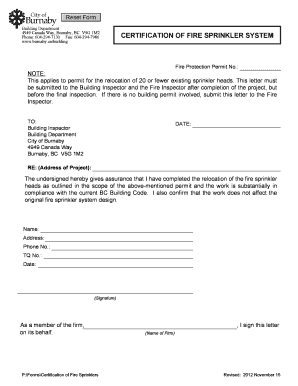
Certification fire
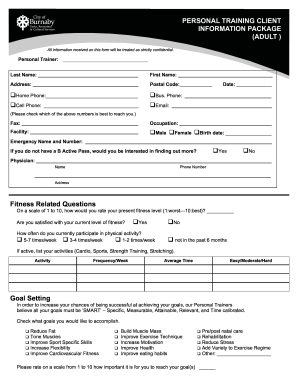
Personal training client information package - City of Burnaby - burnaby
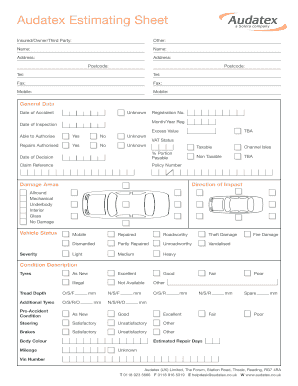
Audatex download
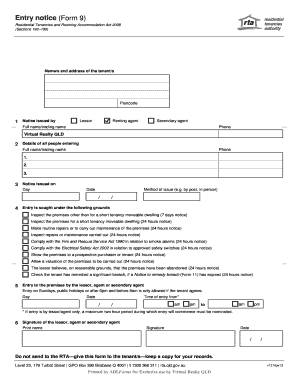
Form 9 entry notice

Form 36 Notice of no pool safety certificate - Real estate training ...
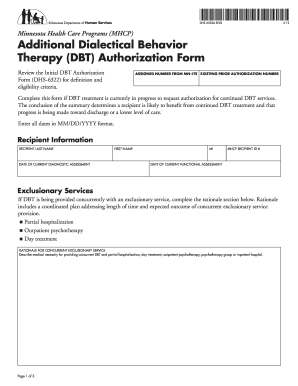
Additional dbt form

Wagon participant make
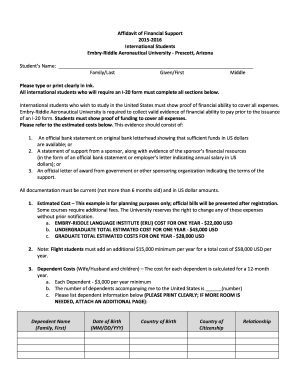
Affidavit of Financial Support 2015-2016 International Students ... - prescott erau

Talk show rubric

Electrical Permit Application - St. Johns County Government
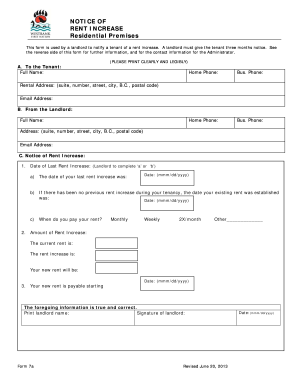
RENT INCREASE
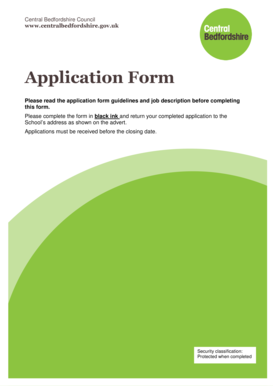
United kingdom central bedfordshire
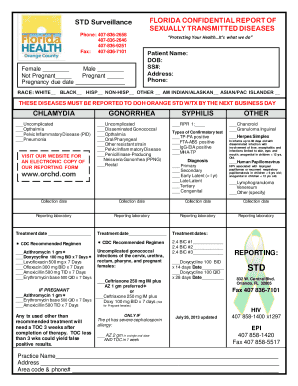
Std reporting form

Yosemite National Park Wilderness Permit Reservation Application

Character analysis rubric
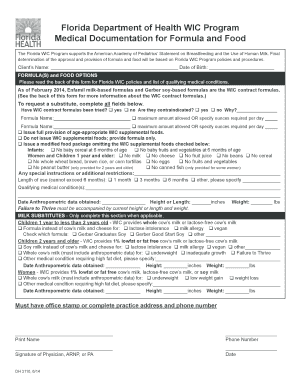
Printable wic formula forms florida
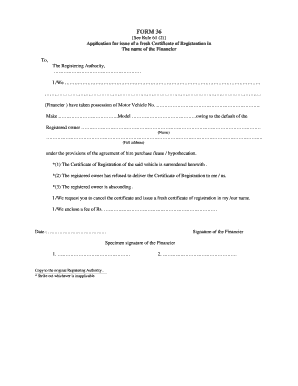
Permit renewal form 36
Pre issuance review

EFT Form-WEB 20100916.doc - mpiphp
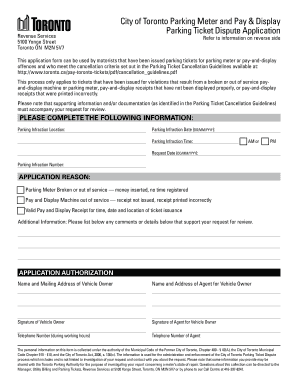
Parking ticket

Guidance Manual for the Preparation of an EMF Management Plan for The City Of Toronto
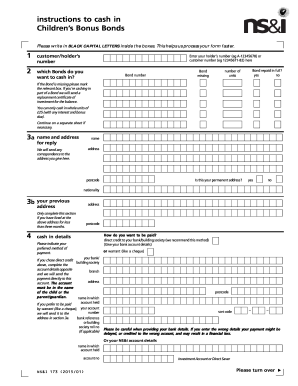
Children's Bonds cashing in form - NSandI.com

Lg202

Surgical tech competency checklist
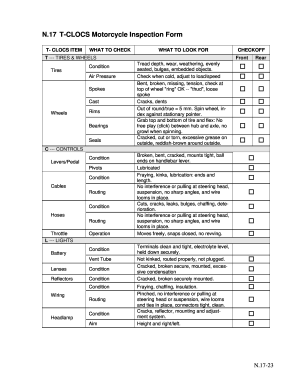
T clocs

Memorandum defense

Public Notice - Forms.IN.gov
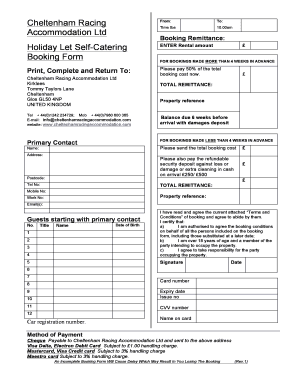
Booking form Holiday let with terms and conditions March 201212.doc
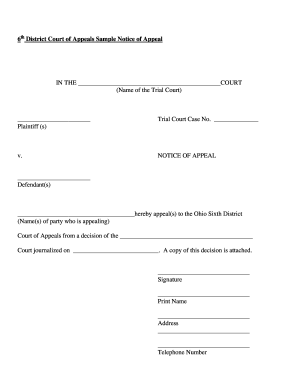
Ohio appeals notice form

APPLICATION FOR SCHOLARSHIP - doa nc

Dpp 106a form

EMO/CMO/Contractor Evaluation Instrument - Charter School Tools - charterschooltools
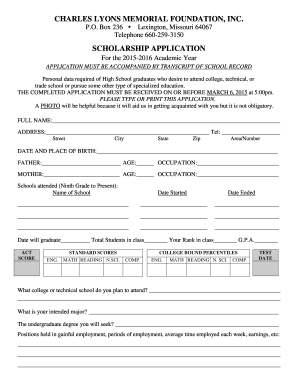
Lyons memorial foundation

David lundquist memorial
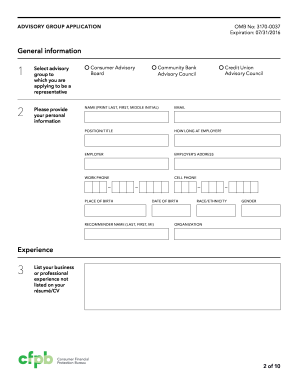
Cfpb advisory application

Pre-Planning Contract - A Simple Cremation - asimplecremation
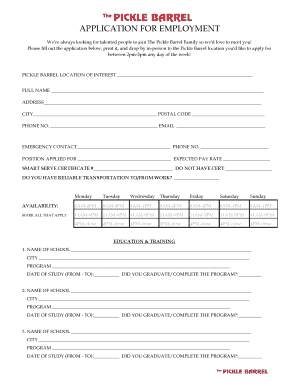
APPLICATION FOR EMPLOYMENT - The Pickle Barrel - picklebarrel

Emtek order form
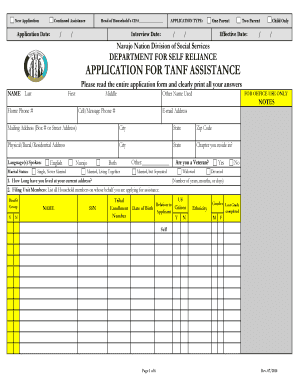
What is a cif number navajo nation

Microchipping Consent Form - Sauk Prairie Small Animal Hospital

Lumber quote template
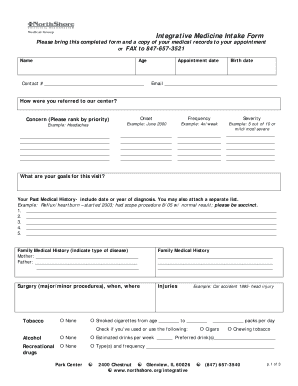
Integrative Medicine Intake Form - northshore
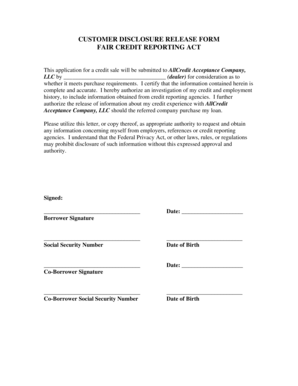
Customer release form

Notice of Termination of Notice of Commencement - LienDefense.net - liendefense net%2fdlpdf
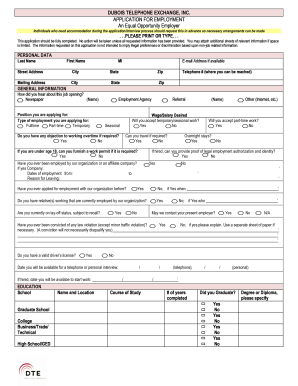
DUBOIS TELEPHONE EXCHANGE INC APPLICATION FOR
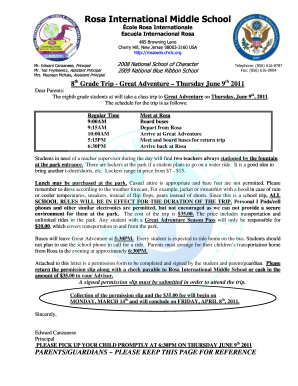
The parent rosaweb form
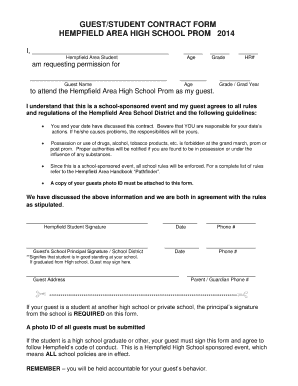
Prom form
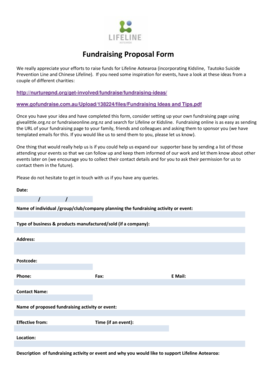
Fundraising Proposal Form - Lifeline Aotearoa - lifeline org
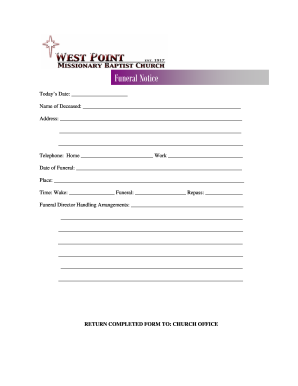
Funeral Noticedoc
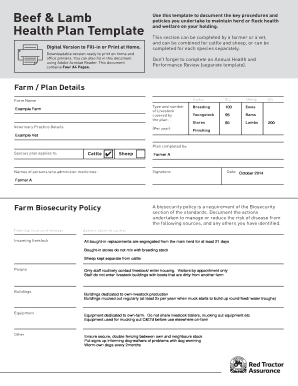
Herd health plan template

Green shield claim form for medical devices
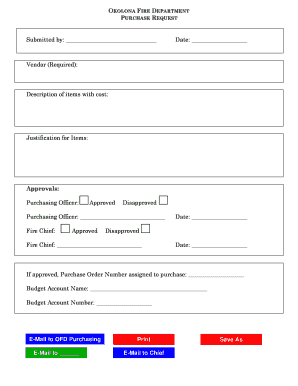
Purchase request form
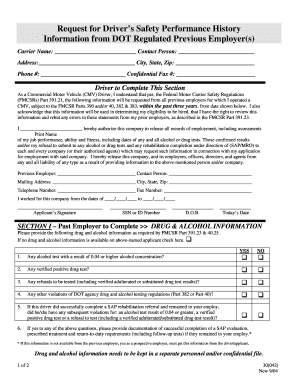
To download PDF Driver's Safety Performance Form - gasrt.com
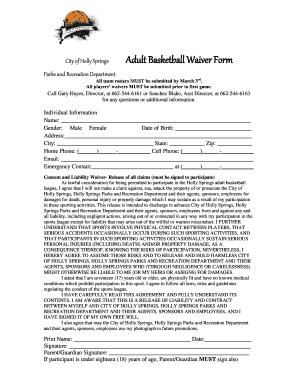
Basketball waiver form
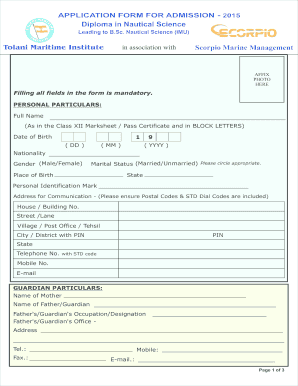
Scorpio sponsorship test 2022
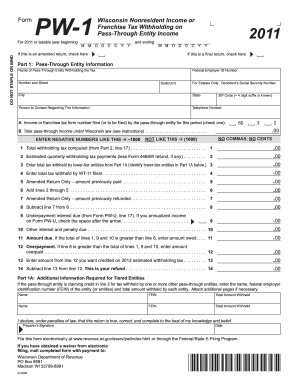
Pw 1 2011 form
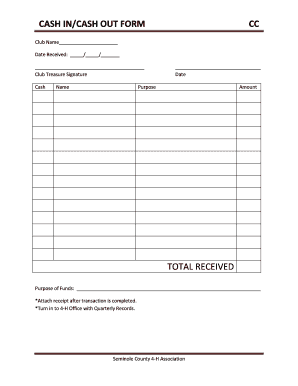
Cash out form
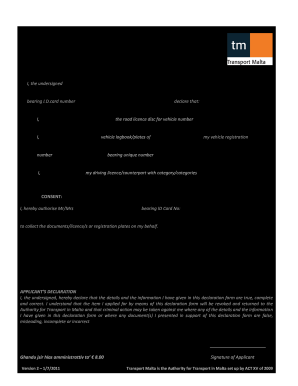
Veh 39 form

Housing allowance worksheet
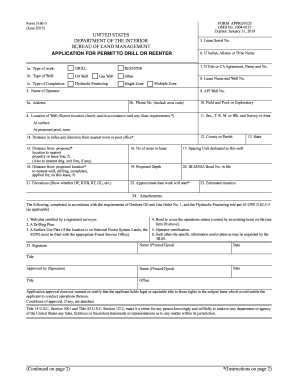
3 application permit form
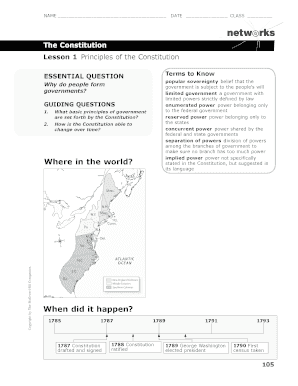
Constitution Workbook.pdf - KO Knudson Middle School
Diplom interessen gruppe

Sans form 2
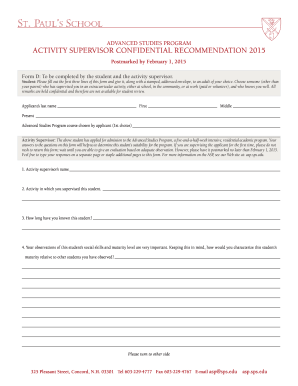
Form D - St. Paul's School

Handbook download
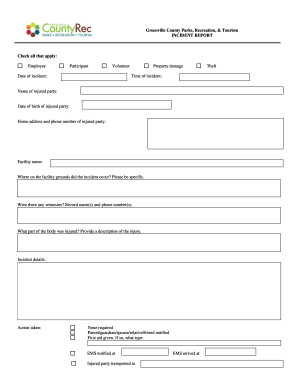
Incident report form blank

Copy center job ticket request form - Las Positas College - laspositascollege

What is the functions ofstaff movement book

Counseling questionnaire

Sbi retiree health assist policy download

Bid falls gymnasium unified online

Teays schools employment

Navmc 11657

SUPPORT STAFF APPLICATION FORM - Hampshire County Council - kimpton hants sch

Individual provider contractor intake form
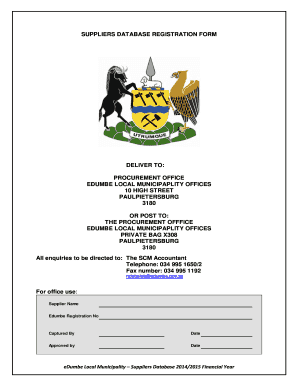
Edumbe municipality vacancies co za

Boe 267 l a
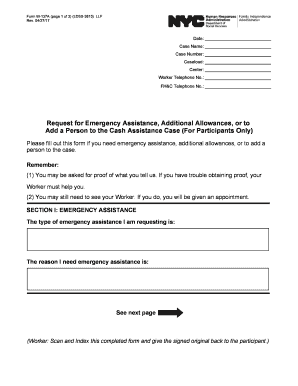
Nyc hra form w 137a
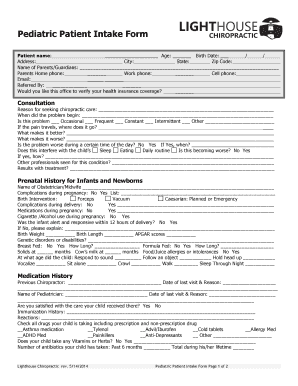
Pediatric Patient Intake Form - Lighthouse Chiropractic
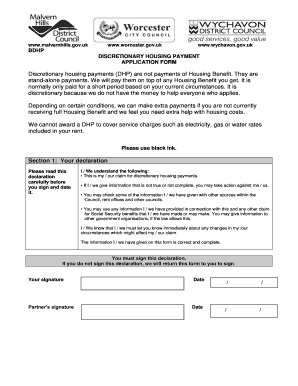
Discretionary housing payment form - Worcester City Council

Winter 2014 - Poinsettia Fundraiser - Coaldale Christian School
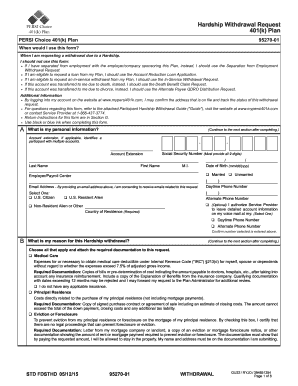
Id hardship request form
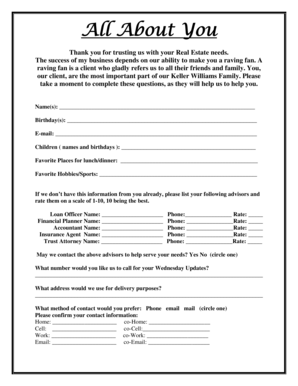
All about you form
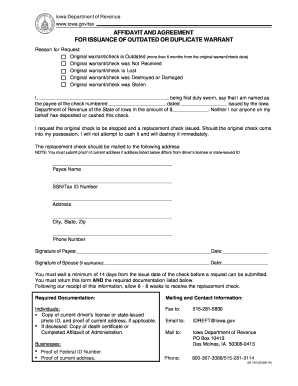
Affidavit and Agreement for Issuance of Duplicate Warrant 06-191

Hand and foot score sheet
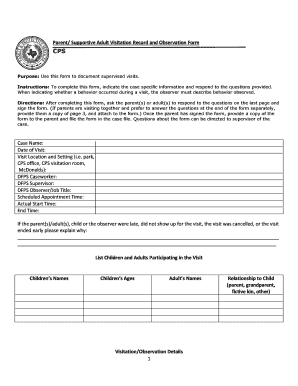
1 Parent/ Supportive Adult Visitation Record and Observation Form ...
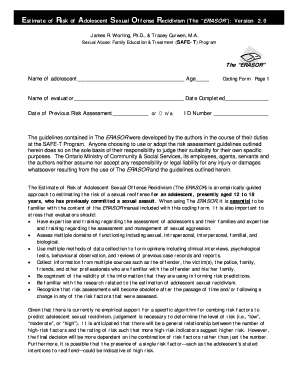
Erasor
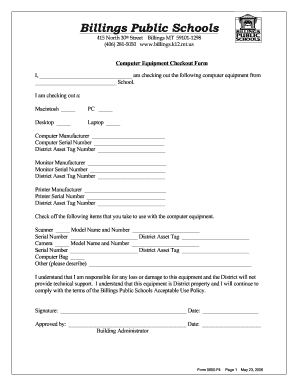
Computer check out form
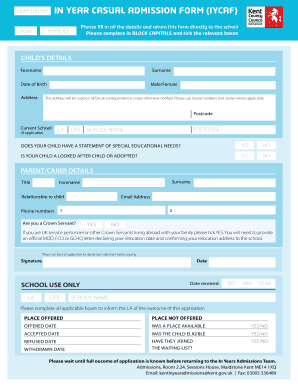
Casual admission
Benefit from the DocHub online library of fillable PDF forms
Searching the PDF forms doesn't have to be a tedious and time-consuming process. With the DocHub online library, it has become easier to find the fillable PDF forms and modify them in your browser. The service allows you to adjust the document to your needs using powerful editing tools.
You can use online document editing features to modify almost any type of document with ease. You just need to find the template of your choice, open it in the editor, and use the toolbar to make the necessary corrections.
Follow this guide to get your document done with DocHub:
- Find the PDF template you need.
- Click the Get Form button to open the file in the editor.
- Use the toolbar to fill out and edit the document.
- Easily add and highlight text, insert images, checkmarks, and symbols.
- Drop new fillable fields, and rearrange or delete pages from your file.
- Save changes and download your record.
DocHub empowers everyone to streamline document editing, signing, and distribution, and form completion. Create an account and benefit from our well-organized PDF Forms library and comprehensive editor.