




Here's how it works

01. Edit your erasor manual online
Type text, add images, blackout confidential details, add comments, highlights and more.

02. Sign it in a few clicks
Draw your signature, type it, upload its image, or use your mobile device as a signature pad.

03. Share your form with others
Send it via email, link, or fax. You can also download it, export it or print it out.
How to use or fill out erasor with our platform

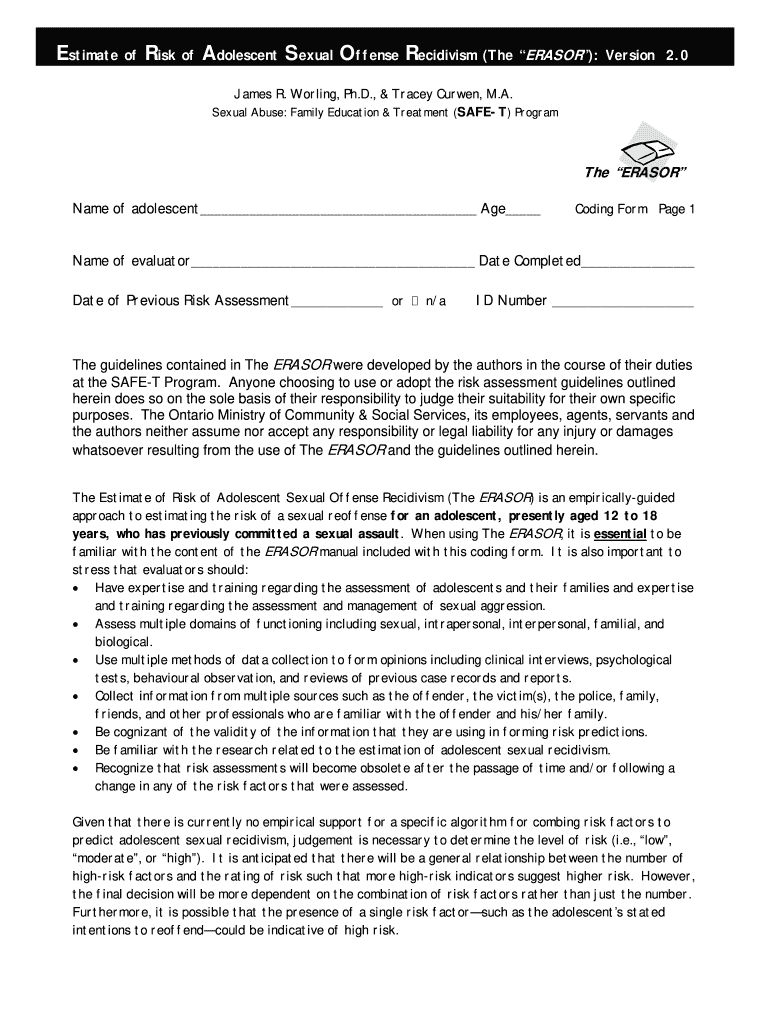
- Click ‘Get Form’ to open the ERASOR in the editor.
- Begin by entering the adolescent's name and age at the top of the form. This information is crucial for identifying the subject of the assessment.
- Fill in the evaluator's name and date completed. Ensure that this is accurate as it will be referenced in future assessments.
- For each risk factor listed, select from options such as 'Present', 'Possibly or Partially Present', 'Not Present', or 'Unknown'. Carefully evaluate each criterion based on your observations and data collected.
- Once all sections are filled out, review your entries for accuracy. It’s important that all information reflects a comprehensive understanding of the adolescent’s behavior and history.
- Finally, save your completed form. You can easily export it for sharing or printing directly from our platform.
Start using our editor today to streamline your document editing and assessment processes for free!
Fill out erasor online
It's free
It's free
Security and compliance
At DocHub, your data security is our priority. We follow HIPAA, SOC2, GDPR, and other standards, so you can work on your documents with confidence.
Learn more


