
Get any PDF form from the DocHub library of ready-made templates - Page 1819
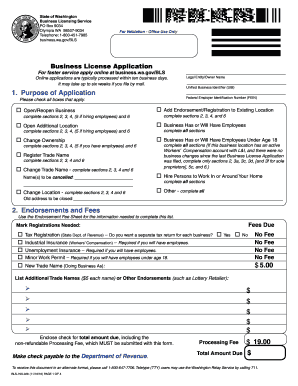
Bls 700 028 mba form

Mo gwt meaning
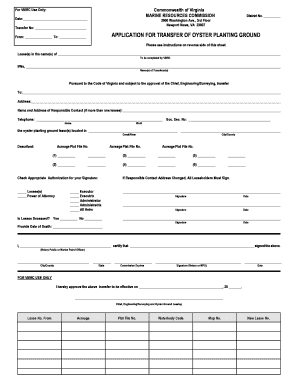
Oyster ground transfer virginia

Fillable virginia dpor form
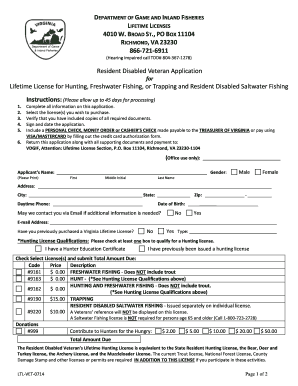
Virginia lifetime fishing license

Dcr199 085 writable form 2000
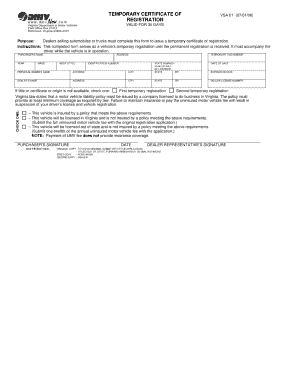
Santa matkacom
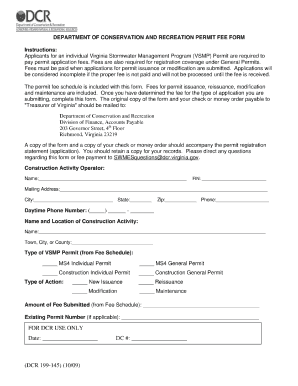
Dcr form
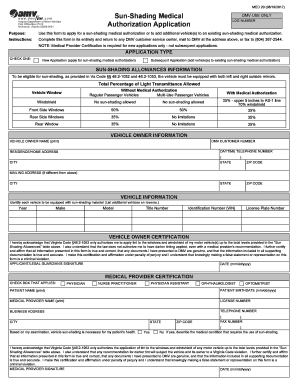
Virginia tint waiver
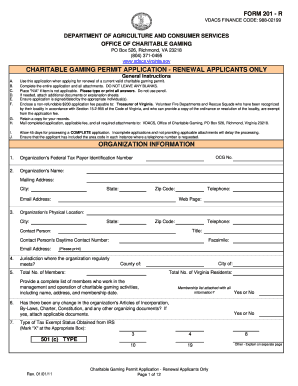
Virginia department of charitable gaming form 201

Dmv vehicle removal certificate in va 2009 form

Virginia lpc form filled in 2011

Vsa 14i 2015 form

How to transfer boat title in virginia
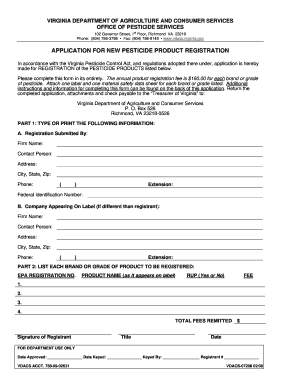
Vdacs pesticide registration
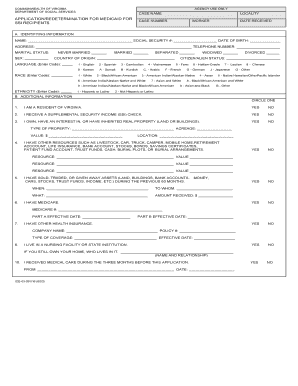
Va medicaid application pdf
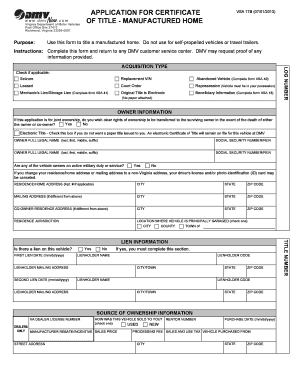
How to complete a vsa17b form
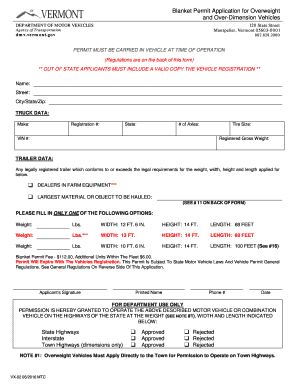
Vermont overweight permits

2011 form

Ors utah
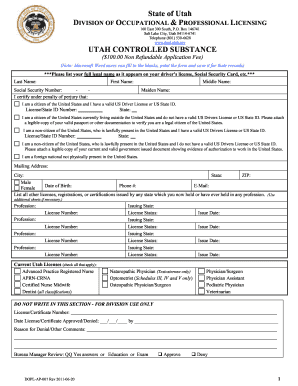
Substance dopl criminal search

Dopl company responsible get

Printable utah state functional ability evaluation medical report form 2010
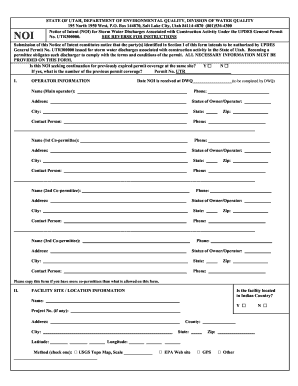
Ut intent division water

Utah hunting guide license
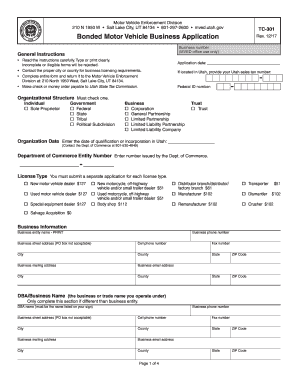
Tc 301

Certification of groundwater availability tceq ch 230 form

Texas Commission on Fire Protection Fire Service Standards ... - tcfp texas

Hub cmbl application texas 2009 form

A nurse whose license has expired has a 14 day grace period
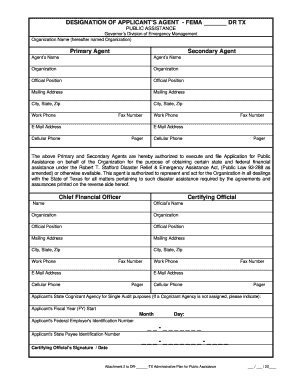
Designation agent fema form
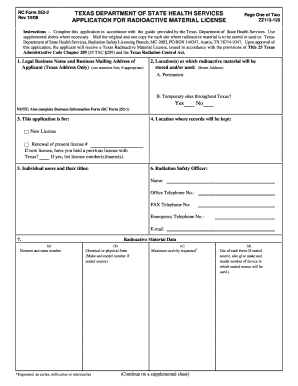
Form 252 1bif

Texas form ap 204 2 2009

Puc critical care fillable form
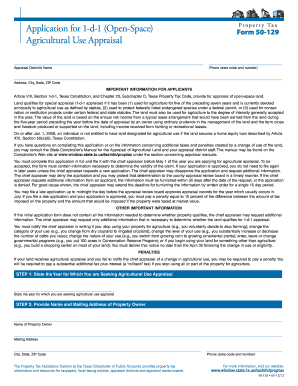
1 d 1 2011 form
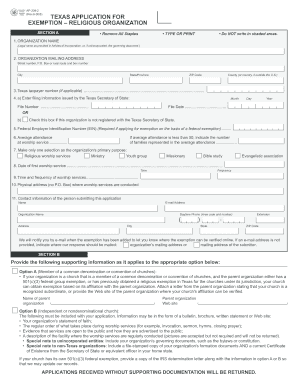
Texas application exemption 2008 form

Eng 4345 form

Tcfp application

Texas board of nursing application form
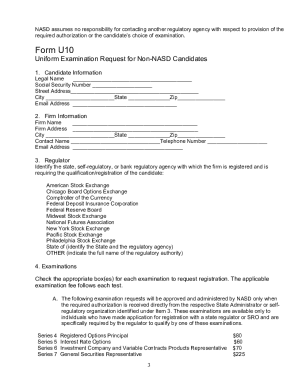
Form u10
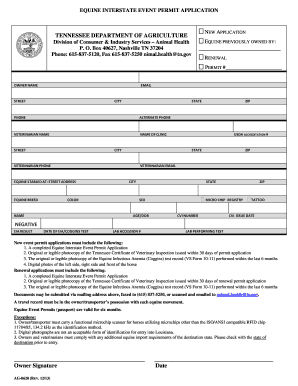
Certificate of veterinary inspection cvi form
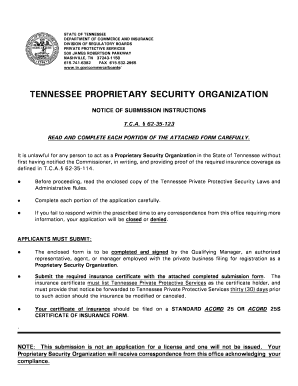
Proprietary security organization form

Tn form rv f1300401
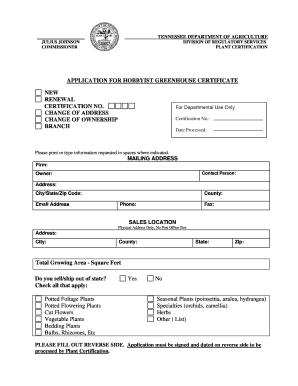
Tennessee greenhouse certificate form
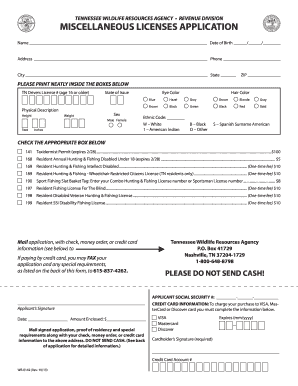
Twra lifetime instructions 2010 form
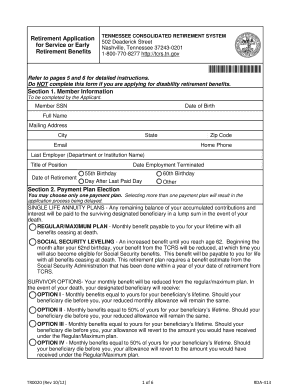
Tennessee consolidated retirement online statement form
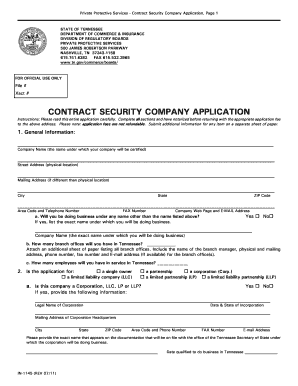
Contract security
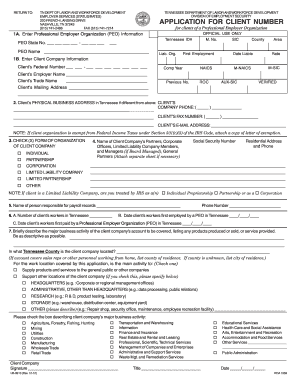
Client number in tamilnadu 2012 form
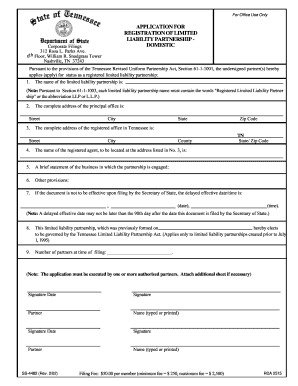
Ss 4482 tennessee 2002 form

Inh tennessee application

Sovascgov 2010 form
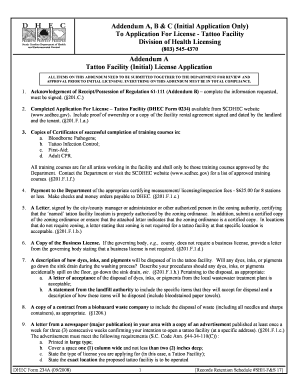
Acknowledgement of receiptpossession of regulation 61 111 addendum b form
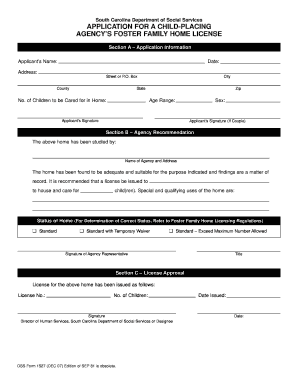
Form 1173
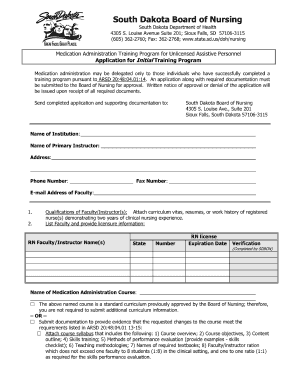
How to fill nursing training forms
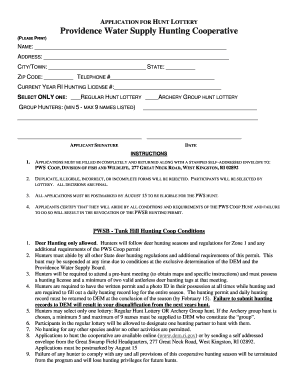
Providence water hunting
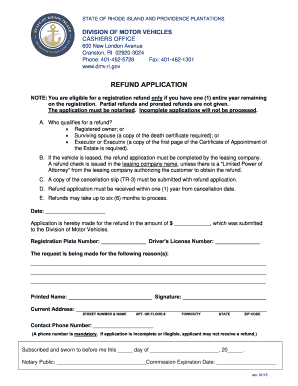
Rhode island dmv

Rigl5 76
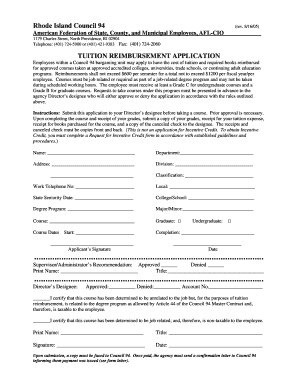
Request for tuition reimbursement form council 94
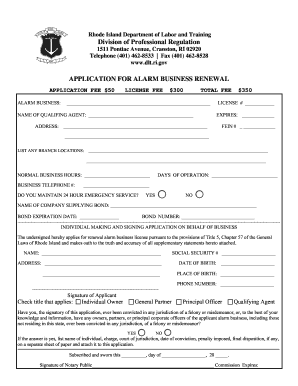
RENEWAL INSTRUCTIONS FOR ALARM BUSINESS LICENSE - dlt ri

Ri child care application
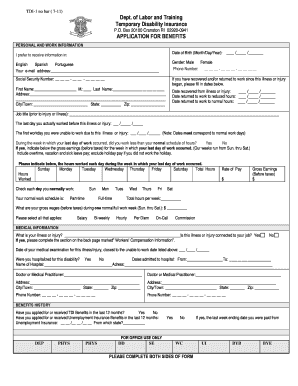
Ri tdi application form
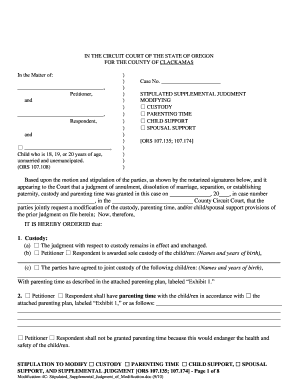
Oregon probate supplemental judgement 2010 form
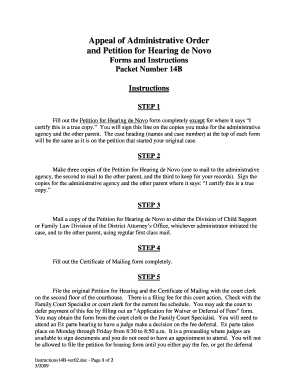
Oregon petition for review administrative child support order form
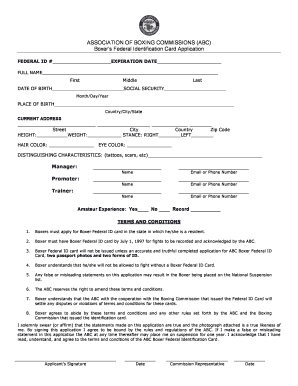
Boxers federal identification card application georgia form

Petition for judicial review form
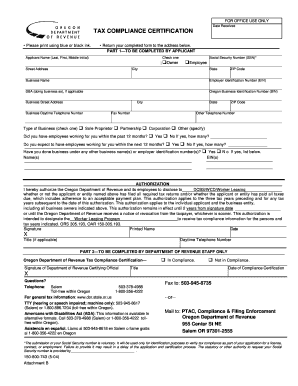
Form 150 800 743

Renew cosmetology license ny
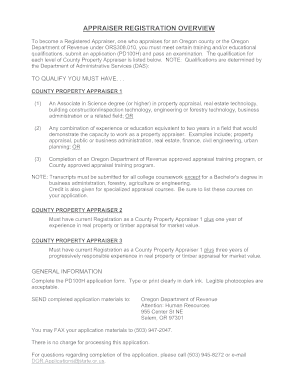
Appraiser county pd100h search

Rf application registered child

Oregon form 150 105 001
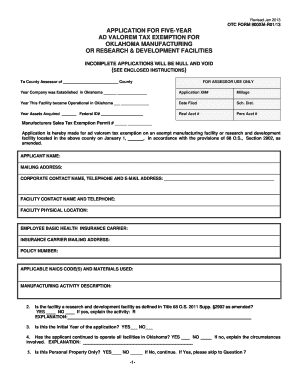
900xm r12 2010 form
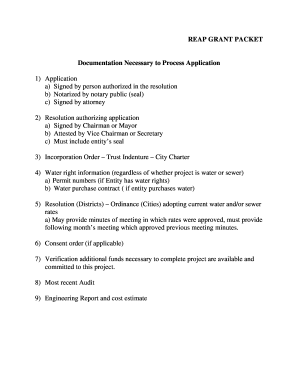
Owrb reap online

Plumbing examination
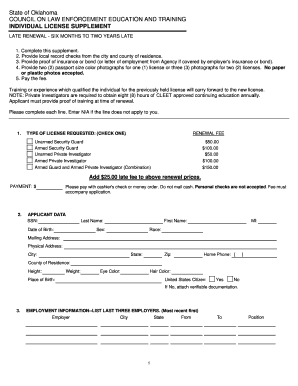
Cleet renewal application
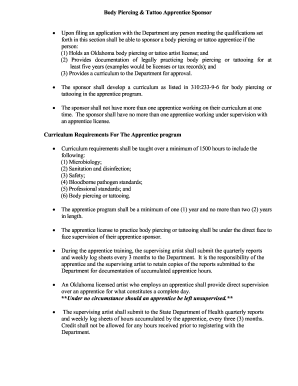
Apprentice tattoo form
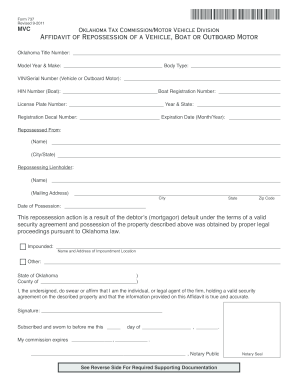
Oklahoma repo affidavit 2011 form

Oklahoma nurse practitioner supervising physician prescriptive authority change form

Ok otc 952

Application for oklahoma certificate of title for a vehicle 2011 form
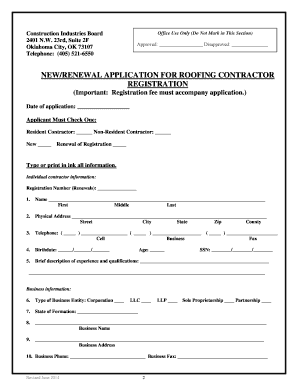
Printable roofing invoices

Odh form 805 2011

Ok odh

Otc 994 2011 form
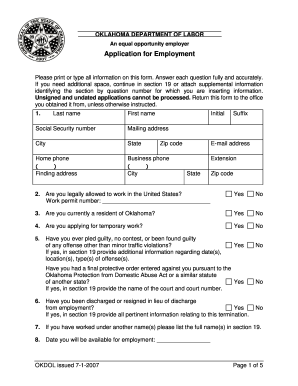
Uniform employment application for nurse aide oklahoma
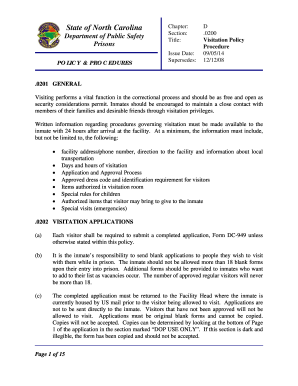
North carolina prison visitation form

Nc abc special one time permit application
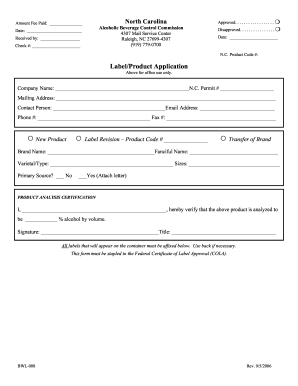
North carolina bwl 008 2006 form

North dakota pardon
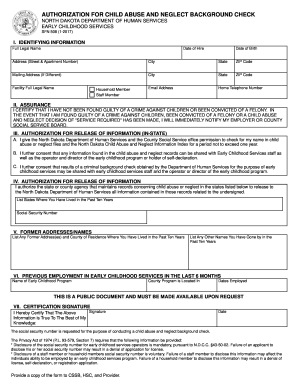
Sfn 508

Application health aide

Nj application registration form
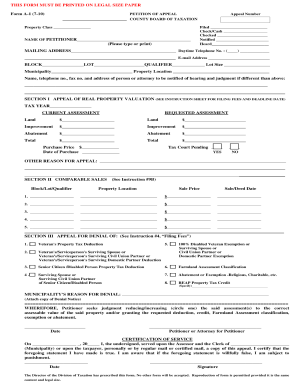
Petappl 2010 form

Os ss 135b

Nj cri raising renewal registration

Nj cds license lookup
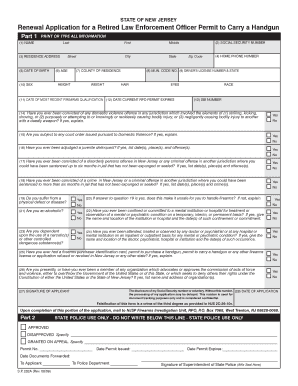
Sp 232

Nj cpa license renewal

Nj salvage title application

Nj casino employee license renewals form
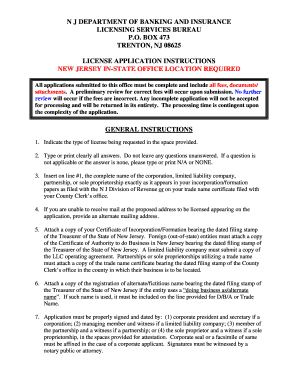
N J DEPARTMENT OF BANKING AND INSURANCE OFFICE OF ADMINISTRATION AND FINANCE LICENSING SERVICES BUREAU P - nj
Benefit from the DocHub online library of fillable PDF forms
Searching the PDF forms doesn't have to be a tedious and time-consuming process. With the DocHub online library, it has become easier to find the fillable PDF forms and modify them in your browser. The service allows you to adjust the document to your needs using powerful editing tools.
You can use online document editing features to modify almost any type of document with ease. You just need to find the template of your choice, open it in the editor, and use the toolbar to make the necessary corrections.
Follow this guide to get your document done with DocHub:
- Find the PDF template you need.
- Click the Get Form button to open the file in the editor.
- Use the toolbar to fill out and edit the document.
- Easily add and highlight text, insert images, checkmarks, and symbols.
- Drop new fillable fields, and rearrange or delete pages from your file.
- Save changes and download your record.
DocHub empowers everyone to streamline document editing, signing, and distribution, and form completion. Create an account and benefit from our well-organized PDF Forms library and comprehensive editor.