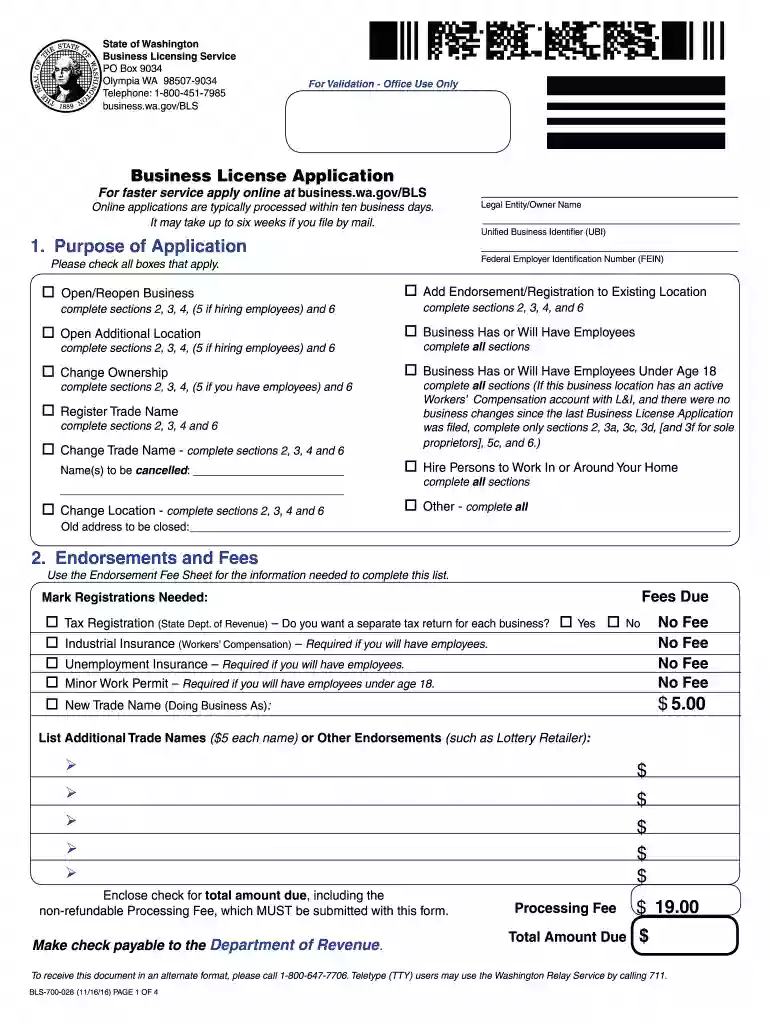
bls 700 028 mba form Preview on Page 1

Bls 700 028 mba form 2026

Here's how it works

  • 01. Edit your form online

    Type text, add images, blackout confidential details, add comments, highlights and more.

  • 02. Sign it in a few clicks

    Draw your signature, type it, upload its image, or use your mobile device as a signature pad.

  • 03. Share your form with others

    Send it via email, link, or fax. You can also download it, export it or print it out.

The best way to change Bls 700 028 mba form online

Form edit decoration
9.5
Ease of Setup
DocHub User Ratings on G2
9.0
Ease of Use
DocHub User Ratings on G2

With DocHub, making changes to your paperwork takes only some simple clicks. Follow these quick steps to change the PDF Bls 700 028 mba form online for free:

  1. Register and log in to your account. Log in to the editor using your credentials or click Create free account to test the tool’s capabilities.
  2. Add the Bls 700 028 mba form for editing. Click the New Document option above, then drag and drop the sample to the upload area, import it from the cloud, or using a link.
  3. Adjust your template. Make any changes needed: add text and images to your Bls 700 028 mba form, highlight information that matters, remove sections of content and replace them with new ones, and add symbols, checkmarks, and areas for filling out.
  4. Complete redacting the template. Save the modified document on your device, export it to the cloud, print it right from the editor, or share it with all the people involved.

Our editor is very intuitive and efficient. Try it out now!

See more bls 700 028 mba form versions

We've got more versions of the bls 700 028 mba form form. Select the right bls 700 028 mba form version from the list and start editing it straight away!

VersionsForm popularityFillable & printable
20224.9 Satisfied (28 Votes)
20224.8 Satisfied (45 Votes)
20214.4 Satisfied (294 Votes)
20214.3 Satisfied (142 Votes)
20194.1 Satisfied (46 Votes)
20184.3 Satisfied (132 Votes)
20164.4 Satisfied (55 Votes)
20114.2 Satisfied (140 Votes)

be ready to get more

Complete this form in 5 minutes or less

Security and compliance

At DocHub, your data security is our priority. We follow HIPAA, SOC2, GDPR, and other standards, so you can work on your documents with confidence.

Related links

Program Manual - Nuclear Medicine Technology

The technical standards form is part of the medical history form required to be completed during the competitive admission process. In accordance withRead more

Learn more
Railways and transportation

form a double-phase module. The. 16.7 Hz converter is implemented in an eight-step configuration. The converter output voltage levels are summed by means ofRead more

Learn more
If you believe that this page should be taken down, please follow our DMCA take down process here