
Get any PDF form from the DocHub library of ready-made templates - Page 1817

City of houston ambulance driver permit 2010 form

Tucson special use permit application form
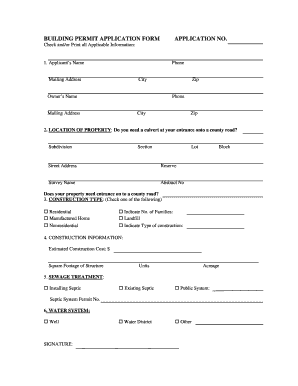
Burnet county building permits

Tcpa permit
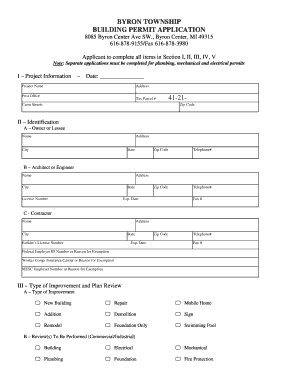
How to byron township permit
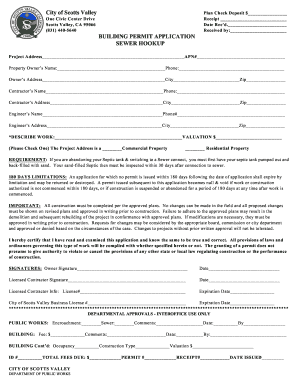
Building permit application form
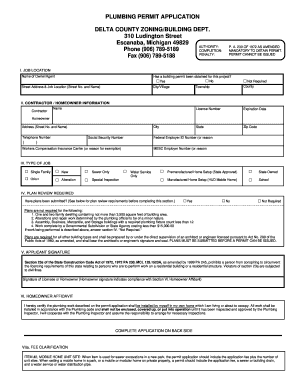
Mi permit delta county building
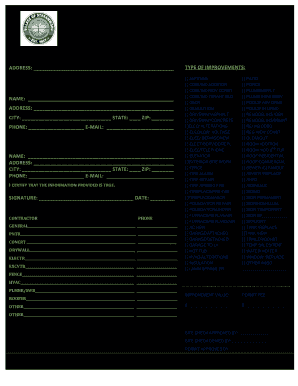
Permit streamwood
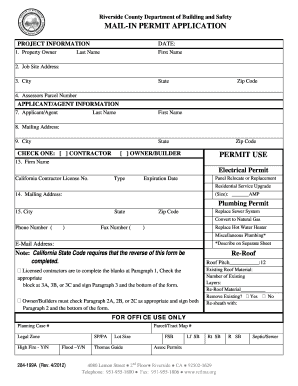
Riverside county permit application
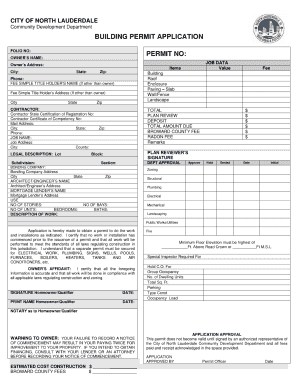
Lauderdale building permit app

City of eustis permit search

Satellite beach building department
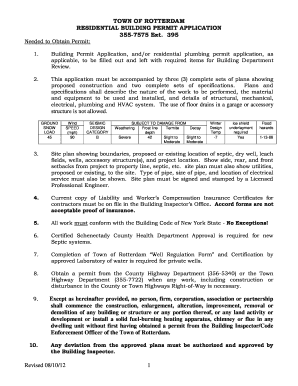
Town of rotterdam building department
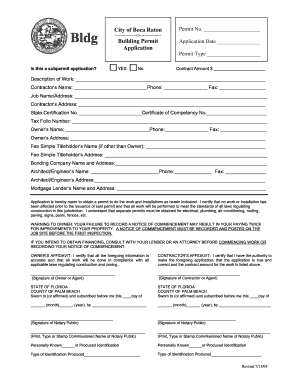
Boca permit application

City of glendale permit application

Riverhead building department

Town of babylon plumbing permit

Neptune beach permit search
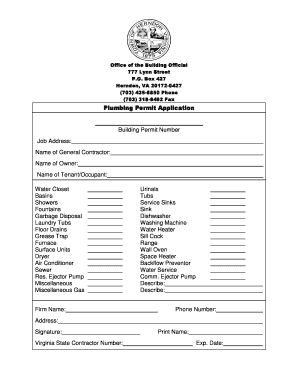
City of atlanta plumbing permit online

Coconino county site plan requirements

City of tukwila electrical permit application 2014 form
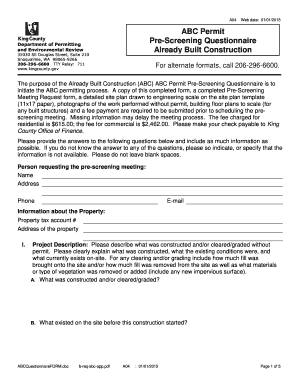
Abc king county
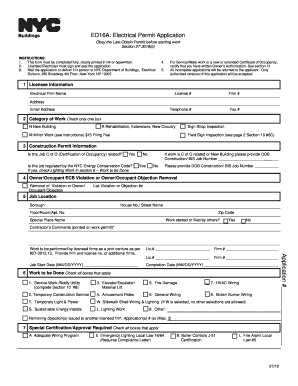
You ed16a download

Town of ocean city permits
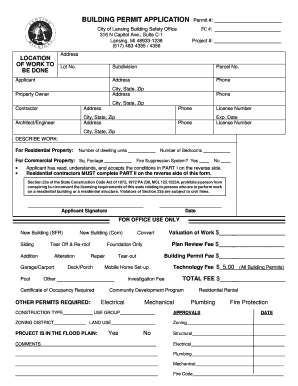
City of lansing building permit application

Application miami form

Decatur city building permit

Building permit application

Key biscayne building permit applicationDocHubcom form
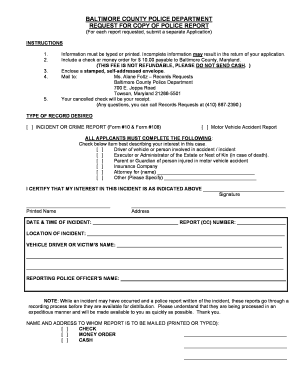
Baltimore county police report request

Collision report
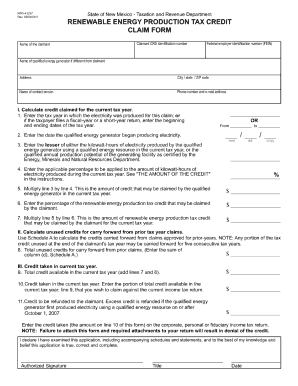
Rpd 41227 2011 form
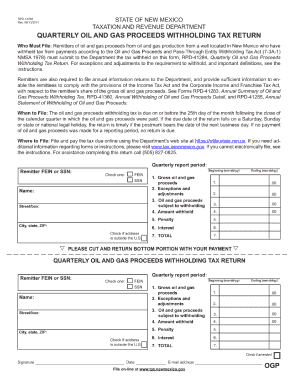
Rpd 41284 2011 form
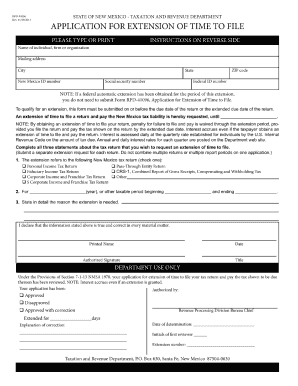
Form rpd 41096 2011

Nevada variance

Neveda state welfare 2007 form
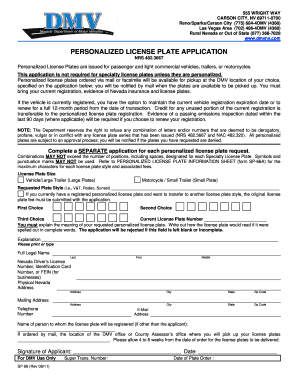
Nevada personalized license form
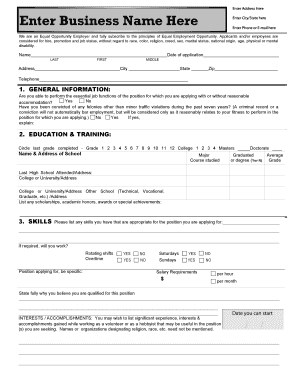
Application print out

Mt mf 27a 2010 form
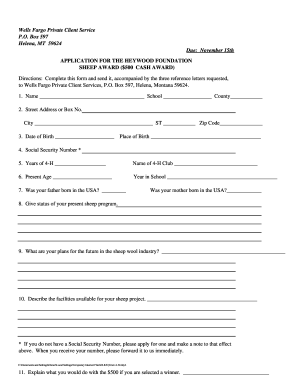
Heywood sheep scholarship
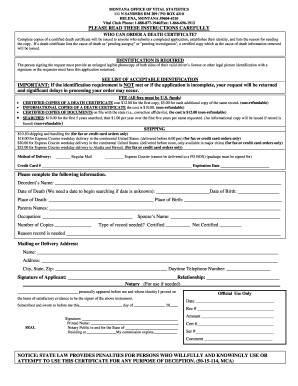
Fillable death certificate
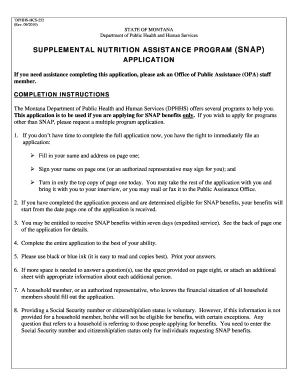
Montana snap application pdf
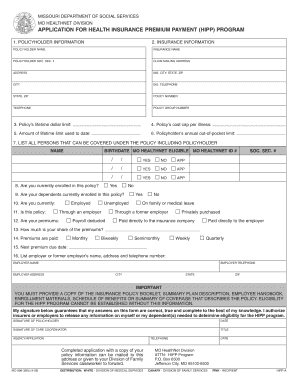
Missouri hipp program
Michigan repair facility manual form

Fis 1028 form
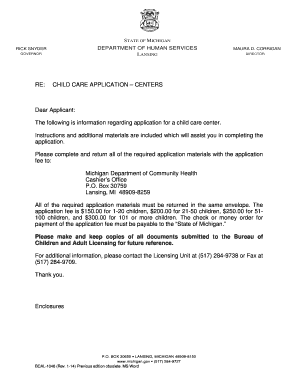
Bcal 3970
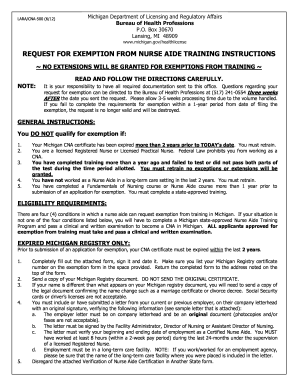
Michigan nurse aide exemption form

Building permit template
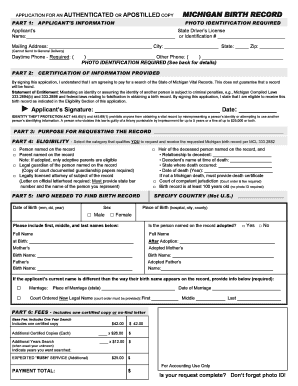
Michigan birth record fillable form
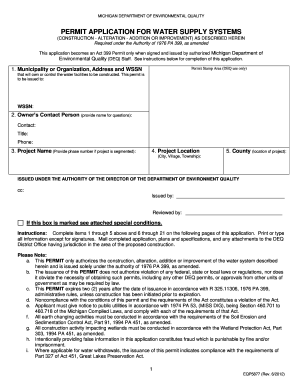
Eqp5877 form
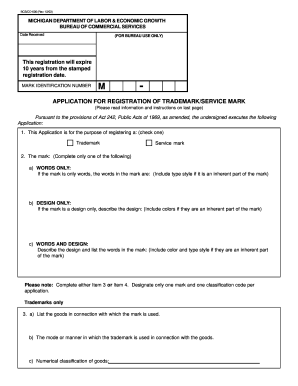
Michigan trademark application

Divorce in michigan
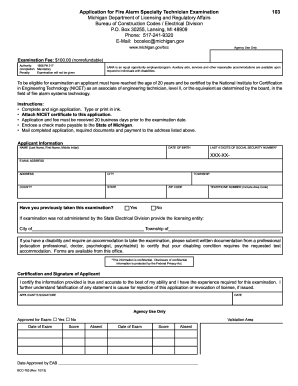
Michigan fire alarm specialty license form

Michigan form laralph instructions
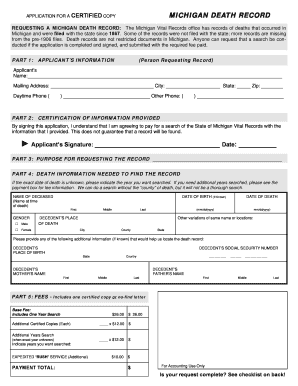
Michigan death records form

104a form
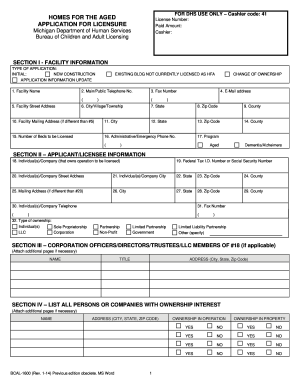
Bcal 1600

Mi application performing arts authorization
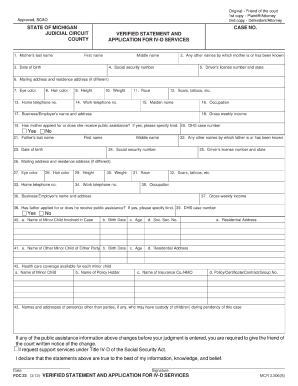
Verified statement and application for iv d services michigan 2012 form

Printable blank ase certificate
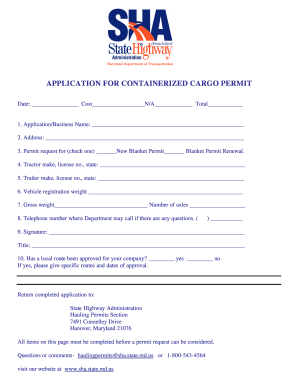
Containerized cargo permit maryland
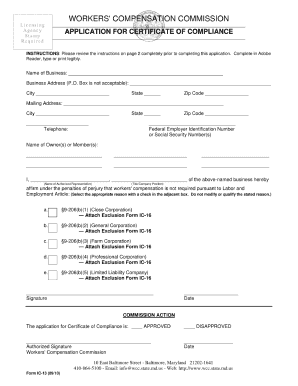
Workers comp waiver

Federal fmla forms 2022

Vr 005 2011 form
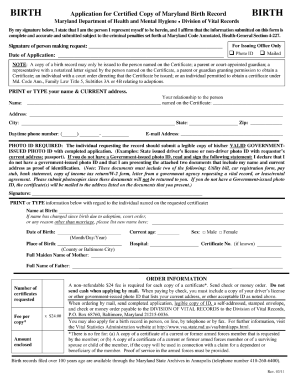
Request Birth Certificates - Maryland Department of Health
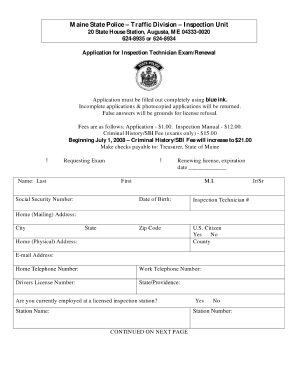
Maine vehicle inspection form
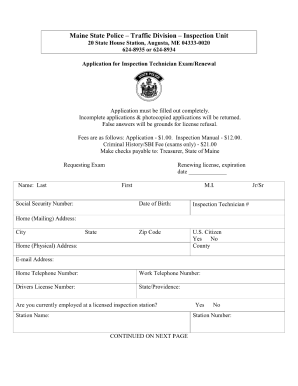
Maine application for inspection technician renewal 2010 form
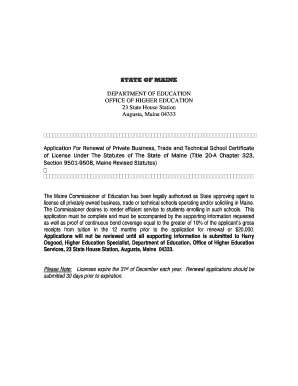
Application for renewal of private business trade and technical school certificate of license under the statutes of the state of maine form

Have you ever held a maine instruction permit or non driver identification card form
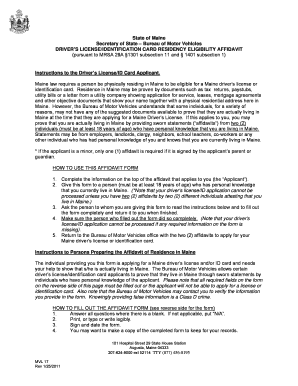
Proof of residency maine
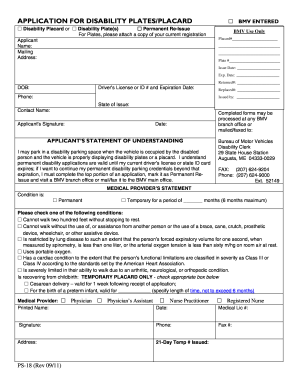
Maine application for disability placard reissue 2011 form
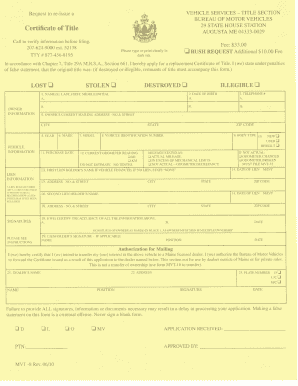
Mvt 8
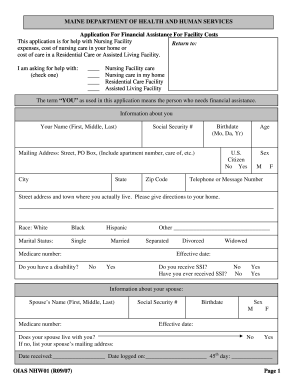
Maine assistance form

Louisiana personal care form
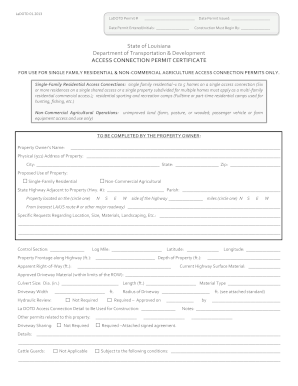
Louisiana driveway
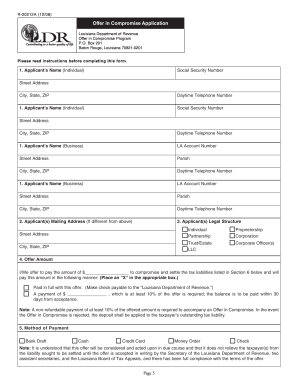
La dept of revenue mailing address for offer in compromise form
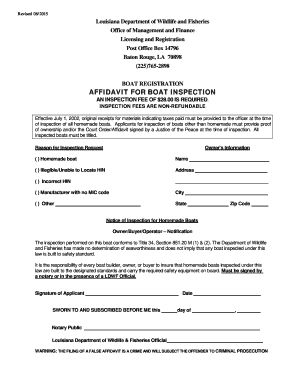
How to register a homemade boat in louisiana

Sugar cane permit development

Louisiana form r 1070 2009
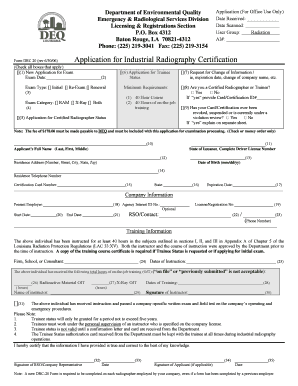
Drc 20
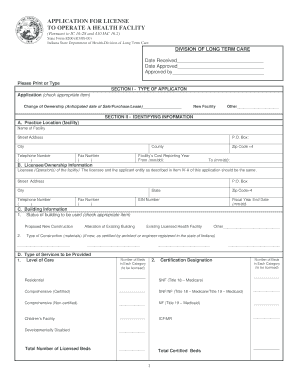
Medicaid application colorado pdf
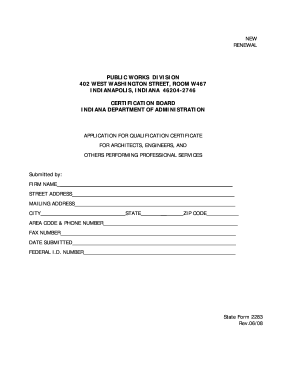
Indiana form 2283
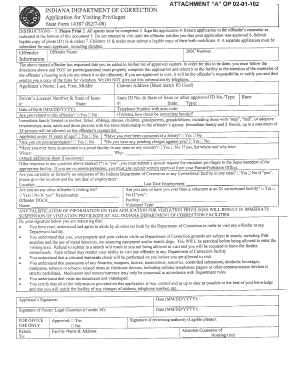
Indiana department of corrections visitation

Indiana state form 3073 r3 1 91
Radon qap form
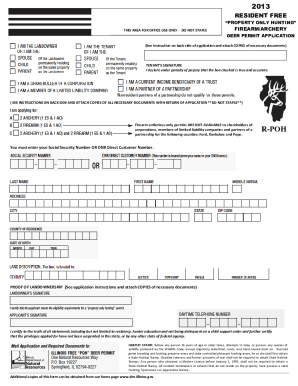
Illinois landowner deer permit application

Illinois third party administrator license 2009 form
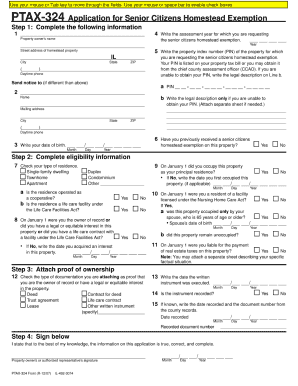
Ptax 324 illinois 2007 form
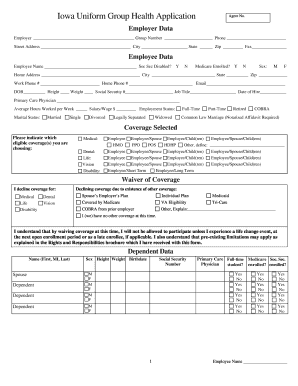
Iowa uniform application

Illinois st 556 form printable
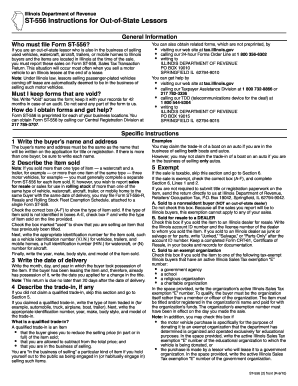
Printable st 556 form
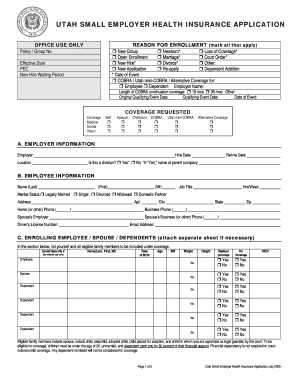
Utah health insurance application 2009 form

Il fillable application for operation elevator form
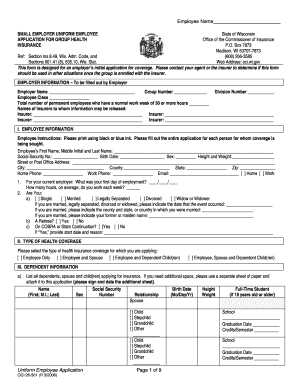
Small employer uniform employee application for group health insurance wisconsin
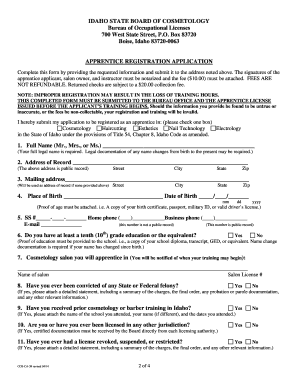
Idaho cosmetology license
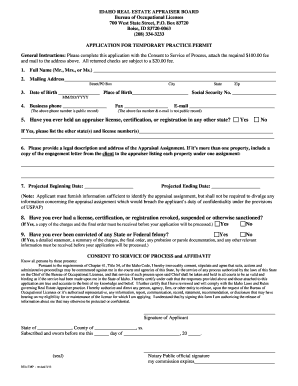
Idaho temporary license for real estate appraiser form
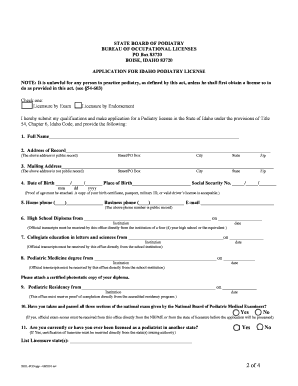
Application for idaho podiatry license form
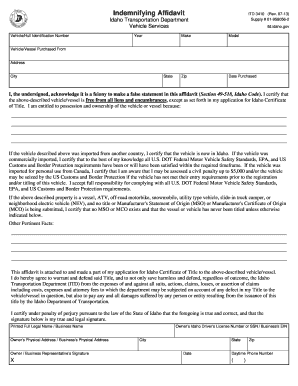
Indemnifying affidavit 2009 form
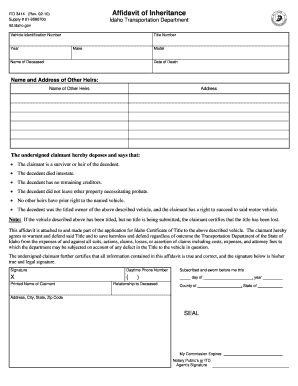
Idaho affidavit of inheritance
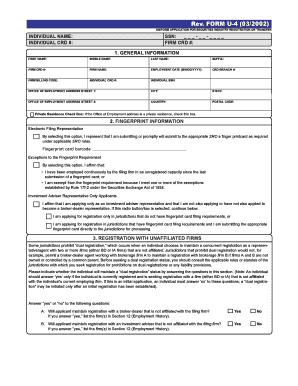
U4 form
Benefit from the DocHub online library of fillable PDF forms
Searching the PDF forms doesn't have to be a tedious and time-consuming process. With the DocHub online library, it has become easier to find the fillable PDF forms and modify them in your browser. The service allows you to adjust the document to your needs using powerful editing tools.
You can use online document editing features to modify almost any type of document with ease. You just need to find the template of your choice, open it in the editor, and use the toolbar to make the necessary corrections.
Follow this guide to get your document done with DocHub:
- Find the PDF template you need.
- Click the Get Form button to open the file in the editor.
- Use the toolbar to fill out and edit the document.
- Easily add and highlight text, insert images, checkmarks, and symbols.
- Drop new fillable fields, and rearrange or delete pages from your file.
- Save changes and download your record.
DocHub empowers everyone to streamline document editing, signing, and distribution, and form completion. Create an account and benefit from our well-organized PDF Forms library and comprehensive editor.