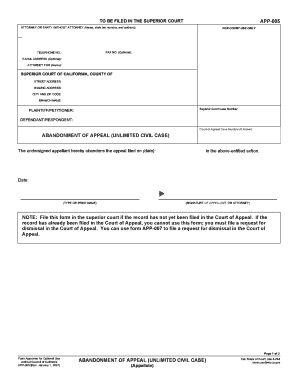
Type text, add images, blackout confidential details, add comments, highlights and more.
02. Sign it in a few clicks
Draw your signature, type it, upload its image, or use your mobile device as a signature pad.
03. Share your form with others
Send it via email, link, or fax. You can also download it, export it or print it out.
How to use or fill out 536 with our platform
Ease of Setup
DocHub User Ratings on G2
Ease of Use
DocHub User Ratings on G2
Click ‘Get Form’ to open the 536 document in the editor.
Begin by completing your tax return for the year. Ensure you have all necessary income and deduction information ready.
Determine if you have a Net Operating Loss (NOL) by checking if your deductions exceed your income. Use Worksheet 1 provided in the form to assist with calculations.
Decide whether to carry the NOL back to a previous year or forward to future years. This decision will affect how you complete subsequent sections of the form.
Deduct the NOL in either the carryback or carryforward year as applicable, following instructions on how to claim an NOL deduction.
Finally, determine any unused NOL amounts and carry them over as needed, using Worksheet 3 for clarity on carryovers.
Start editing your 536 form today for free and streamline your tax process!
by A Gibbons 2018 Cited by 60 536. In that year, a mysterious fog plunged Europe, the Middle East, and parts of Asia into darkness, day and nightfor 18 monthsRead more
Cookie consent notice
This site uses cookies to enhance site navigation and personalize your experience.
By using this site you agree to our use of cookies as described in our Privacy Notice.
You can modify your selections by visiting our Cookie and Advertising Notice.