




Here's how it works
How to use or fill out royal grenada police force exam questions with our platform

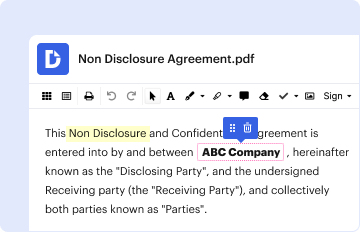
- Click ‘Get Form’ to open the royal grenada police force exam questions in the editor.
- Begin with SECTION A, where you will enter your personal details. Ensure to fill in all fields in BLOCK CAPITALS, including your last name, nationality, date of birth, and contact information.
- Proceed to SECTION B to disclose any civil offences. Answer 'YES' or 'NO' and provide details if applicable.
- In SECTIONS C through F, list your educational background and past employment experiences. Be thorough in detailing dates and positions held.
- Complete SECTION G by providing information about your civil employment history, including employer names and reasons for leaving.
- Fill out the medical history section in SECTION H, noting any major injuries or illnesses that may be relevant.
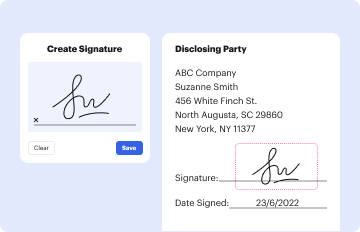
- Finally, review all sections for accuracy before signing the certificate by applicant at the end of the form.
Start filling out your application today for free using our platform!
It's free
See more royal grenada police force exam questions versions
| Versions | Form popularity | Fillable & printable |
|---|---|---|
| 2012 | 4.3 Satisfied (46 Votes) |
Got questions?
What is the best way to electronically sign my commissioner of police grenada?
A lot of software applications are available out there for document editing and signing. DocHub is one of the most widely used online solutions that comply with all security and compliance requirements and guarantees your eSigned paperwork is legally enforceable. All you need to give it a try is to sign up for an account, upload your commissioner of police grenada, provide the required information, and click Sign. Generate your electronic signature by typing, drawing it, uploading its image to your document, or scanning a unique QR code.
How do you fill out royal grenada online?
You may get and modify your royal grenada online with the help of DocHub. Its straightforward but feature-rich design enables you to start productive work right after you sign up your account. Create your account and add your file, and then our user interface will guide you through our stress-free form completion experience.
Security and compliance
At DocHub, your data security is our priority. We follow HIPAA, SOC2, GDPR, and other standards, so you can work on your documents with confidence.
Learn more




