




01. Edit your va nearest living relative form online
Type text, add images, blackout confidential details, add comments, highlights and more.

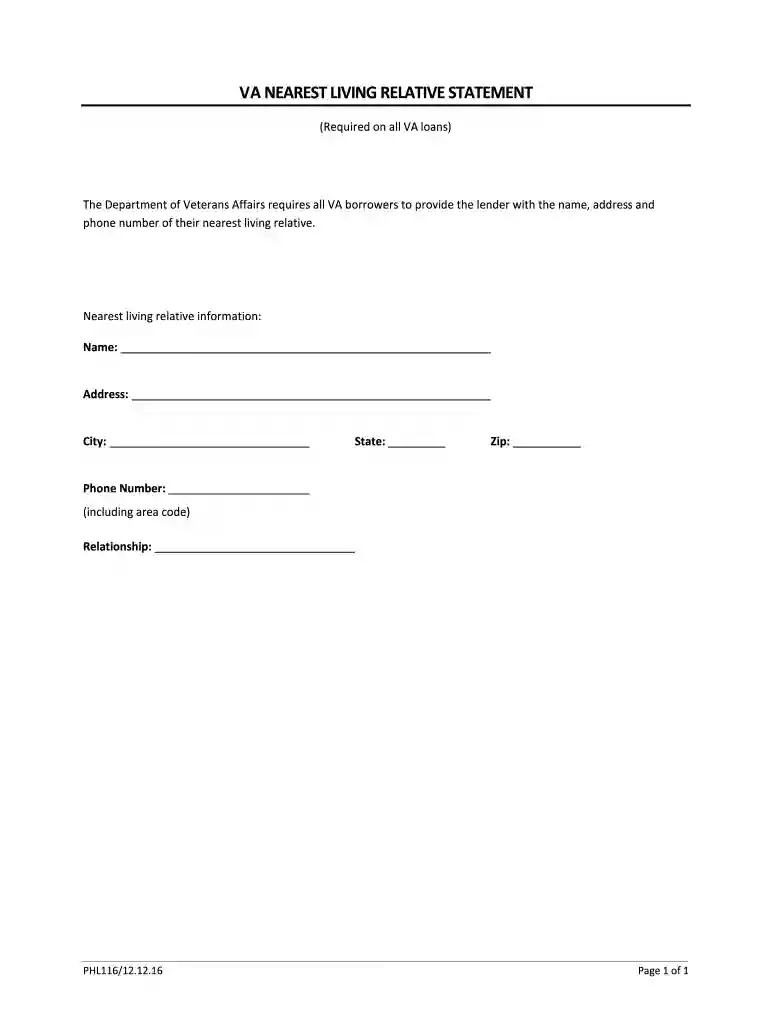
Type text, add images, blackout confidential details, add comments, highlights and more.

Draw your signature, type it, upload its image, or use your mobile device as a signature pad.

Send nearest living relative via email, link, or fax. You can also download it, export it or print it out.

Start using our platform today to complete your VA NEAREST LIVING RELATIVE STATEMENT easily and for free!
At DocHub, your data security is our priority. We follow HIPAA, SOC2, GDPR, and other standards, so you can work on your documents with confidence.
NAME AND ADDRESS OF NEAREST RELATIVE NOT LIVING WITH YOU (Including telephone number if available). 38. USE THIS SPACE AND ADDITIONAL SHEETS IF NECESSARY TORead more
Arrangements must made almost immediately after death. If you are not certain about the deceaseds wishes, check his/her drivers license, advanced health care.Read more
Established in 1995, the Interstate Technology Regulatory Council (ITRC) is a state-led, national coalition of personnel from the environmental regulatoryRead more


