




Here's how it works



How to use or fill out 2018 Gala Response Form - NYP.org with DocHub

- Click ‘Get Form’ to open the 2018 Gala Response Form in our editor.
- Begin by filling in your personal details. Enter your name, contact name, company name, and address in the designated fields.
- Provide your city, state, zip code, phone number, and email address to ensure accurate communication.
- Indicate if you require kosher or halal meals by checking the appropriate box.
- Select your desired ticket type or sponsorship level from the options provided and enter the corresponding amount.
- Complete the payment information section by choosing your payment method and entering your credit card details if applicable.
- Review all entered information for accuracy before submitting the form. Ensure that you sign where indicated.
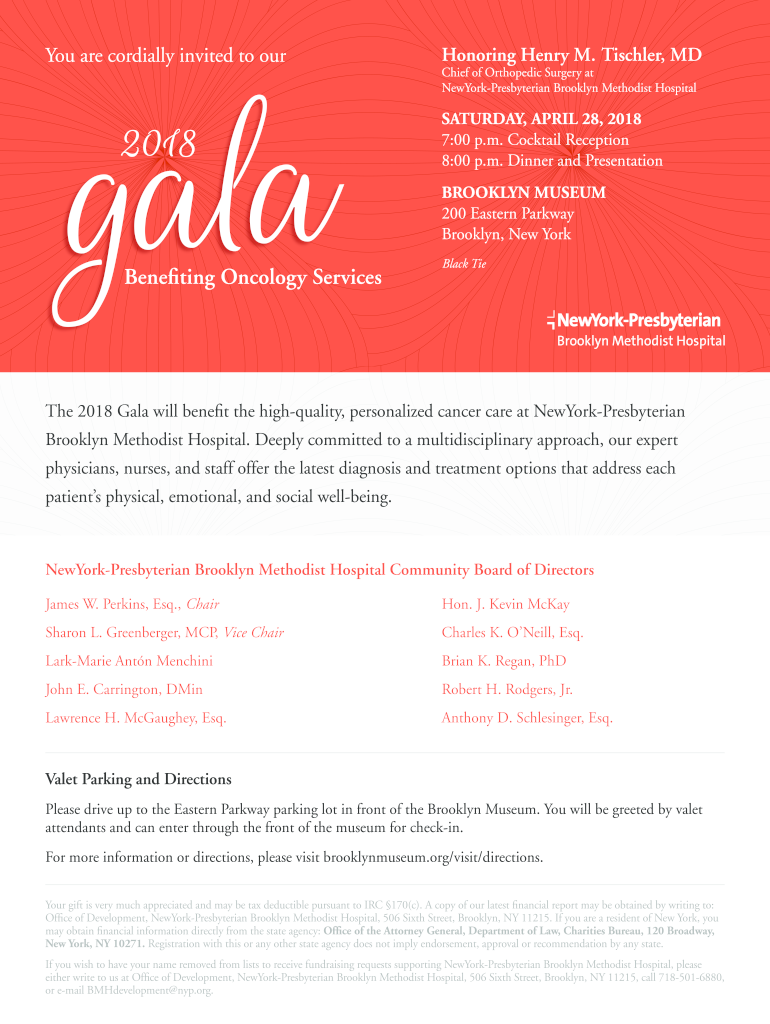
- Submit your completed form by April 2 to ensure participation in this wonderful event.
Start using our platform today to easily fill out and submit your Gala Response Form for free!
It's free
See more 2018 Gala Response Form - NYP.org versions
| Versions | Form popularity | Fillable & printable |
|---|---|---|
| 2018 | 4.8 Satisfied (59 Votes) |
Got questions?
Can I sign my 2018 Gala Response Form - NYP.org on a mobile?
Yes, you’ll find numerous applications for this on the web. Nonetheless, if you need to eSign your 2018 Gala Response Form - NYP.org without installing additional software, DocHub is the best choice you can make. This robust editor works on mobile devices just like on desktops. Open our editor in your preferred internet browser, register or log in to your account, and start managing your paperwork.
How do you fill out 2018 Gala Response Form - NYP.org on iOS?
You need only an internet connection and a browser to complete your 2018 Gala Response Form - NYP.org on an iOS phone. Open the DocHub website and authenticate. Then, add your file or select it from the list in your dashboard. Then use our editing tools to complete your form and preserve all your modifications. You can also send it to a specified recipient straight away.
Security and compliance
At DocHub, your data security is our priority. We follow HIPAA, SOC2, GDPR, and other standards, so you can work on your documents with confidence.
Learn more




