
Get any PDF form from the DocHub library of ready-made templates - Page 1691

Bethune cookman housing contract form
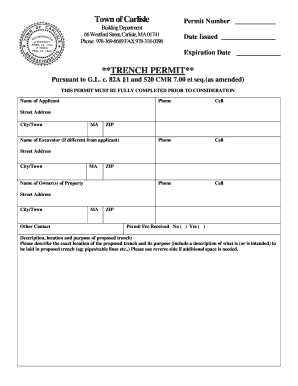
Trench application
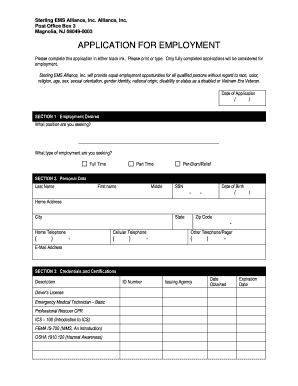
Sterling ems

Migrant housing inspection checklist
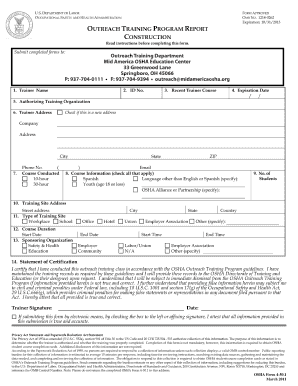
Form training construction
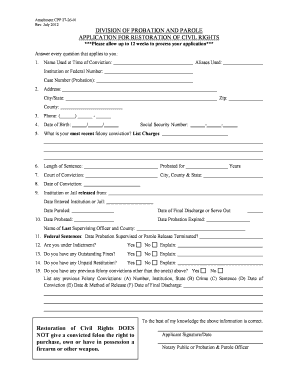
Parole application format
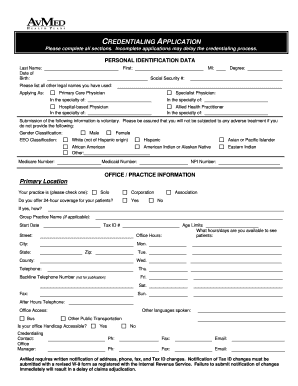
Avmed credentialing application 2011 form
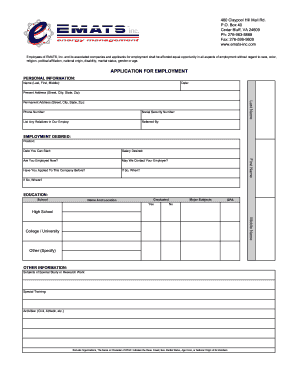
Emats application

Weighing measuring device permit
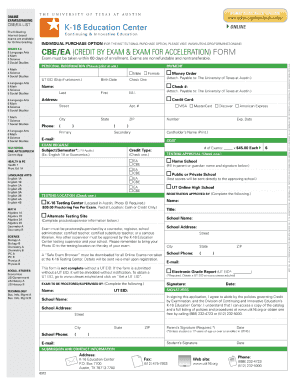
Online practice science

Residence legal application
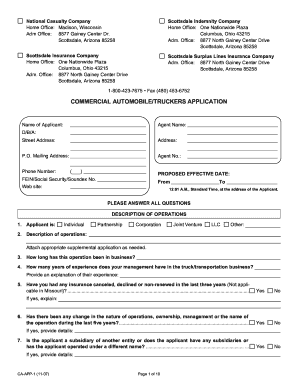
Commercial automobile application
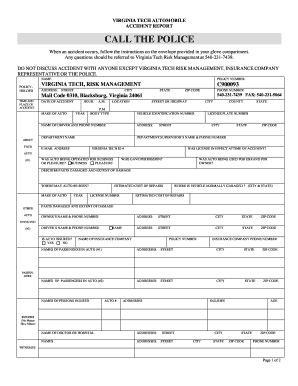
Car accident police report form
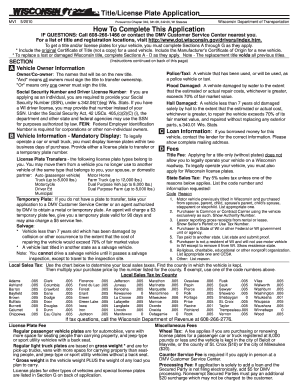
Wisconsin application title mv1 2010 form
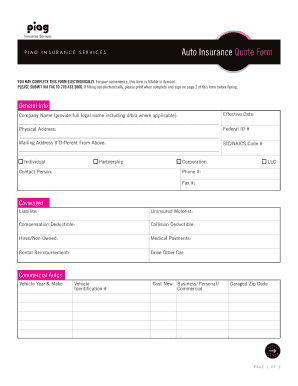
Commercial insurance quote sheet

Cal osha appeal form
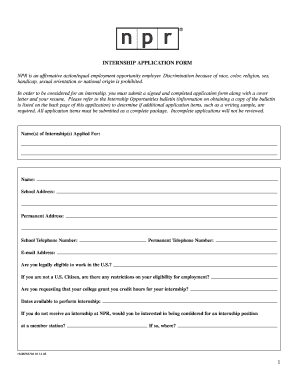
Npr application form
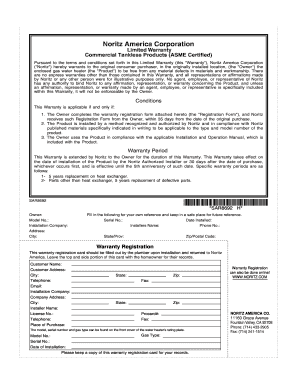
Printable as is no warranty form
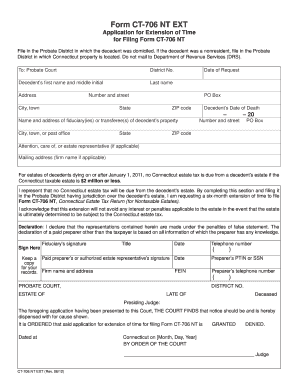
Drs ct ct 706 nt ext 2012 form
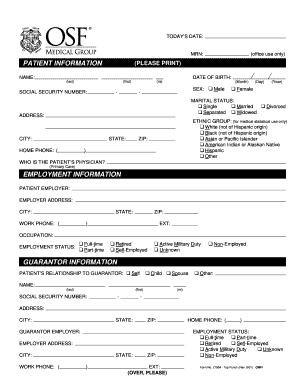
Patient Information Form - OSF Medical Group - osfmedicalgroup
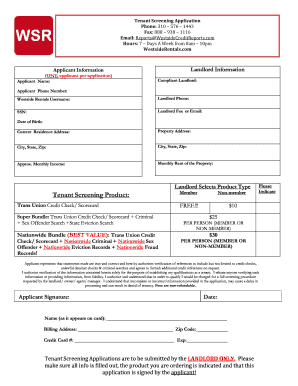
Applicant trans scorecard fillable

Epa form 3510 11
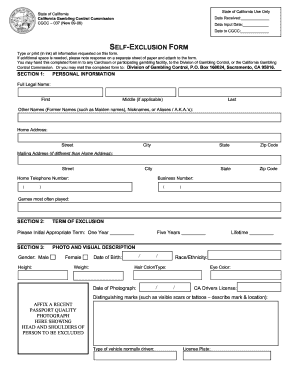
West va gambling self exclusion
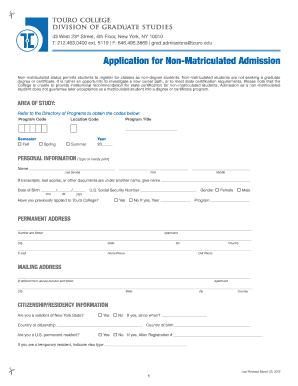
Touro non matriculated
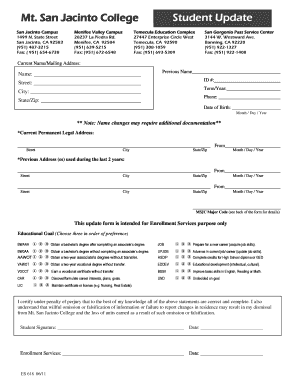
Declaration programs
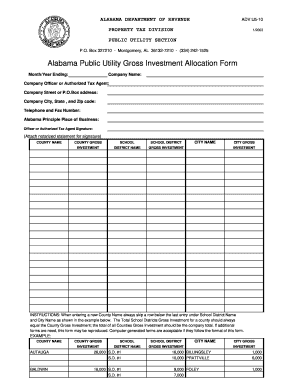
Gross alabama forms
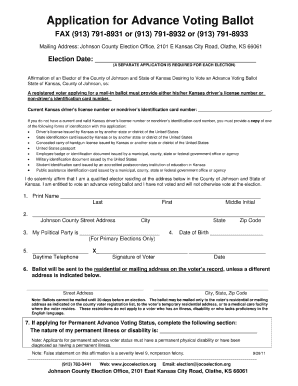
Jocoelectionorgadvapppdf form
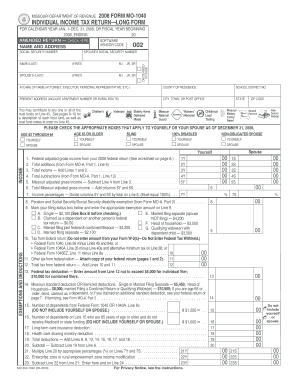
Missouri 2008 1040 long form
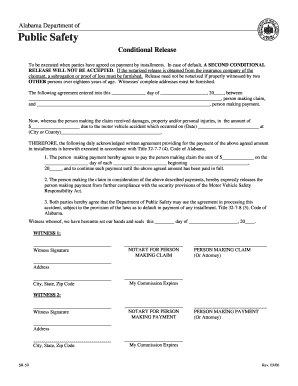
Form sr 59 c
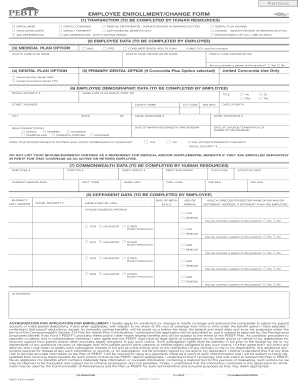
Pebtf 2 employee enrollment change form online - pebtf
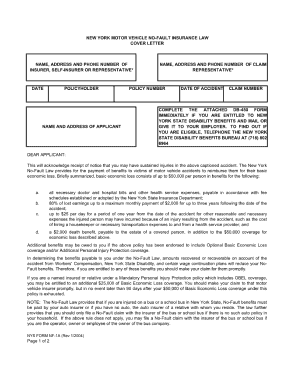
Nf5 form
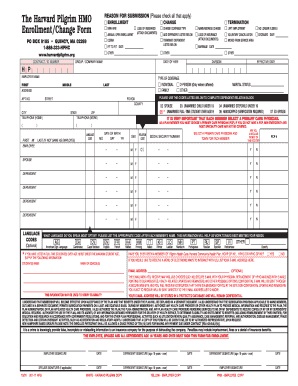
Harvard pilgrim enrollment form
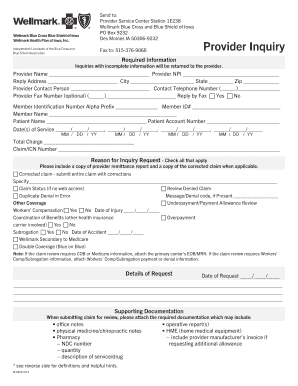
Security health subrogration form
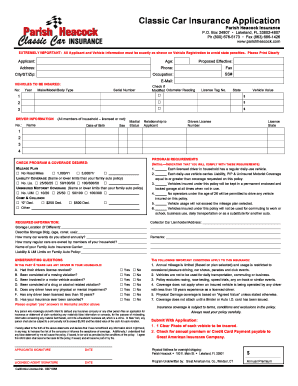
Usaa forms
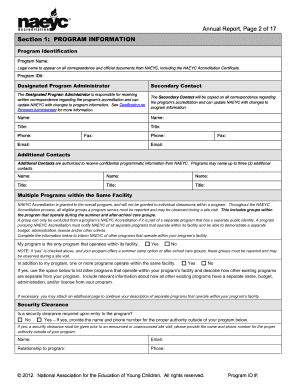
Naeyc annual reporting 2012 form
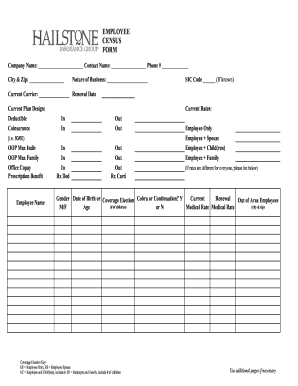
Employee census template excel
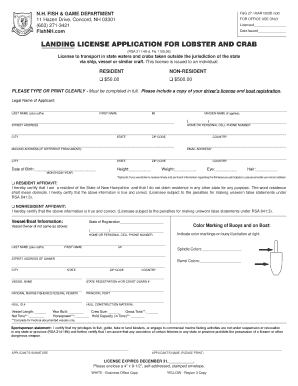
New hampshire fish game
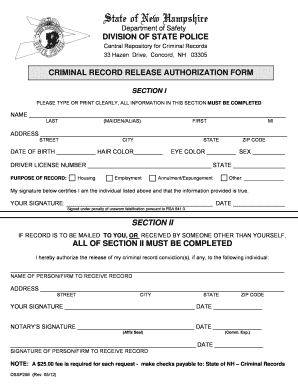
Police record form
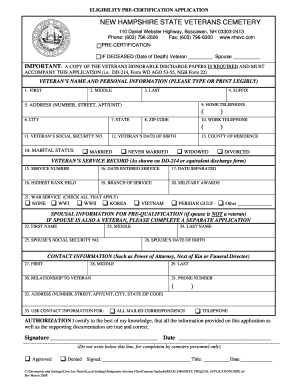
Printable dd214 form
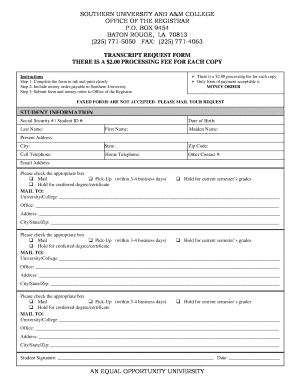
Subr transcript request form
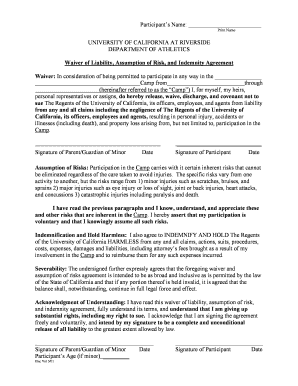
Softball college waiver form
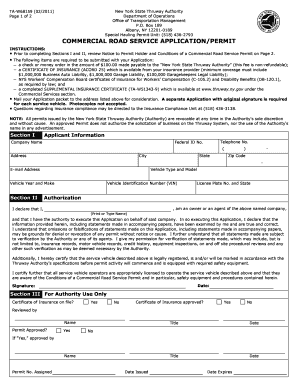
Ta w68159
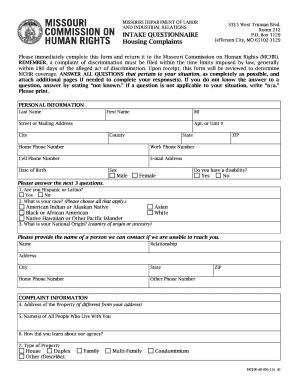
Missouri mchr 46
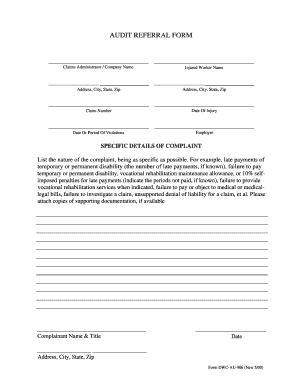
Form dwc au 906 2000

Workers comp form
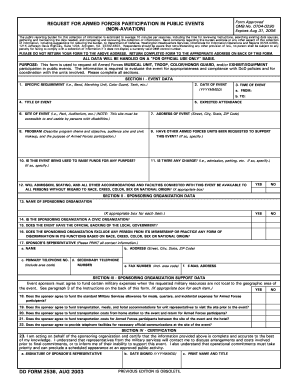
Dd form 2536 2003
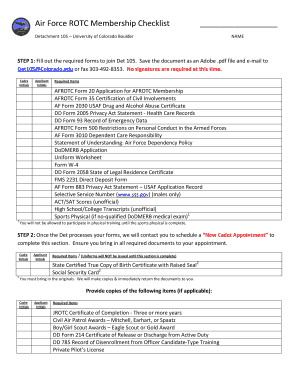
Afrotc form 20
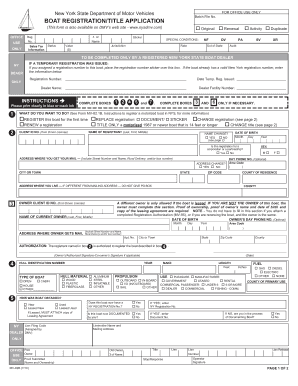
Mv82b

Pdf ncti enrollment application form

Usafa transcript request

Imt 77

Ready reserve program afrrsp

Af form 125
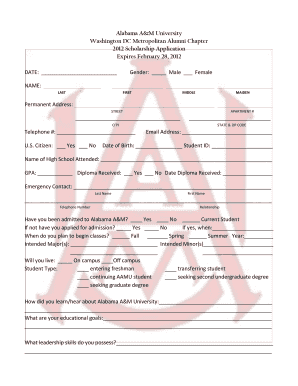
WashingtonDC2012 Scholarship Application - Alabama A&M ... - aamu
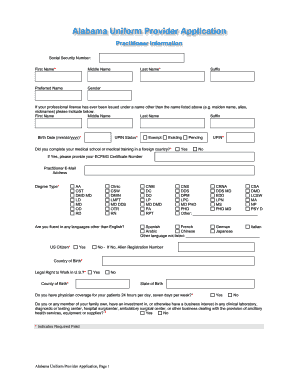
Alabama uniform application
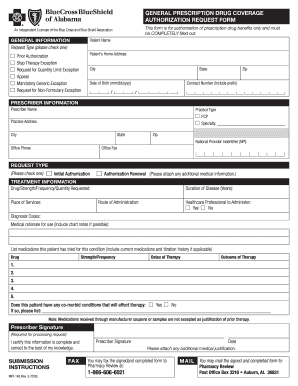
Blue cross blue shield of alabama prior authorization form
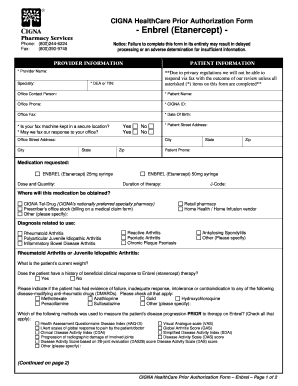
Today 39 s option prior auth forms
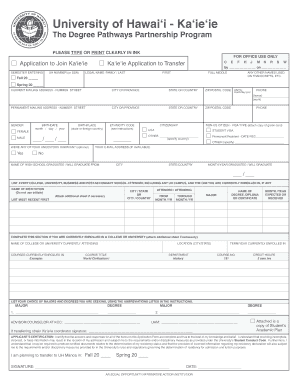
Sample college application pdf hccbd
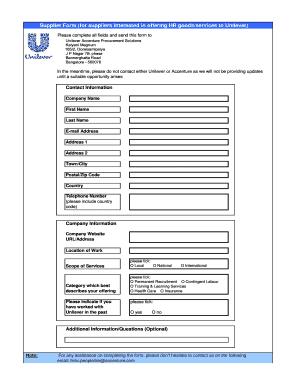
Hindustan unilever vendor registration
Delta dental of minnesota fee schedule 2010 form

Dental registration forms
Power technology southeast inc 634 state rd 44 leesburg fl 34748 phone 352 365 2777 fax 352 787 5545
Hawaii pts
Medical transportation provider application package in the state of ohio 2013 form
Omb control 3247 0406

State of michigan hospice membership notice form
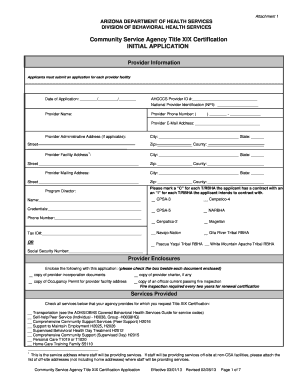
Community service certificate 2013 form
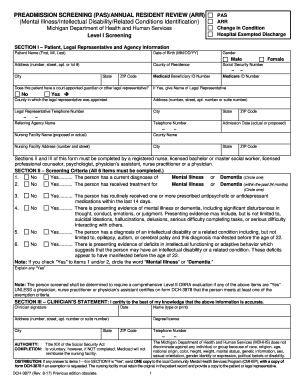
3877 form
Aljc membersip form
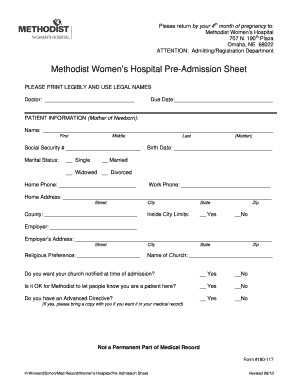
Hospital admission forms
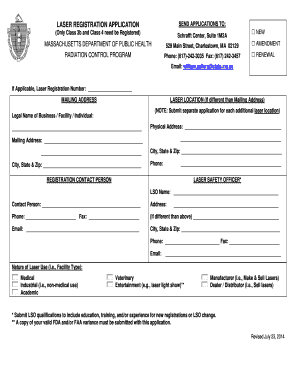
Commonwealth of massachusetts laser facility registration form
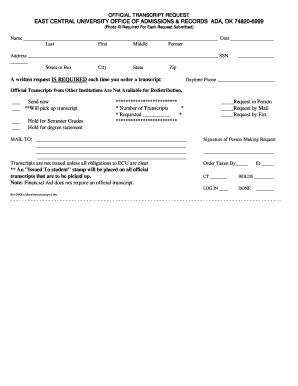
East central university transcript request
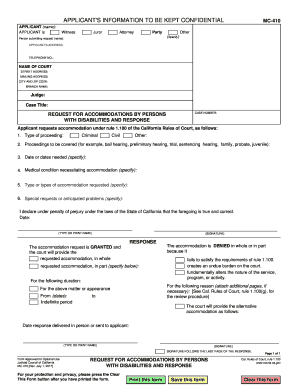
Mc 410 2010 form
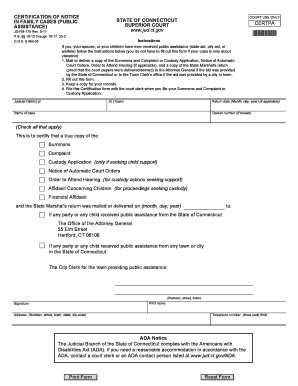
Ct warrant search

Mf 004
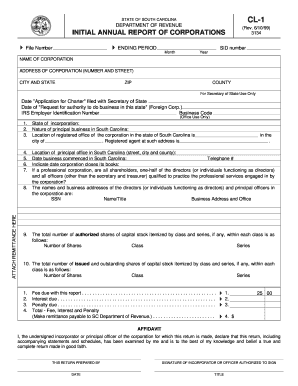
INITIAL ANNUAL REPORT OF CORPORATIONS 4 4
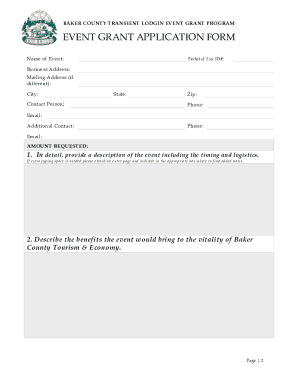
About the Event Grant Program This is a program sponsored by the Transient Lodging Tax Committee (TLTC) to promote tourism and economic vitality in Baker County - bakercounty

Formulaire i 20

Affidavit of financial support for international students troy form

PLANO, TEXAS 75075

Cf fsp

Okdhs forms
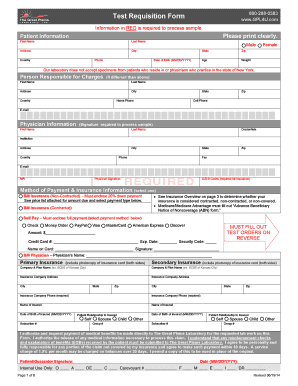
Great plains laboratory test requisition form

St petersburg business tax receipt

Hhs 520
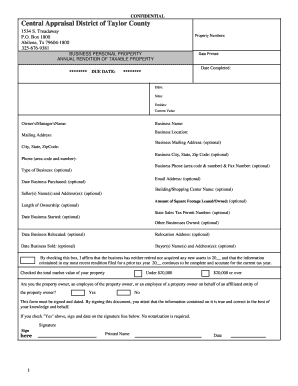
Taylor cad
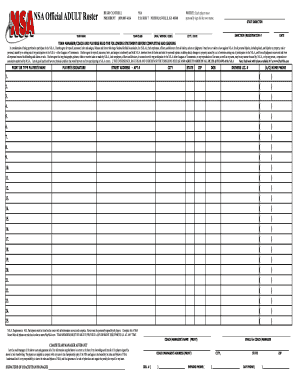
Nsa adult
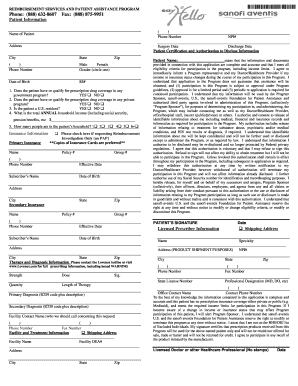
Lovenox patient assistance application
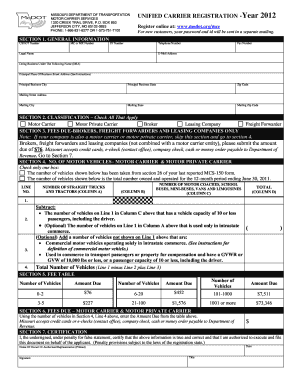
Modotorgmce 2012 form
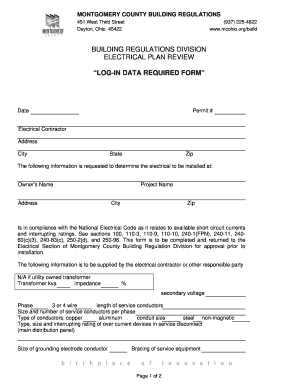
Montgomery county ohio log in data form
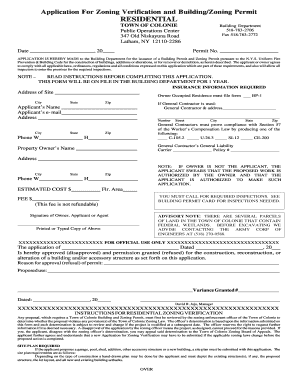
Colonie zoning verification form
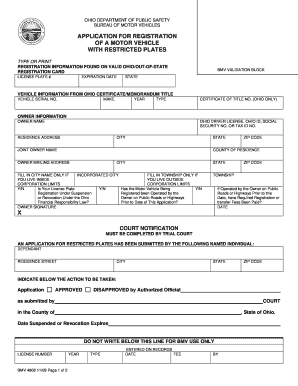
Memorandum title
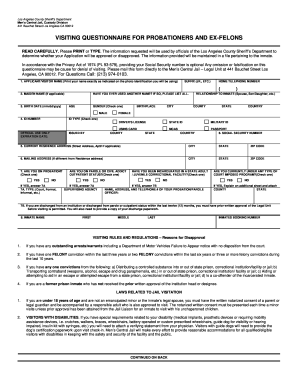
Visiting questionnaire

Marine insurance certificate pdf

Pers msd 370 electronic
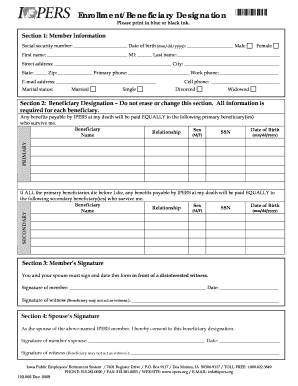
Ipers forms

Calpers direct deposit fax number form
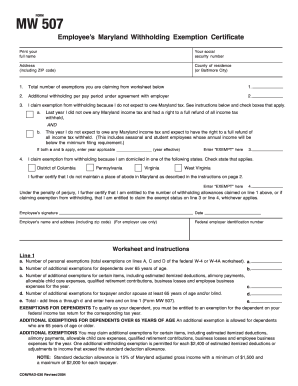
Form mw507 example 2004
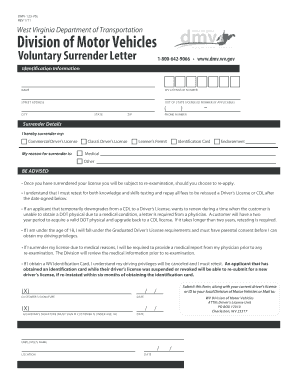
Wv voluntarily surrender letter cdl form

Mn standby custodian
Benefit from the DocHub online library of fillable PDF forms
Searching the PDF forms doesn't have to be a tedious and time-consuming process. With the DocHub online library, it has become easier to find the fillable PDF forms and modify them in your browser. The service allows you to adjust the document to your needs using powerful editing tools.
You can use online document editing features to modify almost any type of document with ease. You just need to find the template of your choice, open it in the editor, and use the toolbar to make the necessary corrections.
Follow this guide to get your document done with DocHub:
- Find the PDF template you need.
- Click the Get Form button to open the file in the editor.
- Use the toolbar to fill out and edit the document.
- Easily add and highlight text, insert images, checkmarks, and symbols.
- Drop new fillable fields, and rearrange or delete pages from your file.
- Save changes and download your record.
DocHub empowers everyone to streamline document editing, signing, and distribution, and form completion. Create an account and benefit from our well-organized PDF Forms library and comprehensive editor.