
Get any PDF form from the DocHub library of ready-made templates - Page 1693
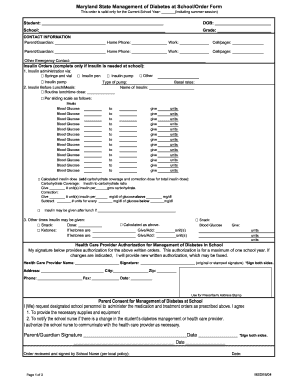
Form diabetes order
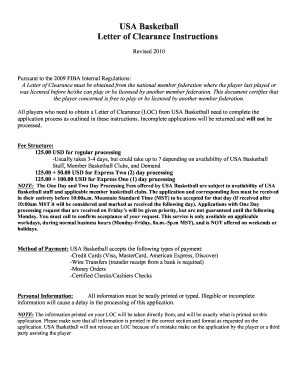
Usa basketball letter of clearance 2010 form
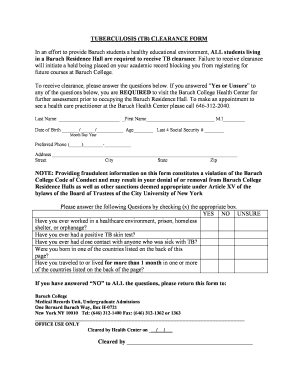
Tb clearance letter sample
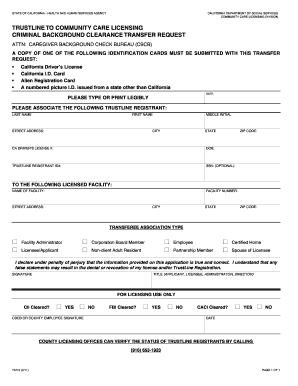
Criminal background clearance transfer request
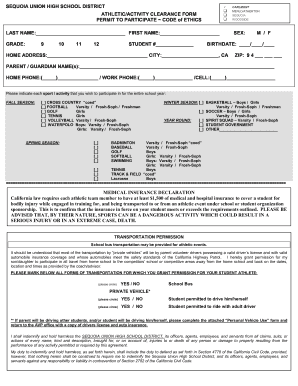
Athletic clearance
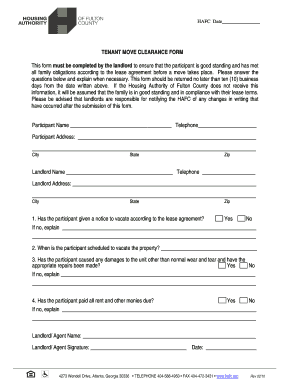
Clearance letter from landlord sample
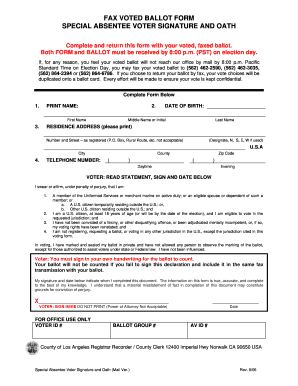
Printable voting ballots

Des endangered threatened species

Any awards fiat print

Petroleum bulk storage application fillable 2014 form
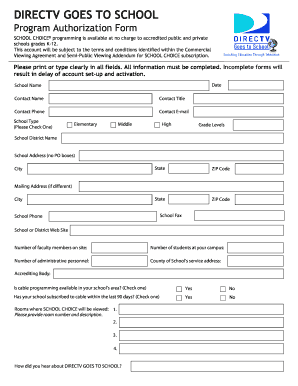
Directv goes to school
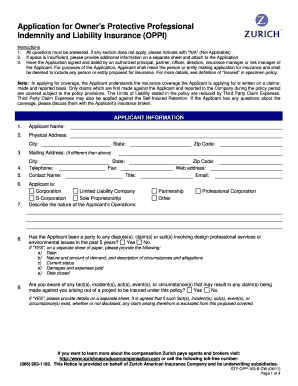
Zurich builders risk application pdf
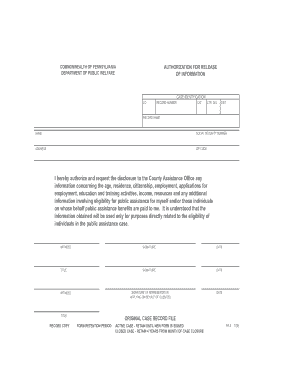
Pennsylvania pa4

City of phoenix block wall detail

Employer application for asbestos registration

Requestment

Ds 5013
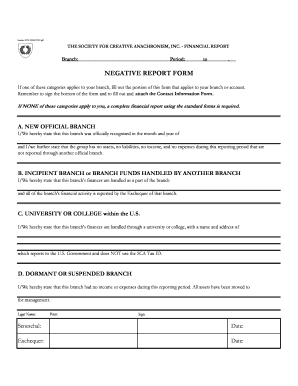
SCA Negative Financial Report - sca

Fflorida sunscreening medical exemption 2000 form
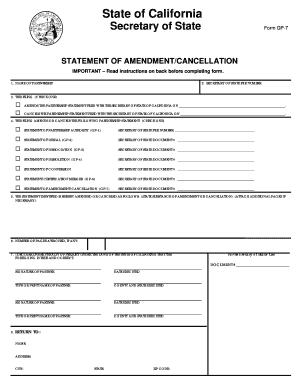
Gp7 form
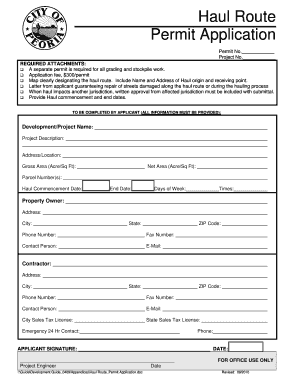
City of peoria haul permit
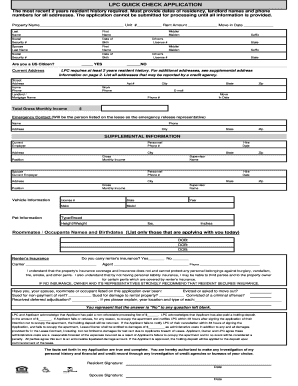
Chek application form
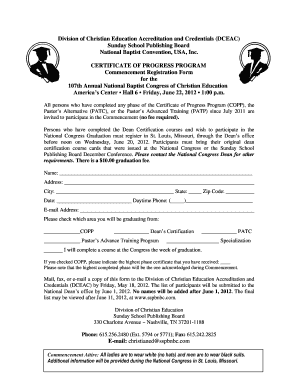
Dceac
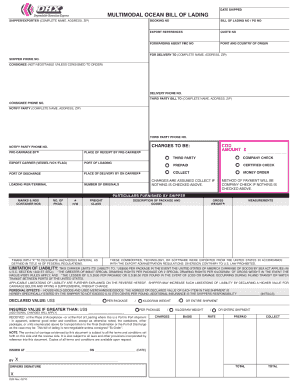
Ocean bill of lading template
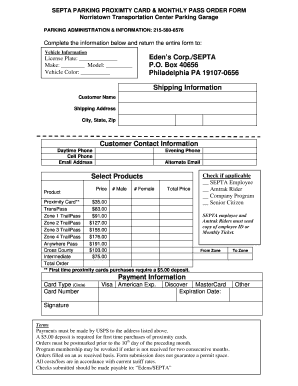
Septa parking permit
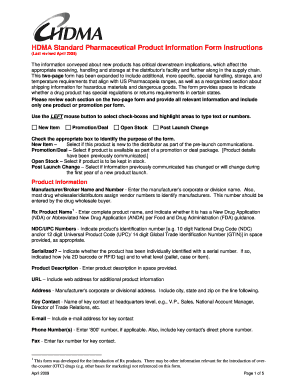
Hdma form

Pge 62 0156 2012 form

Form 1 2004. Massachusetts Resident Income Tax Return - mass
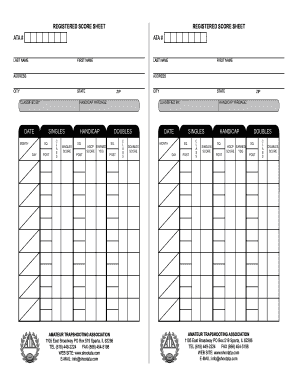
Trap shooting score sheets

Evhiwisconsingov form
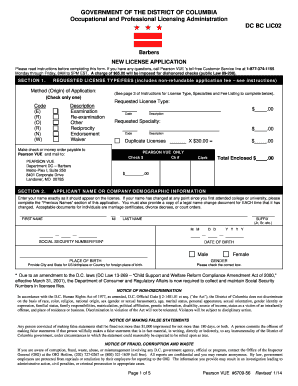
Barber application form

Mv210
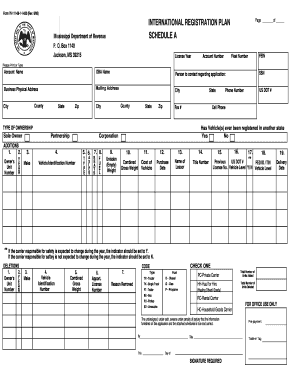
Form 76 111 08 1 1 000
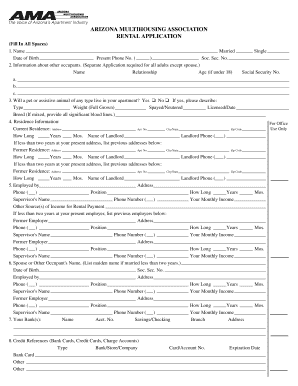
Arizona rental agreement forms printable

Iata cargo claim form

NCVEC QUICK-FORM 605 APPLICATION FOR AMATEUR OPERATOR/PRIMARY STATION LICENSE
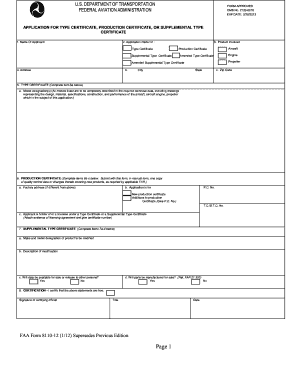
8110 12

Nasa pilot form

Florida ownership declaration
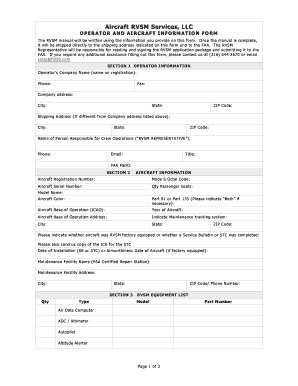
Faa rvsm ica form
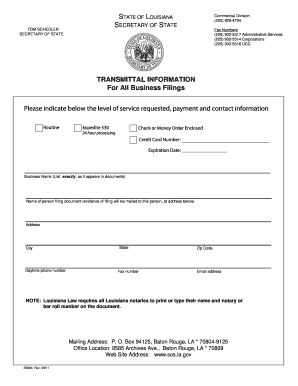
State of louisiana ss972 2011 form

Planned parenthood DocHub
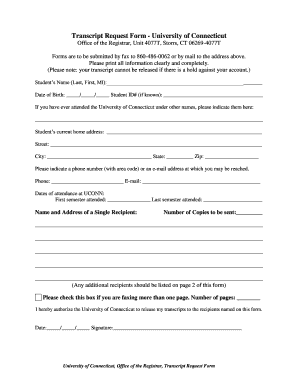
Uconn registrar transcript request
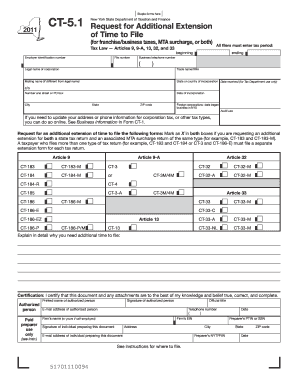
New york state request for additional extension 2011 form
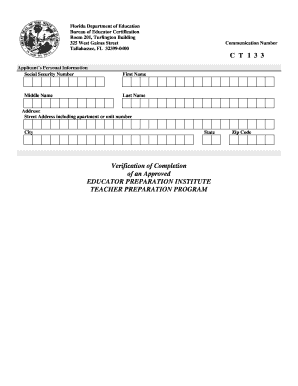
Ct 133 fldoe

Code study form
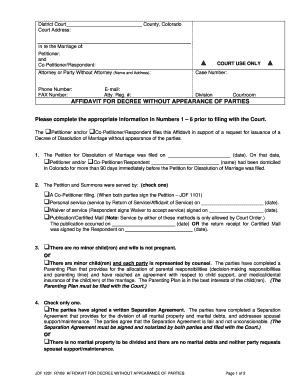
County, Colorado District Court - Colorado Center for Divorce ...
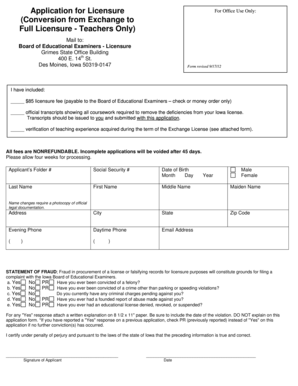
Iowa boee
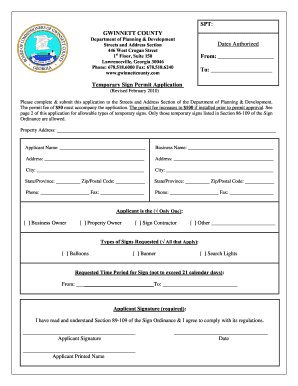
Gwinnett licensing

4 h animal approval

Sfn 1763
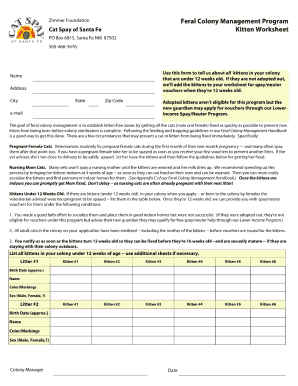
Zimmer feline foundation
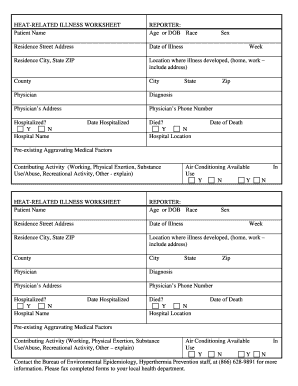
HEAT-RELATED ILLNESS WORKSHEET
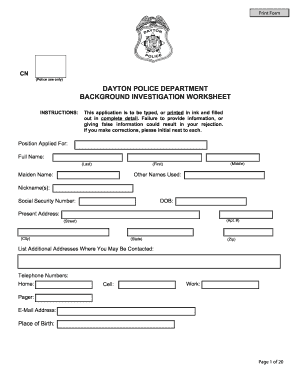
Policeform
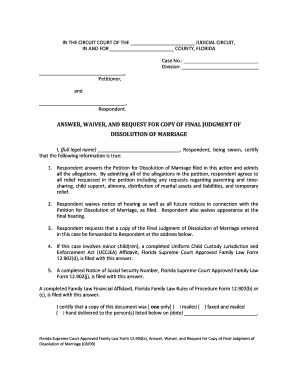
Form 12903a florida

Dissolution of marriage records
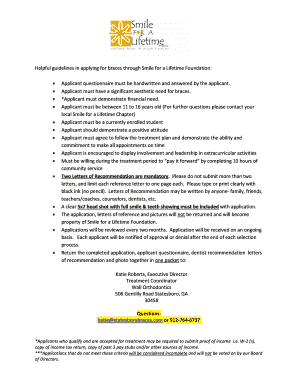
4187 army fillable
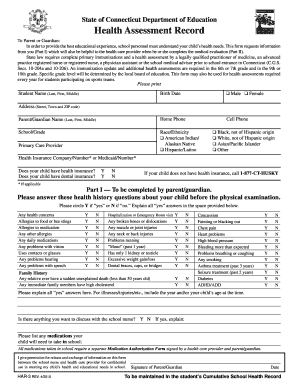
Ct health forms 2010

Orthodontic health history form

Samples of college applications forms
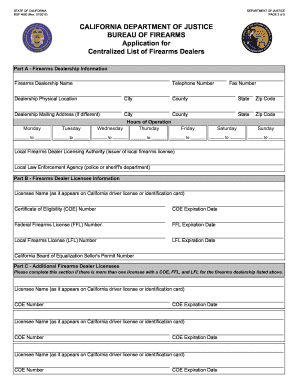
Dealer licensee coe form

Clerk of the court duval county injunction form

Elderchoices pers provider application form

Travel laissez passer
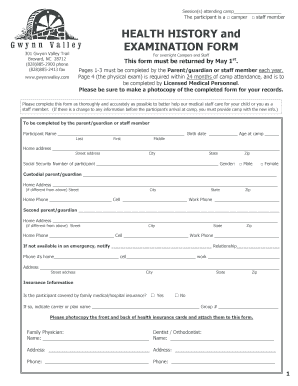
HEALTH HISTORY and EXAMINATION FORM - Gwynn Valley
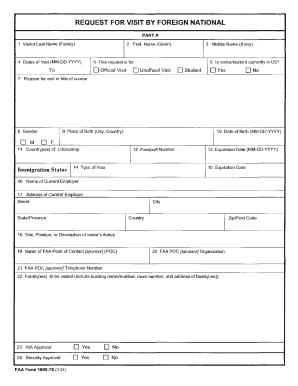
Form request visit foreign
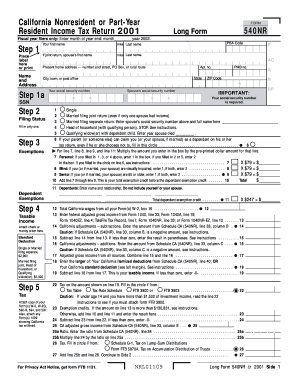
California income tax return form

Insurance affidavit form
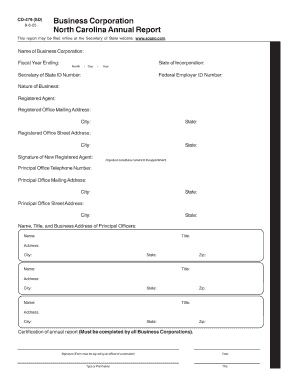
Nc form cd 479 fillable
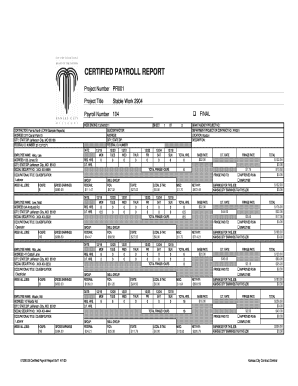
Fillable payroll report
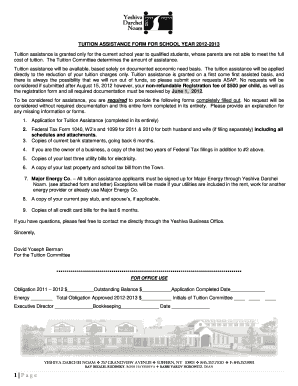
Yeshiva spring valley

Filling jd fm 162 2013 form
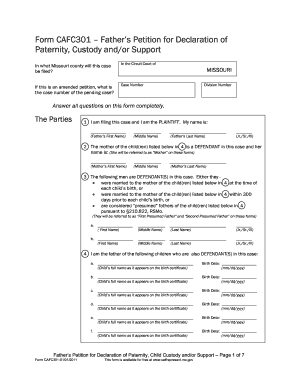
Support form cafc301

Summons for publication montana courts form

Form ps 34473 1
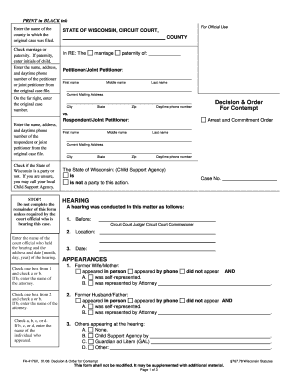
Form 4176

Connecticut parenting plan
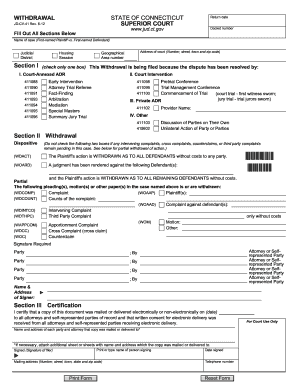
Jd cv 41 form

Motion order

Self represented written answer and verification form
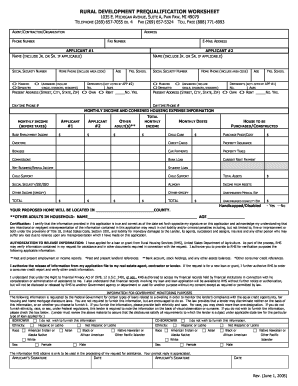
Rural development pre qualification worksheet michigan form
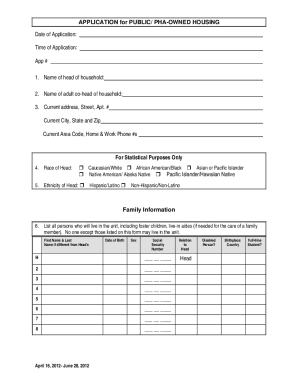
Mckinney housing authority
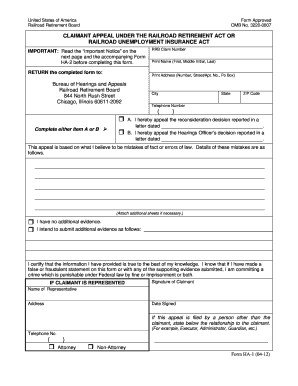
Ha1 form railroad disibility
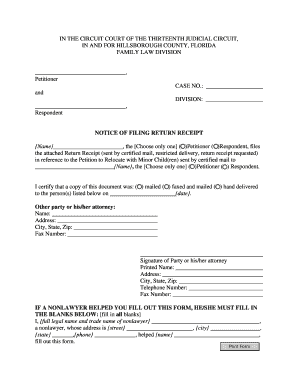
Notice of filing florida

Florida family law form 12927

Affidavit form
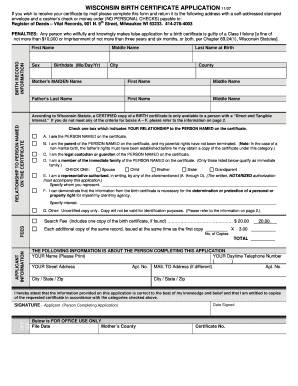
Wisconsin birth certificate

Fa 4160 2010 form
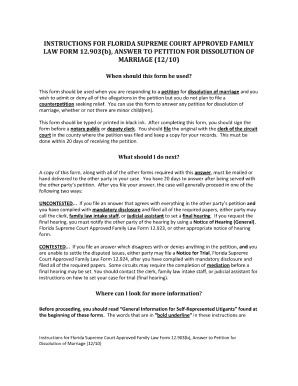
Florida supreme court approved family law form 12903banswer to petion for dissolution of marriage 1210

Petition for dissolution of marriage
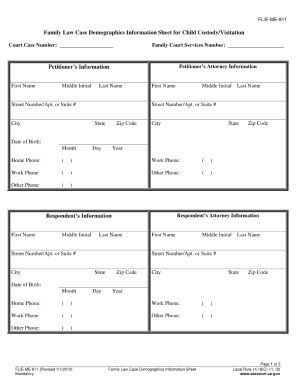
Demographic information sheet 2010

Hillsborough county continuance form
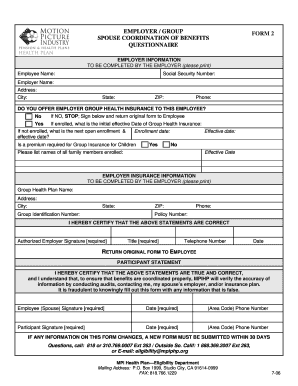
Mpiphp coordination of benefits 2006 form
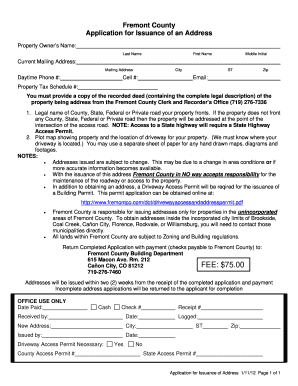
Issuance of an Address Application - Fremont County, Colorado
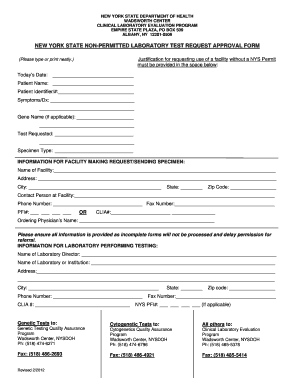
New york state non permitted lab test request
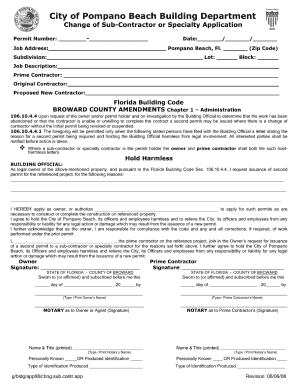
Pompano beach building department

Certificate of trade name virginia 142 form
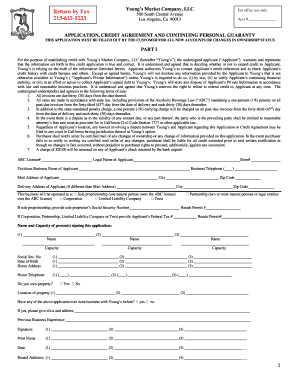
Fill credit agreement template
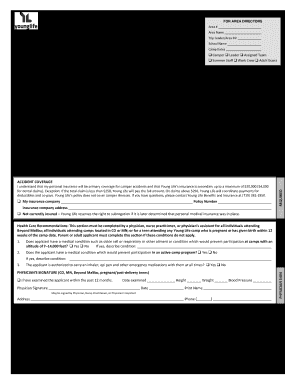
Camping Health, Consent and Release Form - Young Life - sharedresources younglife
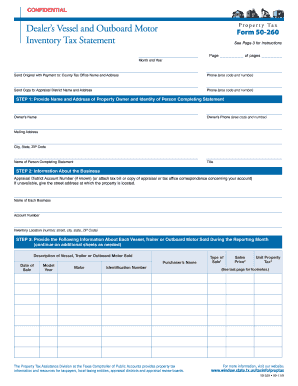
Property tax form 50 260 2011
Benefit from the DocHub online library of fillable PDF forms
Searching the PDF forms doesn't have to be a tedious and time-consuming process. With the DocHub online library, it has become easier to find the fillable PDF forms and modify them in your browser. The service allows you to adjust the document to your needs using powerful editing tools.
You can use online document editing features to modify almost any type of document with ease. You just need to find the template of your choice, open it in the editor, and use the toolbar to make the necessary corrections.
Follow this guide to get your document done with DocHub:
- Find the PDF template you need.
- Click the Get Form button to open the file in the editor.
- Use the toolbar to fill out and edit the document.
- Easily add and highlight text, insert images, checkmarks, and symbols.
- Drop new fillable fields, and rearrange or delete pages from your file.
- Save changes and download your record.
DocHub empowers everyone to streamline document editing, signing, and distribution, and form completion. Create an account and benefit from our well-organized PDF Forms library and comprehensive editor.