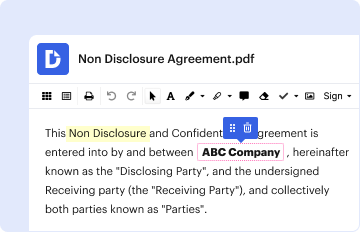
Type text, add images, blackout confidential details, add comments, highlights and more.
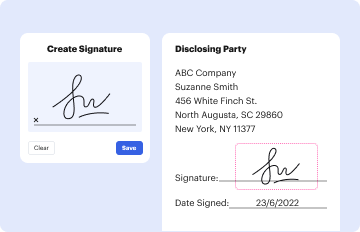
02. Sign it in a few clicks
Draw your signature, type it, upload its image, or use your mobile device as a signature pad.
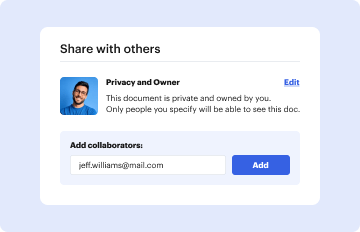
03. Share your form with others
Send it via email, link, or fax. You can also download it, export it or print it out.
How to use or fill out emats application with our platform
Ease of Setup
DocHub User Ratings on G2
Ease of Use
DocHub User Ratings on G2
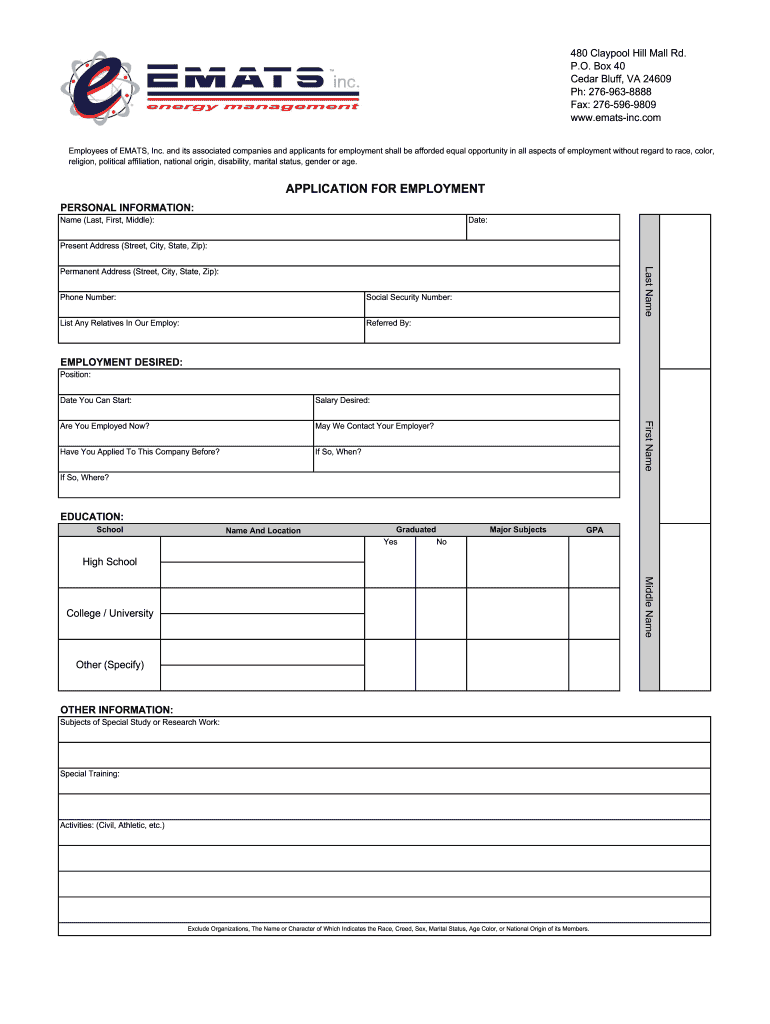
Click ‘Get Form’ to open the emats application in the editor.
Begin by filling out the 'Personal Information' section. Enter your name, date, present address, phone number, and social security number. Ensure accuracy as this information is crucial for your application.
In the 'Employment Desired' section, specify the position you are applying for and your desired salary. Indicate if you are currently employed and whether we can contact your employer.
Complete the 'Education' section by listing your schools attended, graduation status, major subjects, and GPA. This helps us understand your academic background.
Fill out the 'Former Employers' section with details of your last four employers, including dates of employment and reasons for leaving. This provides insight into your work history.
In the 'References' section, provide names and contact information for three individuals who can vouch for you professionally.
Finally, review all sections for completeness and accuracy before signing at the bottom of the form to authorize investigation of statements made.
Start using our platform today to easily complete your emats application online for free!
A Longitudinal Mode Electromagnetic Acoustic Transducer
by M Cong 2016 Cited by 43 A new electromagnetic acoustic transducer (EMAT) design, employing a special structure of the permanent magnet chain, is proposed to generate and receive
Cookie consent notice
This site uses cookies to enhance site navigation and personalize your experience.
By using this site you agree to our use of cookies as described in our Privacy Notice.
You can modify your selections by visiting our Cookie and Advertising Notice.