
Get any PDF form from the DocHub library of ready-made templates - Page 1650

Nelnet deletion letter
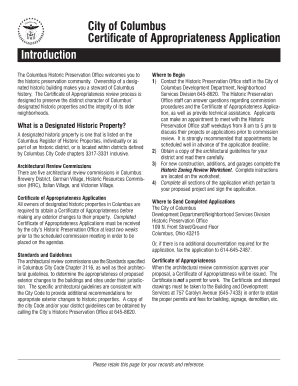
Certificate of appropriateness

Certificate zoning providence

No risk certificate
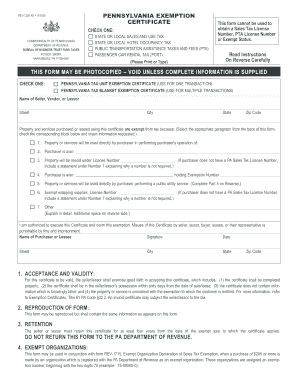
Rev 1220
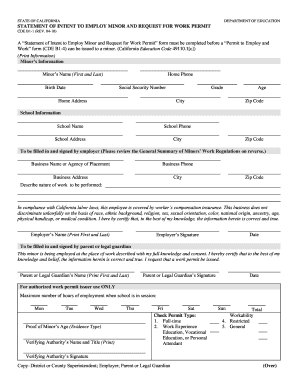
The form permit to work from cool work 2010

City of elmira building permit
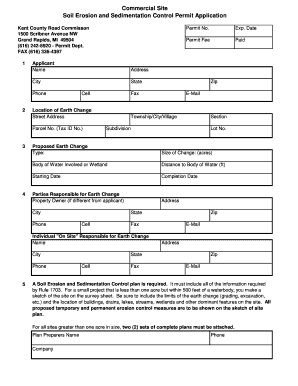
Soil control permit
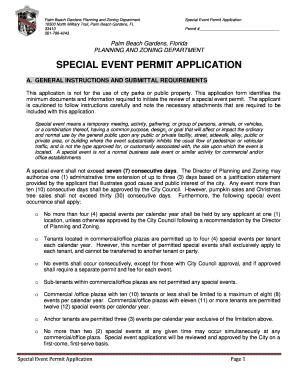
Palm special permit
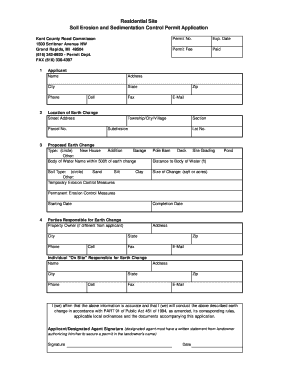
Kent county soil erosion permit
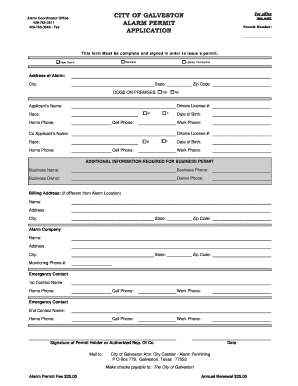
City of galveston permits
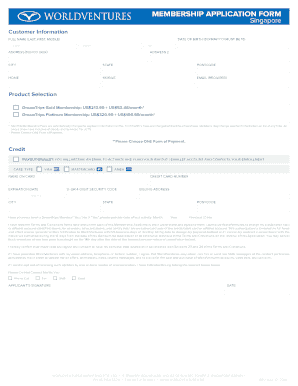
World ventures information form
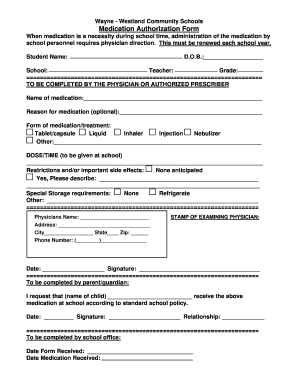
Medication Authorization Form - Wayne-Westland Community Schools - wwcsd

Massage Therapy Client Health Intake Form - Spinal Health ...
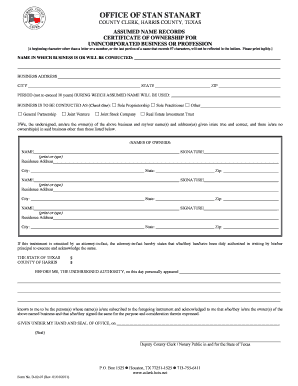
Stan stanart
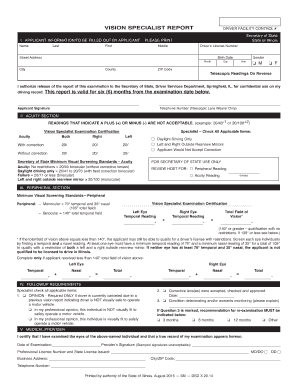
Vision specialist report
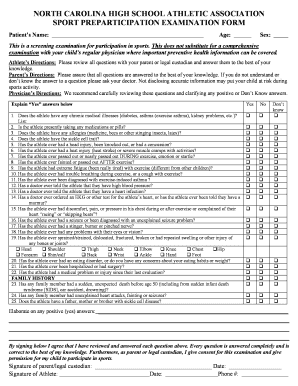
How to fill ca physical form
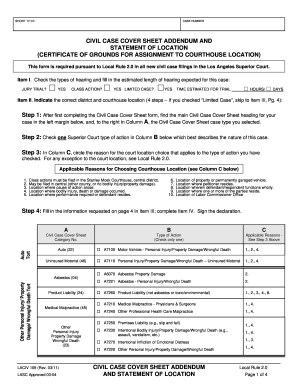
Civil case cover sheet addendum
Rev 1706 1999 form
Rev 1705r 2004 form
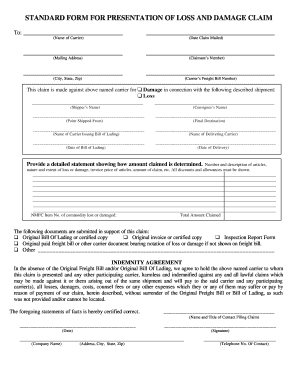
Standard form for presentation of loss and damage claim instructions
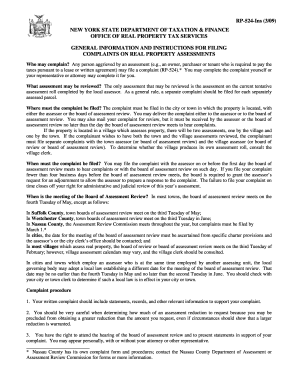
Information instructions filing complaints
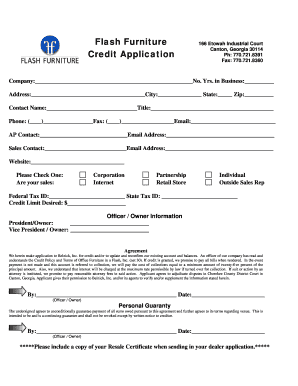
Flash Furniture Credit Application - lib store yahoo

GREC Change Application - Georgia Real Estate Commission ...
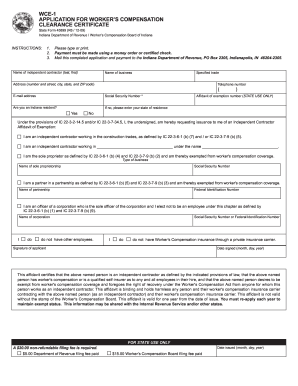
Indiana workers compensation insurance notice fillable form

Craigs cruisers application
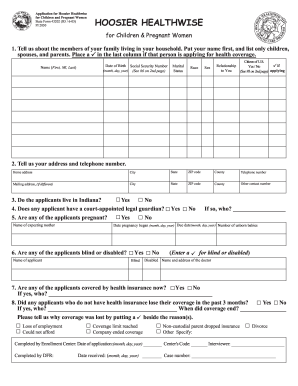
Apply for hoosier healthwise online form
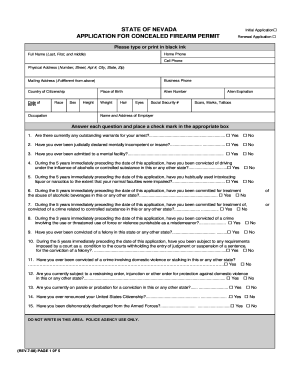
Nevada application for concealed firearm permit fillable form

Business license pdf
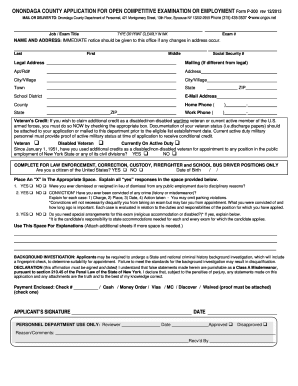
Onondaga application

Srg 1601 pdf 2009 form
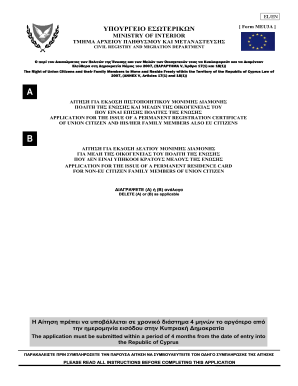
Meu3a form
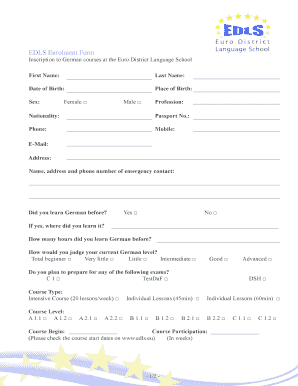
Enrolment form
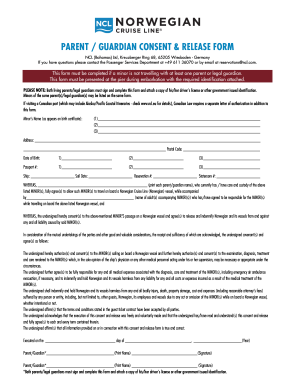
Norwegian parent guardian consent release form
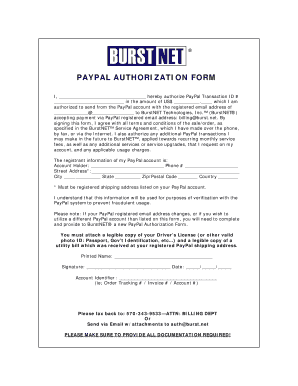
Paypal letter of authorisation
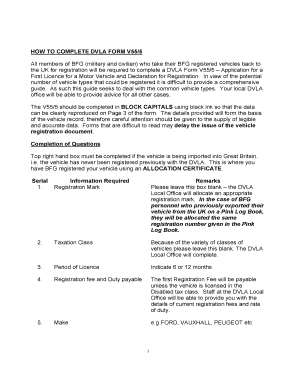
V55 5
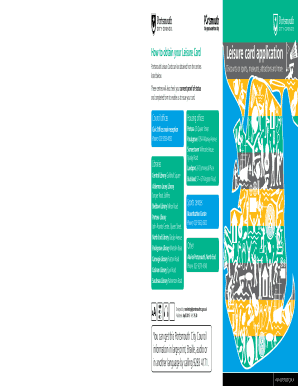
Portsmouth leisure card
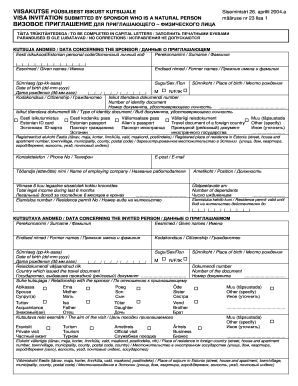
Viisakutse form
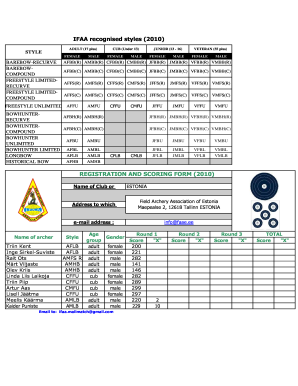
ESTregistration form IMM 201001 - Vibuinfo
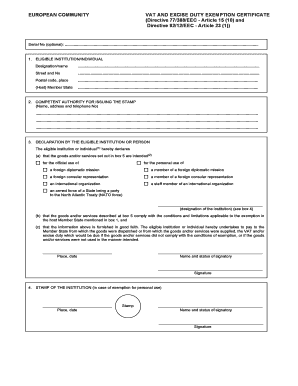
Exemption certificate
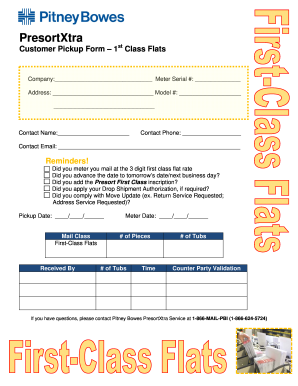
Pitney bowes presortxtra form
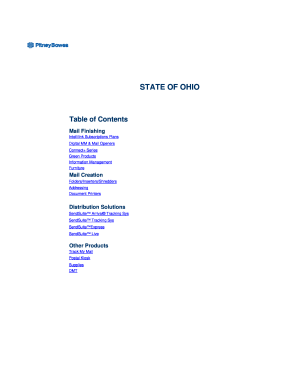
State of ohio - Pitney Bowes

Petal school registration

Mrlucero
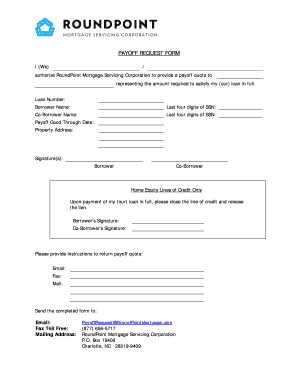
Roundpoint mortgage payoff

NWT Chamber 2011/12 Scholarship Application Form

Access calgary application
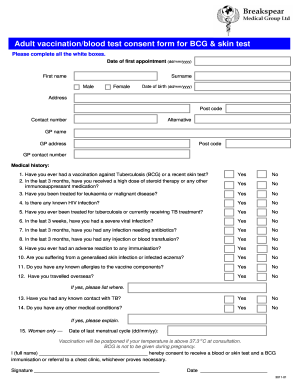
Medical consent form bcg
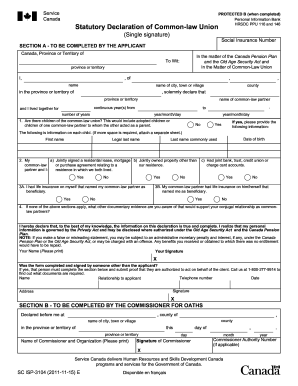
Info on the statutory declaration of common law union single signature 2011 form

Ocis pusd
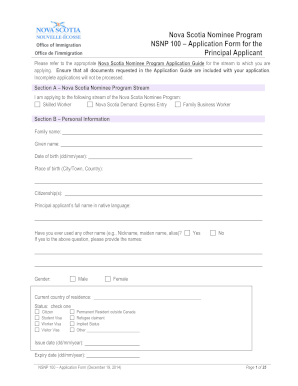
Nsnp 100 2014 form
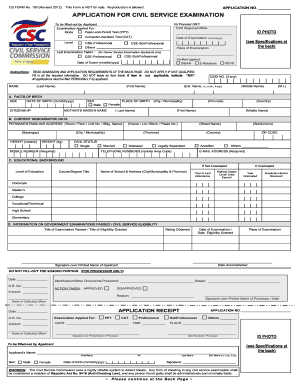
Sample filled up pds 2017 form

Appaloosa horse club transfer form
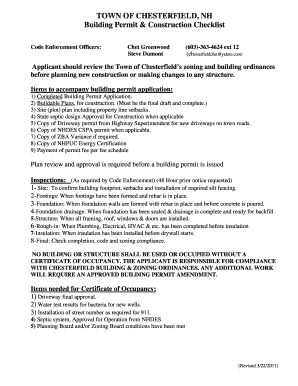
Chesterfield nh building permit form

How to get into img academy for

Ahern rentals credit application form

Certificate of rent paid
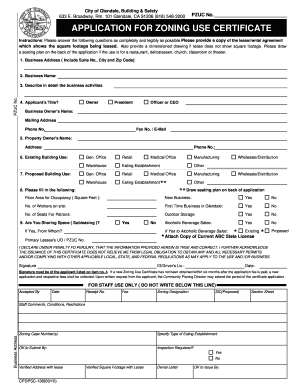
Square pzuc printable
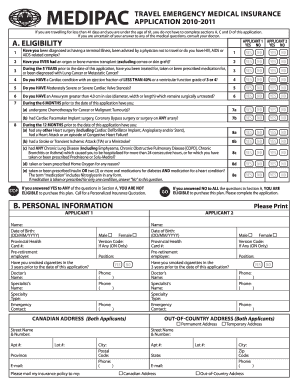
Medipac travel insurance forms
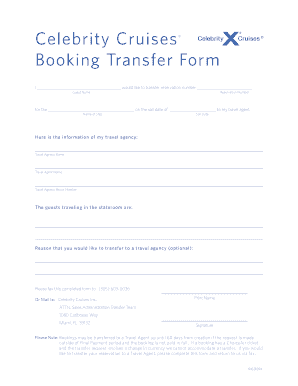
Transfer celebrity cruise to travel agent
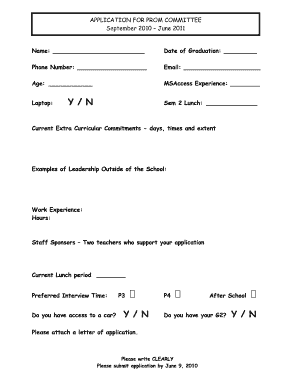
Prom date application

325 949 pdf
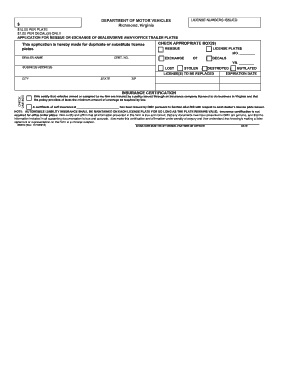
DSD 12 - Virginia Department of Motor Vehicles
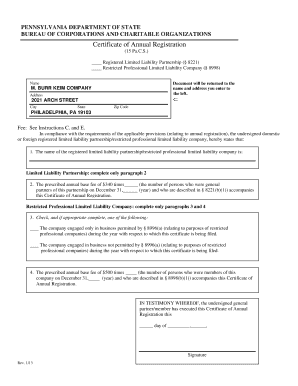
Certificate of annual registration pa

Revocable Encroachment Permit for Outdoor ... - City of Fort Collins
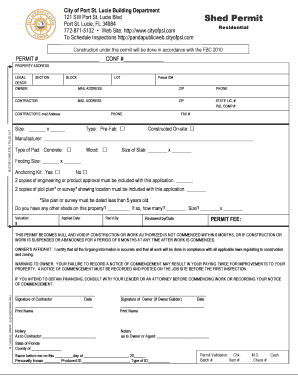
St lucie county shed requirements

Upmc out of network claim form
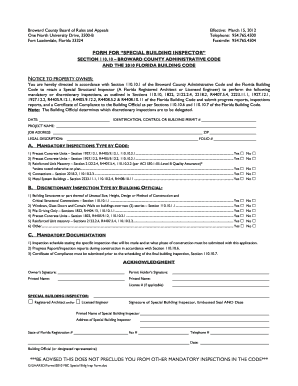
Broward county special inspector form
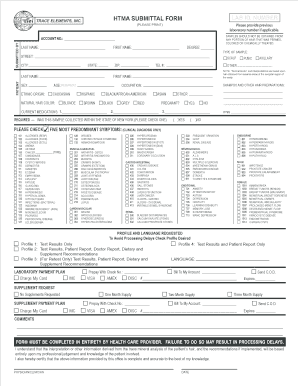
Htma submittal form tei trace elements

Multi parcel tax exemption report pc 220a 2009 form

Download the scholarship application here - Save 2nd Base
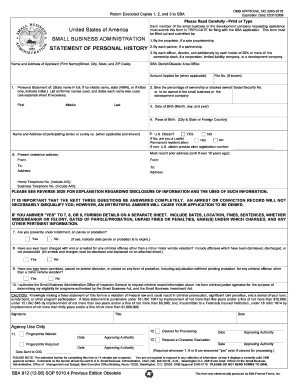
Sba form 912 pdf
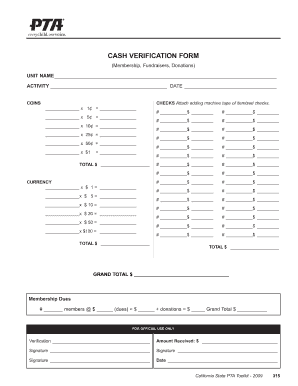
CASH VERIFICATION FORM - McKinley PTA
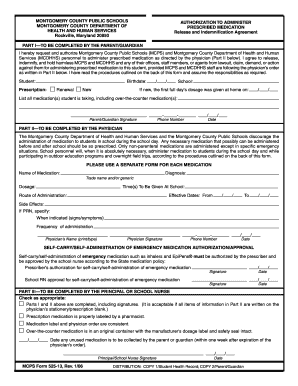
Authorization for prescribed medications mcps 2006 form
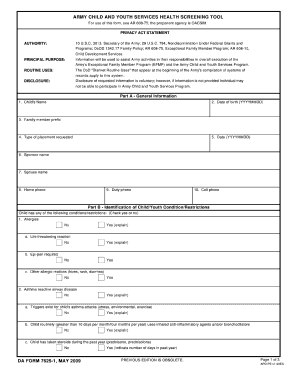
Da 7625 1
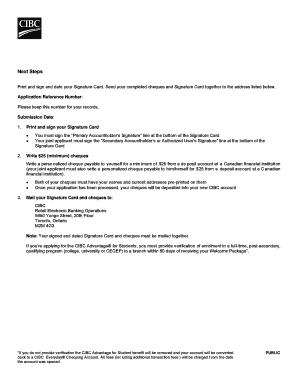
Cibc online banking
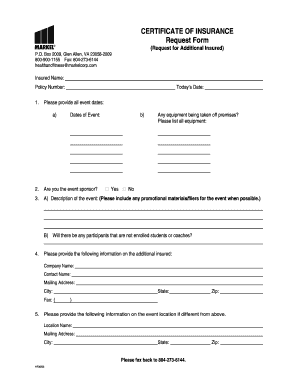
Markel insurance certificate of insurance forms 2006
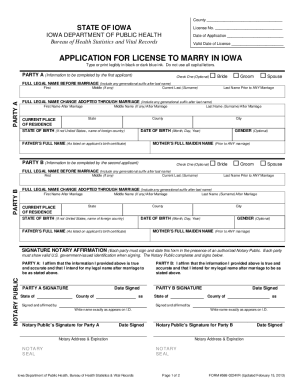
Iowa marriage certificate

Tenant certificate
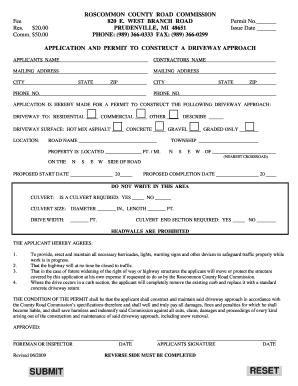
Roscommon county road commission

Uniform employment application for nurse aide staff 2009

Piedmont natural gas rebates

Rental application for residents and occupants houston form

Pistol applicatio from hd image 2009 form
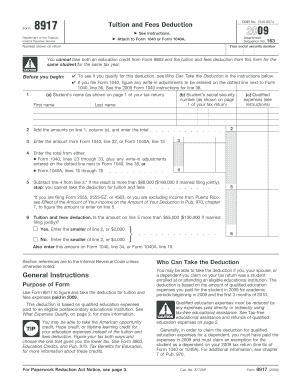
2009 form 8917
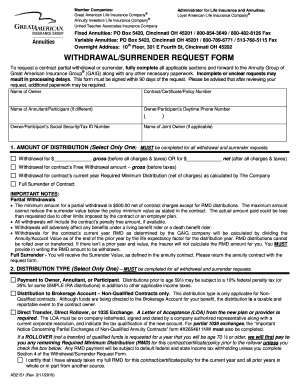
Great american life insurance company forms
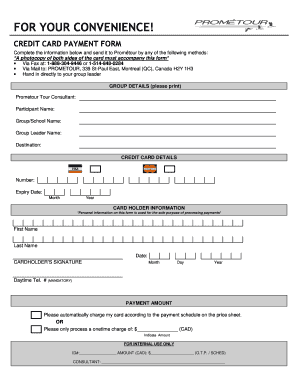
Prometour online payment form
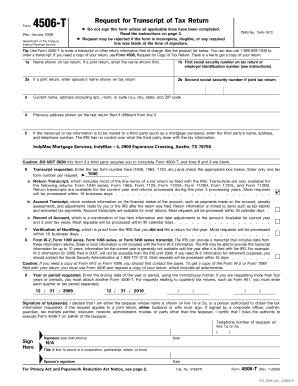
Form 7216 pdf
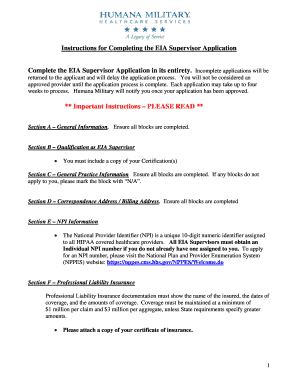
Humana military eia supervisor application form
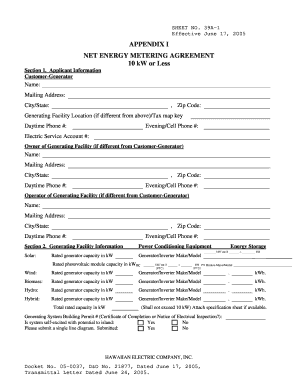
Heco net agreement

Rbc form business account make
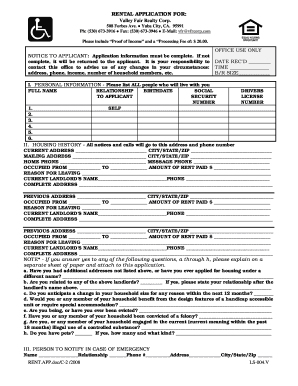
RENTAL APPLICATION FOR - Valley Fair Realty
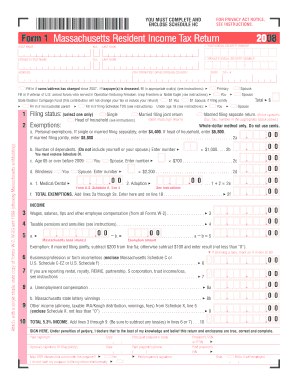
Massachusettes 2007 form 1
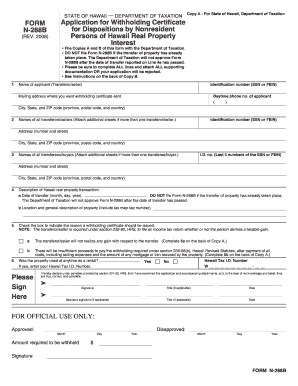
How to fill out n288b 2008 form

Deertree screening application

Pizza hut application pdf
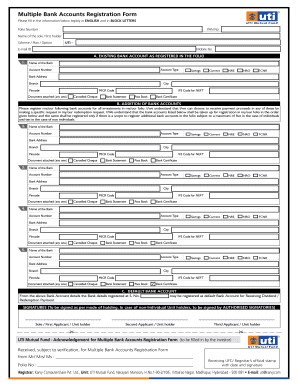
Bank account registration meaning
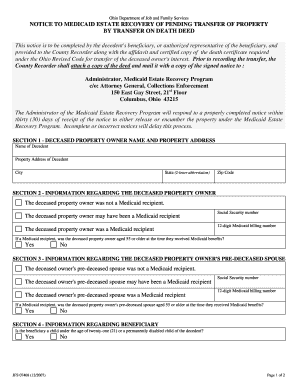
Ohio form medicaid estate
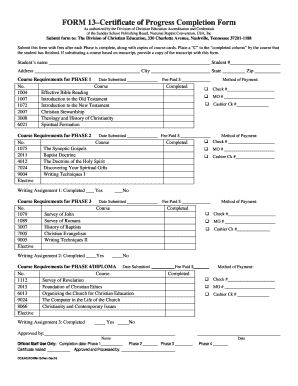
Certificate of progress
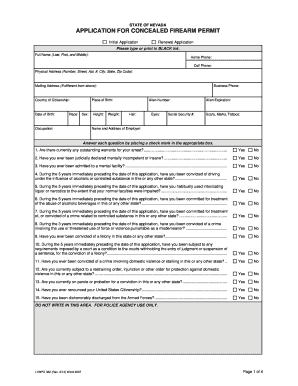
Nevada ccw permit application form
Benefit from the DocHub online library of fillable PDF forms
Searching the PDF forms doesn't have to be a tedious and time-consuming process. With the DocHub online library, it has become easier to find the fillable PDF forms and modify them in your browser. The service allows you to adjust the document to your needs using powerful editing tools.
You can use online document editing features to modify almost any type of document with ease. You just need to find the template of your choice, open it in the editor, and use the toolbar to make the necessary corrections.
Follow this guide to get your document done with DocHub:
- Find the PDF template you need.
- Click the Get Form button to open the file in the editor.
- Use the toolbar to fill out and edit the document.
- Easily add and highlight text, insert images, checkmarks, and symbols.
- Drop new fillable fields, and rearrange or delete pages from your file.
- Save changes and download your record.
DocHub empowers everyone to streamline document editing, signing, and distribution, and form completion. Create an account and benefit from our well-organized PDF Forms library and comprehensive editor.