
Get any PDF form from the DocHub library of ready-made templates - Page 1651

2007 2014 irs form 944
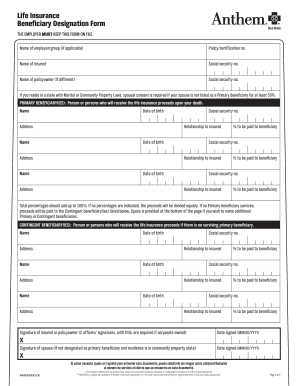
Anthem life insurance beneficiary form
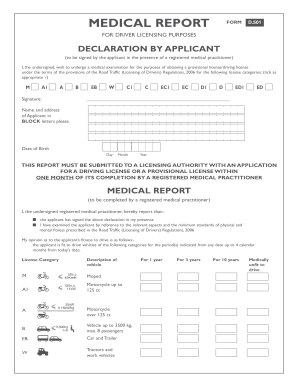
Form d501
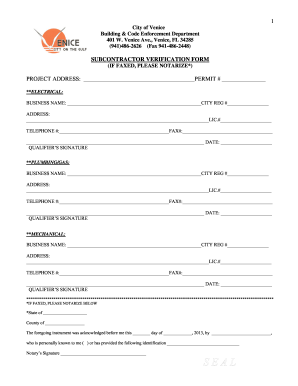
Venice permit search
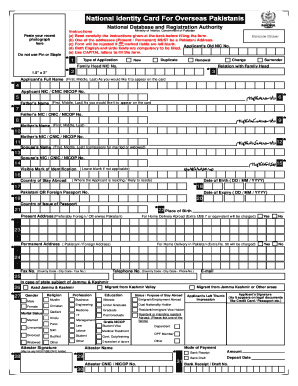
Data acquisition form nadra cnic germany

Replacement certificate of indian blood

Instructions for anti-money laundering training - Adams-Moore
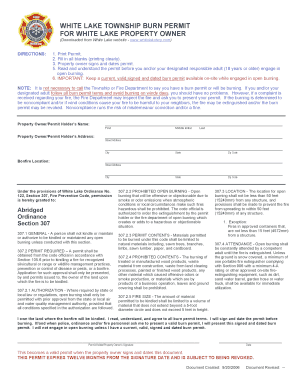
White lake township burn permit

Mwaa property realease form

Missouri form 149 2005
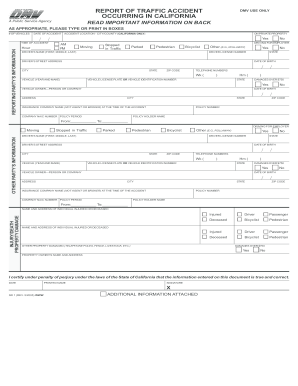
Can iprint outformsr 1 form 2005

Cf fsp 5017 2004 form
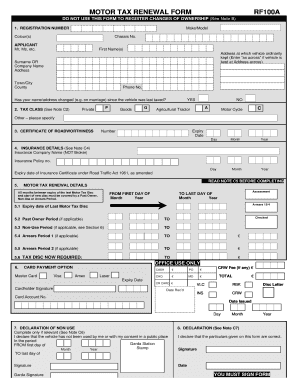
Motor tax renewal ireland

Form STA - Texas State Ethics Commission

Scholarship Application Template 2003 - MailChimp
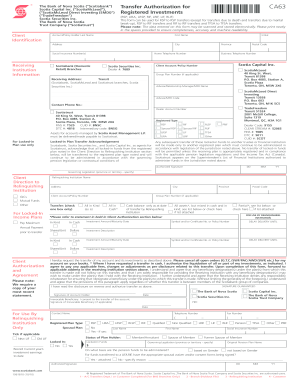
Ca63

Mv210 form montana 2010
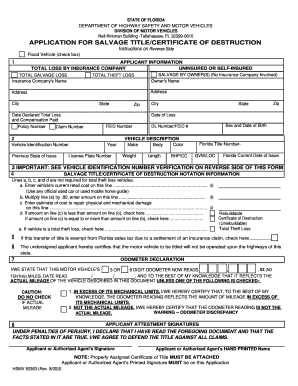
Certificate of destruction florida
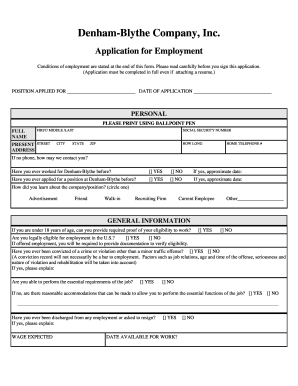
Denham blythe application

Bright western grant
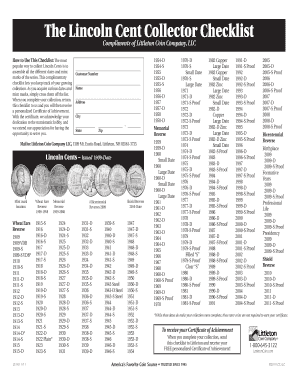
Error coins list pdf
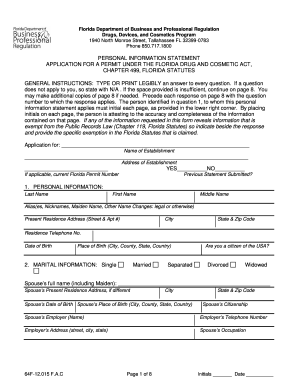
Florida information statement
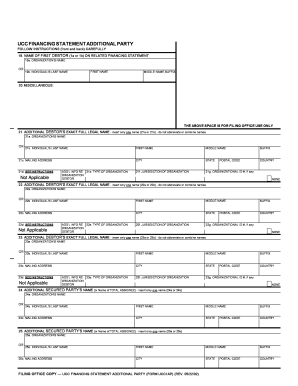
UCC Financing Statement Additional Party (Form UCC1AP)
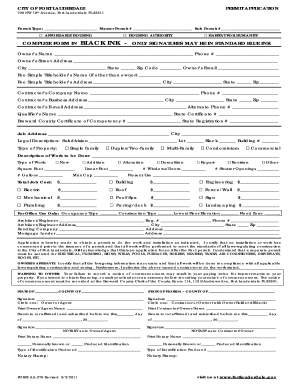
Broward county building departmentDocHubcom form

Over counter permits

Equipment Order Form - Signa Pay
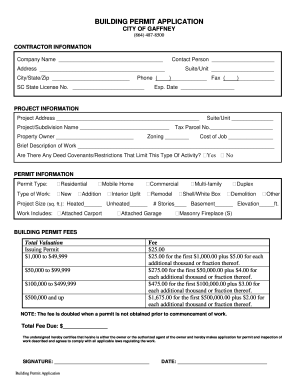
Gaffney sc permits

Ommp app form 2010
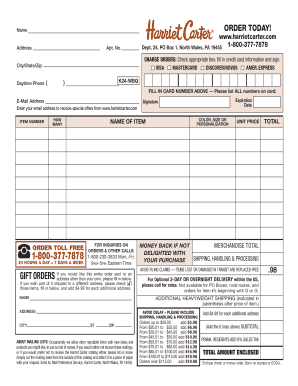
Harriet carter catalog
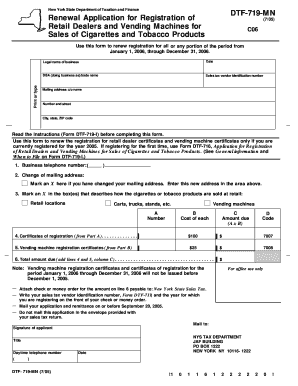
Dtf 719
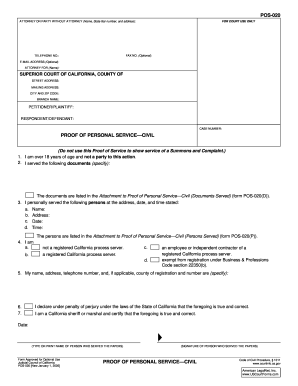
Pos 20 proof of personal service civil form
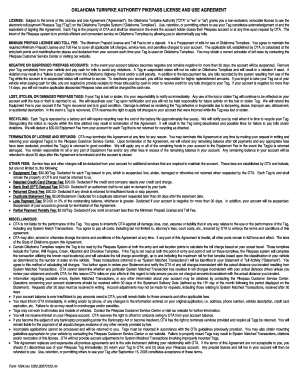
Pikepass application

Funeral establishment -- monthly report of cases embalmed and ...

Avi foodsystems application

Digital proof of income
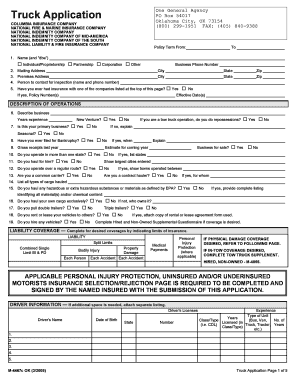
Truck application m 4467c
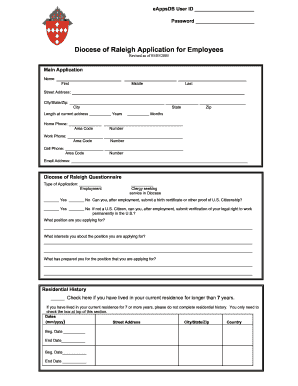
Diocese beg state
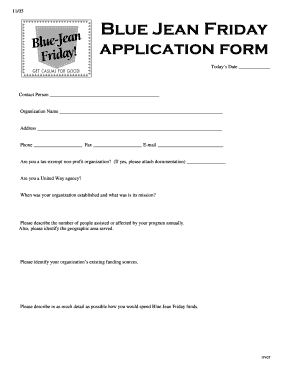
Blue jean application form
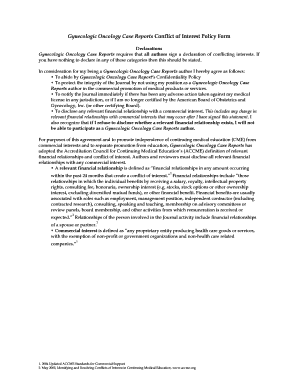
Gynecologic oncology conflict of interest form
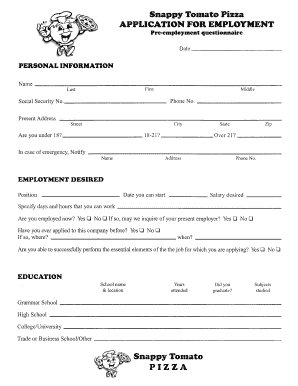
Snappy tomato
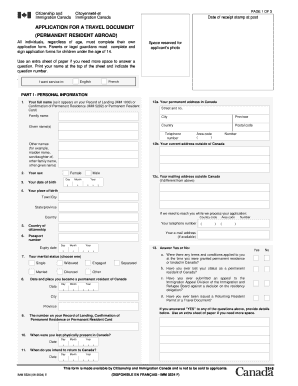
Application for a travel document (permanent resident abroad)
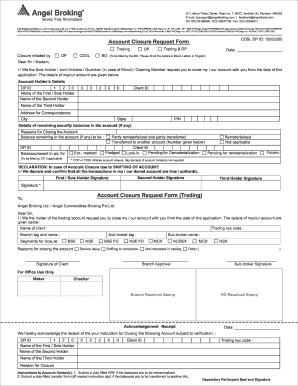
Angel account closure form

Pa 8879 2004 form
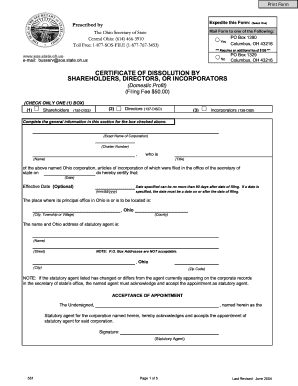
Ohio secretary of state business search 2004 form
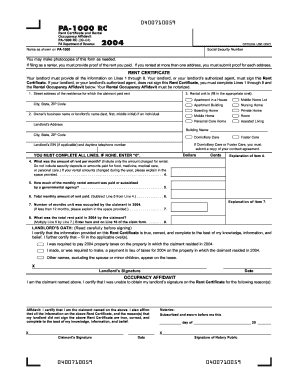
Pa 1000 rc 2015 2004 form
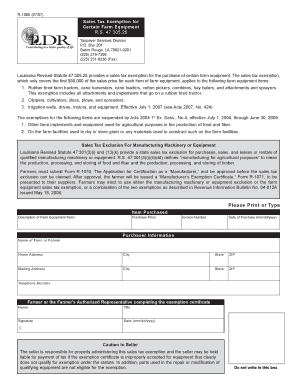
Form 1060

LAND PURCHASE CONTRACT Greater Hartford Association of ...

Hr 218 qualification form
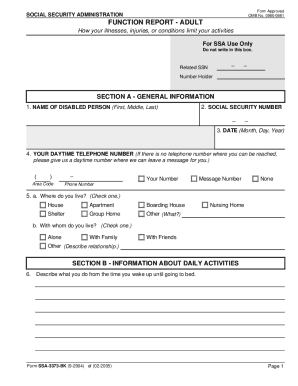
3373 bk form

Ssa 3380 bk
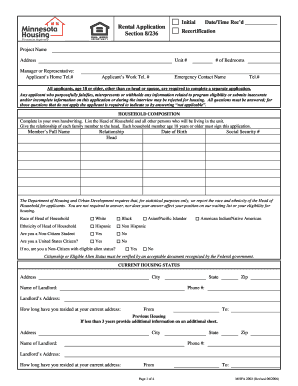
Printable section 8 application form
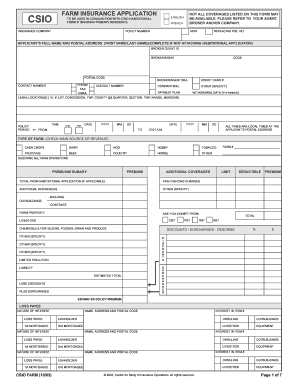
Csio farm application

Jfs 01960

Medical record anesthesia
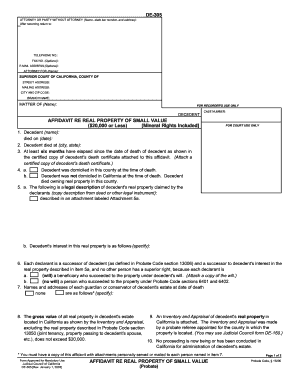
California declaration survivor probate code 13100 printable form 2003
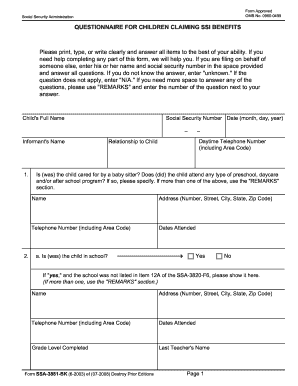
Ssa 3820 f6 2003 form
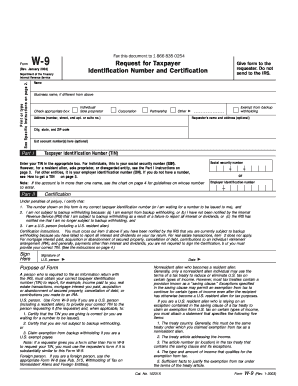
Blank w 9 form

Ssa form 150 2003
Omb no 0960 0029 2003 form

Veterinary certificate to eu 2003779 form

Sponsored Gaming Employee License Application - Maryland VLT
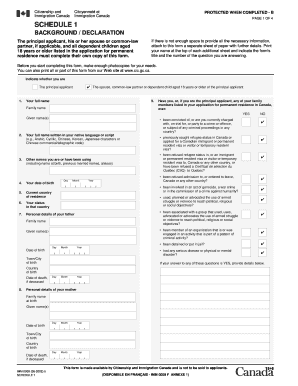
Imm 0008 form
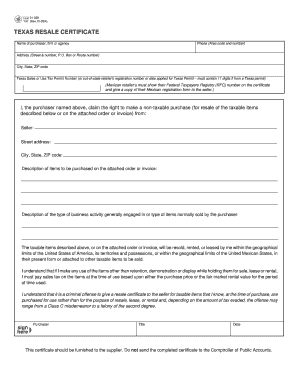
Texas resale certificate rev 12 024 2002 form

Gwinnett county subcontractor affidavit

Alabama bureau of investigation background check
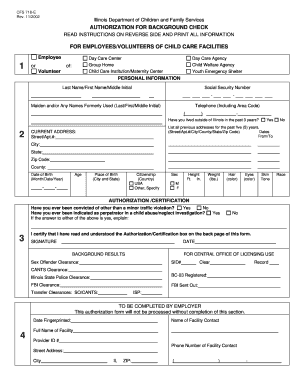
Background check illinois
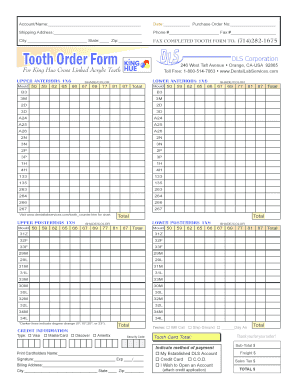
King hue teeth acrylic teeth form
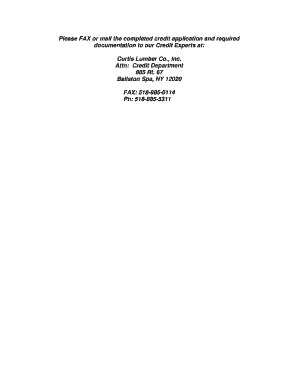
Curtis lumber ballston spa
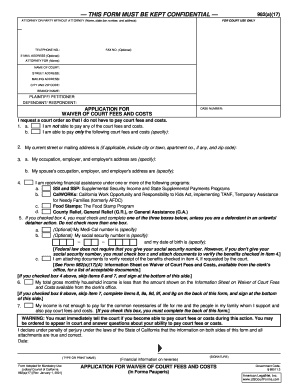
Form 982a17a 2001
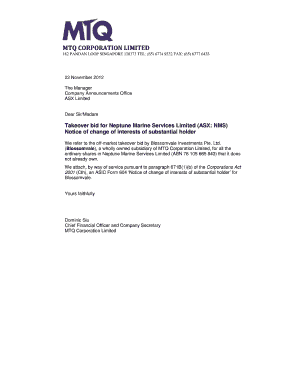
2012 form asx
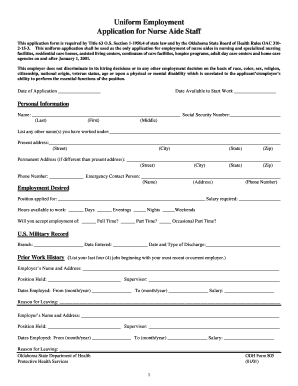
Uniform employment application for nurse aide staff 2001
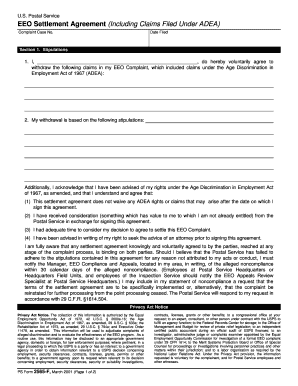
Ps form 2564 a fillable
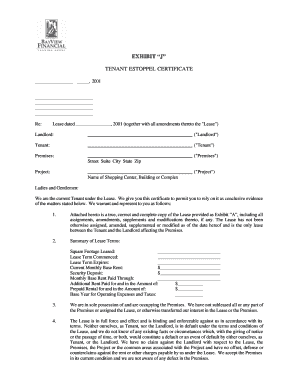
Estoppel certificate
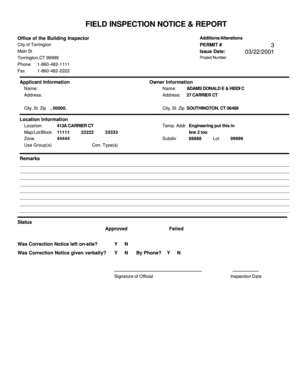
Field inspection notice & report

Editable envelope template
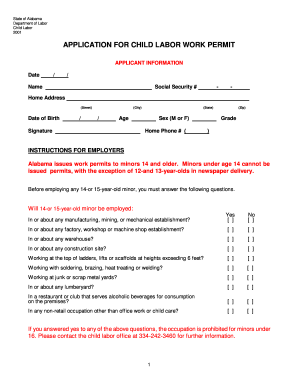
What is the child labor form i have to fill out
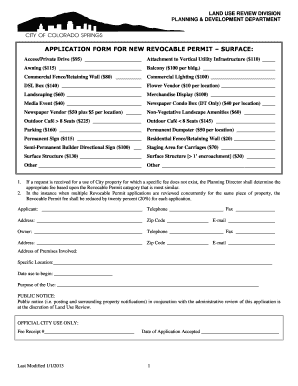
Dumpster permit

Concealed pistol license fillable form
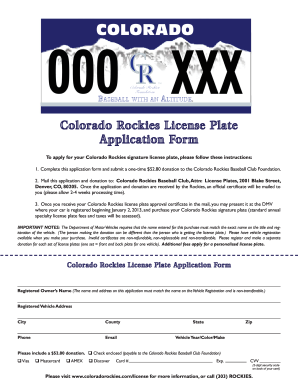
Colorado license plate template
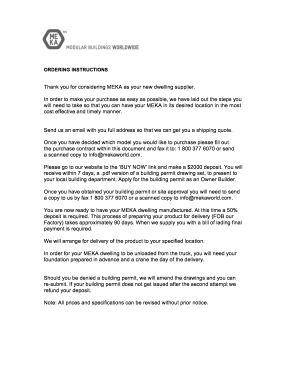
Sales Agreement PDF - Meka World

Whma renewal
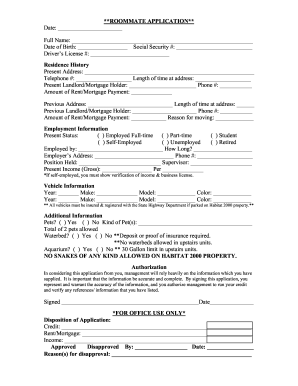
Roommate application

F8821 form
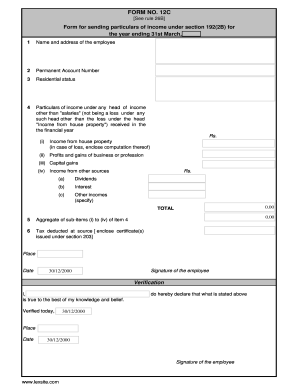
How to fill form 12c

Va form 0242
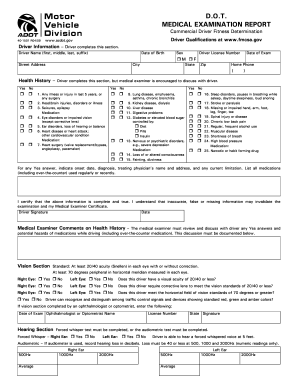
Medical examination report form
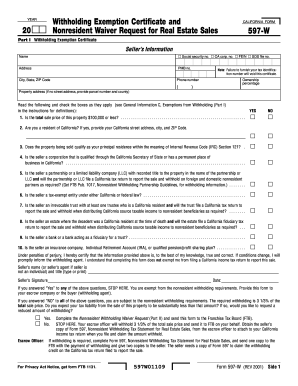
597w
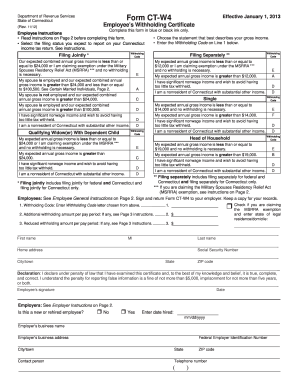
Current Year Forms - CT.gov
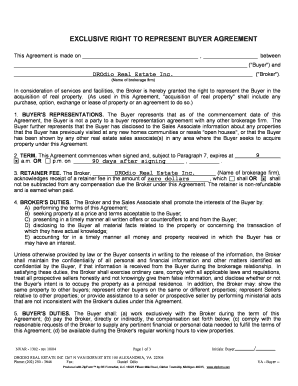
Exclusive right to represent
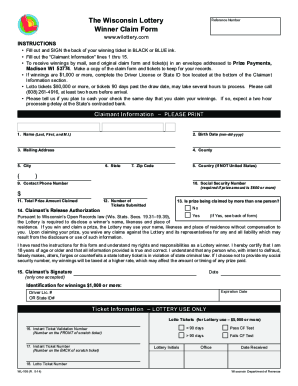
Wisconsin lottery scanner

Ny tr 2000 fillable form 2010
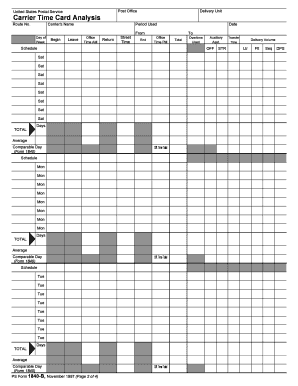
Ps form 1840b
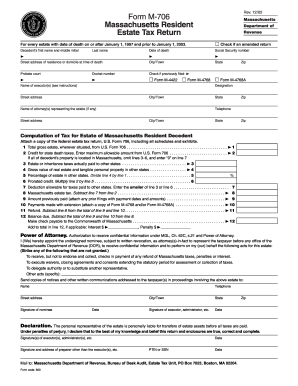
Massachusetts m 706 amended return 2002 form

Il prescription claim form

Form 5768 - Uncle Fed's Tax*Board
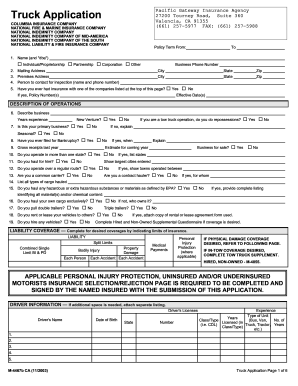
M ca truck application
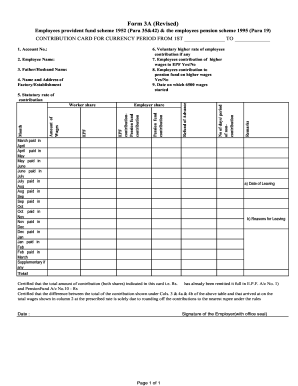
Form 3a epf in excel format

Pontiac sunfire repair manual pdf

Provisional patent sb16 2008 form

What is form rv066 sd for
Benefit from the DocHub online library of fillable PDF forms
Searching the PDF forms doesn't have to be a tedious and time-consuming process. With the DocHub online library, it has become easier to find the fillable PDF forms and modify them in your browser. The service allows you to adjust the document to your needs using powerful editing tools.
You can use online document editing features to modify almost any type of document with ease. You just need to find the template of your choice, open it in the editor, and use the toolbar to make the necessary corrections.
Follow this guide to get your document done with DocHub:
- Find the PDF template you need.
- Click the Get Form button to open the file in the editor.
- Use the toolbar to fill out and edit the document.
- Easily add and highlight text, insert images, checkmarks, and symbols.
- Drop new fillable fields, and rearrange or delete pages from your file.
- Save changes and download your record.
DocHub empowers everyone to streamline document editing, signing, and distribution, and form completion. Create an account and benefit from our well-organized PDF Forms library and comprehensive editor.