
Get any PDF form from the DocHub library of ready-made templates - Page 1647

Imm008
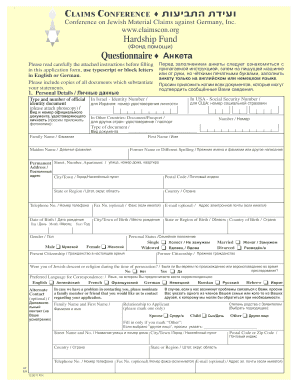
HF EnglishRussian 12.2011
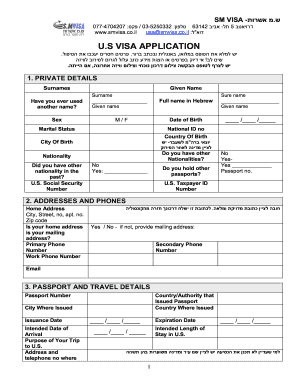
Ds 260 form 2022 pdf

Application Form - Harel Yedidim Insurance
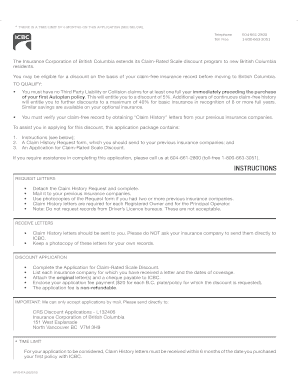
Apv9t form icbc

Financial factual fp7 form
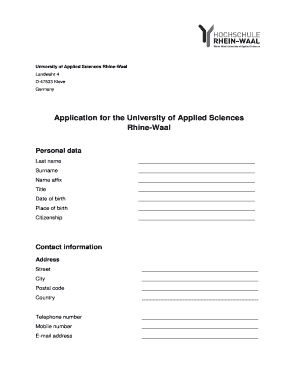
Rhine waal university application form
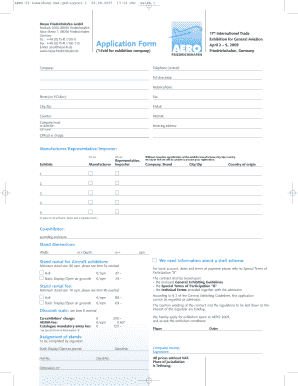
Aero messe friedrichshafen 2009 form

Organizer 5500 fillable
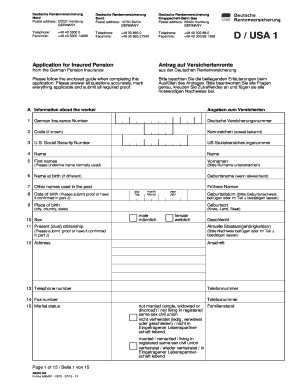
22037 hamburg form

Islamic republic of afghanistan visa application form
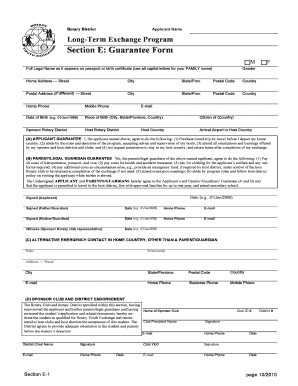
Guarantee form rotary
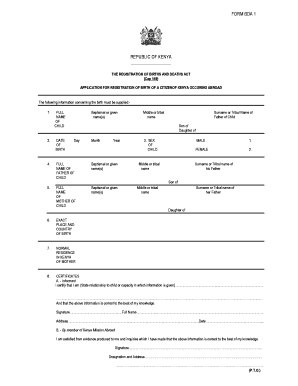
Bda form
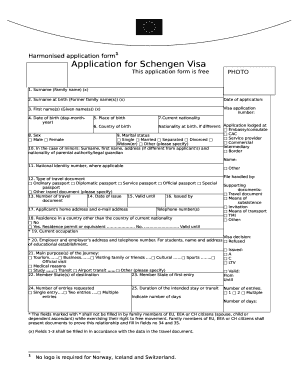
Harmonised schengen download
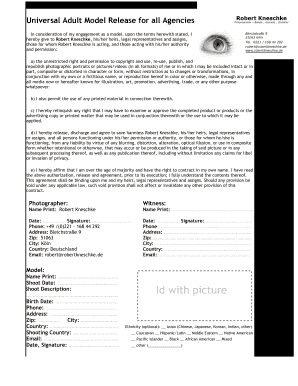
Model release universal
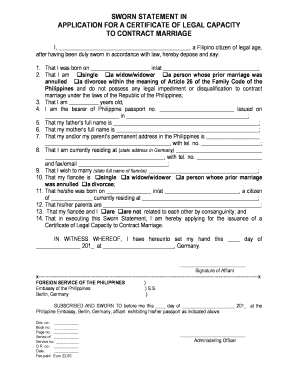
Certificate of legal capacity to contract marriage philippines
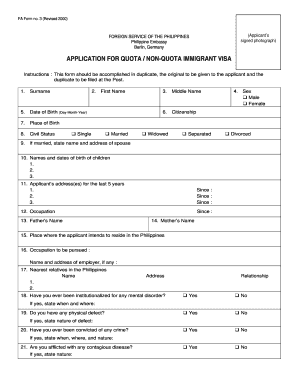
Fa form 3

Unhcr vendor registration form
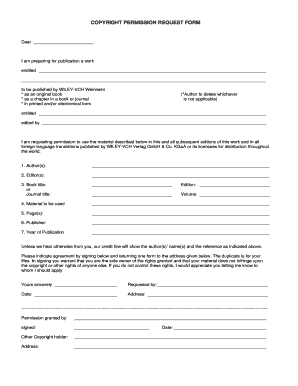
Copyright permission form

Seychelles passport application form

Exxonmobil contact information

Model Release Form Model Information Parent / Guardian ... - Blog
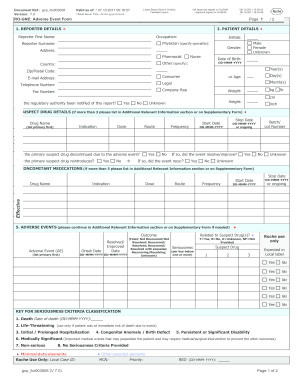
Ro gne form download
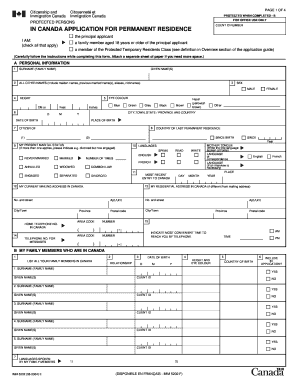
Imm 5202

Example of how to fill a form for canadian citizenship 2005

Paris baguette hiring age
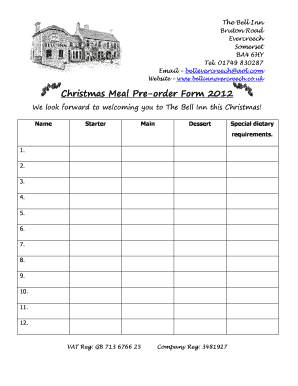
The bell inn evercreech
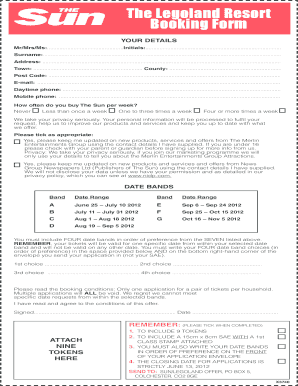
Sun legoland
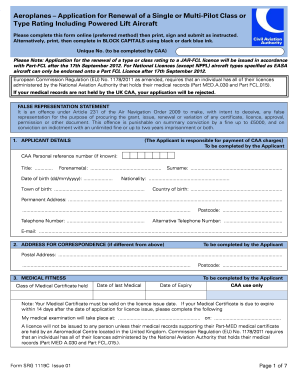
Srg 1119

United kingdom job application
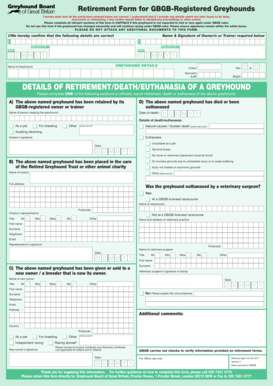
Greyhound download
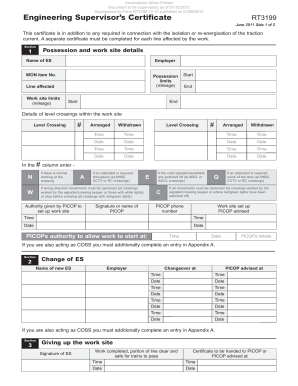
Rt3199 form

Signed mortgage deed example nationwide
Pip claim form
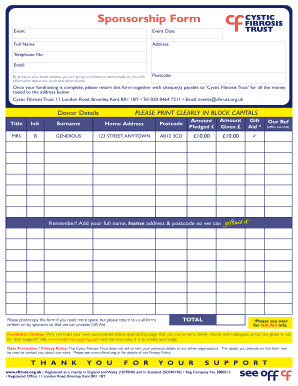
Cystic fibrosis karting sponsership forms for racing
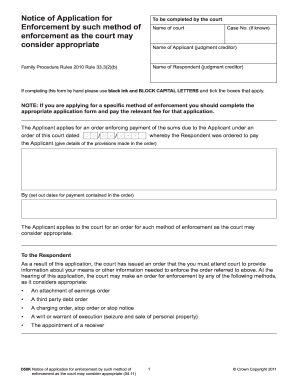
Fee for d50k 2011 form
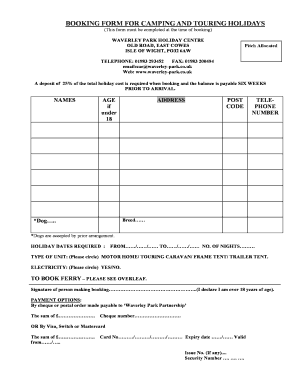
Download touring and camping booking form - Waverley Park
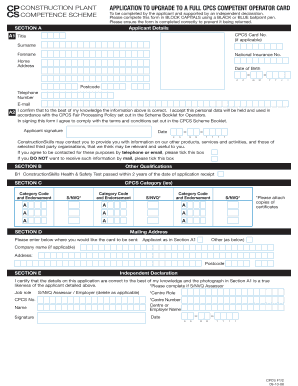
Cpcs blue card application form
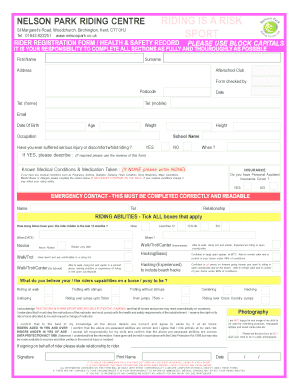
Rider Registration Form - Nelson Park Riding Centre - ridinglessonsthanet co
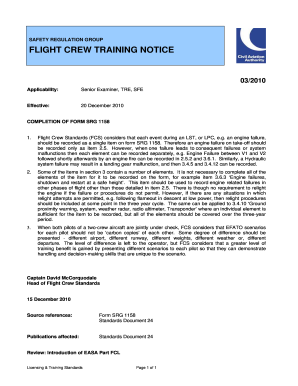
1158 caa co
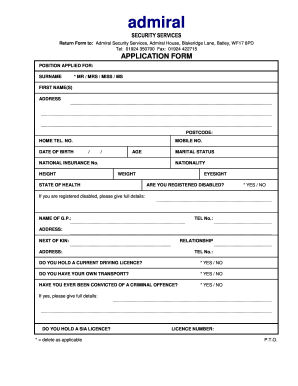
Admiral security virtual office login
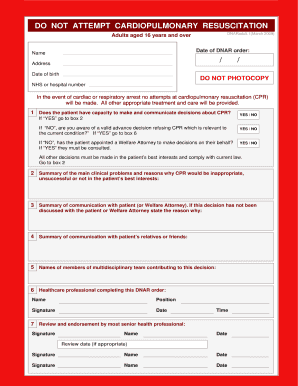
15317789 zip
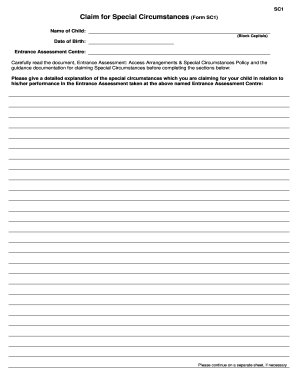
Form SC1 - Dominican College Portstewart

Rt3193
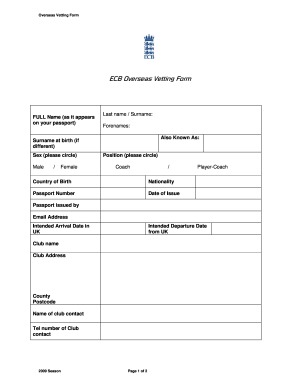
Ecb vetting form 2021

Musicianship form
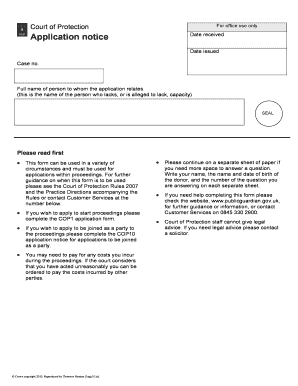
Court of protection cop9
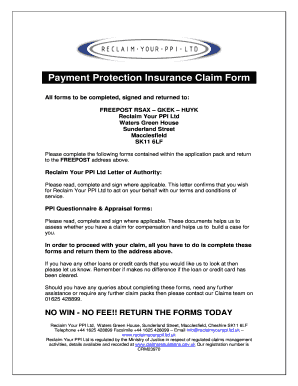
Payment Protection Insurance Claim Form - Were you mis-sold ...
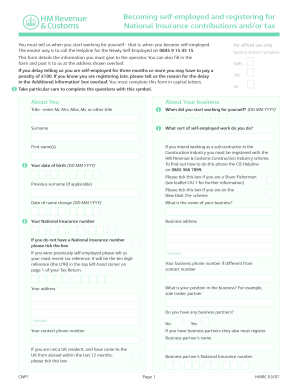
Cwf1 form pdf

Brookdale job application form
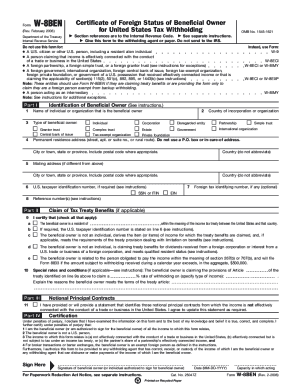
What w8 form for a uk charity
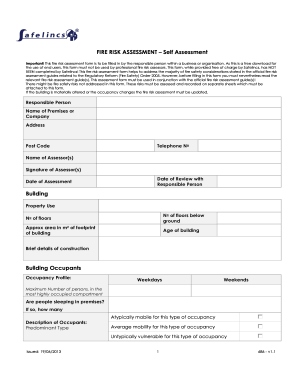
Fire risk assessment for fire building compnay safelincs

Scottish provident trust forms
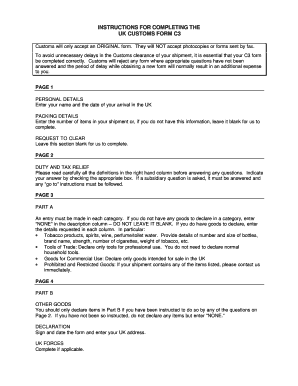
What is a c3 form
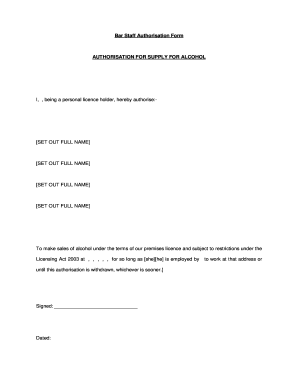
Staff authorisation form

TENANCY APPLICATION FORM - Admiral Taverns
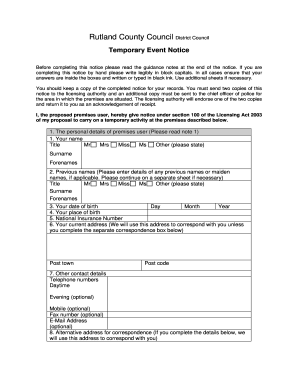
Rutland county council temporary event notice form
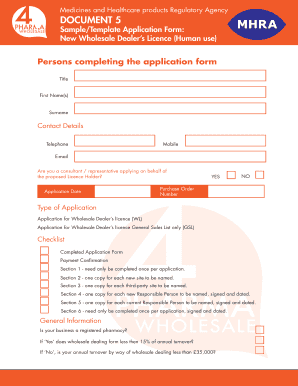
Dealership form format in word
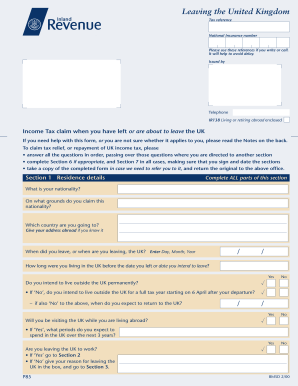
P85 form print 2000

Bouncebackloan
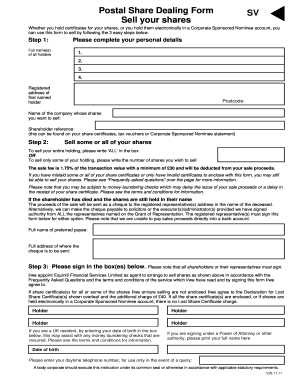
Equiniti postal share dealing form
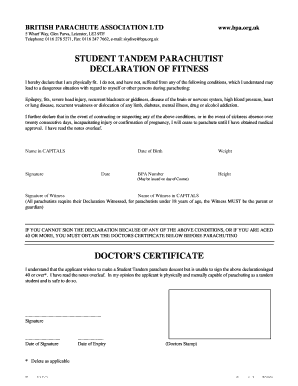
Tandem jump medical form - Skydive Strathallan
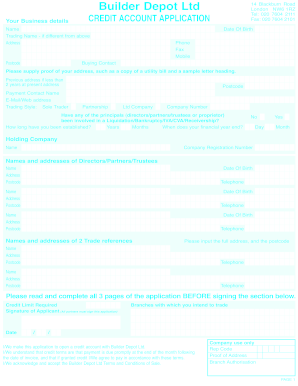
Builder depot credit account
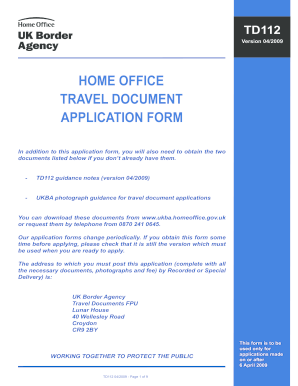
How fill td112 online

ICICI Bank VISA Platinum Card Application Form
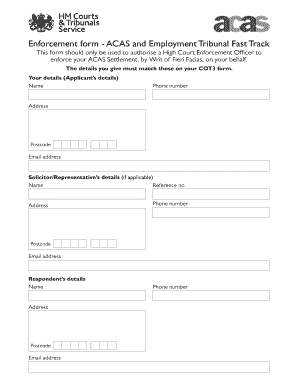
Ex728
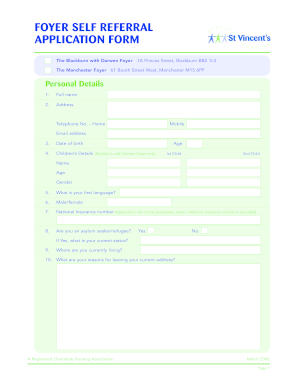
Manchester foyer application form
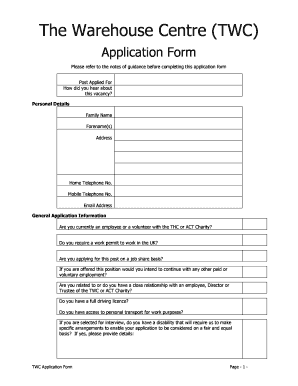
Centre application form

Loan Application Form - Croydon Savers Credit Union

Rider Registration Form - Nenthorn Equestrian Home

Glasgow city council nursery application form
Ccla form

D796 form online printable

Download the statutory credit report application form - non - Experian
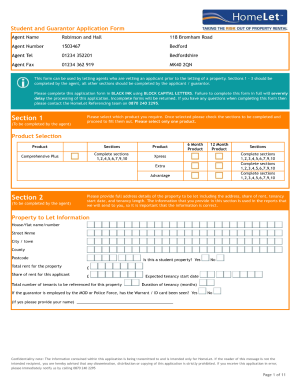
Homelet application form
Durham key options application form

Standard application tenancy

Housing association tameside

APPLICATION FORM - PRM Group Ltd
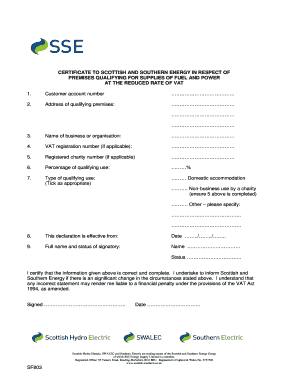
Sse vat declaration form

Notice 733 form get

Clyde valley housing application
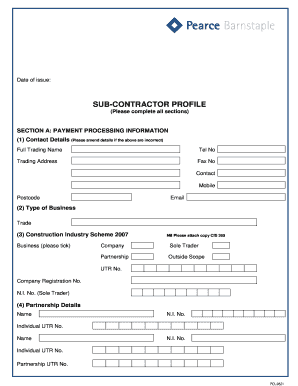
Pcl form

Hs22x form
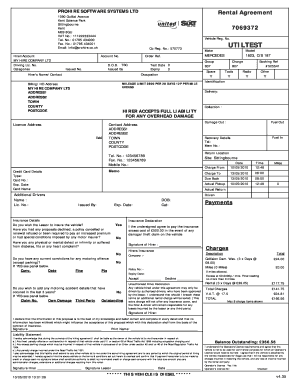
Prohire software systems ltd form
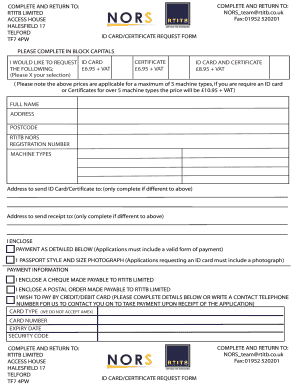
Rtitb certificate replacement
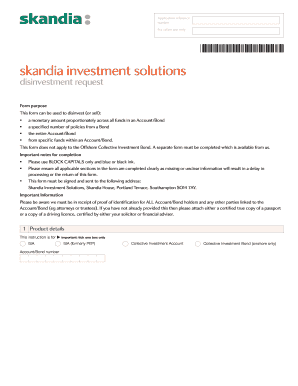
2009 skandia disinvestment request
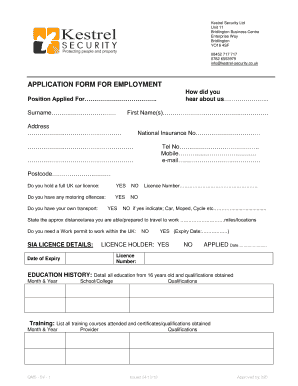
Citywide security group job application form
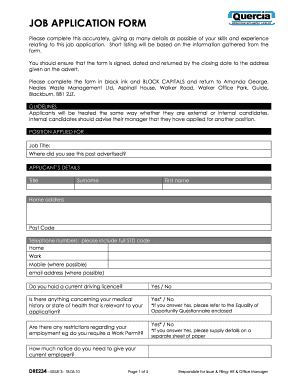
Theories on waste management pdf
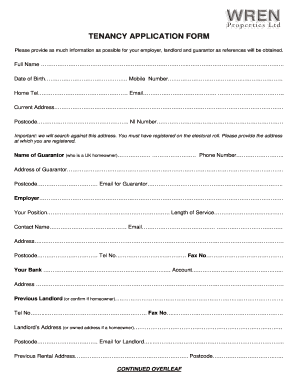
TENANCY APPLICATION FORM - Wren Properties
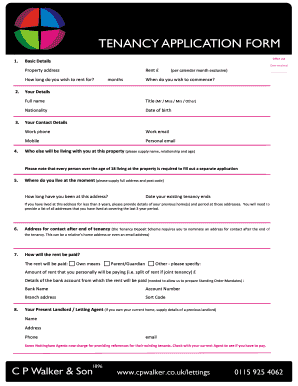
TENANCY APPLICATION FORM - C P Walker & Son

Printable car finance application
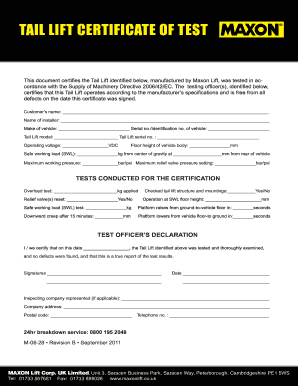
Self cert sick note form to print
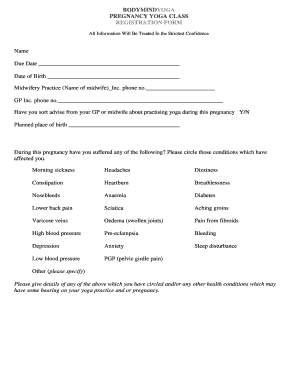
Yoga class registration form
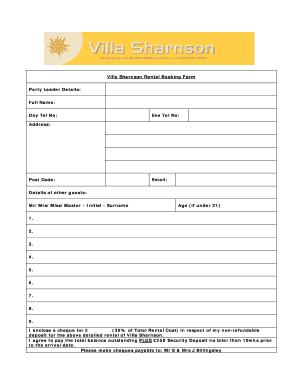
United kingdom terms conditions
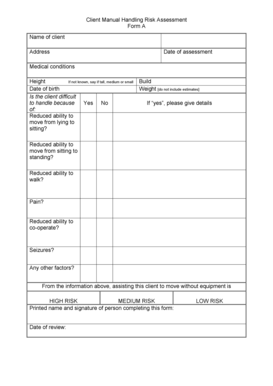
Client risk assessment template
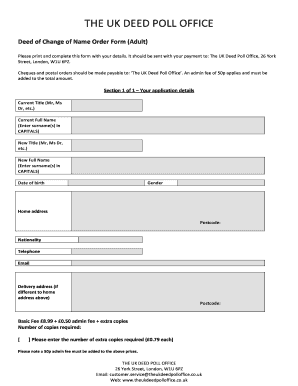
Deed poll form
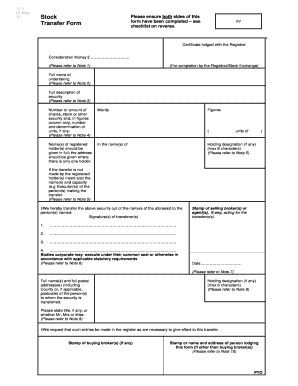
Stock transfer form

Notification sep tmg caa

Maileg email
Benefit from the DocHub online library of fillable PDF forms
Searching the PDF forms doesn't have to be a tedious and time-consuming process. With the DocHub online library, it has become easier to find the fillable PDF forms and modify them in your browser. The service allows you to adjust the document to your needs using powerful editing tools.
You can use online document editing features to modify almost any type of document with ease. You just need to find the template of your choice, open it in the editor, and use the toolbar to make the necessary corrections.
Follow this guide to get your document done with DocHub:
- Find the PDF template you need.
- Click the Get Form button to open the file in the editor.
- Use the toolbar to fill out and edit the document.
- Easily add and highlight text, insert images, checkmarks, and symbols.
- Drop new fillable fields, and rearrange or delete pages from your file.
- Save changes and download your record.
DocHub empowers everyone to streamline document editing, signing, and distribution, and form completion. Create an account and benefit from our well-organized PDF Forms library and comprehensive editor.