




01. Edit your form online
Type text, add images, blackout confidential details, add comments, highlights and more.

Type text, add images, blackout confidential details, add comments, highlights and more.

Draw your signature, type it, upload its image, or use your mobile device as a signature pad.

Send it via email, link, or fax. You can also download it, export it or print it out.

Start using our platform today to fill out your DD Form 2536 quickly and efficiently!
We've got more versions of the dd form 2536 2003 form. Select the right dd form 2536 2003 version from the list and start editing it straight away!
Of course, electronically drawing your signature is acceptable, but only if you utilize a tool that complies with industry regulations and policies. Consider DocHub, which guarantees eSignature validity under ESIGN and UETA requirements. All you need to eSign your dd form 2536 2003 is an account with DocHub and an internet connection. When you open your document in our editor, click Sign and select the Draw tool.
You can easily edit and complete your dd form 2536 2003 on any iOS gadget. Open an internet browser of your choice, go to the DocHub site, authorize or create a new account, add your file for editing, and make your desired alterations. Our service is mobile-friendly, so utilizing its features on your phone will be a no-brainer, even on the first try.
At DocHub, your data security is our priority. We follow HIPAA, SOC2, GDPR, and other standards, so you can work on your documents with confidence.
LEAKAGE. The AC leakage from any exposed metal part to earth Ground and from all exposed metal parts to any exposed metal part having a.Read more
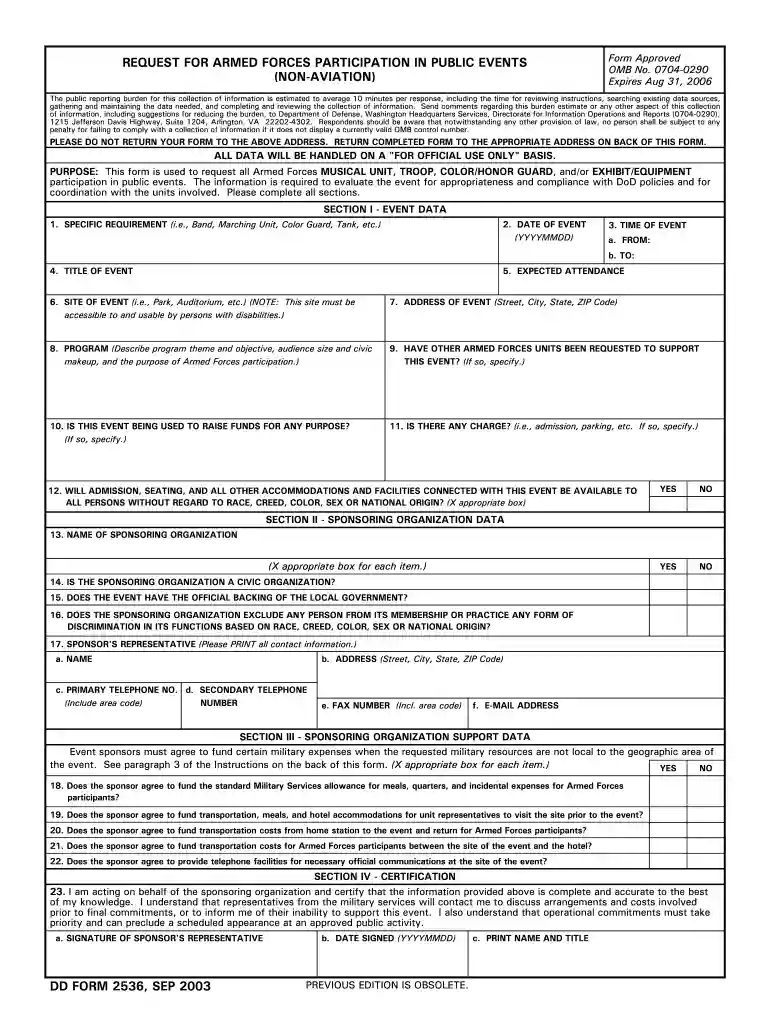
PURPOSE: This form is used to request all Armed Forces MUSICAL UNIT, TROOP, COLOR/HONOR GUARD, and/or EXHIBIT/EQUIPMENT participation in public events. TheRead more
The contractor shall provide, at no cost to the employee, eye protection where there is potential for eye injury due to flying objects. This eye protection mustRead more


