Type text, add images, blackout confidential details, add comments, highlights and more.

02. Sign it in a few clicks
Draw your signature, type it, upload its image, or use your mobile device as a signature pad.

03. Share your form with others
Send it via email, link, or fax. You can also download it, export it or print it out.

How to use or fill out Annual Grant Application - California Bar Foundation with our platform
Ease of Setup
DocHub User Ratings on G2
Ease of Use
DocHub User Ratings on G2
Click ‘Get Form’ to open the Annual Grant Application in the editor.
Begin with the Cover Sheet. Fill in your organization’s name, Federal EIN, tax status, and contact information. Ensure all details are accurate for a smooth application process.
Proceed to the Project Information section. Clearly state your project name, total project cost, and amount requested. Indicate if this is a new project or a multi-year request.
In the Grant Application Questionnaire, answer each question thoroughly. Describe your organization’s mission, project details, target audience, and how you plan to measure success.
Compile all required attachments including financial statements and organizational documents. Make sure they are organized as specified in the instructions.
Review your application for completeness and accuracy before submitting it via email as a single PDF file or through other accepted methods.
Start using our platform today to streamline your grant application process for free!
Fill out Annual Grant Application - California Bar Foundation - calbarfoundation online It's free
See more Annual Grant Application - California Bar Foundation - calbarfoundation versions
We've got more versions of the Annual Grant Application - California Bar Foundation - calbarfoundation form. Select the right Annual Grant Application - California Bar Foundation - calbarfoundation version from the list and start editing it straight away!
California Bar AssociationCalifornia State Bar IOLTA formCalifornia State Bar trust account reporting requirementsState Bar of California grantsGrants for legal clinicsState Bar of California Office of Access and inclusionIOLTA account CaliforniaCalifornia legal services website
Security and compliance
At DocHub, your data security is our priority. We follow HIPAA, SOC2, GDPR, and other standards, so you can work on your documents with confidence.
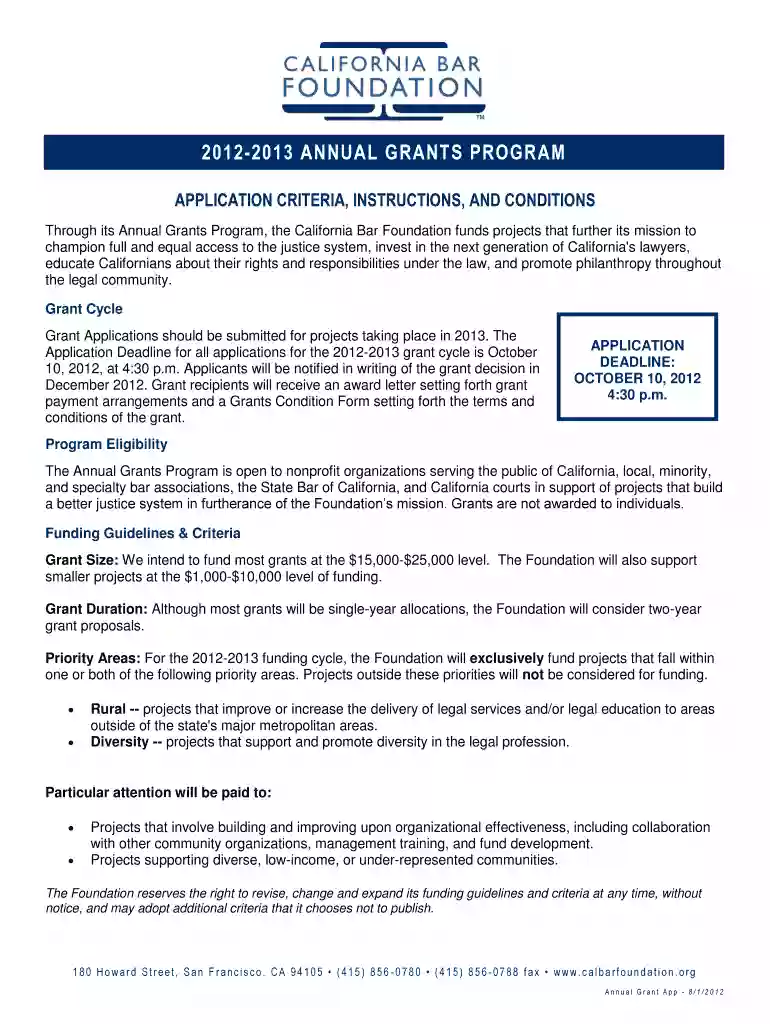
A nonprofit founded in 1990 and affiliated with the State Bar of California, the Foundation annually awards grants to California organizations conducting.
California Paraprofessional Program Recommendations Revised Proposed Amendment Requiring Attorneys to Complete Annual Civility Pledge and New State Bar Rule
Cookie consent notice
This site uses cookies to enhance site navigation and personalize your experience.
By using this site you agree to our use of cookies as described in our Privacy Notice.
You can modify your selections by visiting our Cookie and Advertising Notice.